

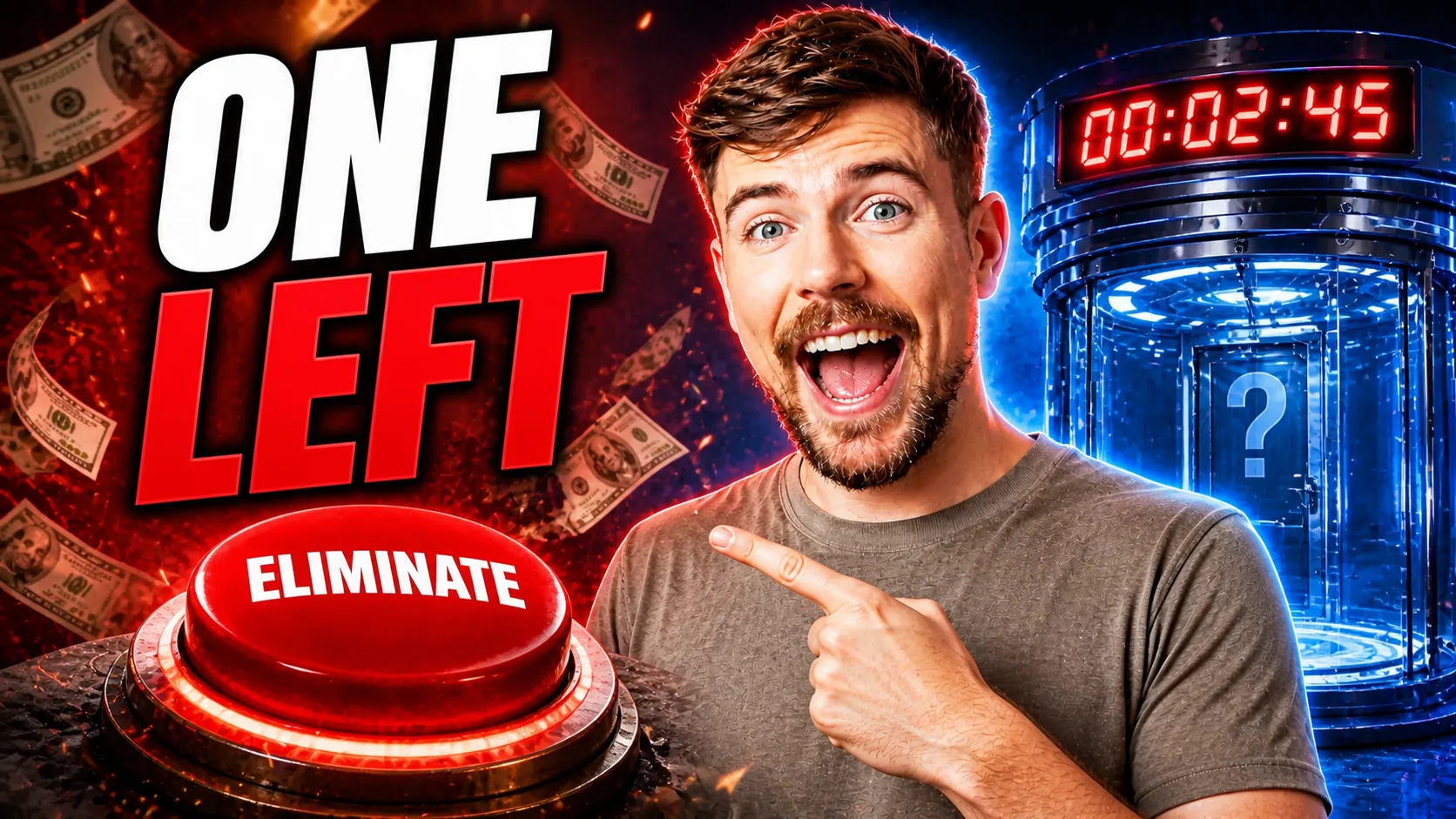
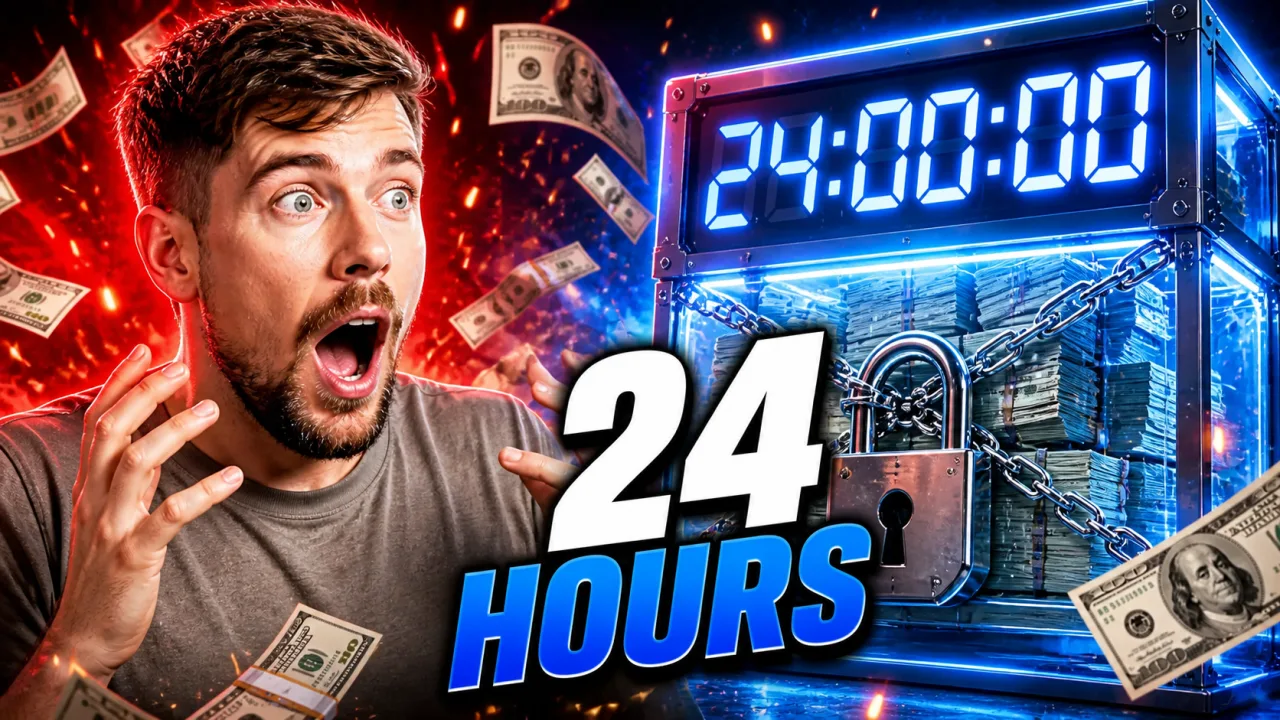


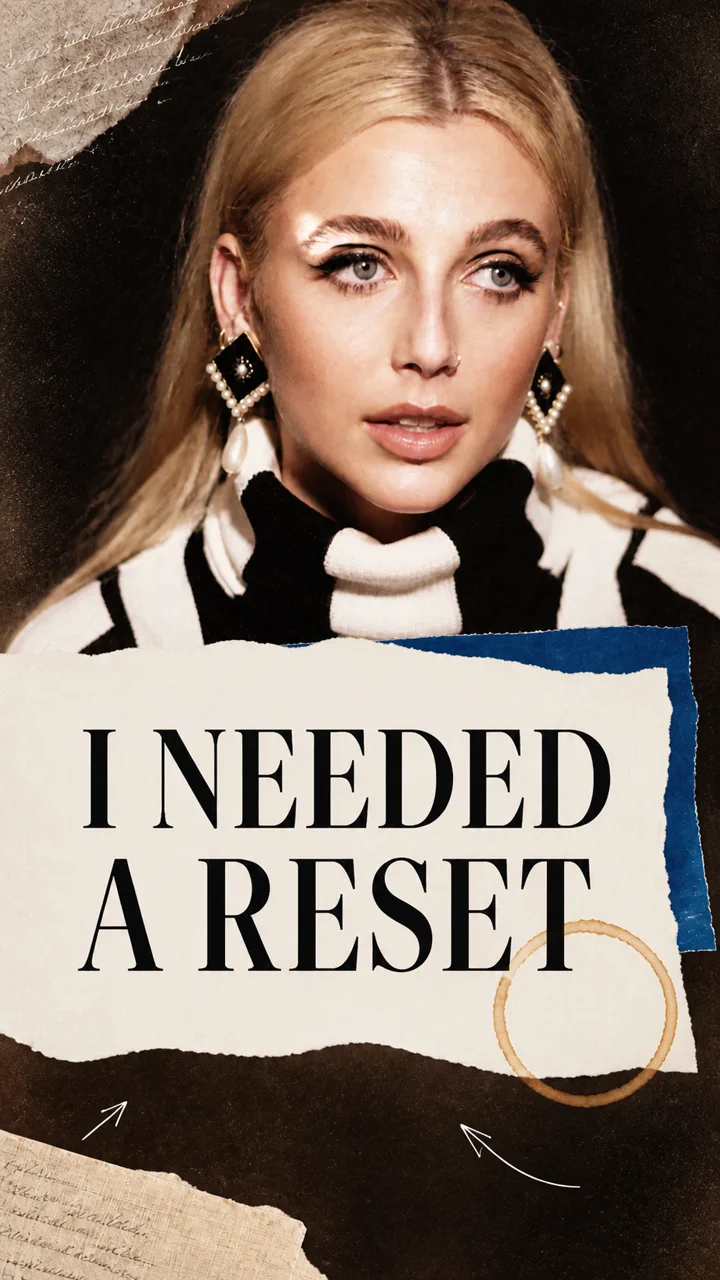
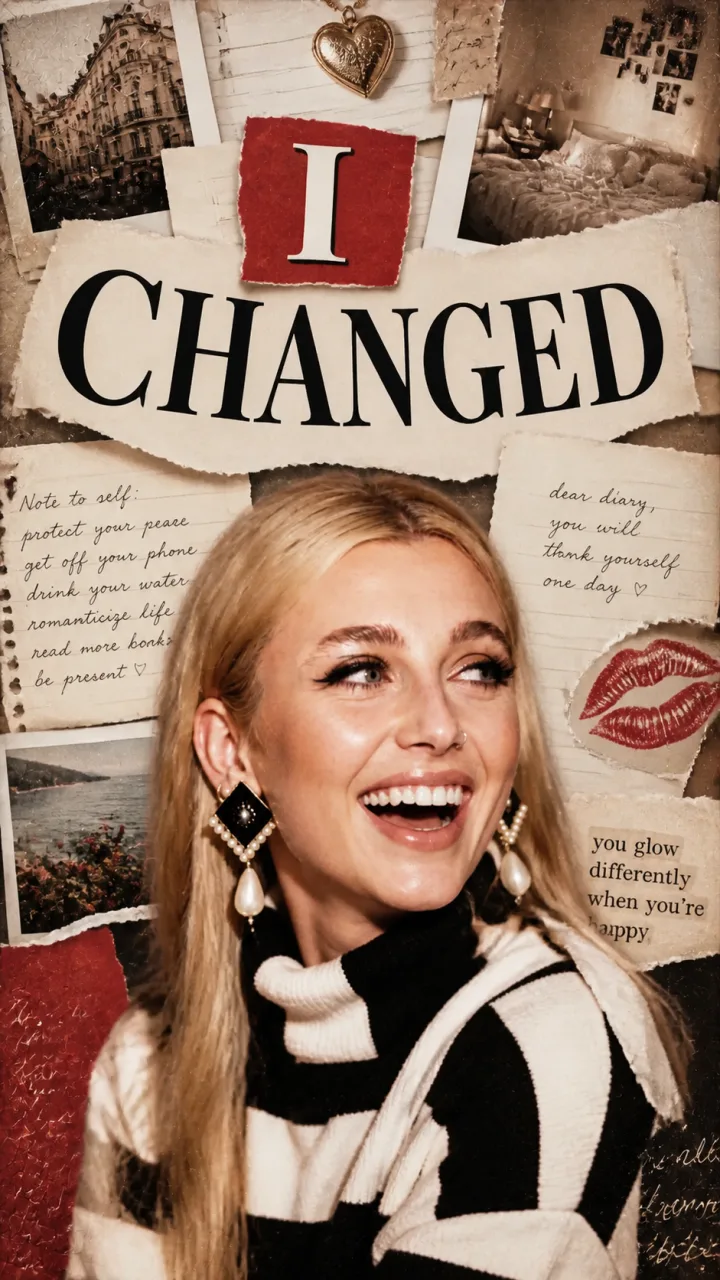
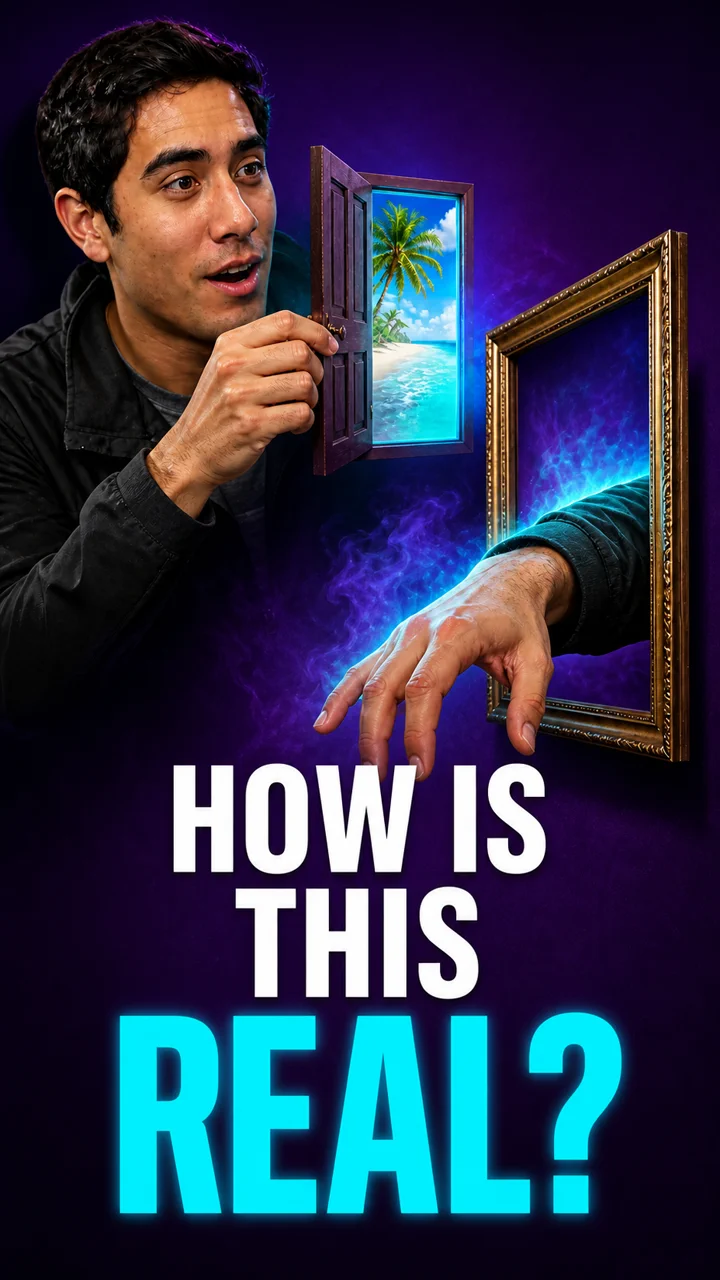
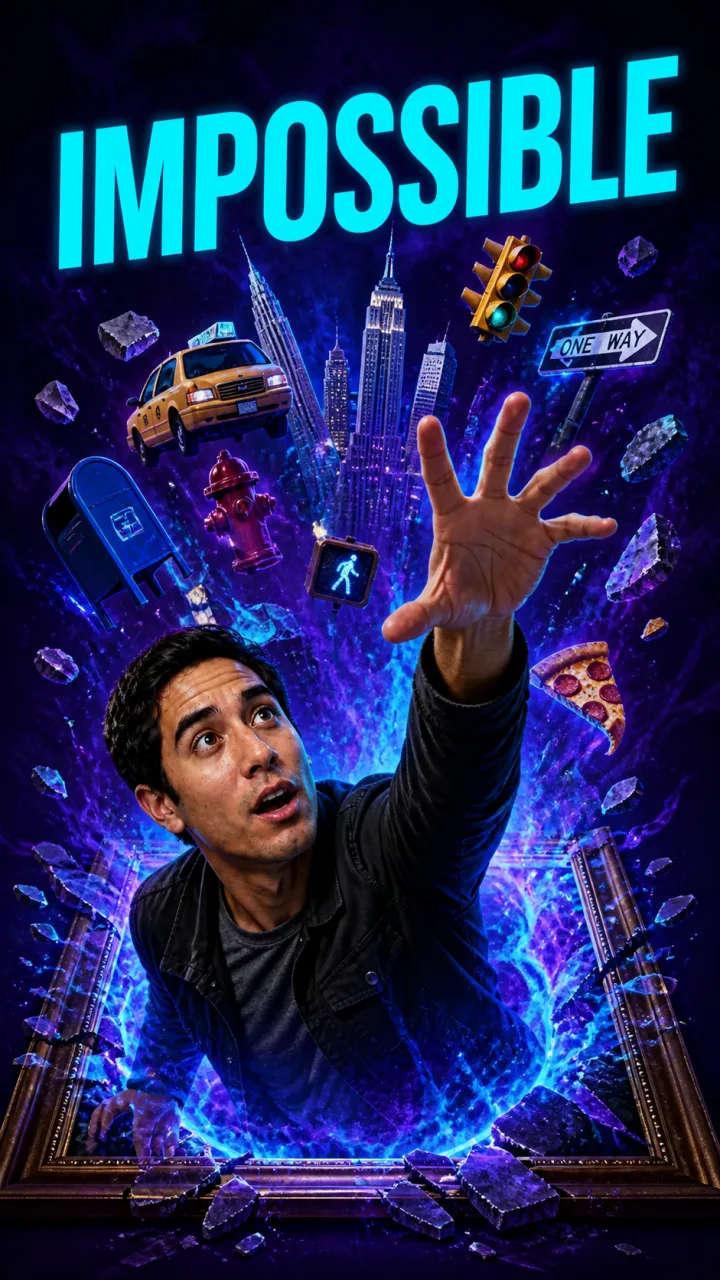


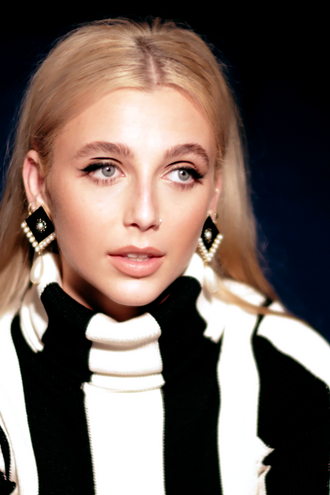
Spin a style.Land your next hit.

Pick a creator. Choose a channel. Generate yours.

Create my thumbnail

Creator

MrBeast

Style

Channel

Reels

YouTube

Shorts

MrBeast selected

Built for the click

Everything you need to shape a stronger first impression

Move from raw content to a clear, polished thumbnail direction without rebuilding every idea from scratch.

MODULE / 01

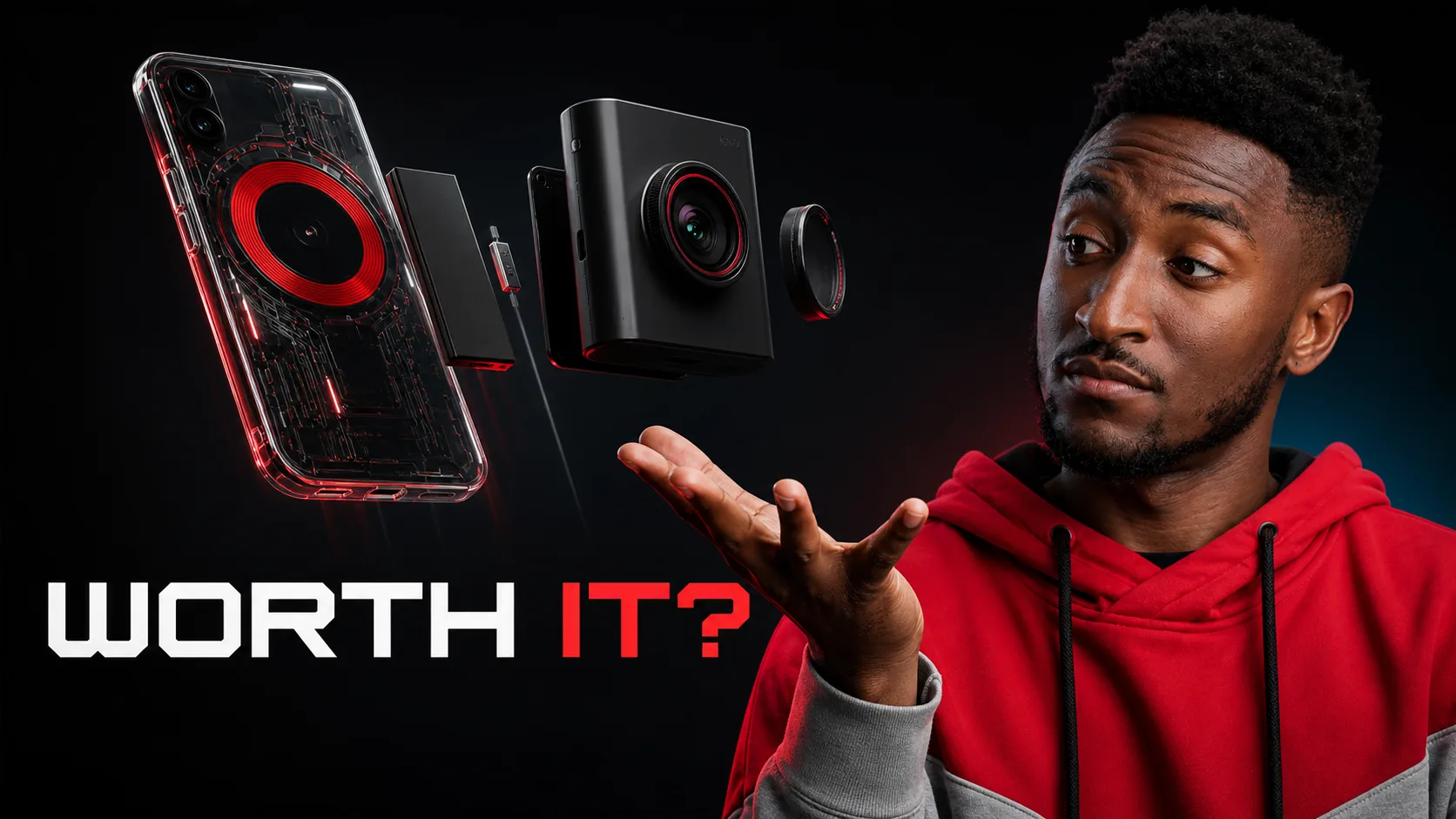
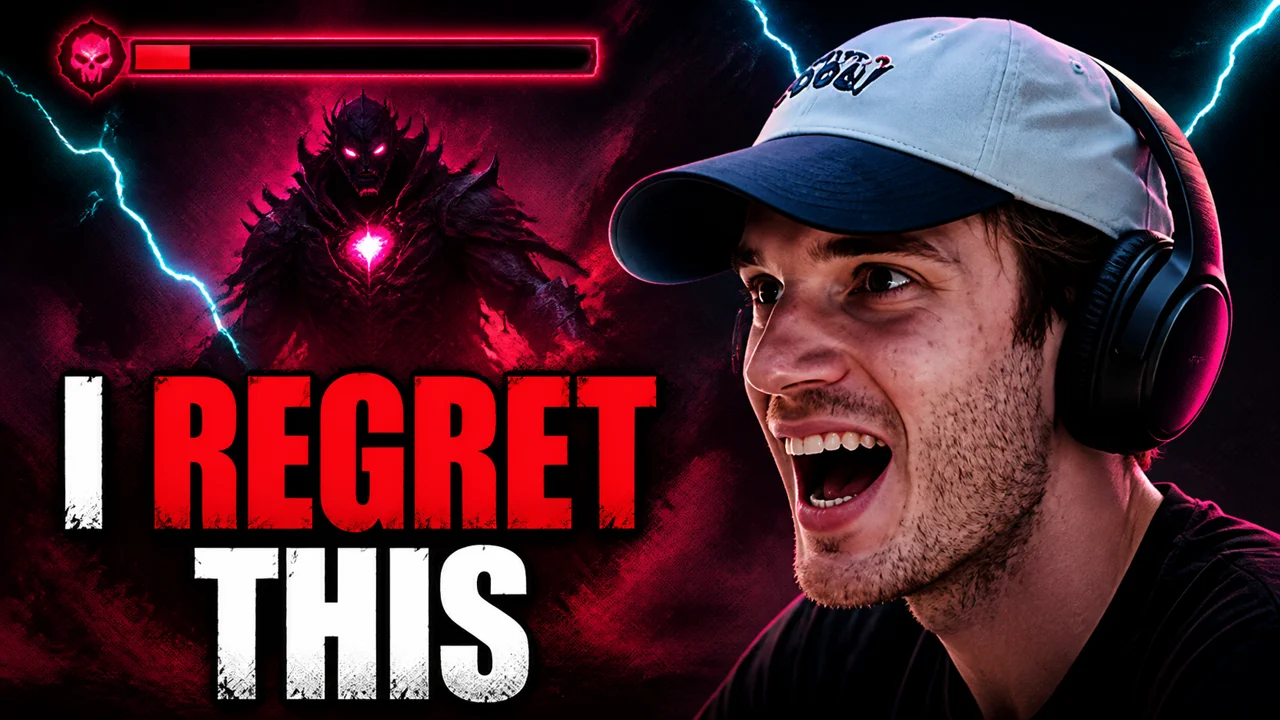
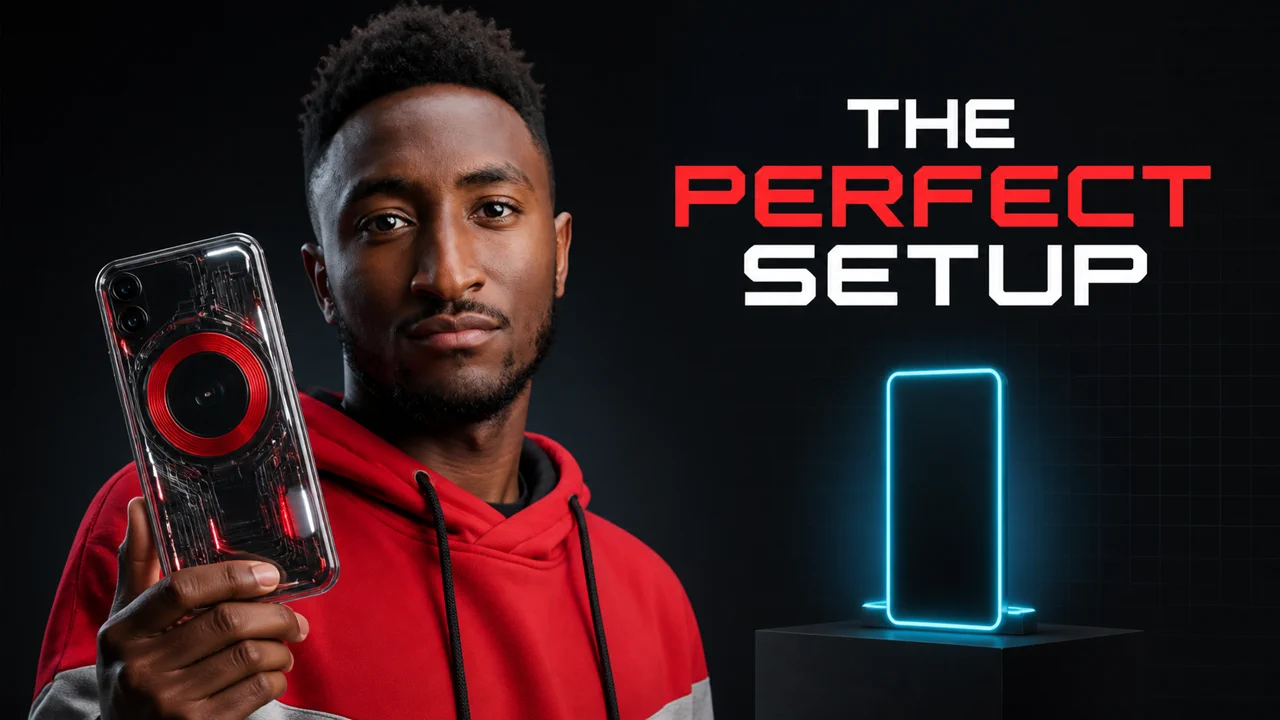
Video-to-thumbnail concepts
Bring a video, link, transcript, or short brief and turn its strongest moments into visual directions.

MODULE / 02

Feed-ready compositions
Explore layouts designed to stay clear, balanced, and easy to understand at thumbnail size.

MODULE / 03

Face and expression focus
Keep the subject recognizable while trying expressions, crops, and focal points that support the story.

MODULE / 04

Short, readable headlines
Develop concise text treatments that complement the image instead of competing with it.

MODULE / 05

Variants made to compare
Create distinct creative directions side by side so the differences are easy to review and discuss.

How it works

From source material to a finished thumbnail

A focused workflow that keeps experimentation quick and the final decision in your hands.

STEP / 01

Add your content
Upload a video, paste a link, add a transcript, or describe the idea you want the thumbnail to communicate.

STEP / 02

Choose a direction
Review several compositions and pick the visual hook, crop, expression, and headline that fit the story.

STEP / 03

Refine and export
Adjust the details, compare your strongest variants, and export the version you are ready to publish.

Built for every feed

One creative direction. Every platform.

Turn the same story into native YouTube thumbnails, Shorts covers, Instagram Reels, and TikTok visuals, each composed for the feed it lives in.

01 / 04

Built around the decisions creators actually make

Automation layer

Plug Thumbnail Gods into every workflow

Connect through MCP, API, Zapier, or your existing orchestration stack to turn new content into ready-to-review thumbnail variations automatically.

AUTOMATION / 01

Let your AI agent create thumbnails
Connect Thumbnail Gods as an MCP tool so your agent can generate, inspect, and iterate on thumbnail directions inside the conversation.

AUTOMATION / 02

Build it directly into your product
Trigger generation from your app, CMS, or content pipeline with structured inputs and predictable outputs through the API.

AUTOMATION / 03

Automate without writing code
Start a Zap when a video is published, then route finished variations to Drive, Slack, or your review queue.

AUTOMATION / 04

Orchestrate the full publishing loop
Chain briefs, generation, approval, and export in the workflow system your team already runs.

[ READY TO GENERATE ]

Make your next thumbnail easier to notice

Bring the content. Explore the direction. Finish with a thumbnail that feels clear, intentional, and yours.