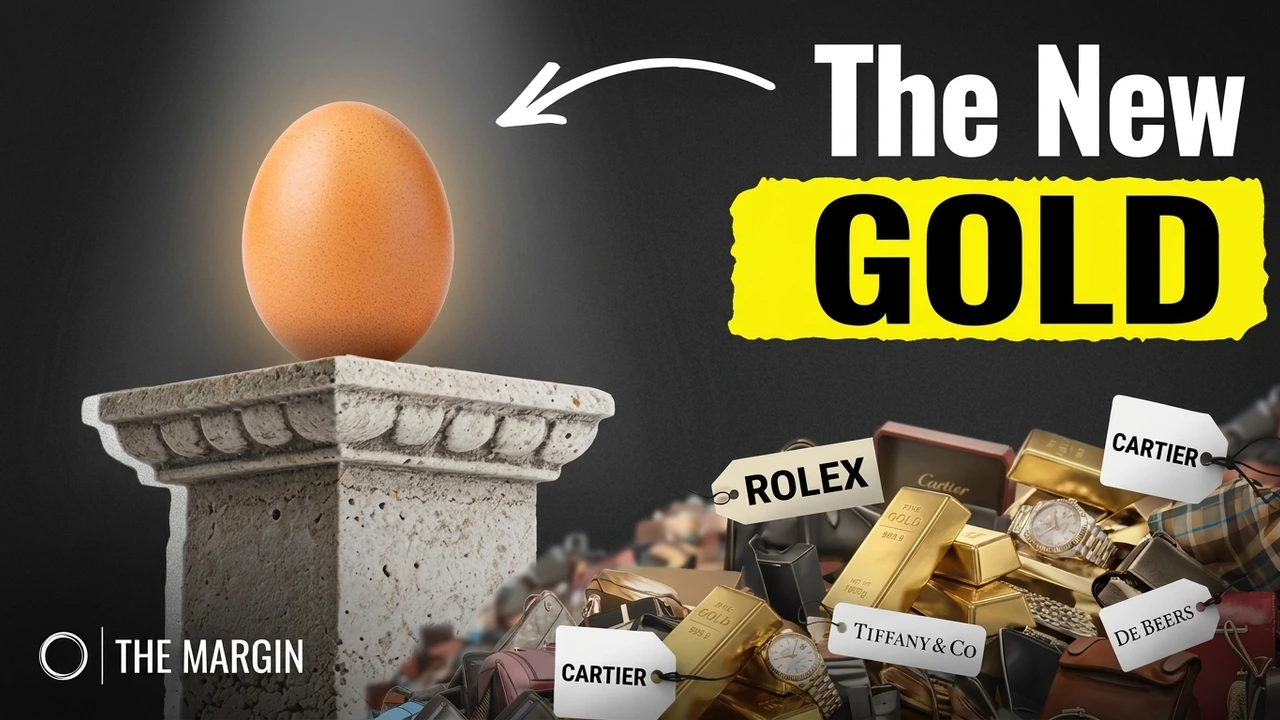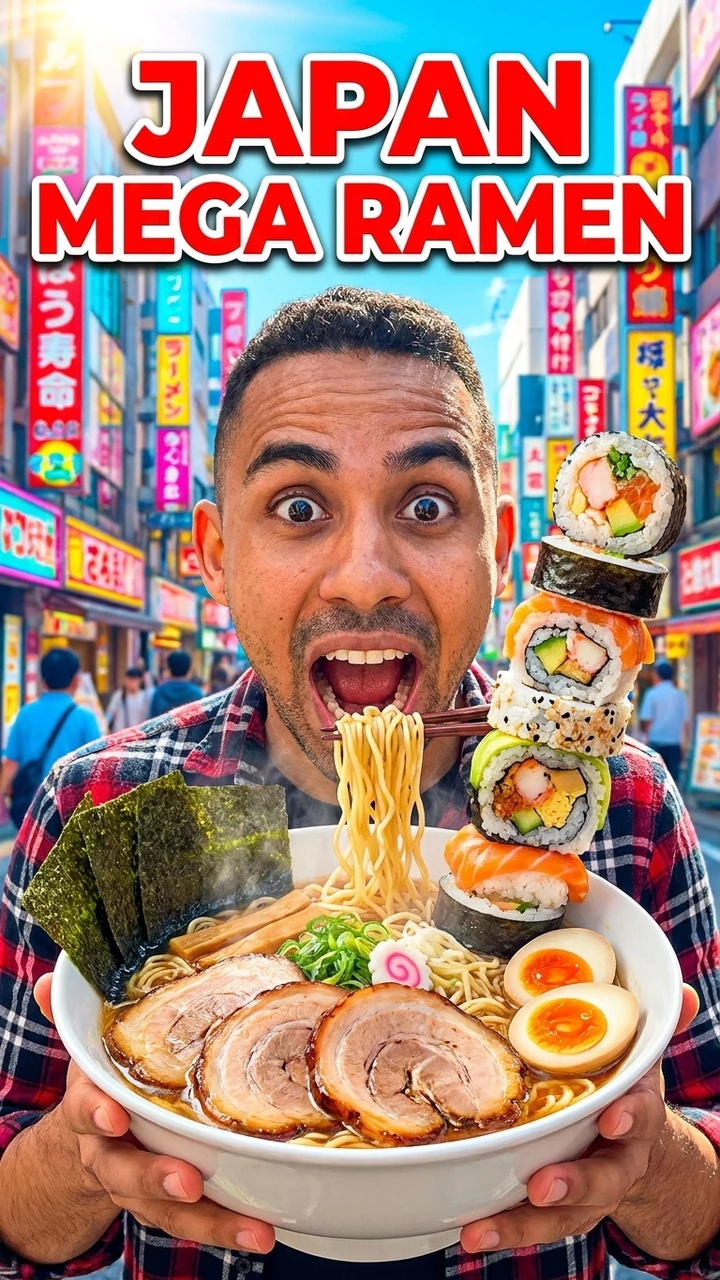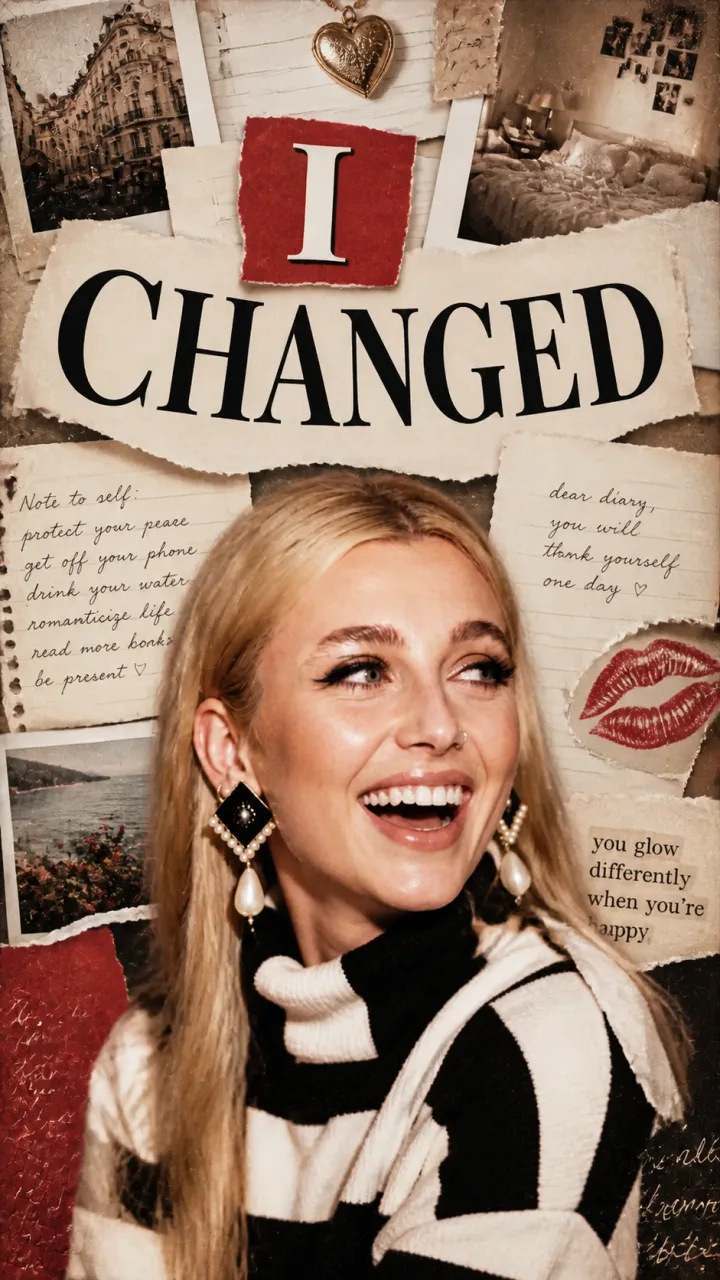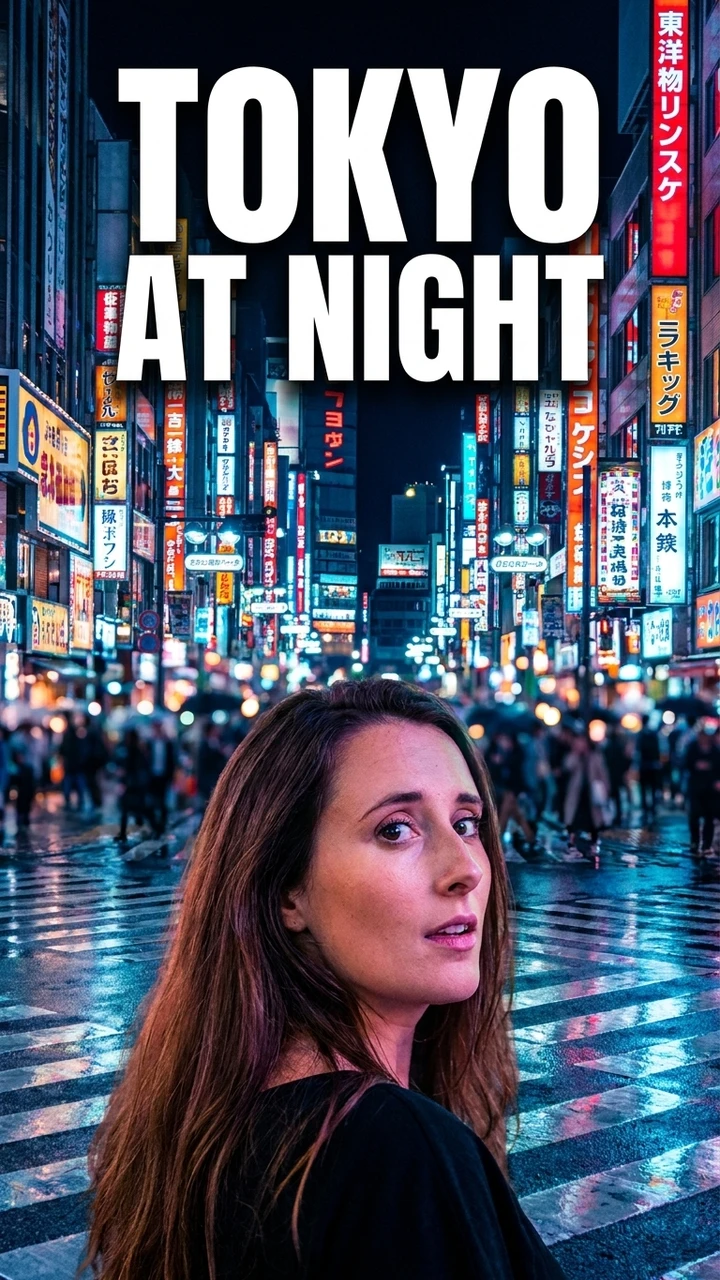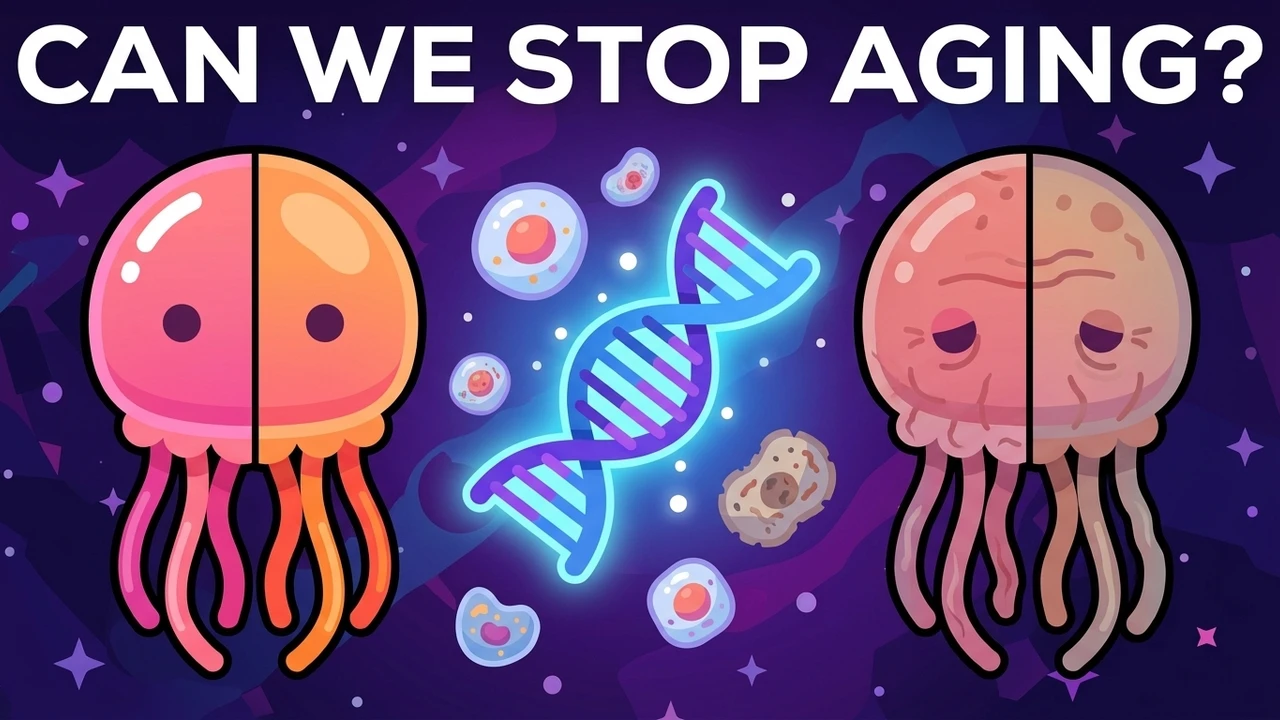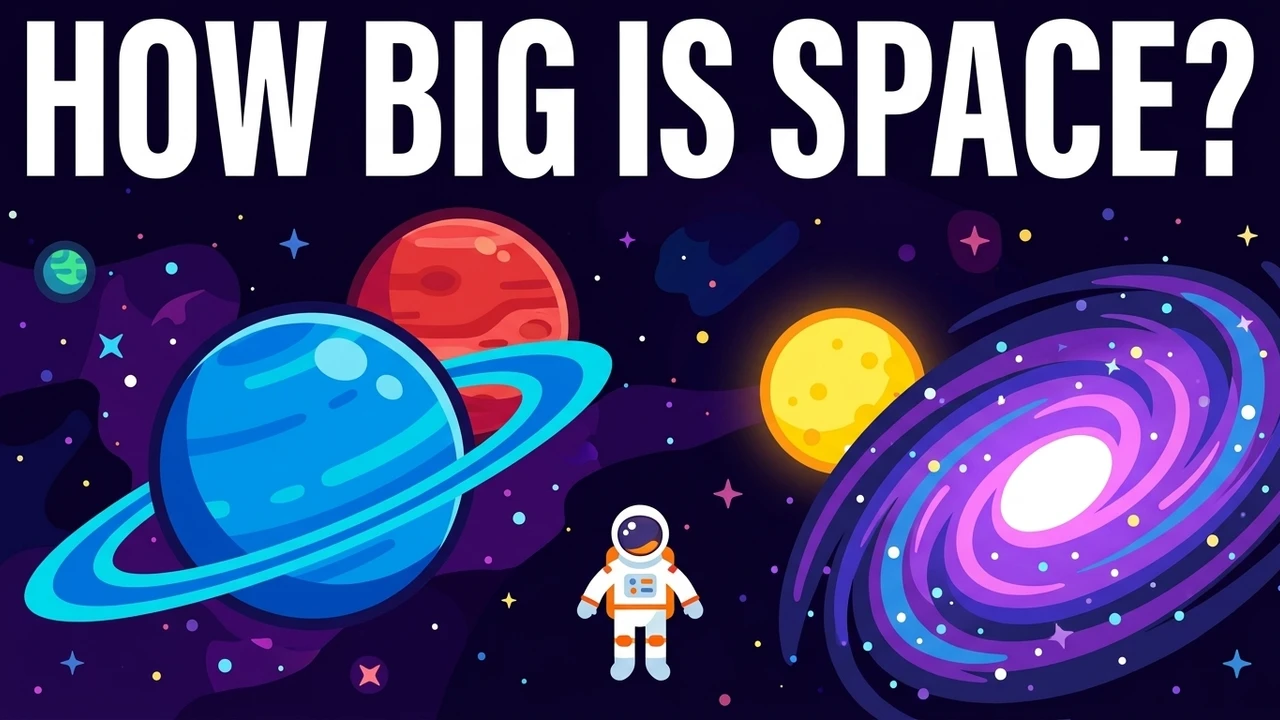

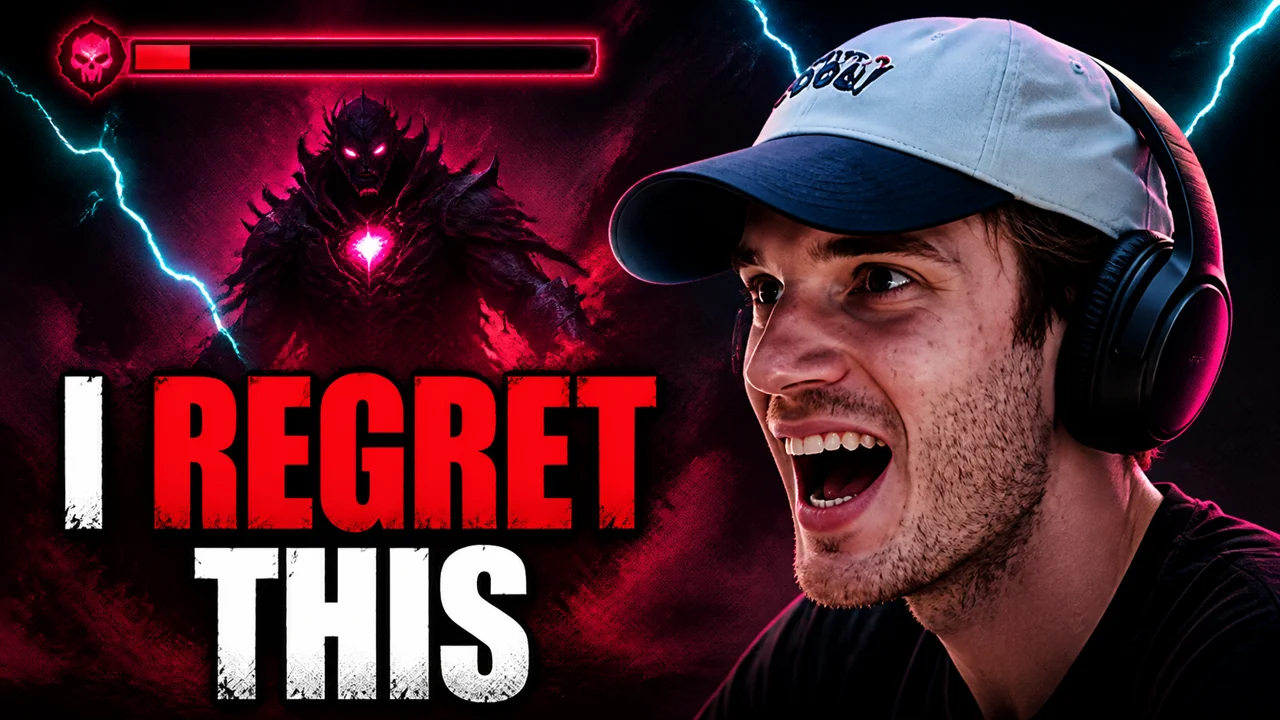
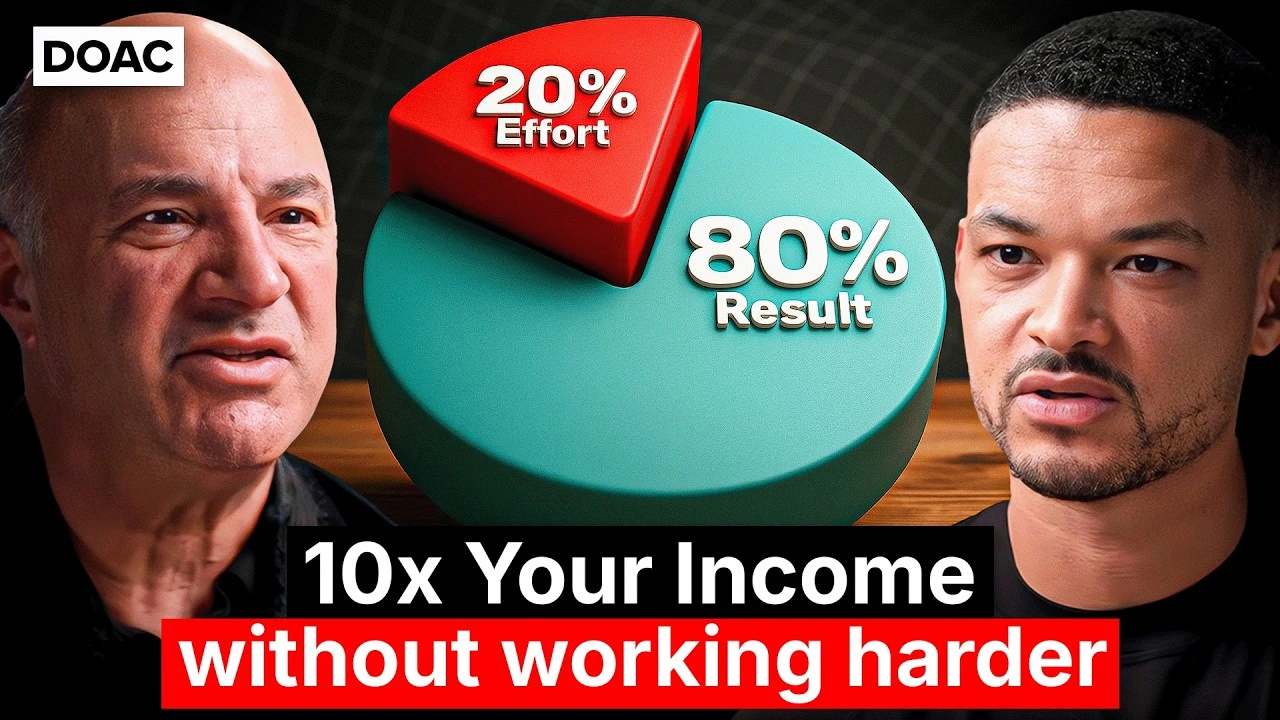
01 / CREATORS
For Creators
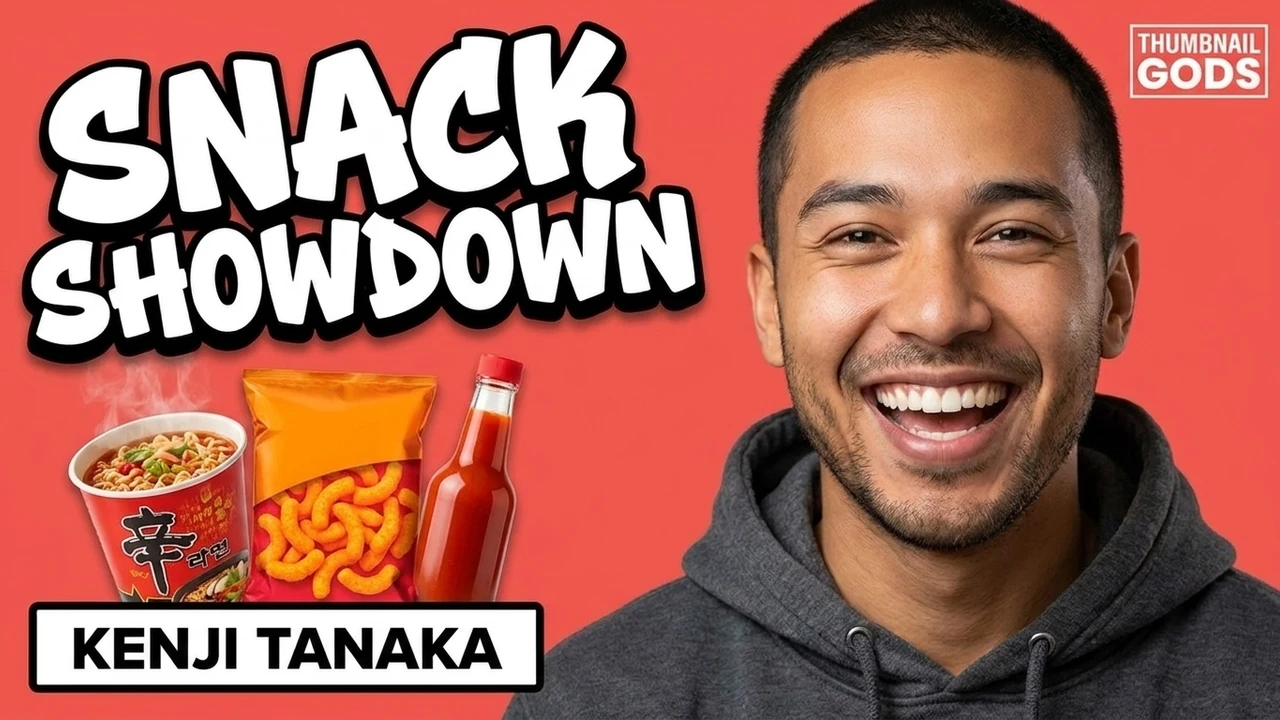
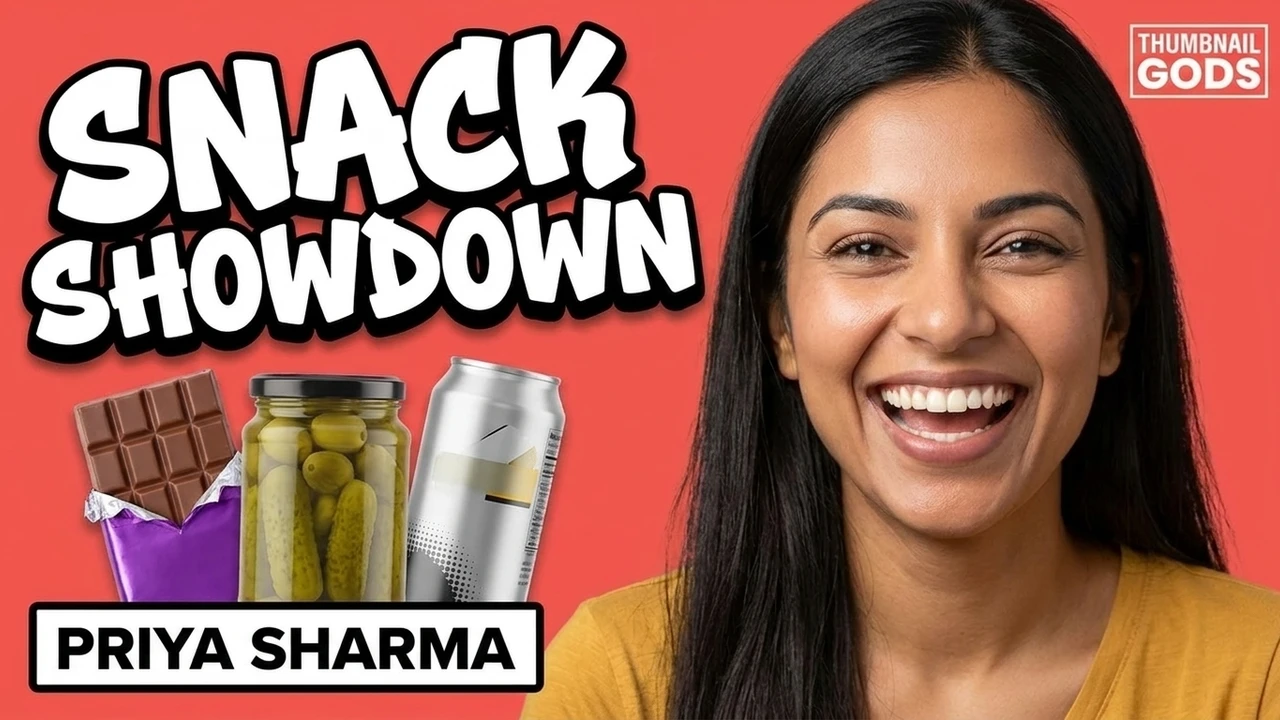
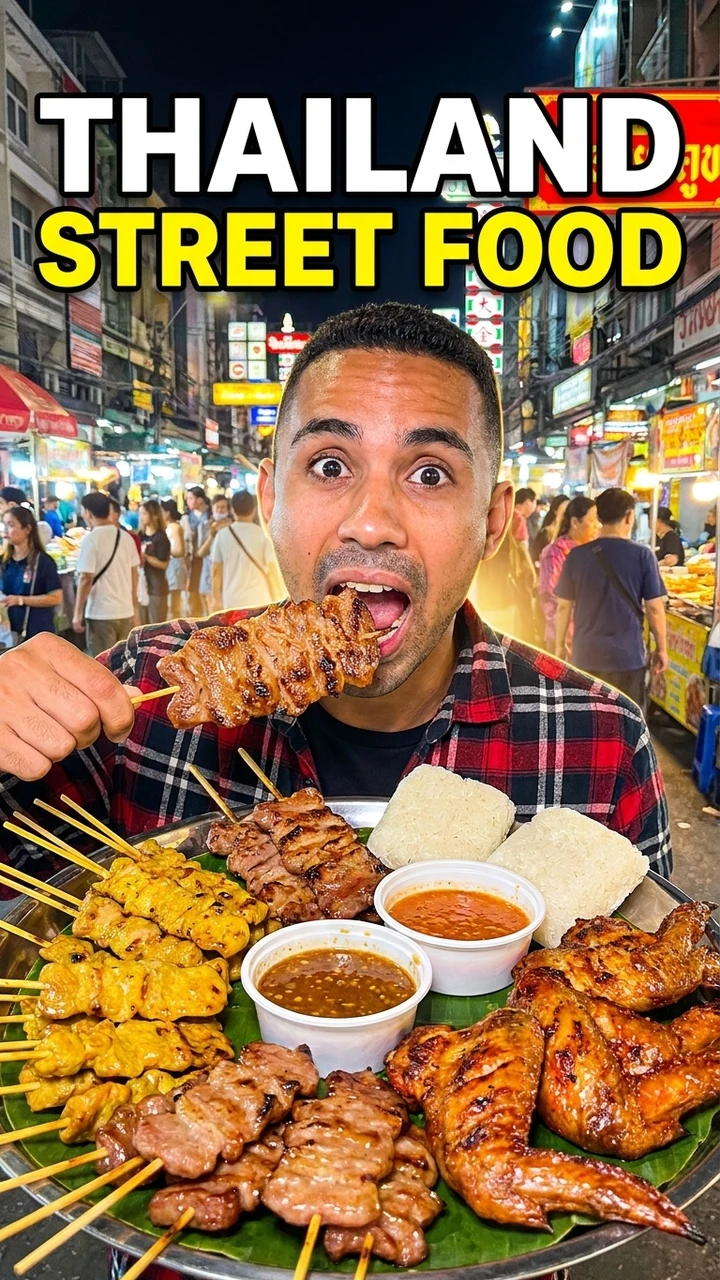
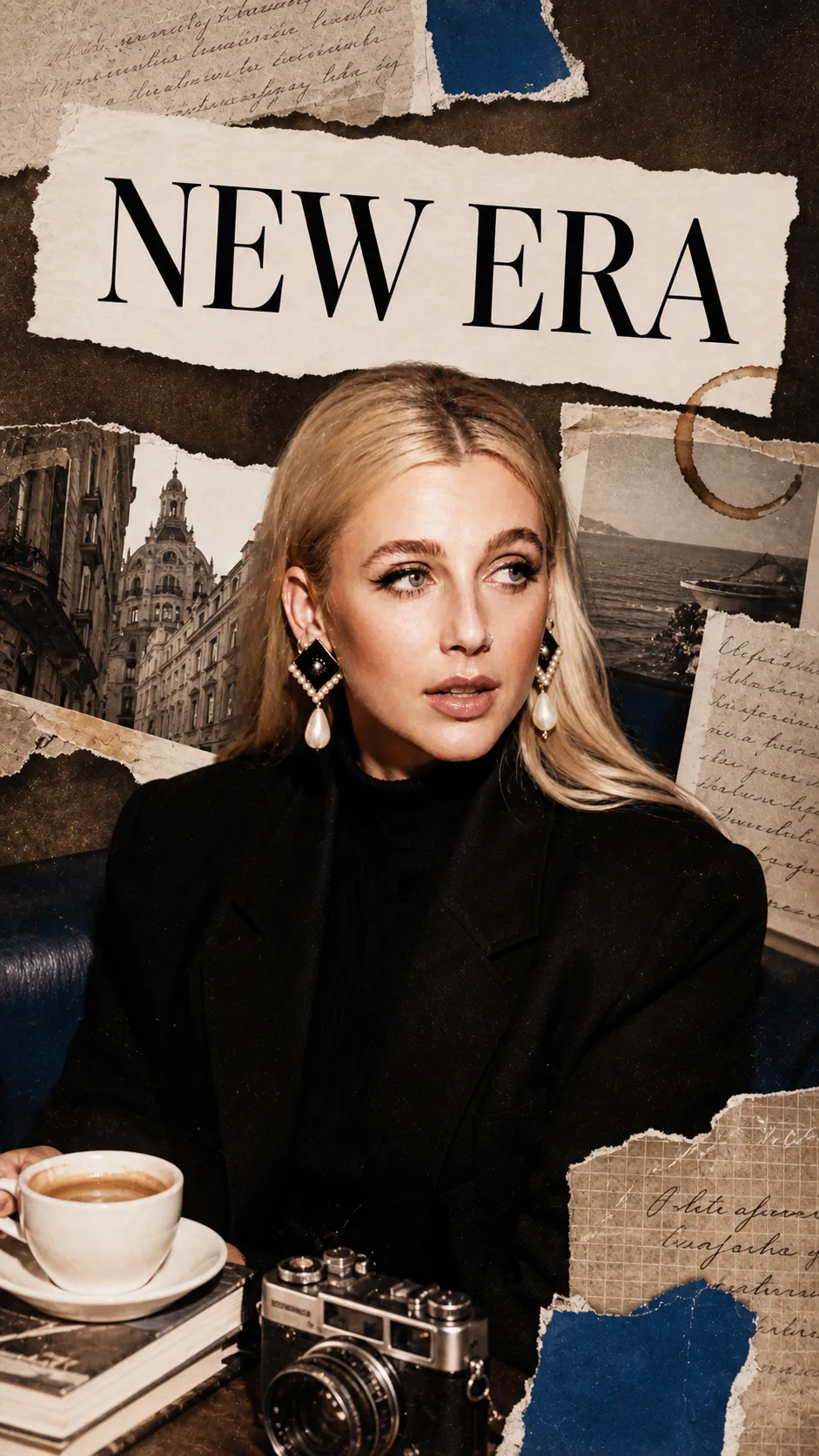
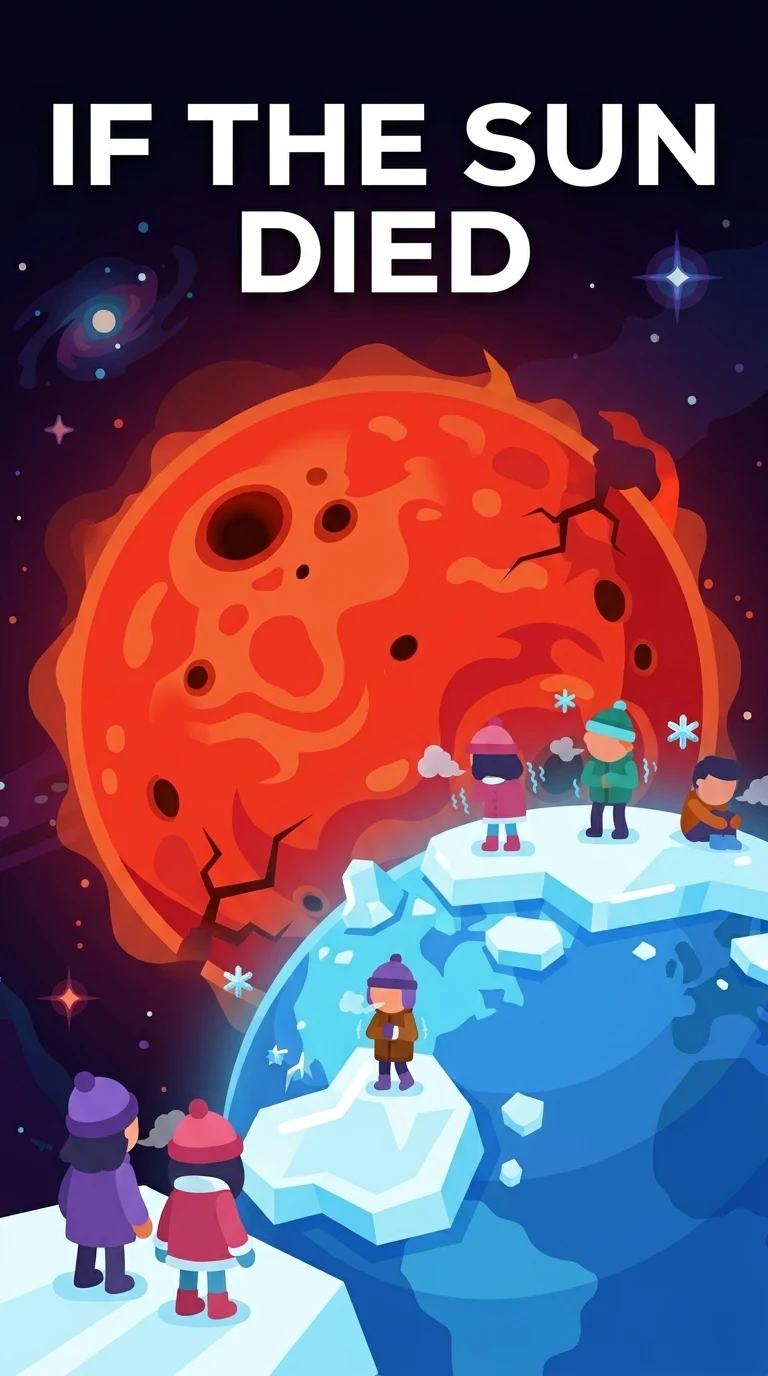
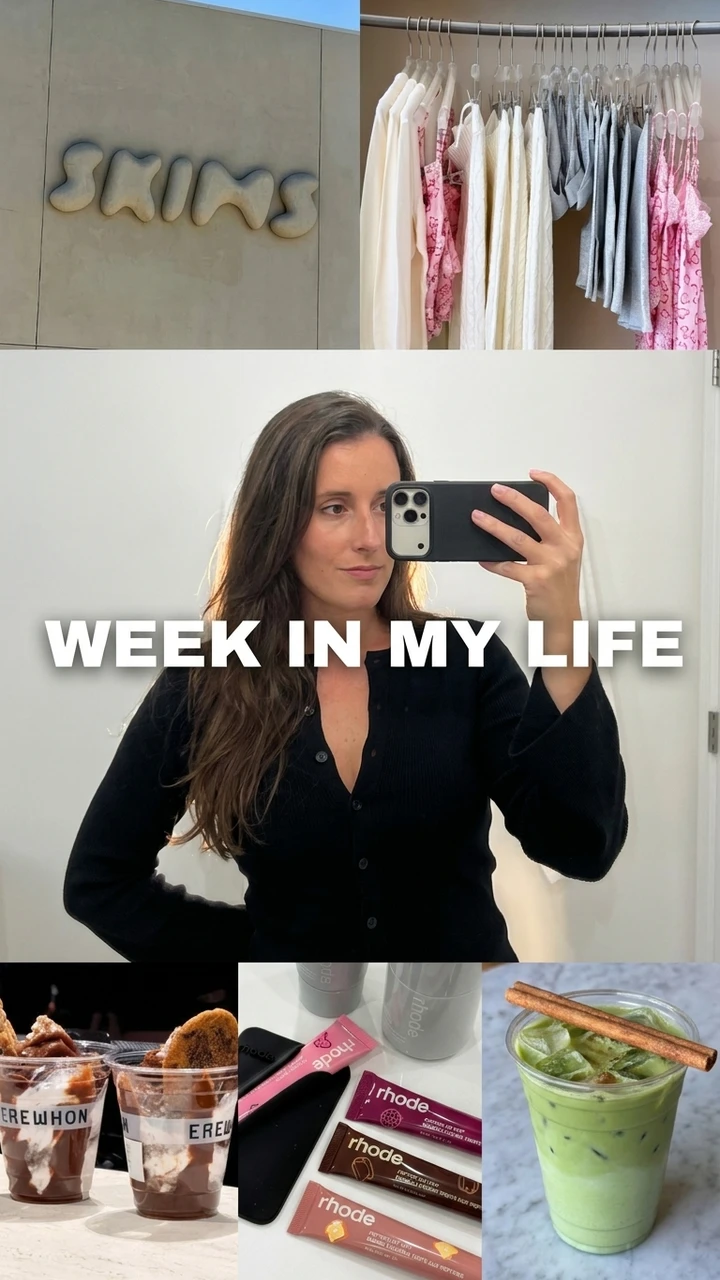
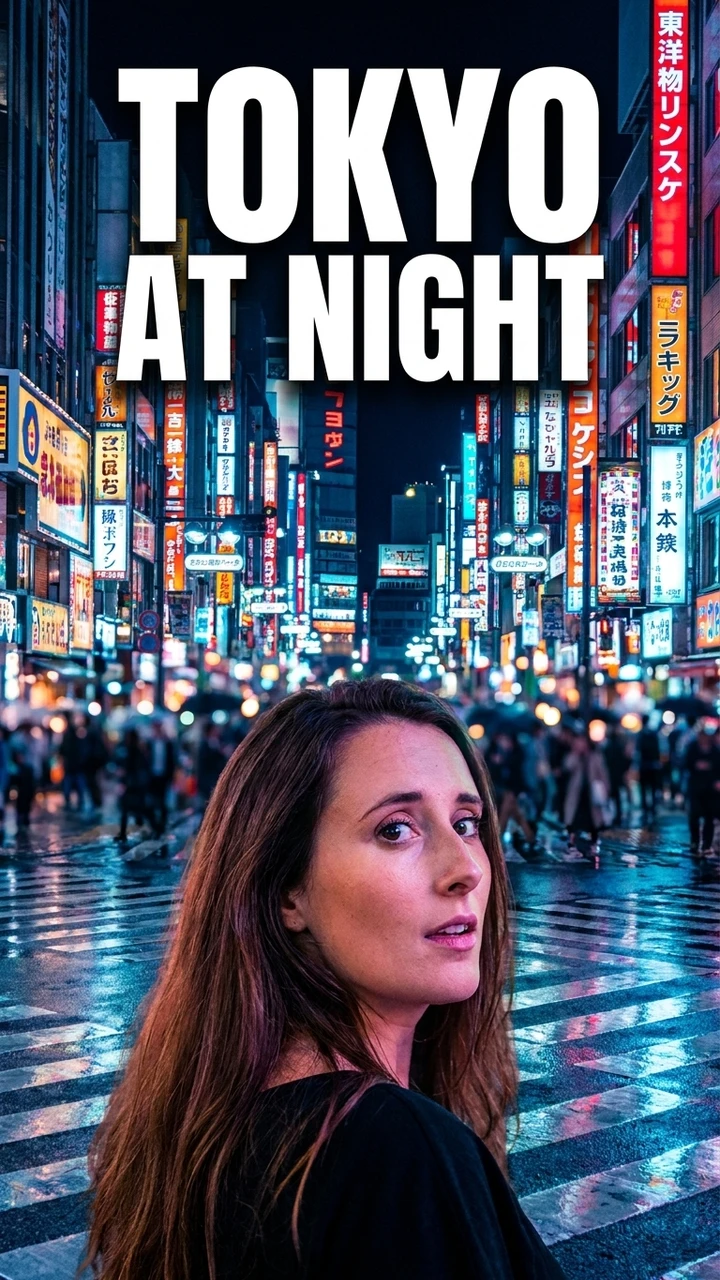
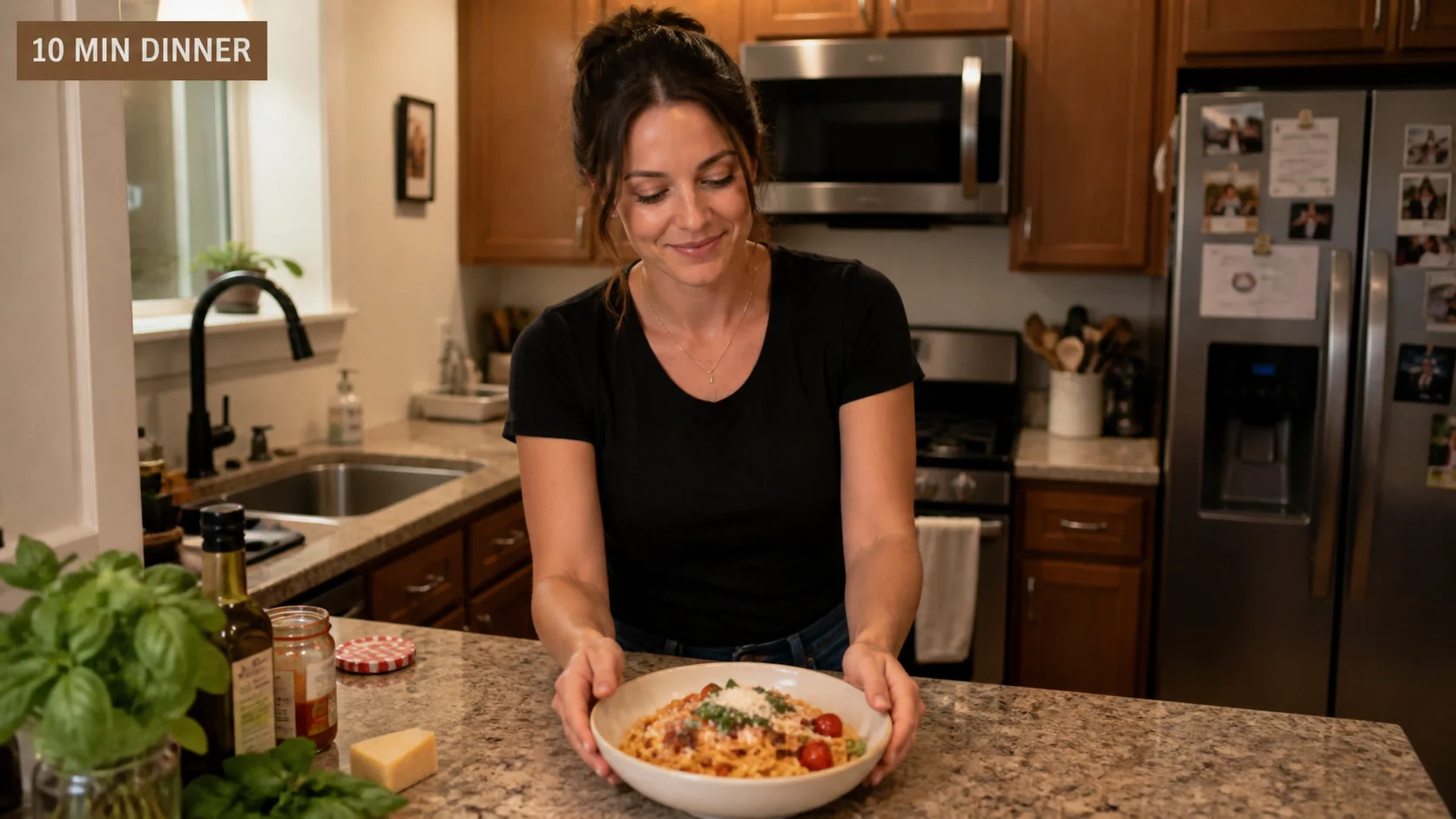
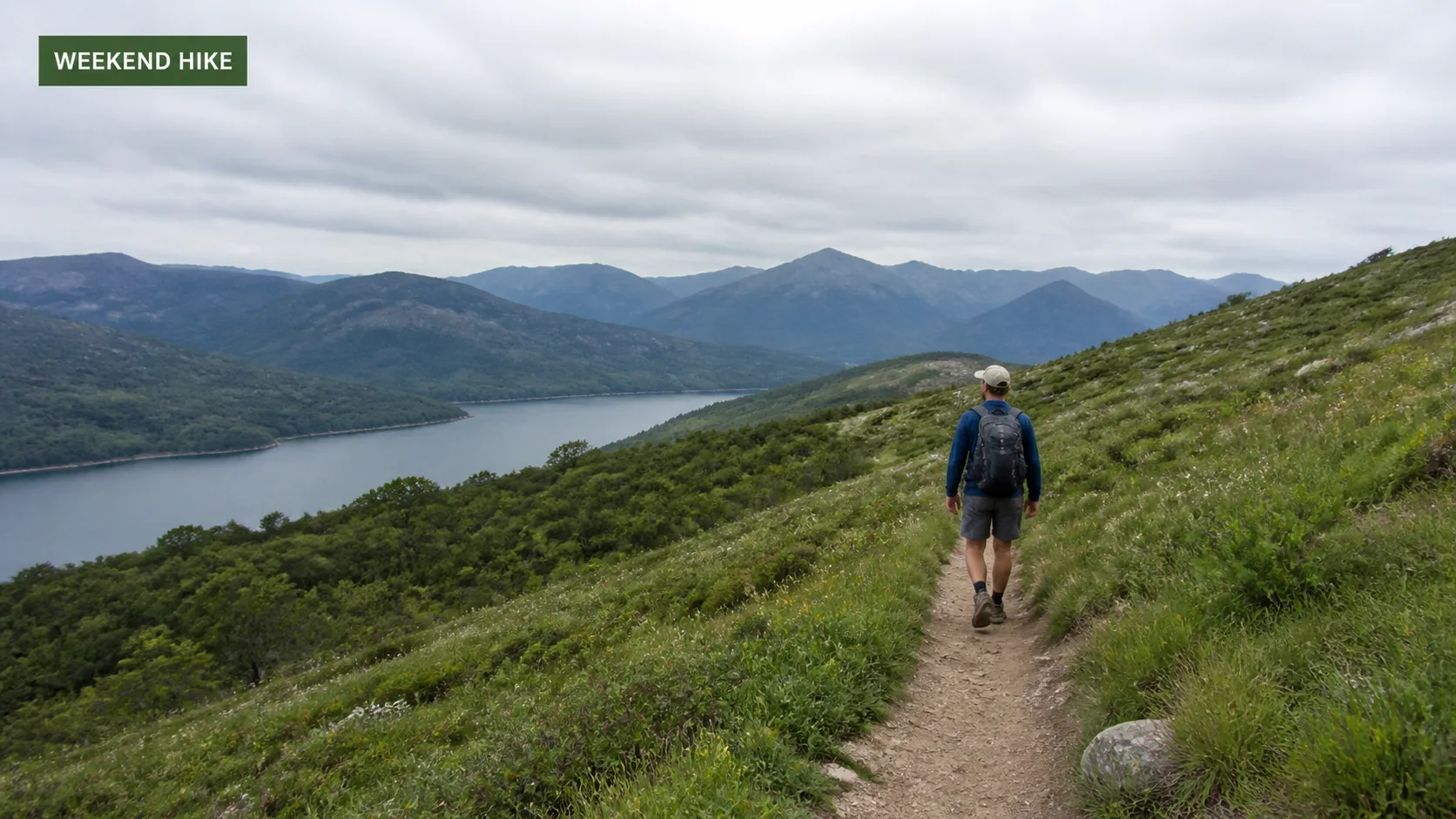
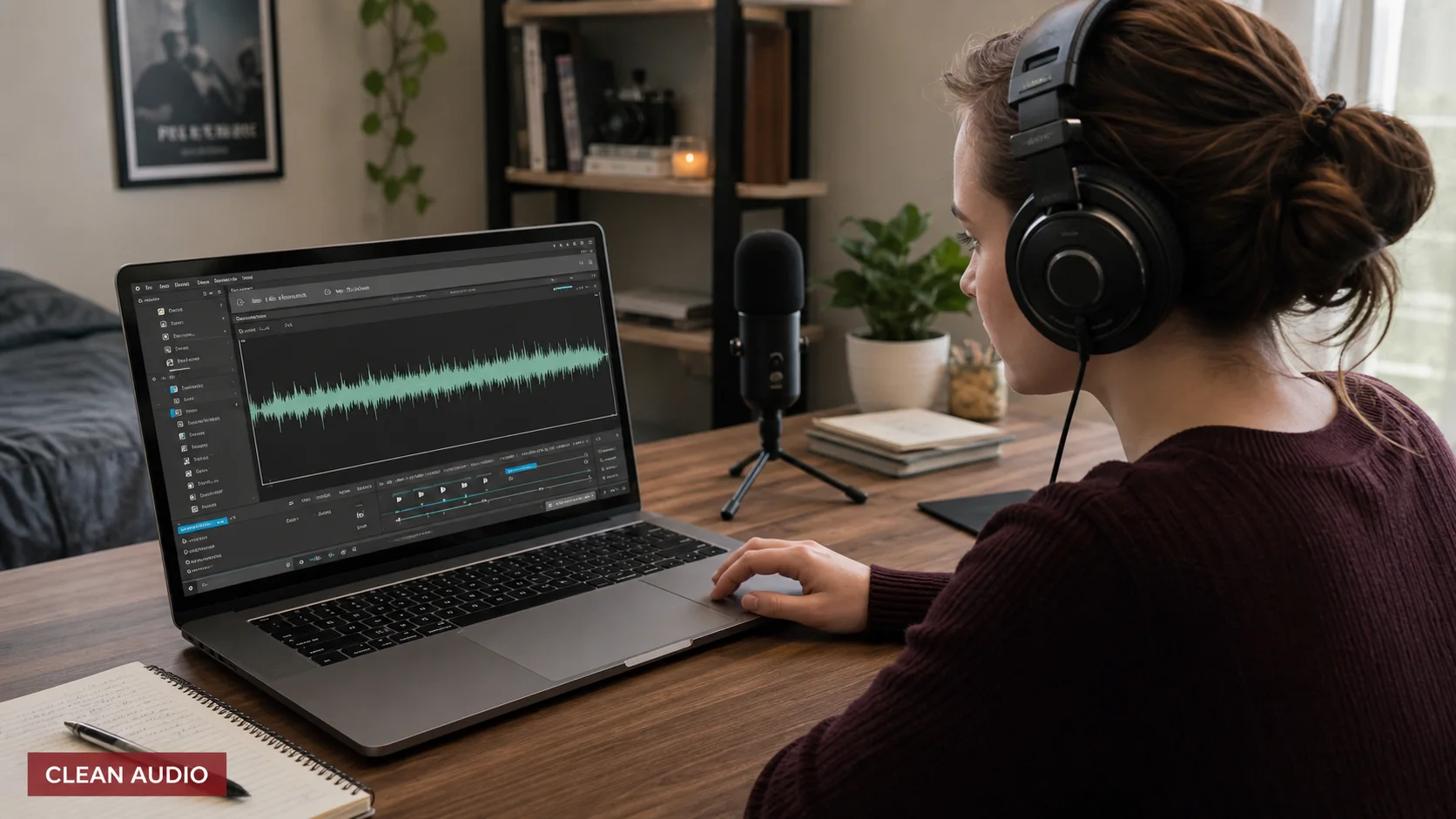
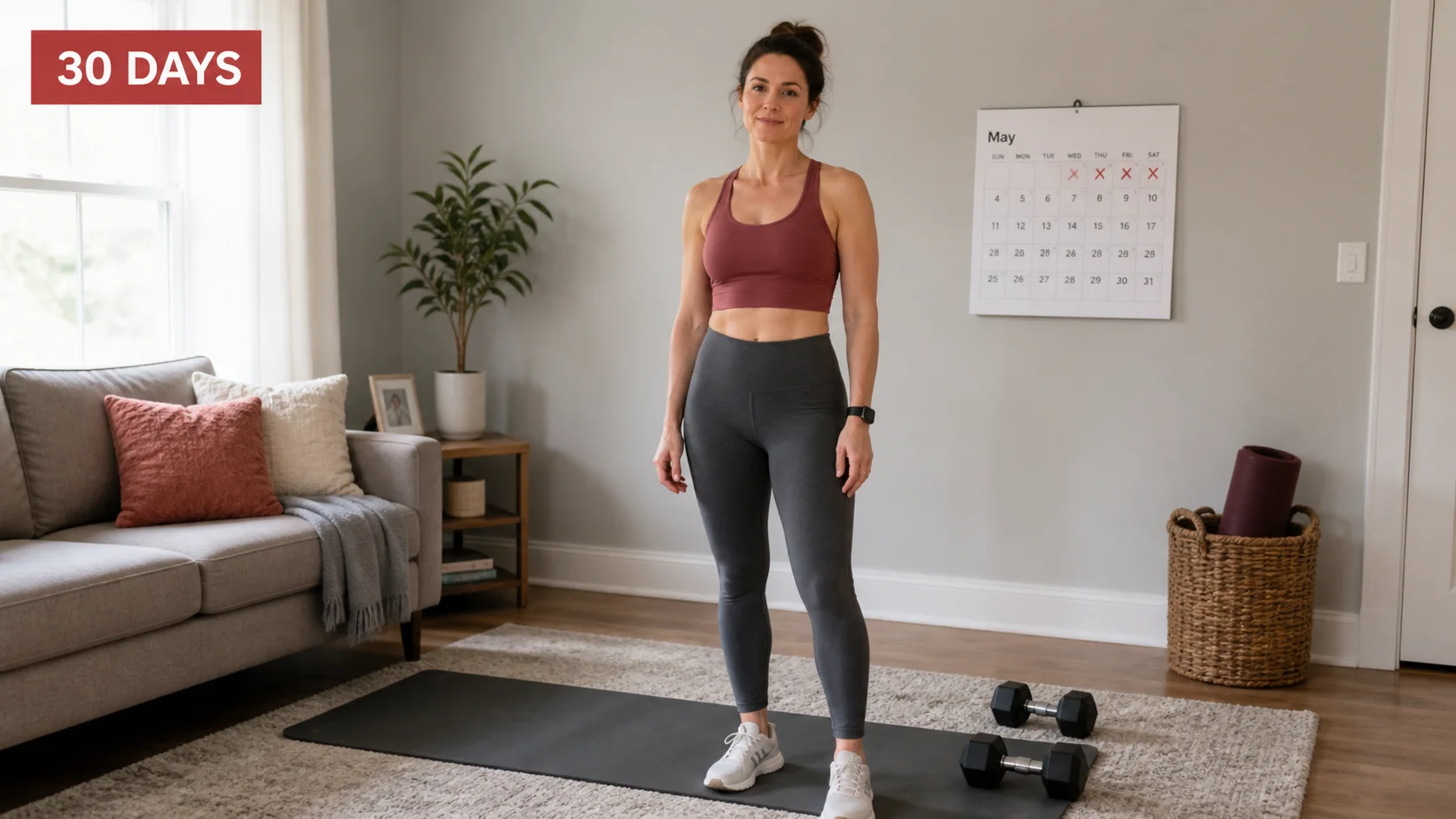
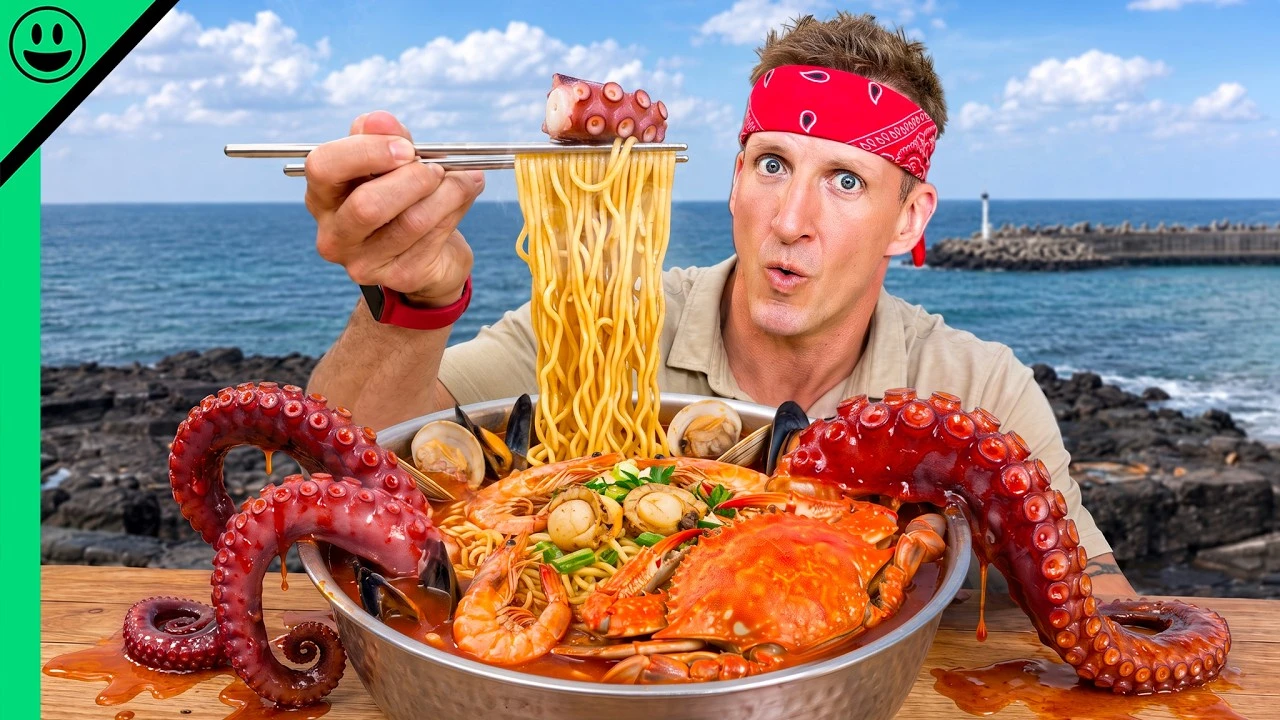
Vloggers, gamers, food creators, and solo YouTubers. Turn each source into editable, feed-ready directions that still look like you.
Bring a video, supported public link, or brief. Choose the platform in Step 2. Generate two distinct, editable concepts.
Create my thumbnailAvatar

Style
Channel
Reels
YouTube
Shorts
The Blueprint selected
FOR WHO
Thumbnail Gods adapts to who you are and what you make.
01 / CREATORS
Vloggers, gamers, food creators, and solo YouTubers. Turn each source into editable, feed-ready directions that still look like you.
02 / PROFESSIONALS
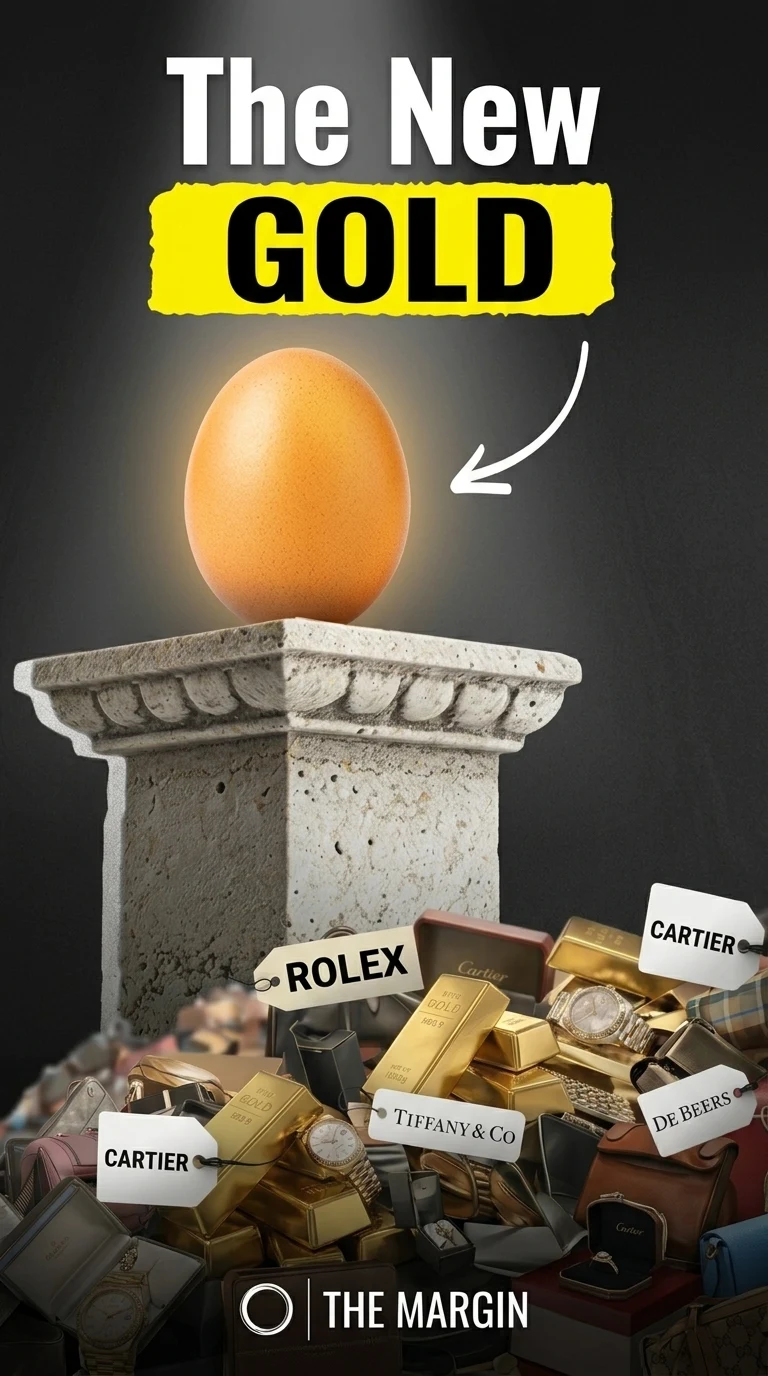
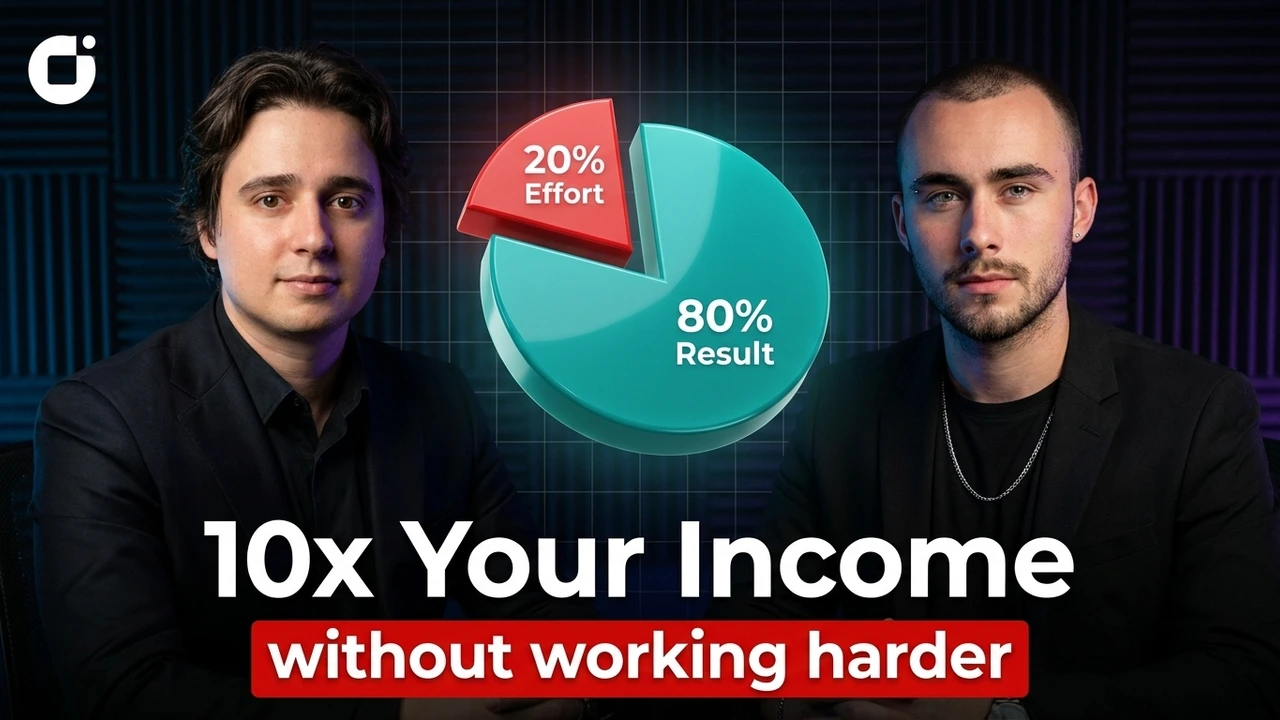
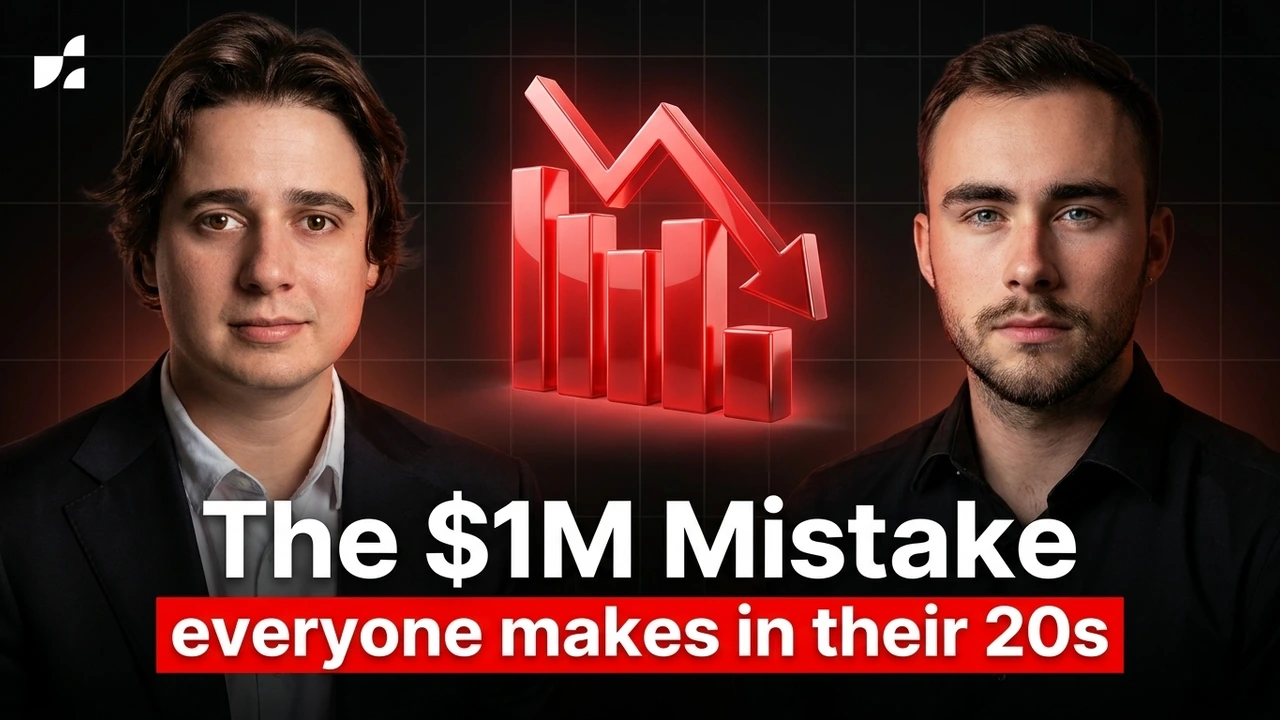
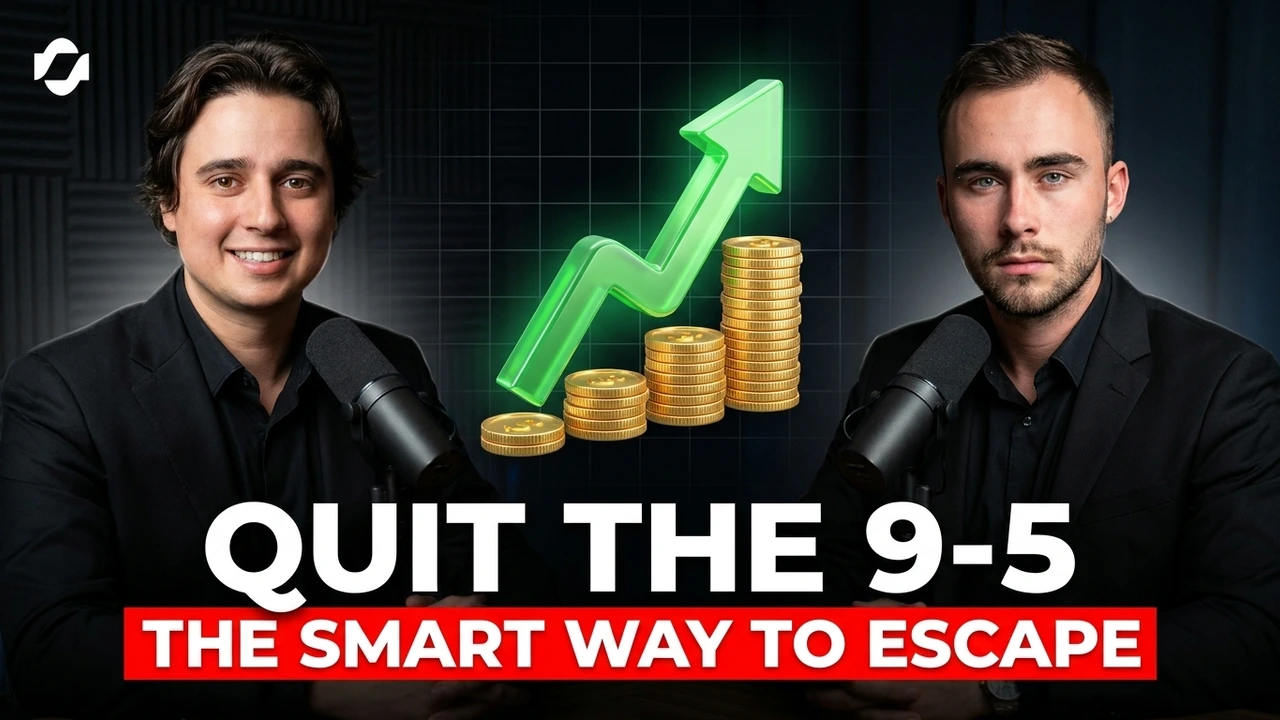
Companies and agencies in real estate, media, or journalism. Keep production consistent with shared brand kits, templates, and reviews.
03 / FACELESS
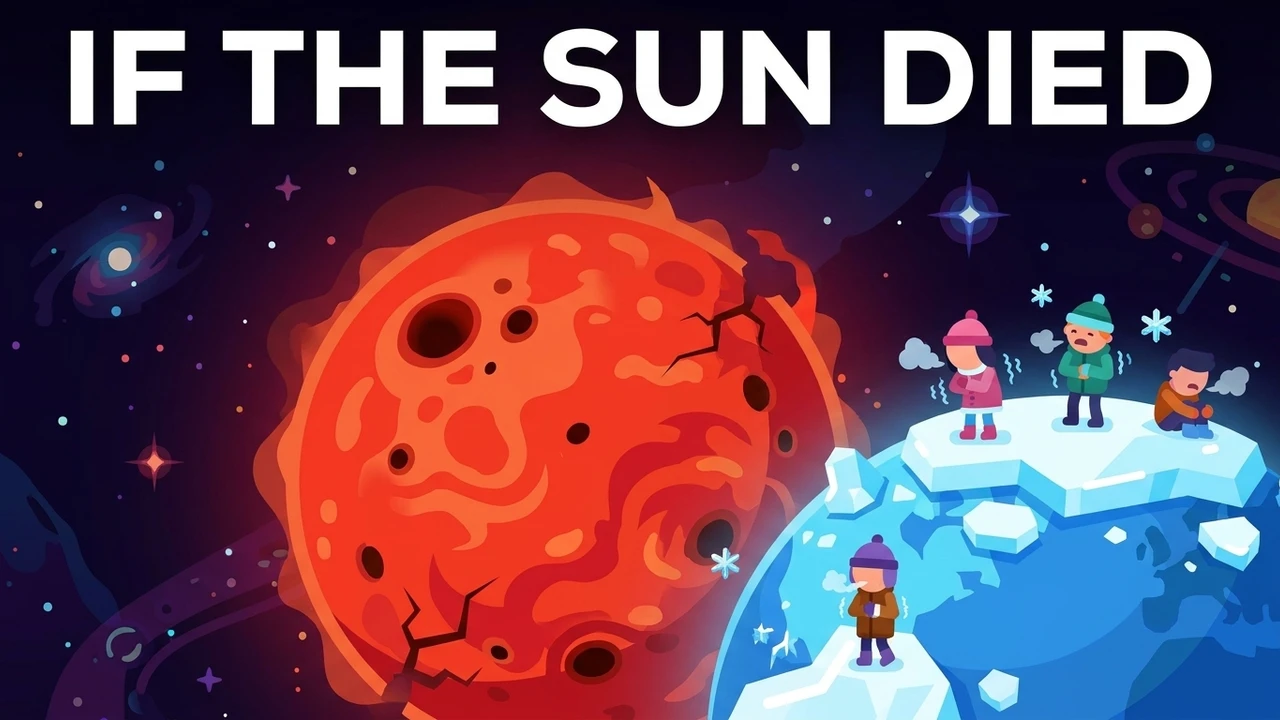
Animation, explainer, and compilation channels. Bold thumbnails with zero face: pure concept, text, and style.
Real footage, real you
When you provide footage, concepts can draw from its real subjects, setting, and moments. Briefs and references can also drive a fully composed direction.


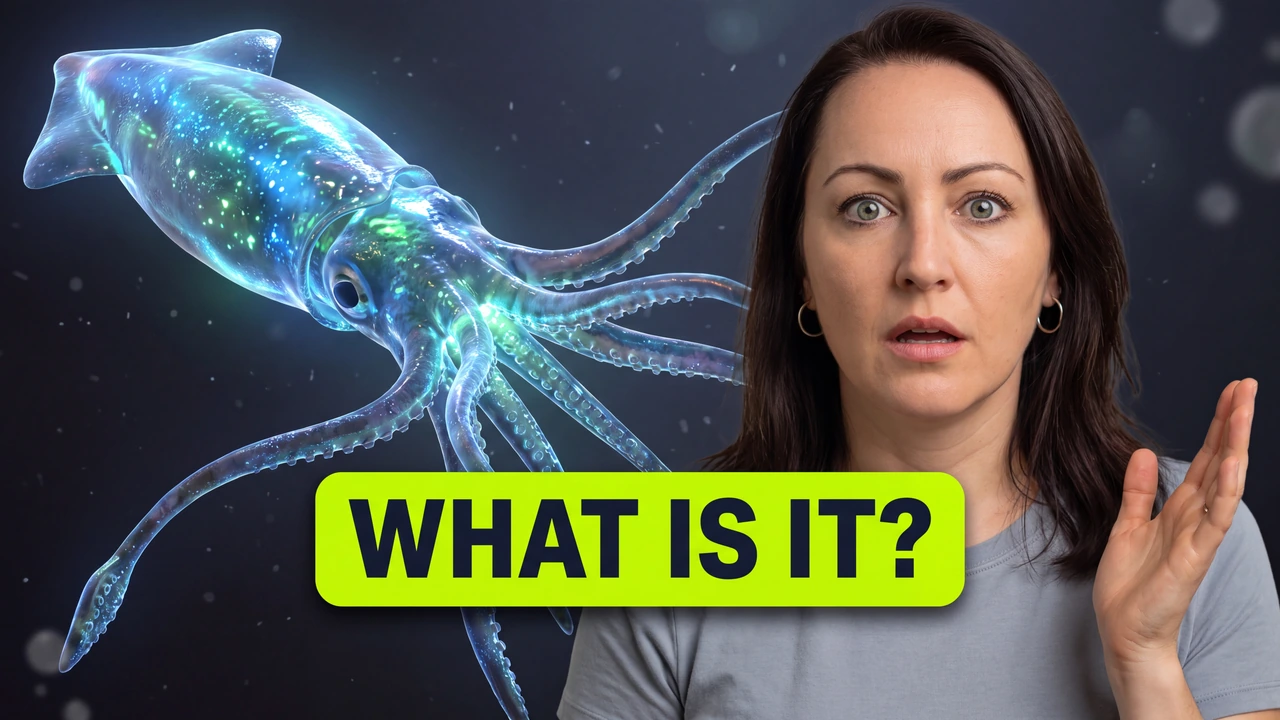
01 / Keep the real you
When a usable frame is detected, use the real shot as an editable starting point. Refine the crop, cleanup, headline, and layers while keeping the source moment recognizable.

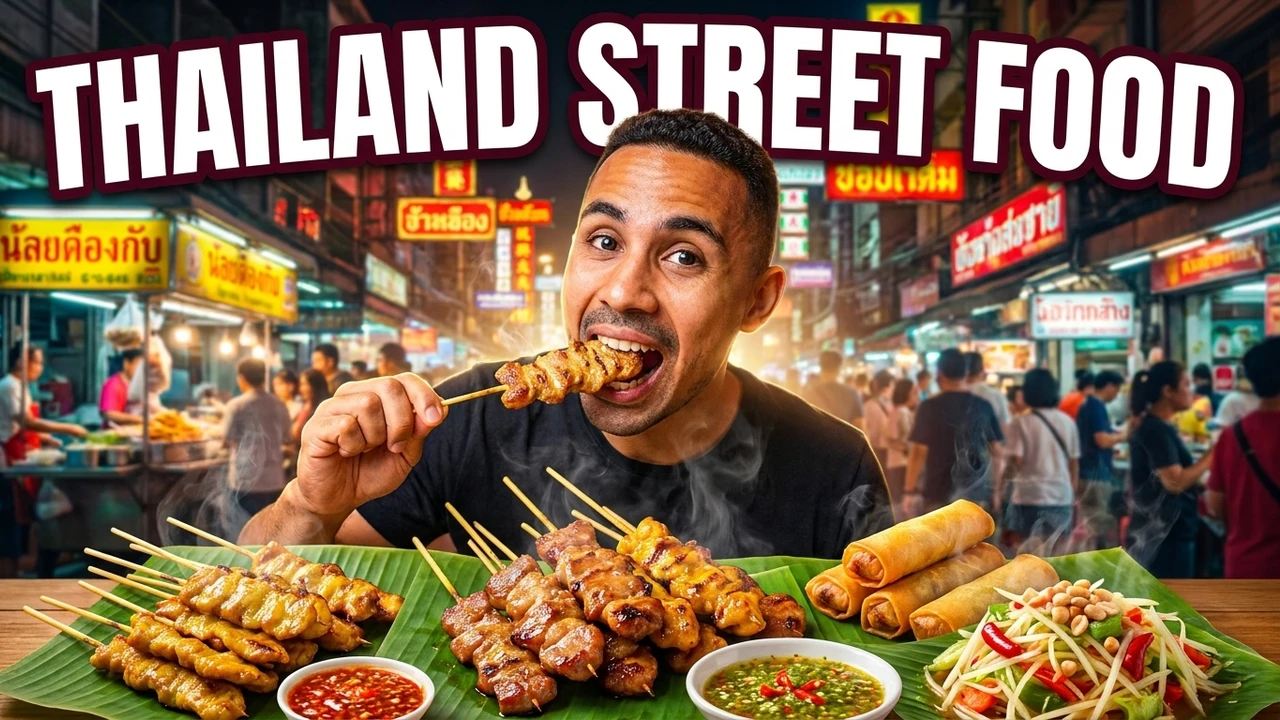
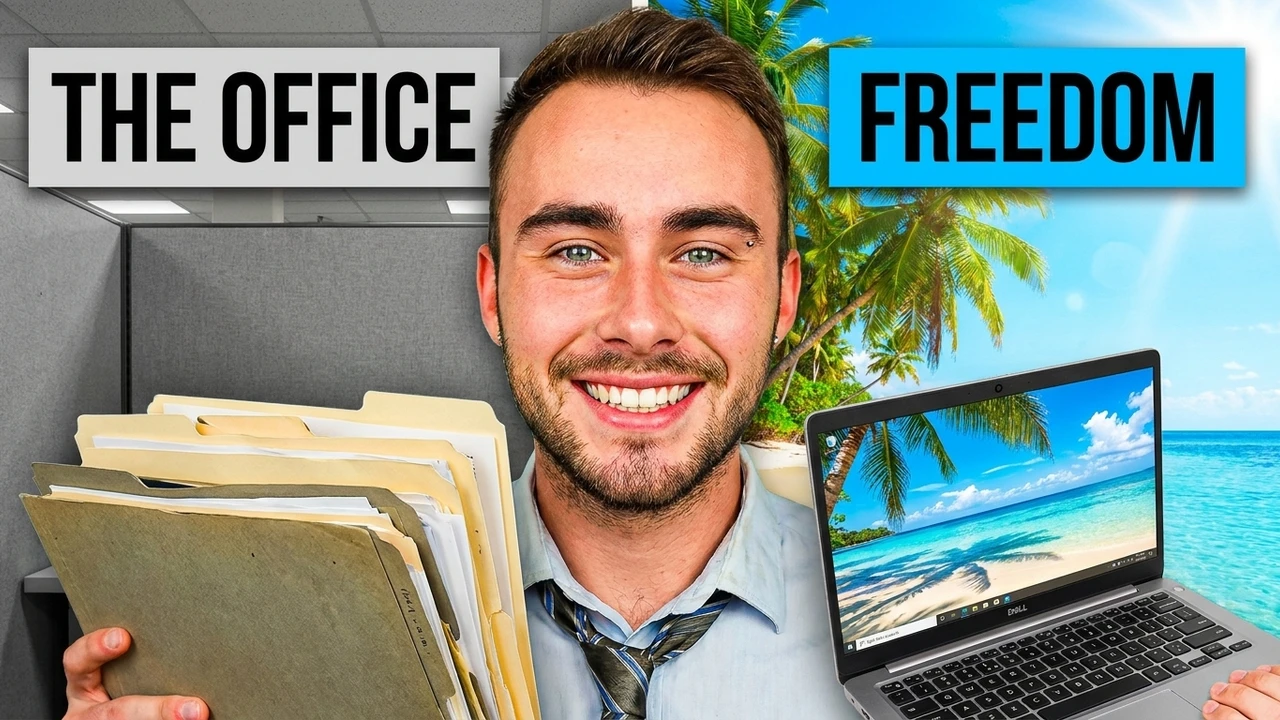
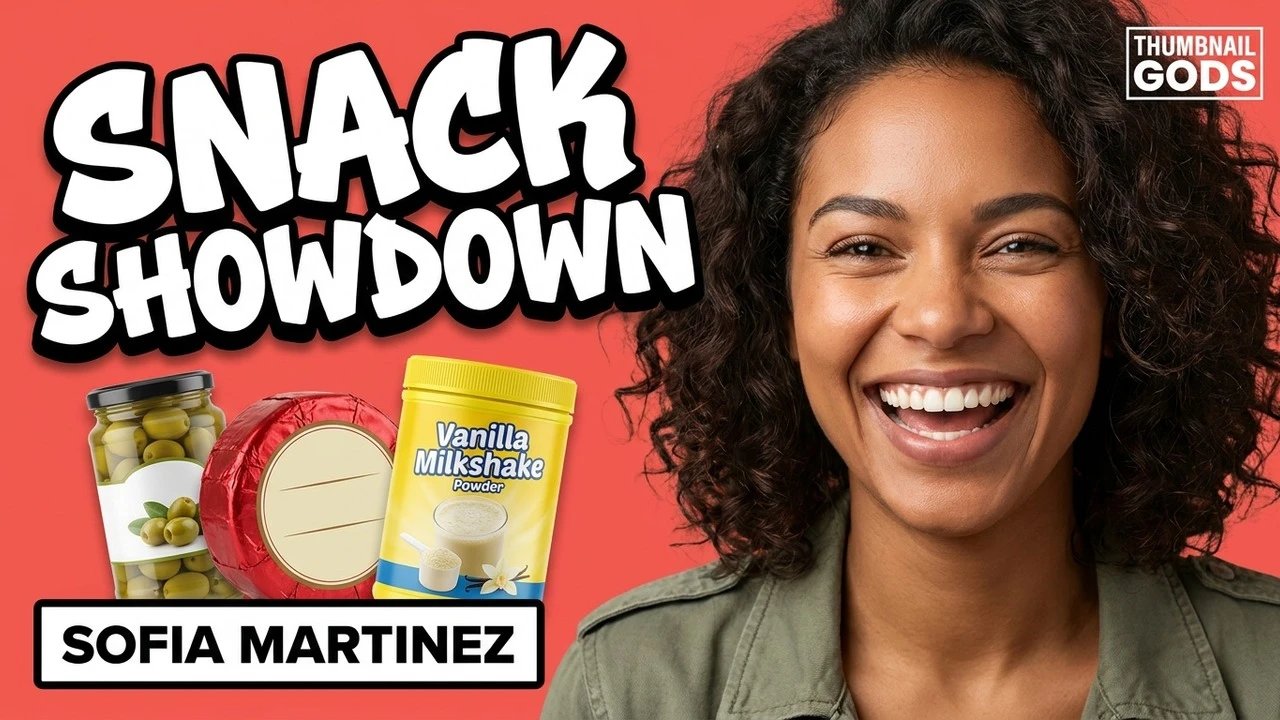
02 / A whole new scene
Use a selected frame or reference to guide identity and clothing where possible, while composing a new background and hook as separately editable layers.
Start from detected footage, provided references, or a brief, then make the final creative decision yourself.

Production workflow
A five-step workflow keeps the platform decision up front, produces genuinely different concepts, and preserves editability through review and export.
STEP / 01
Upload a video, paste a supported public YouTube, TikTok, or Instagram URL, or write a brief with optional references, an avatar profile, and a brand kit.
STEP / 02
Select YouTube, Shorts, Instagram Reels, or TikTok before generation. The platform sets the dimensions, composition, and safe zones.
STEP / 03
Explore two materially different directions with separate compositions, palettes, framing, and hooks for the selected platform.
STEP / 04
Refine the versioned canvas, request AI revisions, comment on exact layers or coordinates, and approve the direction without flattening the scene.
STEP / 05
Create native reflows for additional platforms, export exact-size files, or prepare the approved YouTube options for a guided Studio test.
FOR CLIPPERS
You ship a stack of clips a day from podcasts, streams, and long-form. Every one still needs a cover that earns the tap. Drop the source once and pull scroll-stopping 9:16 covers for the whole batch, ready for TikTok, Reels, and Shorts.
Generate a cover for every clip in one pass, so your posting cadence never waits on design.
Each cover is framed 9:16 first and kept clear of captions, handles, and the app UI.
Put the sharpest line or face out front so the clip sells before it ever plays.
Built for each supported platform
One brief becomes native visuals for YouTube, Shorts, Instagram Reels, and TikTok, each sized for its feed. Then preview, compare for testing, resize, and download them with free creator tools.
Source first. Platform in Step 2. Then two distinct concepts to compare, edit, and approve before export.
Studio workflow
Generate concepts in the studio, comment and approve with your team, then share a review link when a variant is ready.
Generate in the studio. Share a review link when variants are ready.
Your AI agents
 Thumbnail Gods
Review-ready ×3
Generation, review, and export all land in the same workspace so the team does not chase files across tools.
Generate, comment, and approve in Thumbnail Gods, then share a review link when a variant is ready.
A review link snapshots the chosen variants so a client or teammate can comment without a full workspace seat.
Chain studio generation and approval with the workflow your team already uses.
[ READY TO GENERATE ]
Bring the content. Explore the direction. Finish with a thumbnail that feels clear, intentional, and yours.
Compare genuinely different hooks before you choose.
Reuse the decisions that make your channel recognizable.
Review, refine, and approve every final export.
One engine, every format
Plug it into your stack