YouTube thumbnail maker

The YouTube thumbnail maker that starts from your video

Paste a link, drop a video, or type a one-line brief and get three genuinely different concepts built for the click. Tune the hook instead of rerolling a prompt.

Create for free
  • 3 free thumbnails to start
  • 1280x720, safe zones respected
  • Editable layers, never flattened

Avatar

The Blueprint

Style

Channel

Reels

YouTube

Shorts

The Blueprint selected

How it works

From video to click-worthy thumbnail in three steps

No prompt roulette and no blank canvas. Drop in your video, compare three finished concepts side by side, then fine-tune the winner and export at native YouTube size.

  1. 1
    YouTube link, file, or brief
    youtube.com/watch?v=
    my-video.mp4 Brief

    Add your source

    Step 01/03

    Paste a YouTube link, drop a video file, or write a one-line brief. The maker reads it for the moment, the tension, and the promise worth putting on the frame.

  2. 2

    Generate three concepts

    Step 02/03

    Get three distinct directions in about a minute, each built on its own hook, subject, and headline, not one template recolored three times.

  3. 3
    TEXT

    Edit and export

    Step 03/03

    Fine-tune the headline, subject, and color on a live canvas, then export a 1280x720 PNG or JPG that drops straight into YouTube Studio.

What you get

A maker that thinks like a YouTube thumbnail designer

Not a prompt box that spits out one flat picture. It reads your video, builds three real concepts around the hook, respects YouTube's safe zones, and hands you a canvas you actually control.

Concepts

Three thumbnails built for the feed

Every generation returns three genuinely different concepts, each built on its own hook, subject, and headline. Line them up and judge them the way a viewer scanning the feed would, then carry the strongest into the editor. No more staring at a single render, wondering whether another angle would have pulled a better click.

  • A distinct hook per concept
  • A real subject, not a recolor
  • Compare and pick in one view
Source-aware

It reads your video for the real hook

Paste a YouTube link, drop a video file, or write a one-line brief. The maker pulls the moment, the tension, and the promise that make people click, then designs the frame and headline around it, instead of guessing from a bare text prompt like a generic image model would.

  • Works from a link, file, or brief
  • Finds the strongest moment
  • Headlines that match the story
Editable

Every layer stays yours to change

Text, subject, background, and color each sit on their own layer, and nothing is flattened into a single image. Rewrite the headline, push the contrast, brighten the face, or swap the subject in seconds, so testing a fresh angle after the first generation never means starting the whole thing over.

  • A live, editable canvas
  • Layers are never flattened
  • Swap subject or headline anytime
Made for YouTube

Sized for the feed and the sidebar

Every concept is built at 1280x720 with the title bar and duration stamp kept clear, so the face and text never get clipped. It holds up at a glance on the home feed, in search results, and shrunk to a sidebar sliver, then reflows into a 9:16 crop for Shorts.

  • 1280x720, under 2MB
  • Safe zones kept intact
  • Reflows to a 9:16 Shorts crop

Why creators use it

Why creators use the YouTube thumbnail maker

  • Ch. 1

    Concepts, not clones

    Every run returns three different ideas so you compare hooks and pick a winner, instead of nudging one layout and hoping.

  • Ch. 2

    Made for the feed

    Each concept respects YouTube safe zones and stays legible at sidebar and mobile size, where most impressions and the click are actually won.

  • Ch. 3

    Stays editable

    Text, subject, and color are never flattened, so you can rewrite the headline or swap the subject in seconds and retest without a new design round.

  • Ch. 4

    Ready to upload

    Export a 1280x720 PNG or JPG under 2MB that meets YouTube's specs, with no resizing or re-cropping before you publish.

How it compares

Built for click-through, not just a nice render

A generic image model hands you one flat picture from a prompt. A freelance designer hands you one draft and an invoice. The YouTube thumbnail maker hands you three concepts you can compare, edit, and retest in the same afternoon.

Three concepts every run
YouTube thumbnail maker
Every time
Generic image AI
One at a time
Hiring a designer
One per brief
Understands your video or brief
YouTube thumbnail maker
Built in
Generic image AI
Prompt only
Hiring a designer
You explain it
Respects YouTube safe zones
YouTube thumbnail maker
Automatic
Generic image AI
Ignored
Hiring a designer
If you ask
Headline text stays editable
YouTube thumbnail maker
Live canvas
Generic image AI
Baked into pixels
Hiring a designer
Source file
Exports at 1280x720
YouTube thumbnail maker
One click
Generic image AI
Re-crop needed
Hiring a designer
Extra rounds
Edit and retest the winner
YouTube thumbnail maker
In seconds
Generic image AI
Regenerate from scratch
Hiring a designer
New round, new fee
Time to first draft
YouTube thumbnail maker
Under a minute
Generic image AI
Prompt roulette
Hiring a designer
Days
Cost to start
YouTube thumbnail maker
Free
Generic image AI
Subscription
Hiring a designer
$50 and up

Made with the maker

YouTube thumbnails built to earn the click

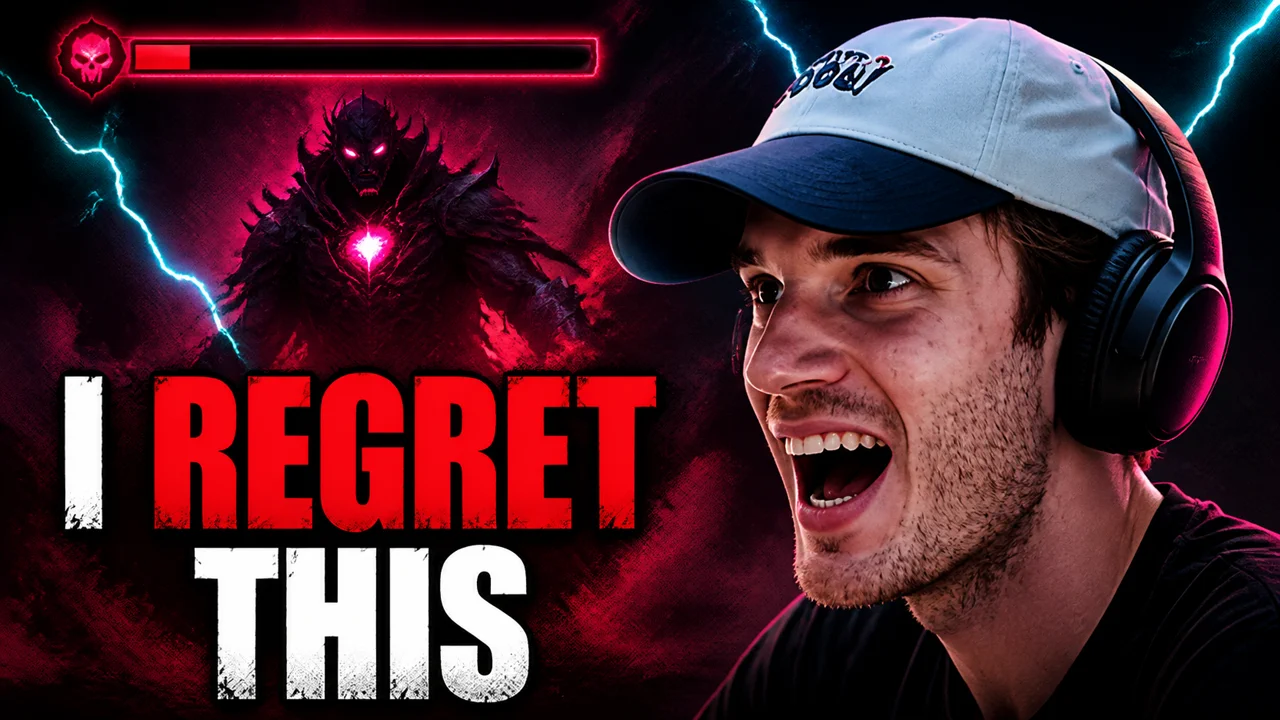
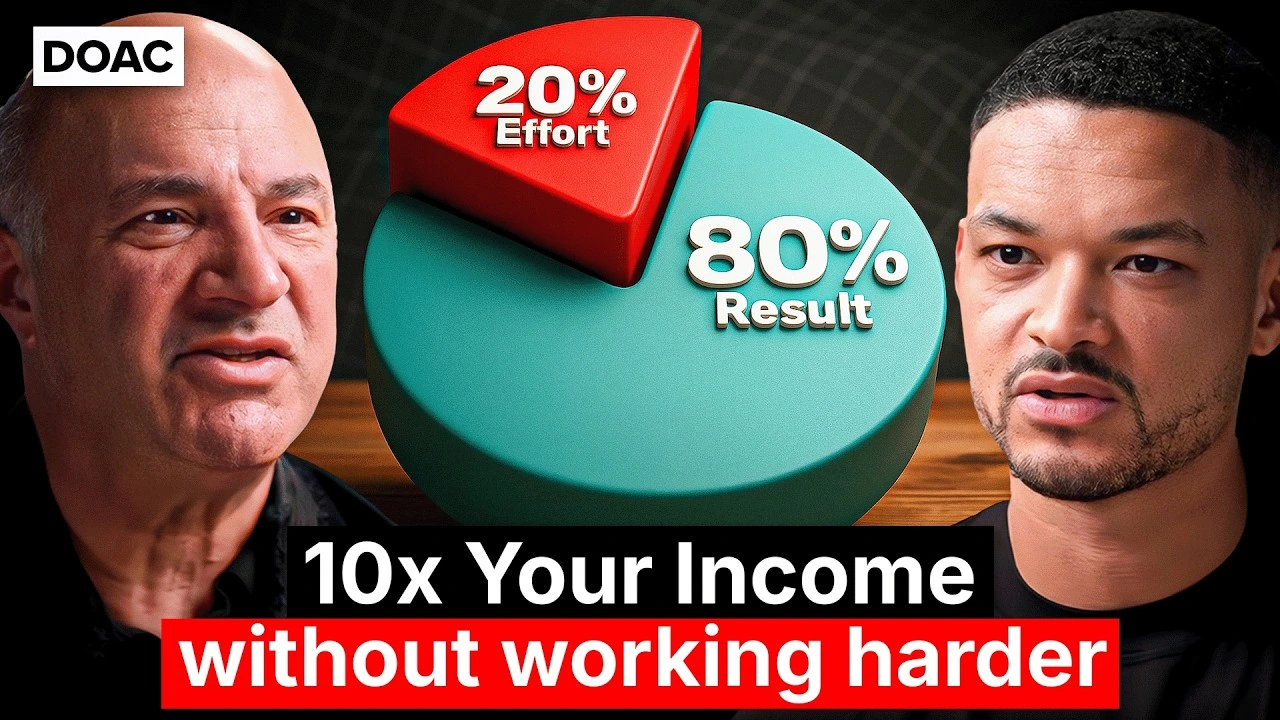
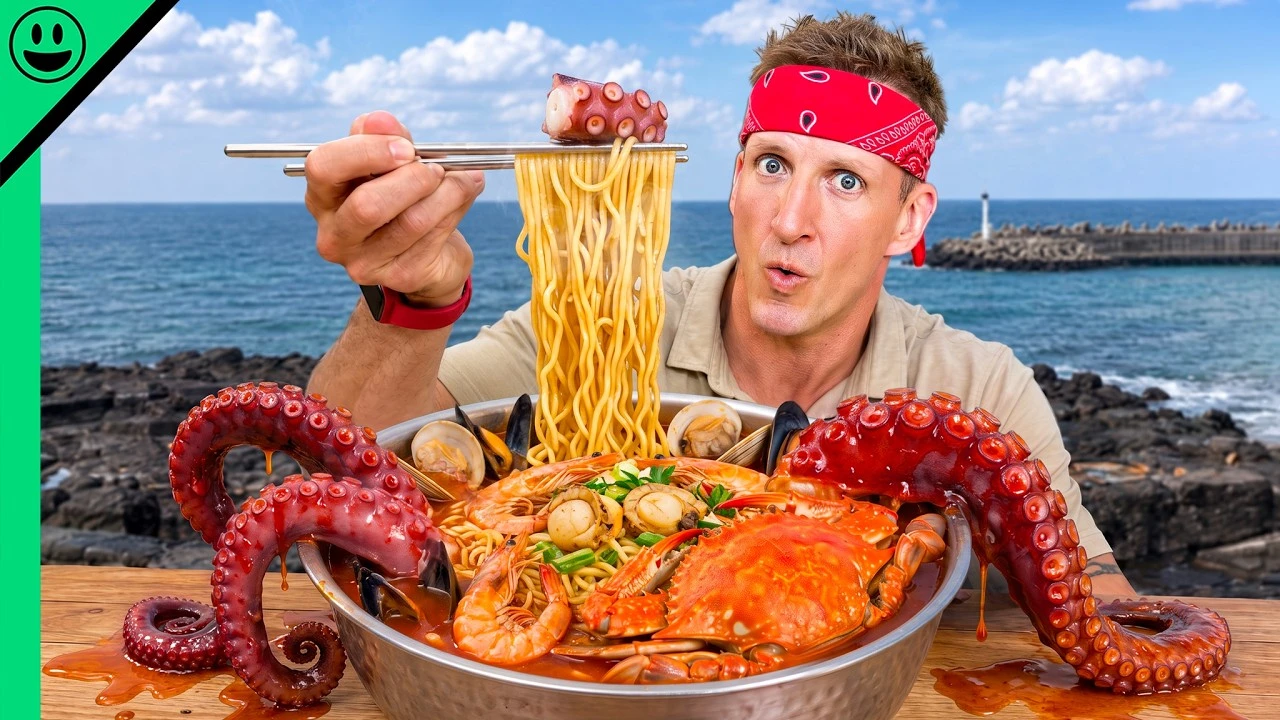
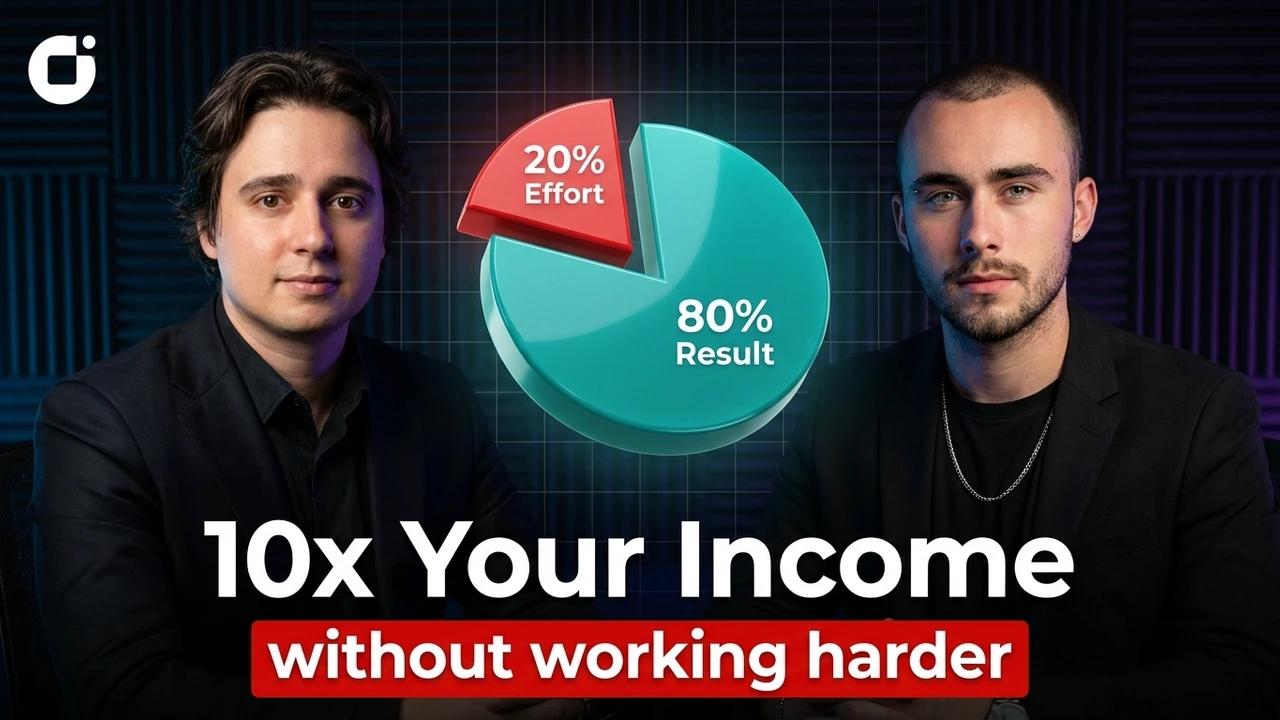
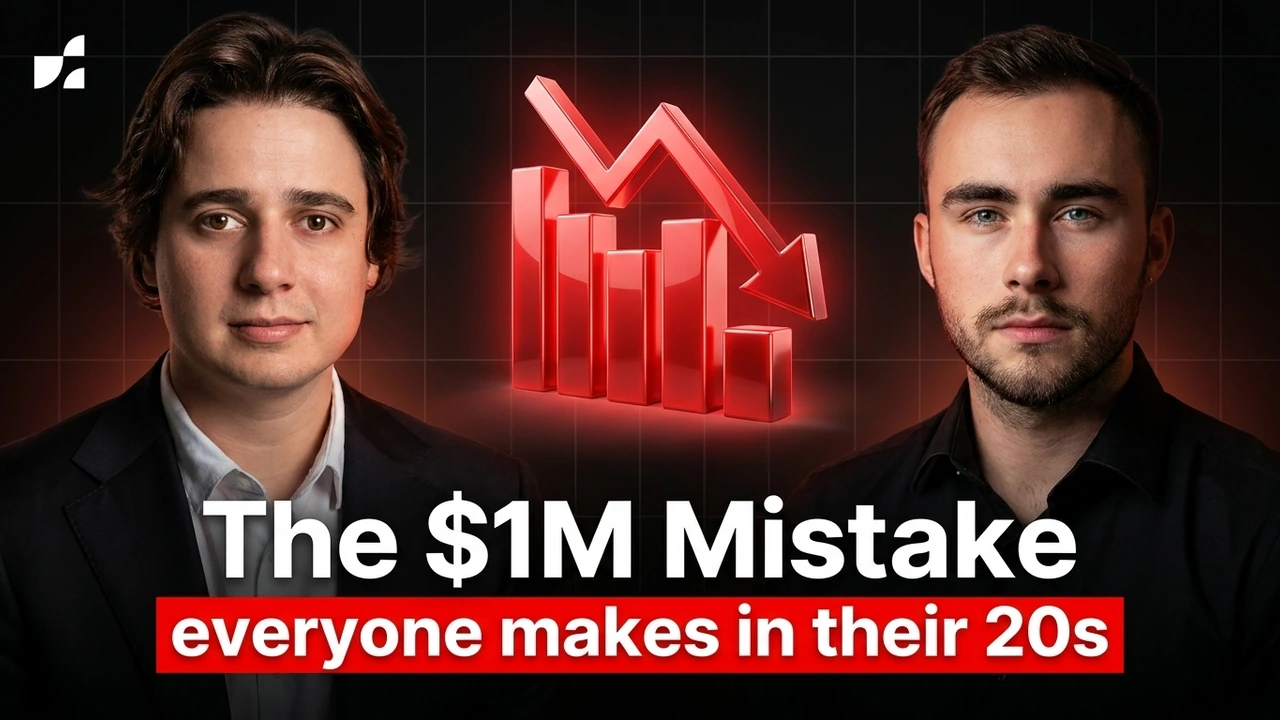
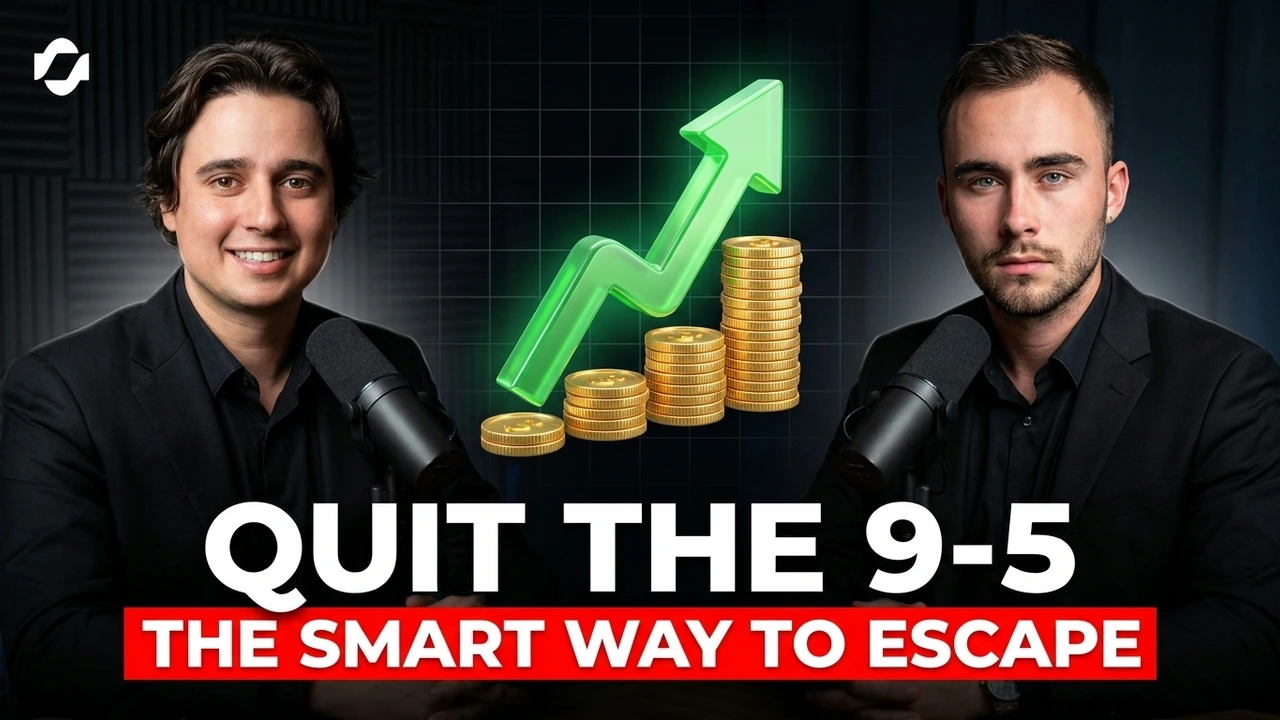
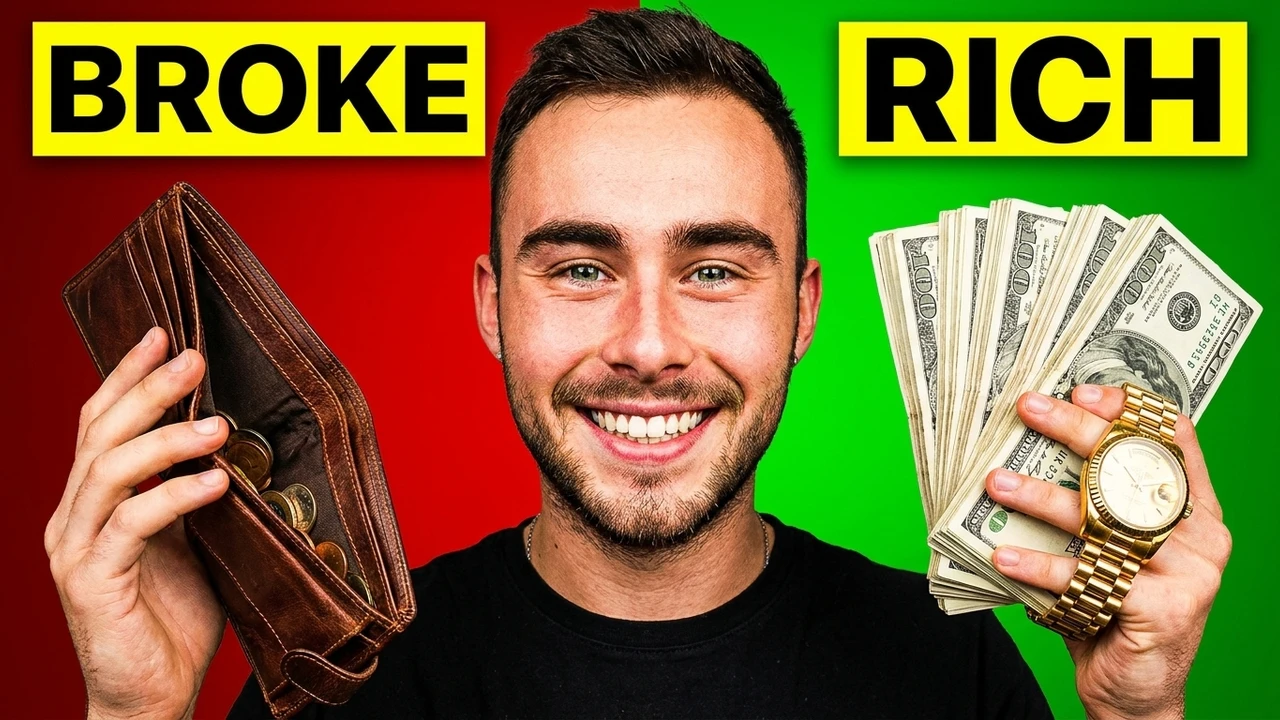
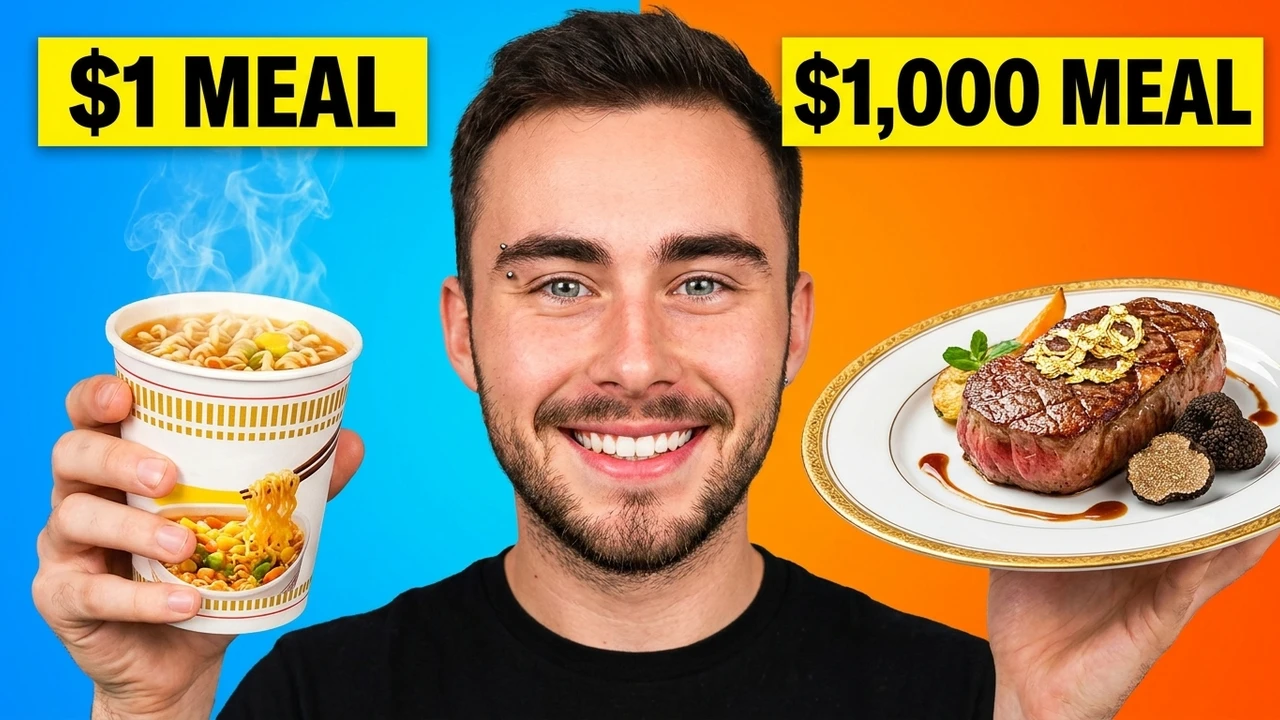
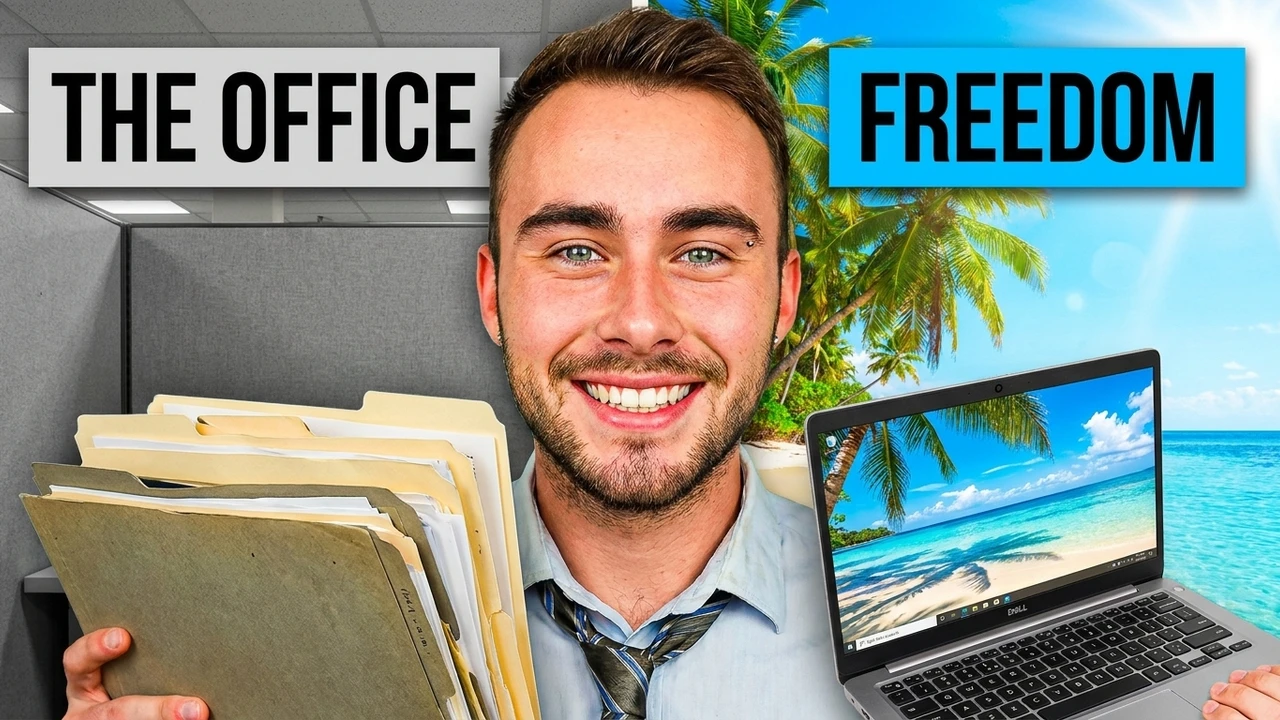
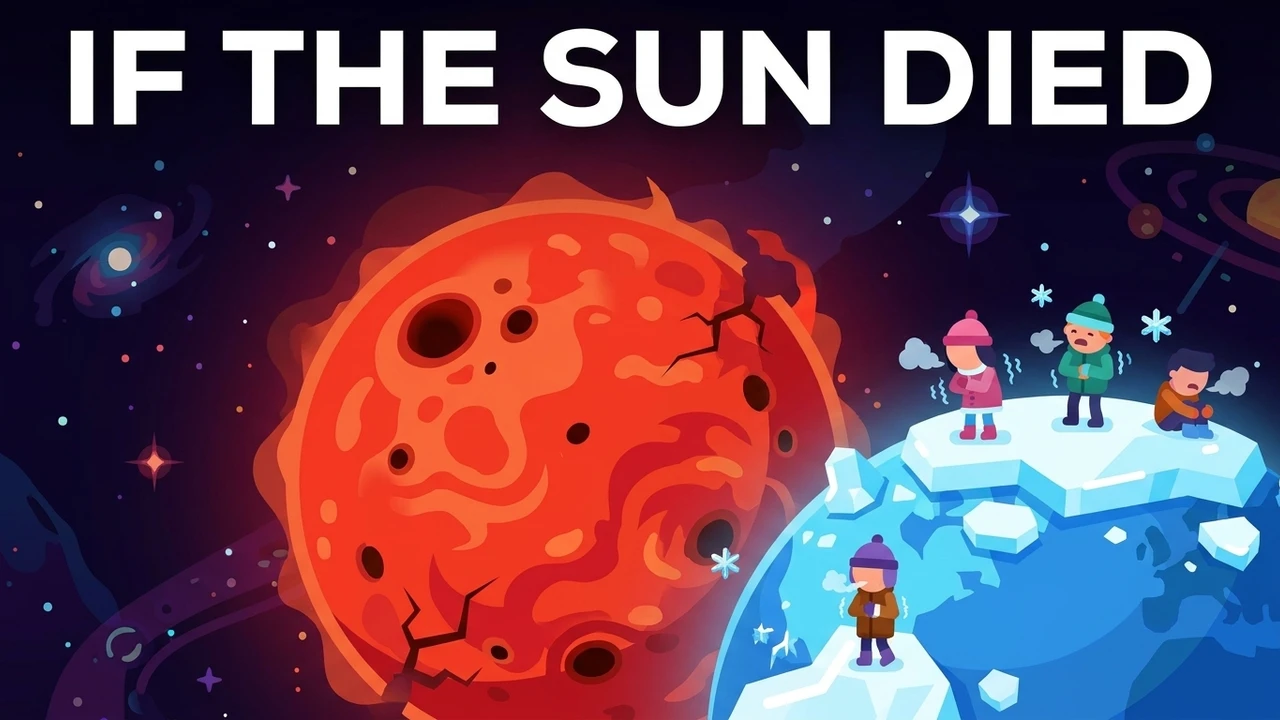
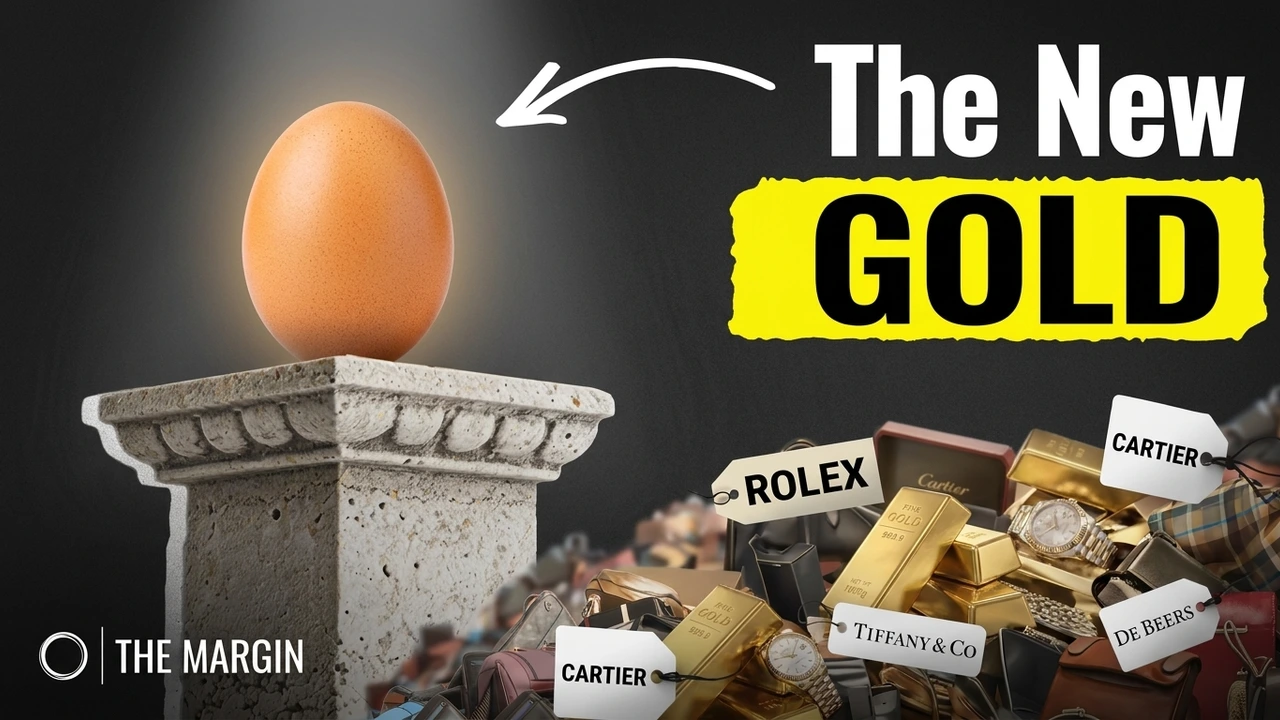
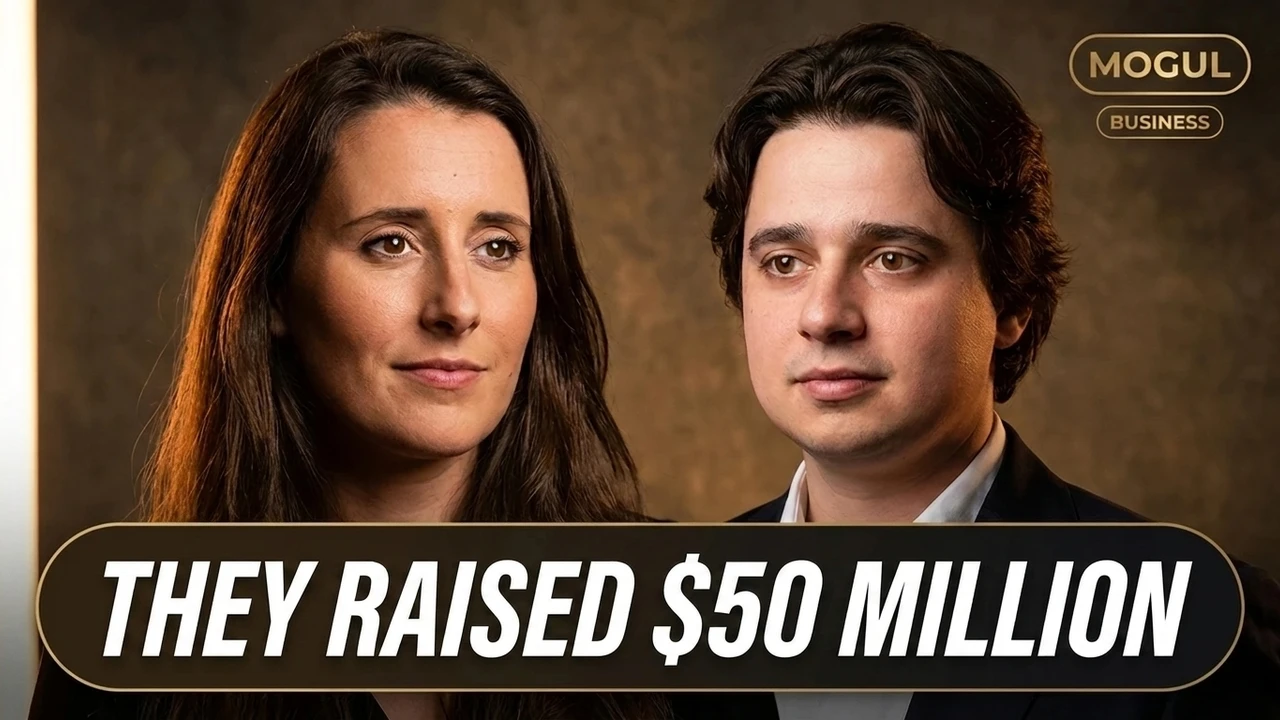
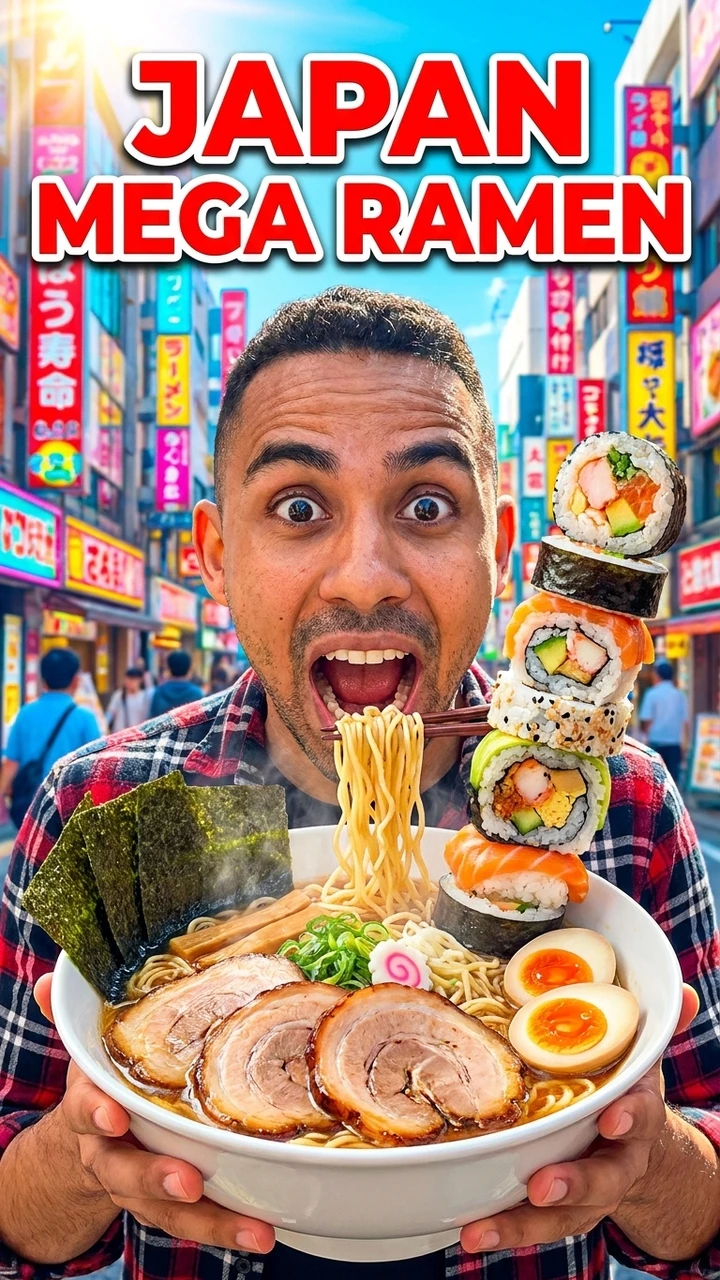
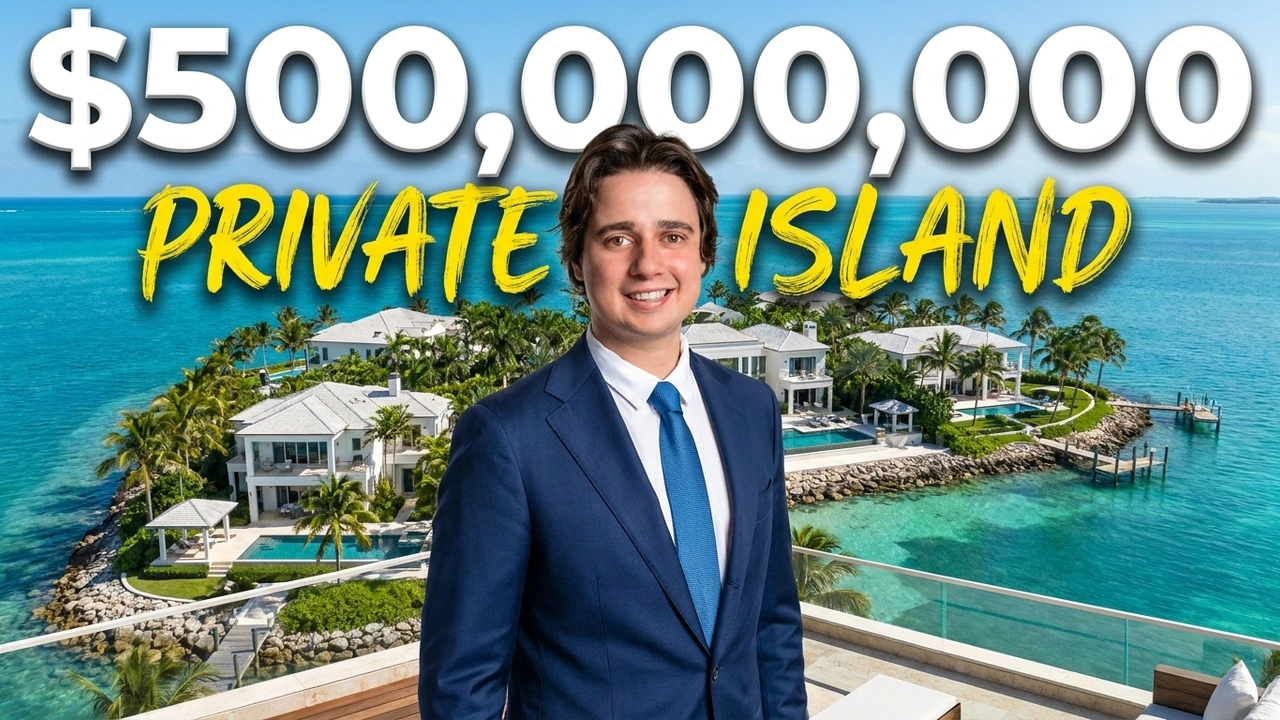
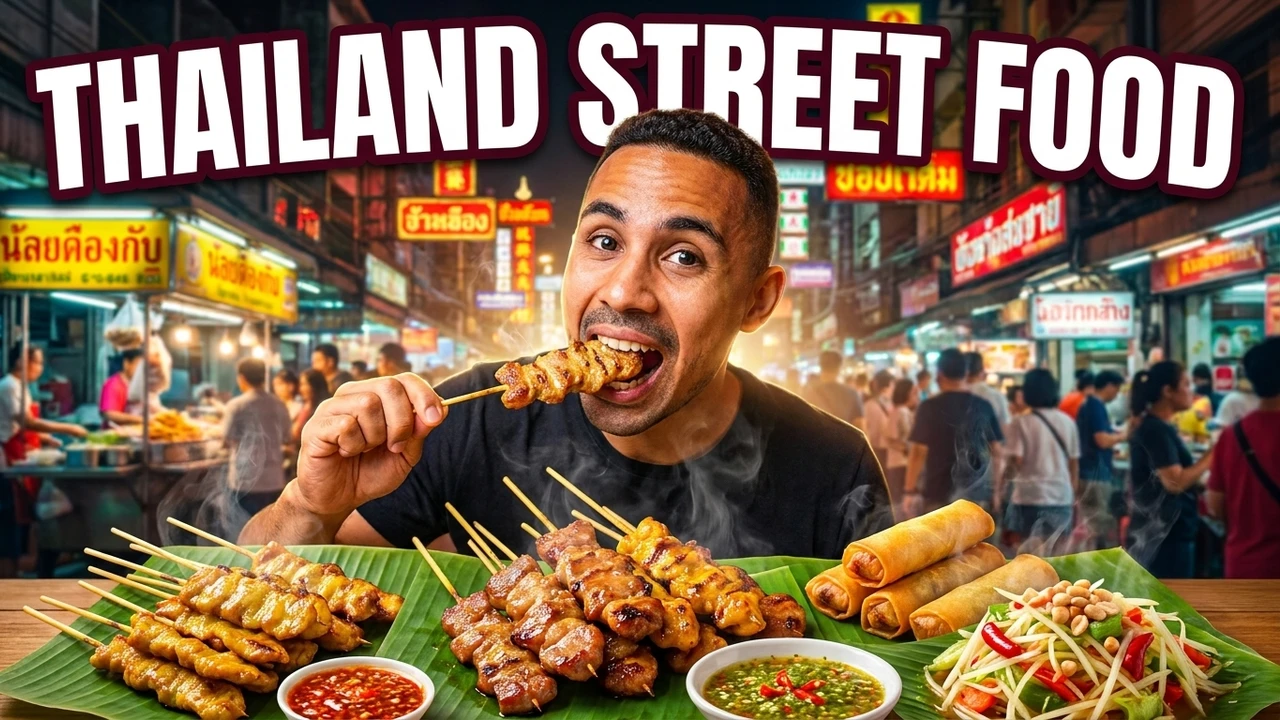
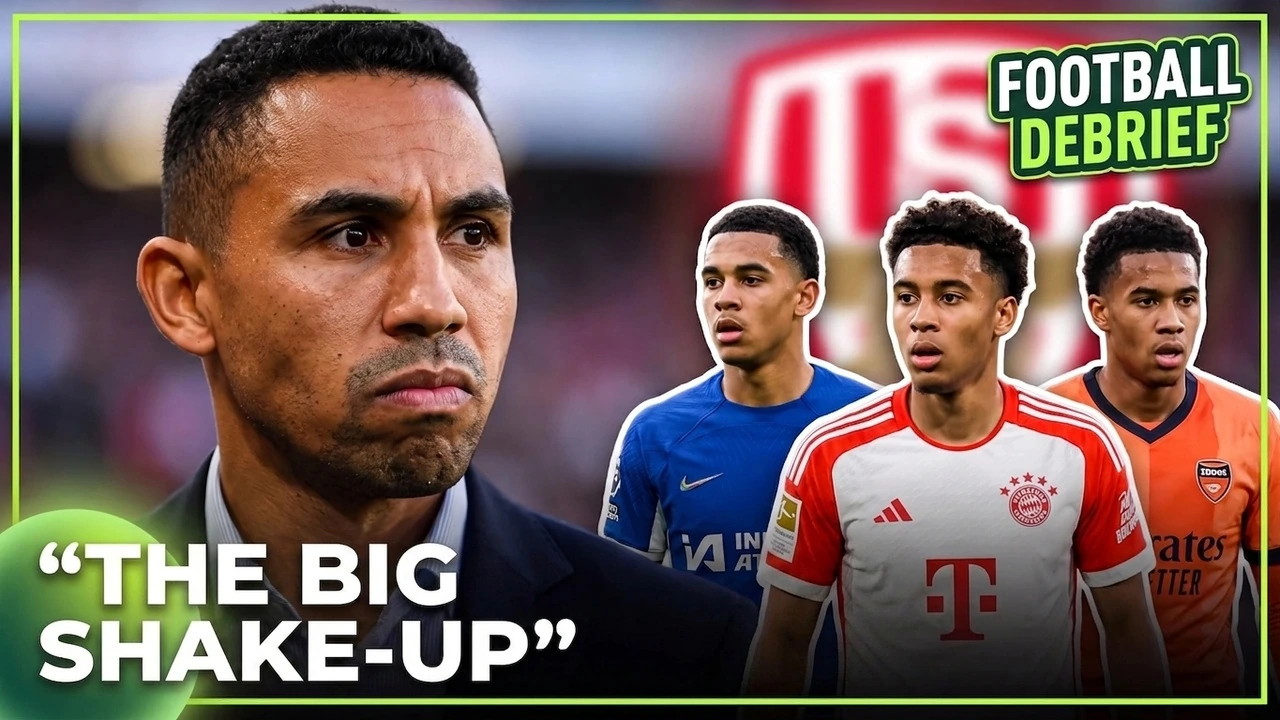
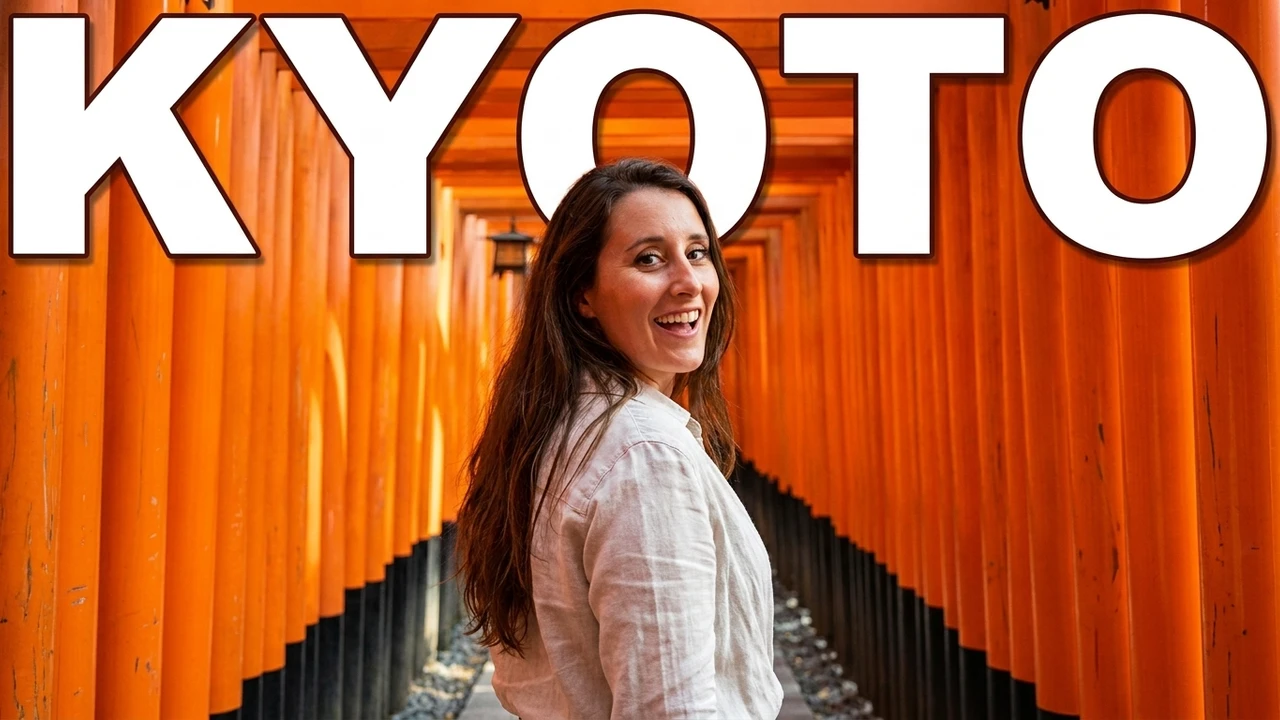
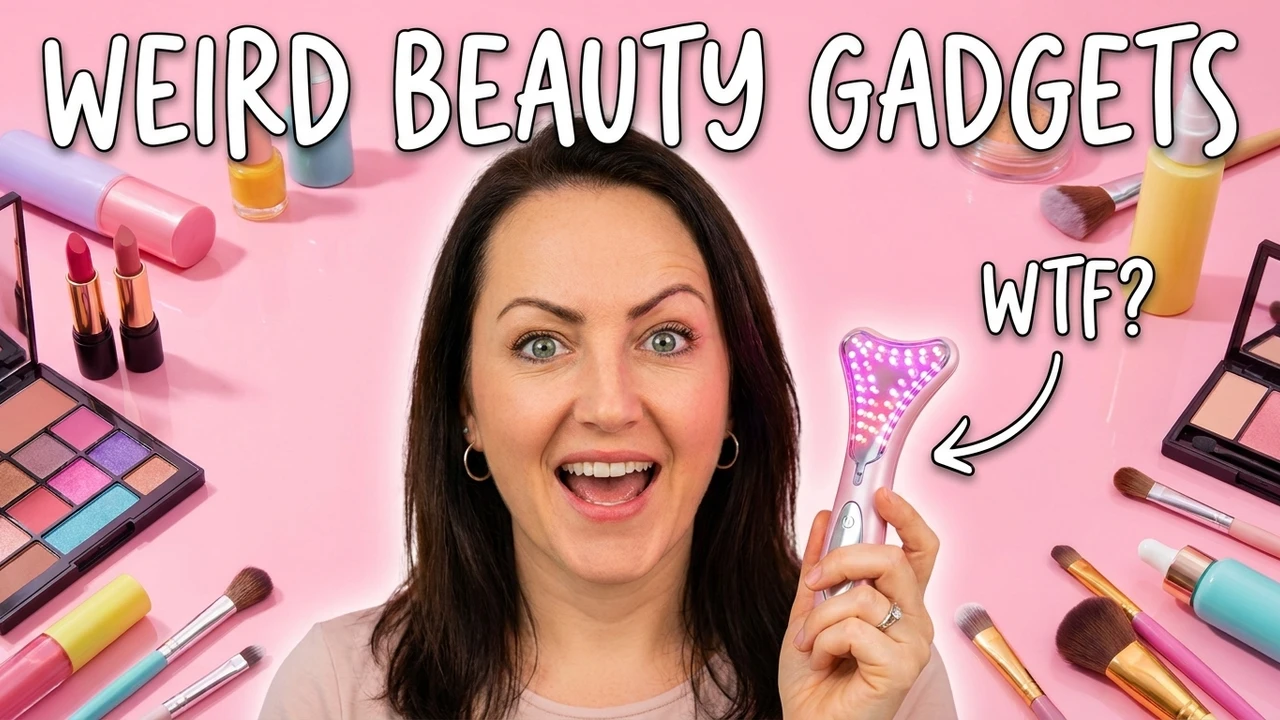
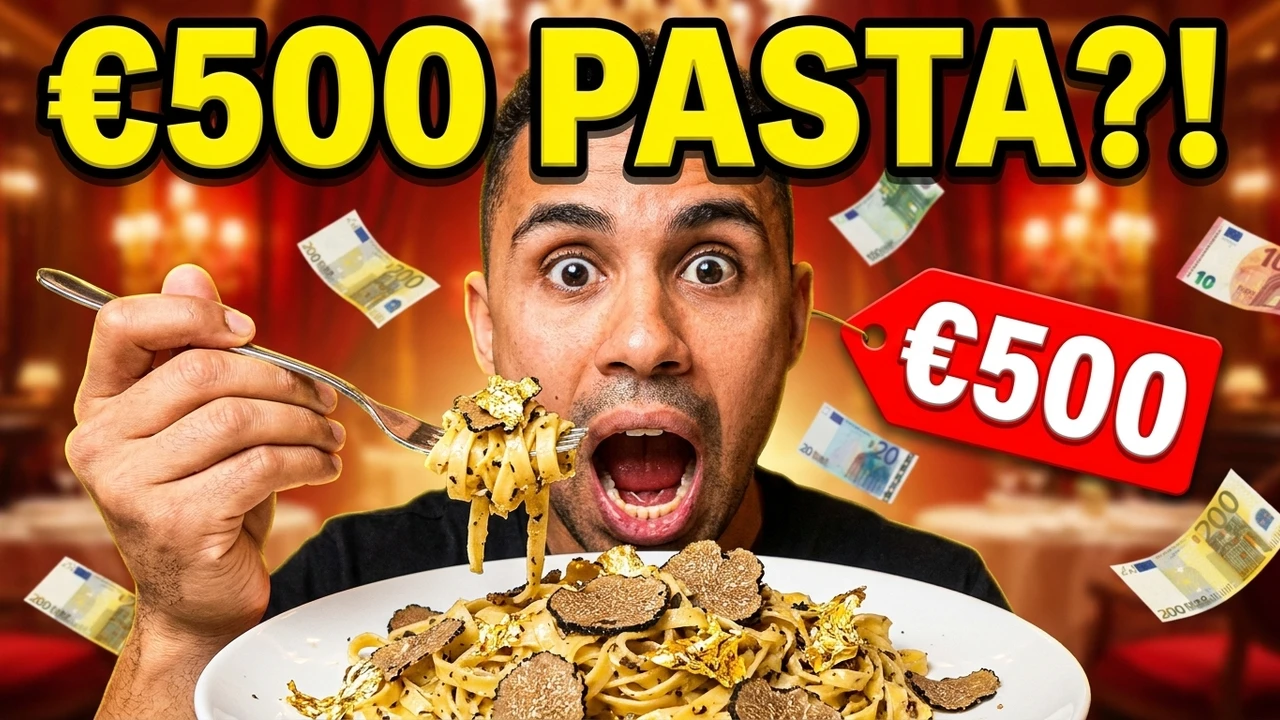
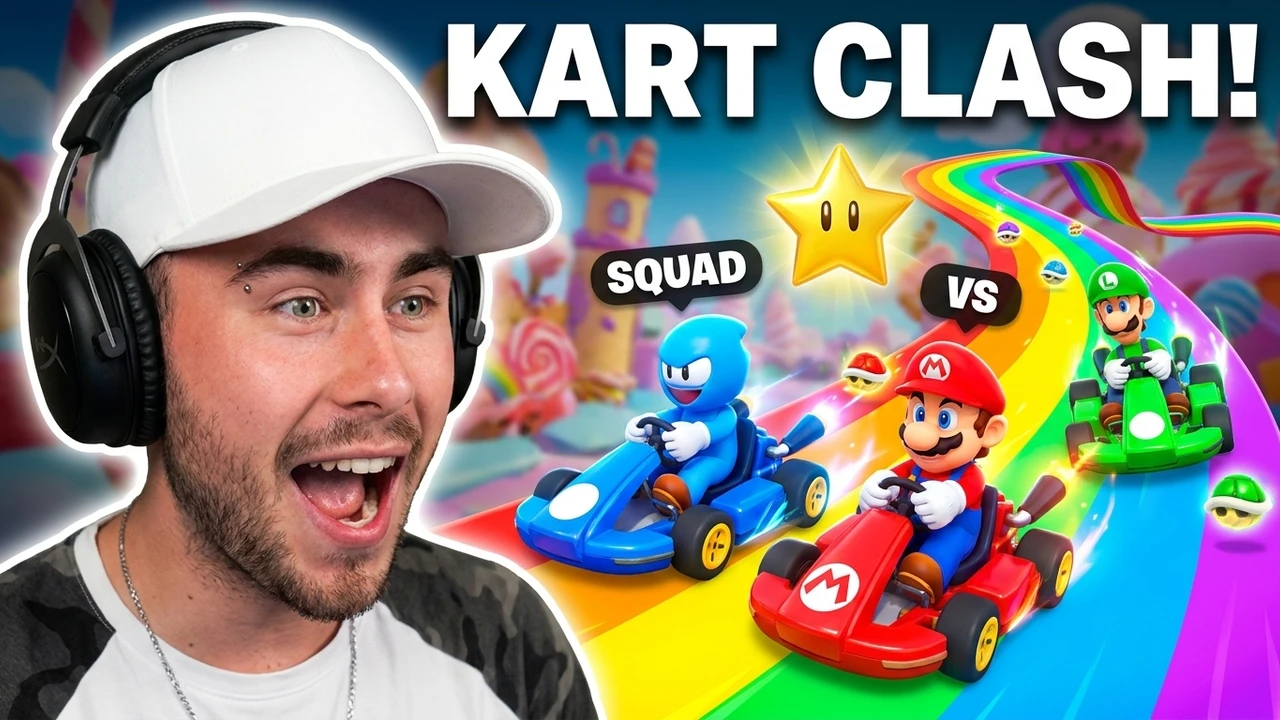
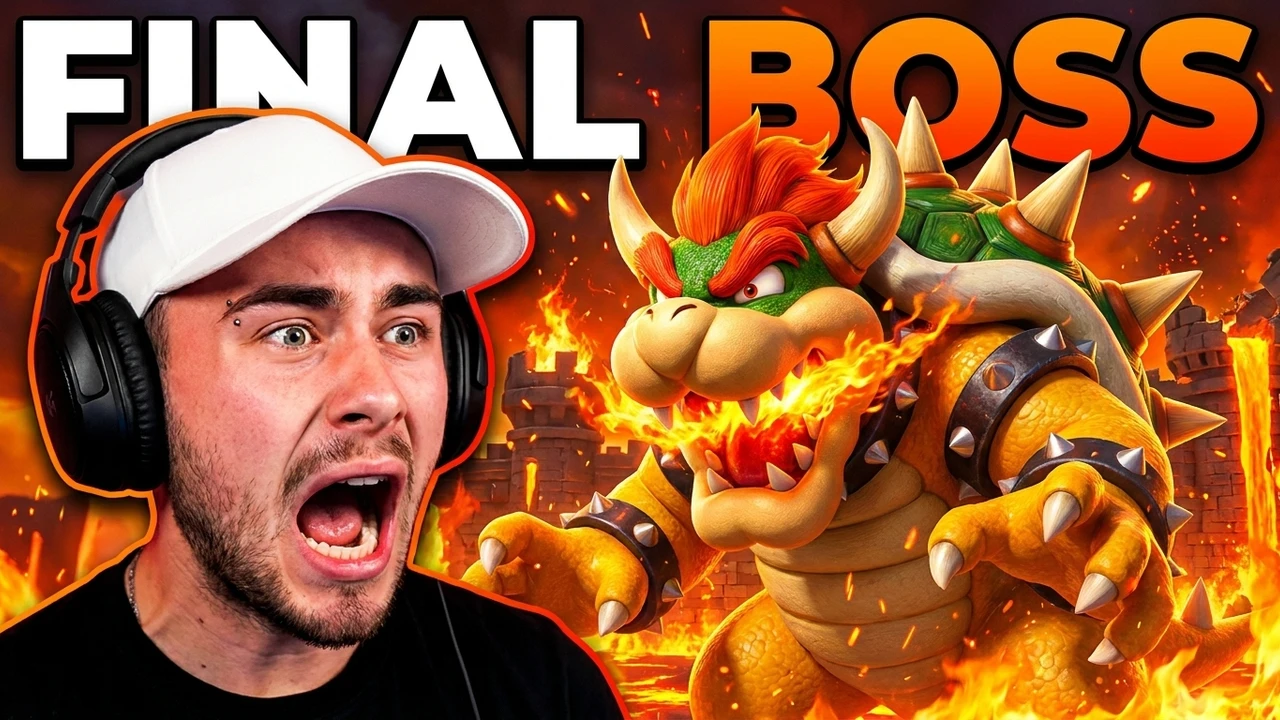
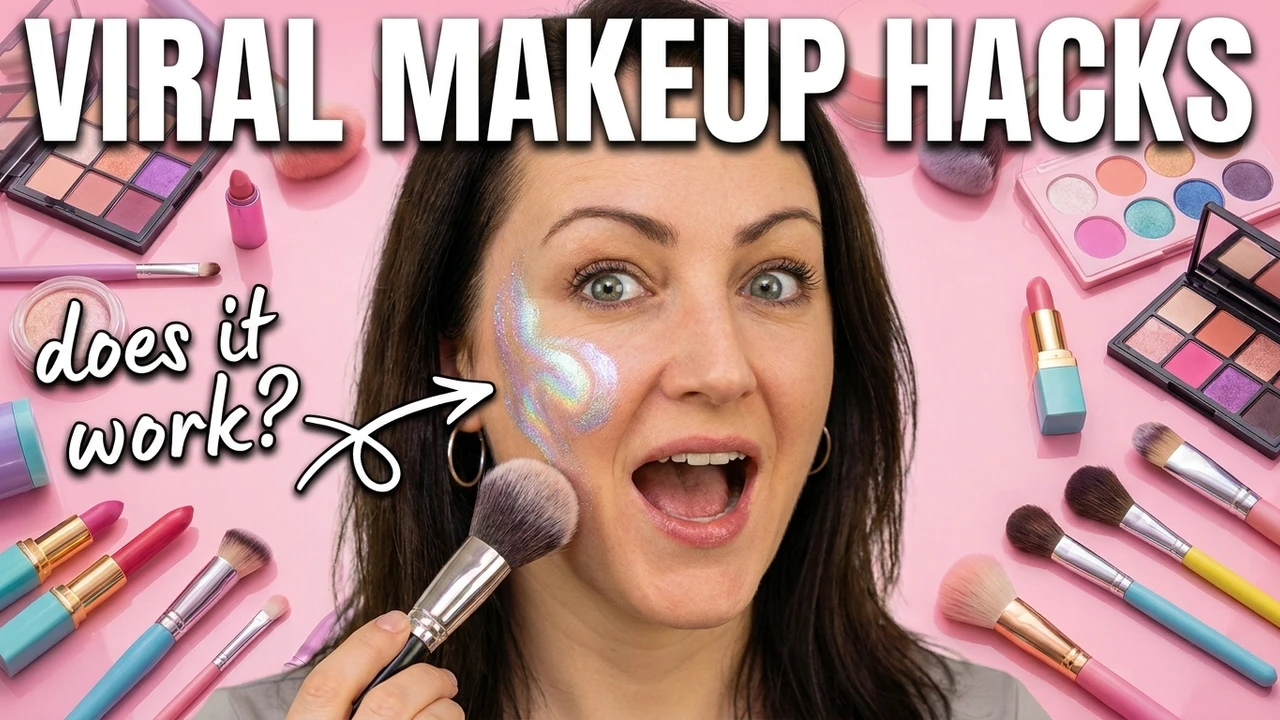
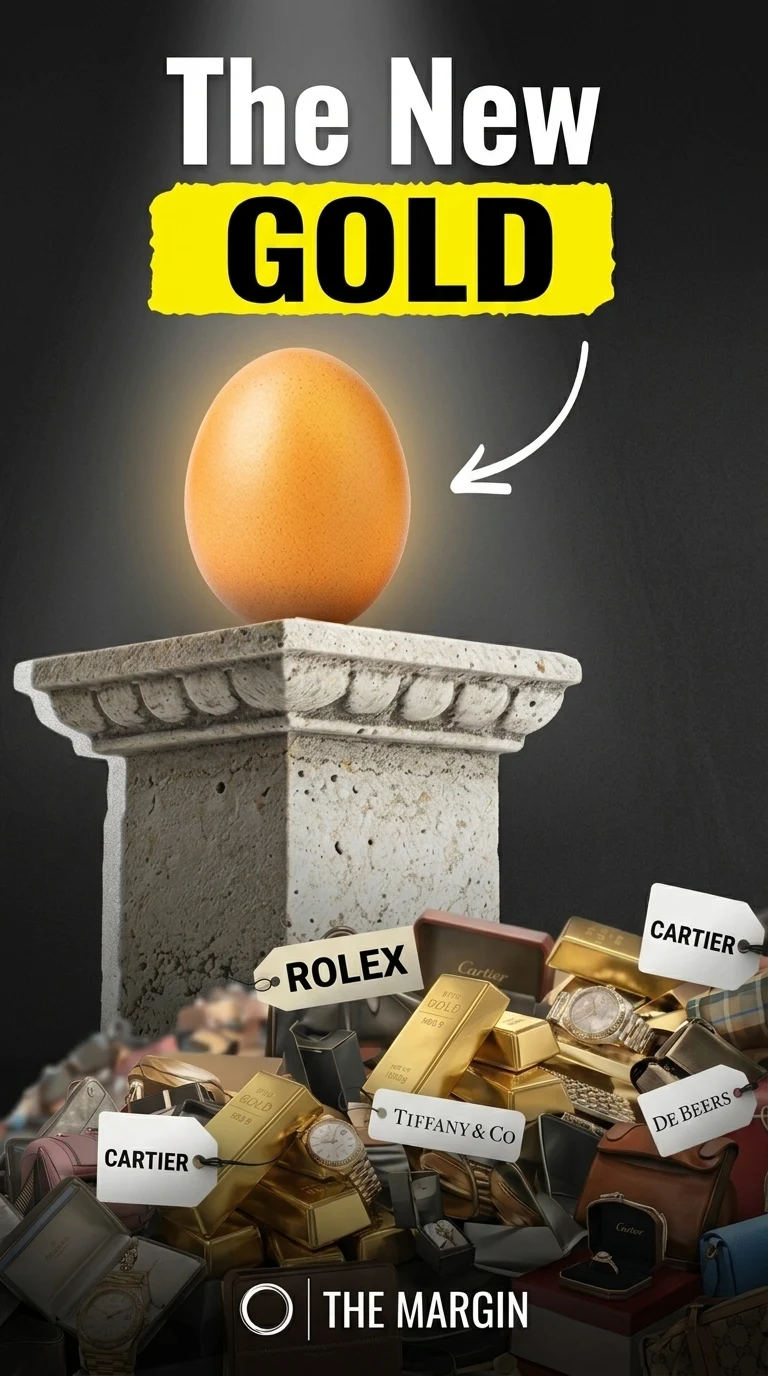
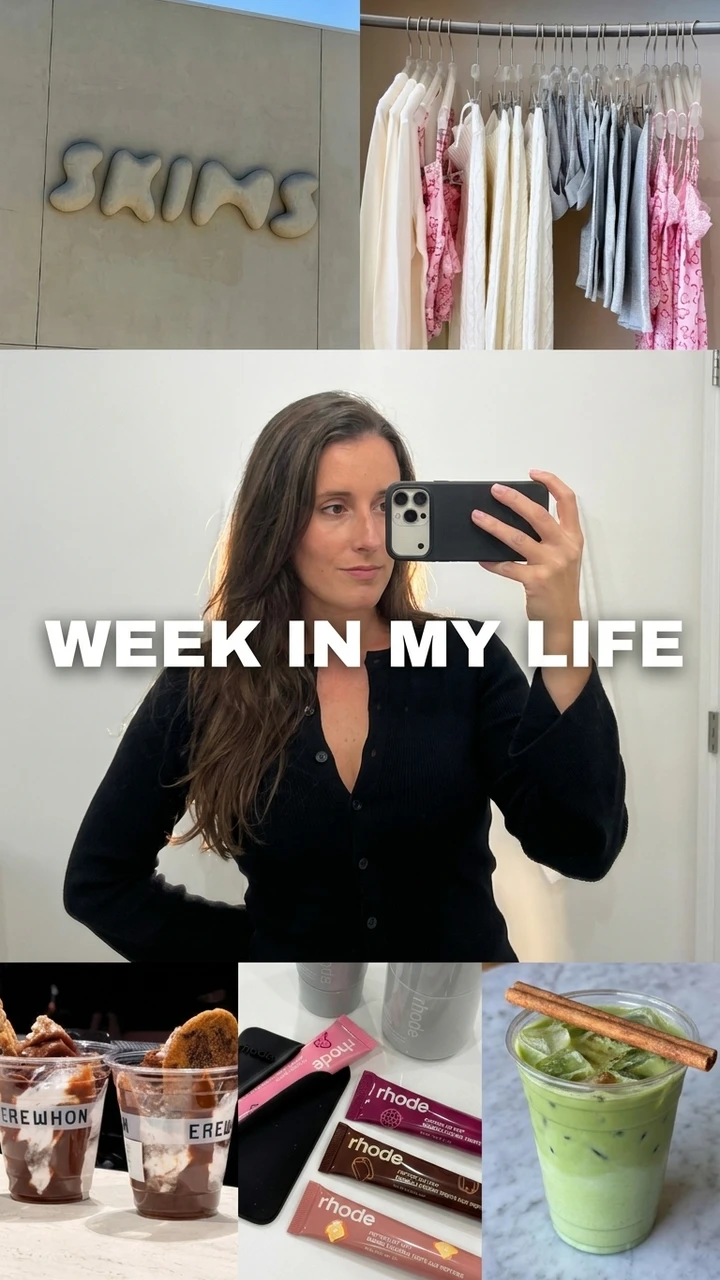
A sample of concepts generated across gaming, food, travel, sport, tech, and comedy. Every one started from a YouTube link or a one-line brief, then went straight to an editable 1280x720 canvas.

HD
HD
HD
HD
HD
HD
HD
HD
HD
HD
HD
HD
HD
HD
HD
HD
HD
HD
HD
HD
HD
HD
HD
HD
HD
HD
HD
HD

FAQ

YouTube thumbnail maker FAQ

01Is the YouTube thumbnail maker free?+

Yes. You get 3 free thumbnails with no credit card, all editable. The preview, resize, and download tools stay free to use as well.

02What size should a YouTube thumbnail be?+

Every concept is generated at 1280x720 pixels, the resolution YouTube recommends, in a 16:9 ratio and under the 2MB upload limit. There is nothing to resize or re-crop before you publish.

03What can I use as a source?+

A written brief, a video title, a transcript, an uploaded video file, or a public YouTube link. The more context you give, the sharper the hook the maker builds the frame around.

04Can I edit what the AI makes?+

Always. The headline text, subject, background, and color live on a live canvas and are never flattened, so you can keep refining long after the first generation.

05Will the thumbnail still read on mobile and in the sidebar?+

Yes. Every concept respects YouTube's safe zones and is built to stay legible at sidebar and mobile-feed size, where the majority of watch time starts, not just at full 1280x720.

06Can I make thumbnails for YouTube Shorts too?+

Yes. Each concept reflows into a 9:16 portrait crop for Shorts, so a single idea covers both your long-form video and its vertical clips.

07Do I need Photoshop or design skills?+

No. The maker handles composition, contrast, and text placement for you, and the editing canvas runs in the browser. If you can write one line about your video, you can ship a thumbnail.

08How do I get thumbnails that increase click-through rate?+

Generate three concepts, keep the one with the single clearest hook, and test it against your current thumbnail. Because concepts stay editable, iterating on the winner takes seconds instead of another design round.

Ready to generate

Turn your next video into a thumbnail people can't scroll past

Bring a YouTube link or a one-line brief and explore three editable, upload-ready concepts in a single focused workflow.

  • 3 free thumbnails to start
  • 1280x720, safe zones respected
  • Editable layers, never flattened
Create a thumbnail

Free to start. No design skills, no card.