The video to thumbnail maker worth the click
Upload footage or paste a supported link. The maker scans the clip for the peak frame, keeps your subject with face and outfit intact, then builds three editable, feed-ready concepts around it.
- Keeps your subject and identity
- Works from a link or upload
- 3 editable concepts
- 0Timeline scrubbing needed
- 3Concepts per generation
- 4Import sources supported
- 100%Editable layers, never flattened
How it works
From footage to thumbnail in three steps
- 11 / 3
Bring your footage
Upload a video file or paste a supported YouTube, TikTok, or Instagram link. No editing timeline, no export dance.
- 22 / 3
Lift the peak frame and subject
The maker scans the clip for the strongest frame, then cuts your subject out with face, expression, and outfit intact.
- 33 / 3
Restage and export
Build a fresh scene around your subject, add a headline on a live canvas, then export platform-native sizes.
The frame finder
It scans the whole clip and lifts the one frame worth using
Drop in footage and the maker reads every second for the peak moment, flags it, then cuts the subject onto its own layer so the thumbnail is built, not screenshotted.
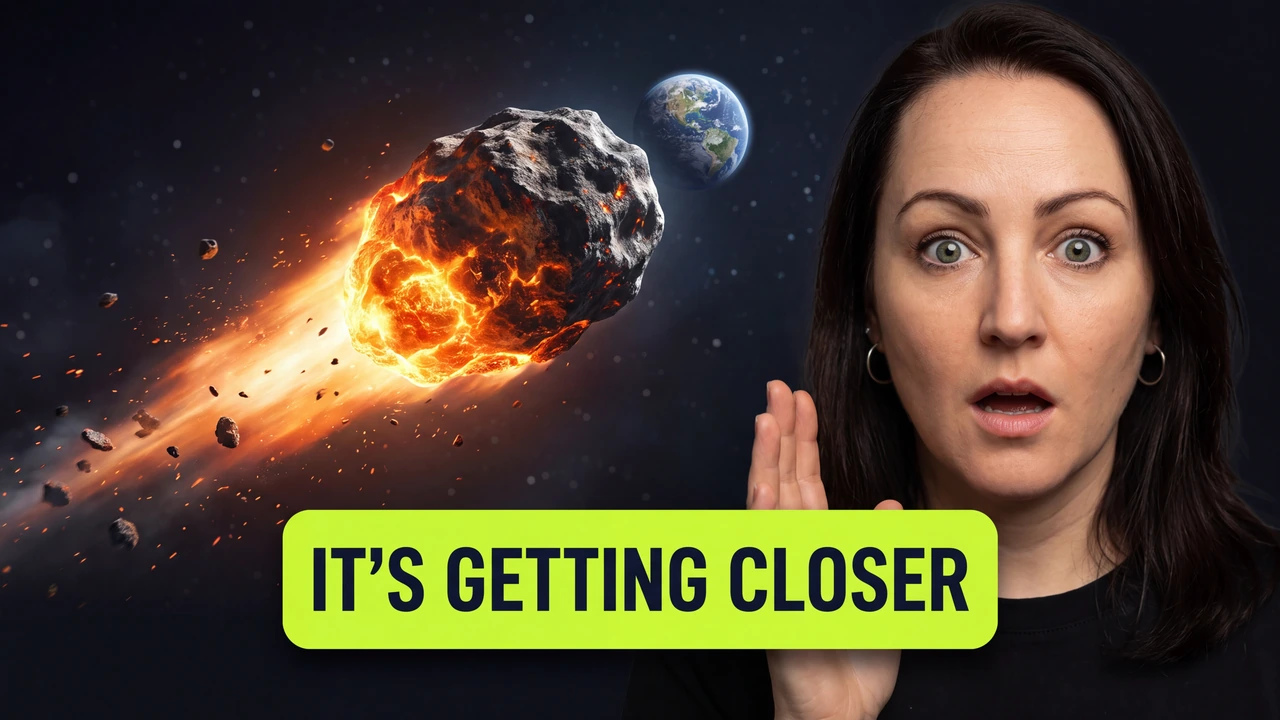
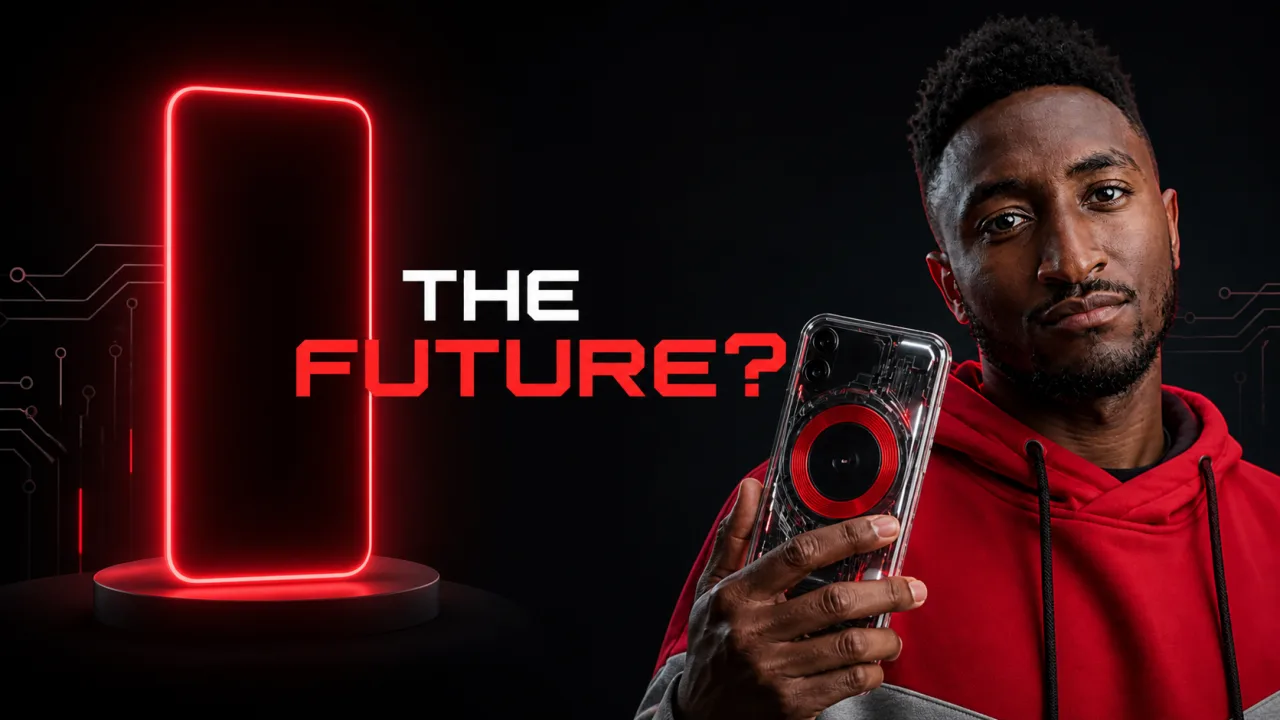
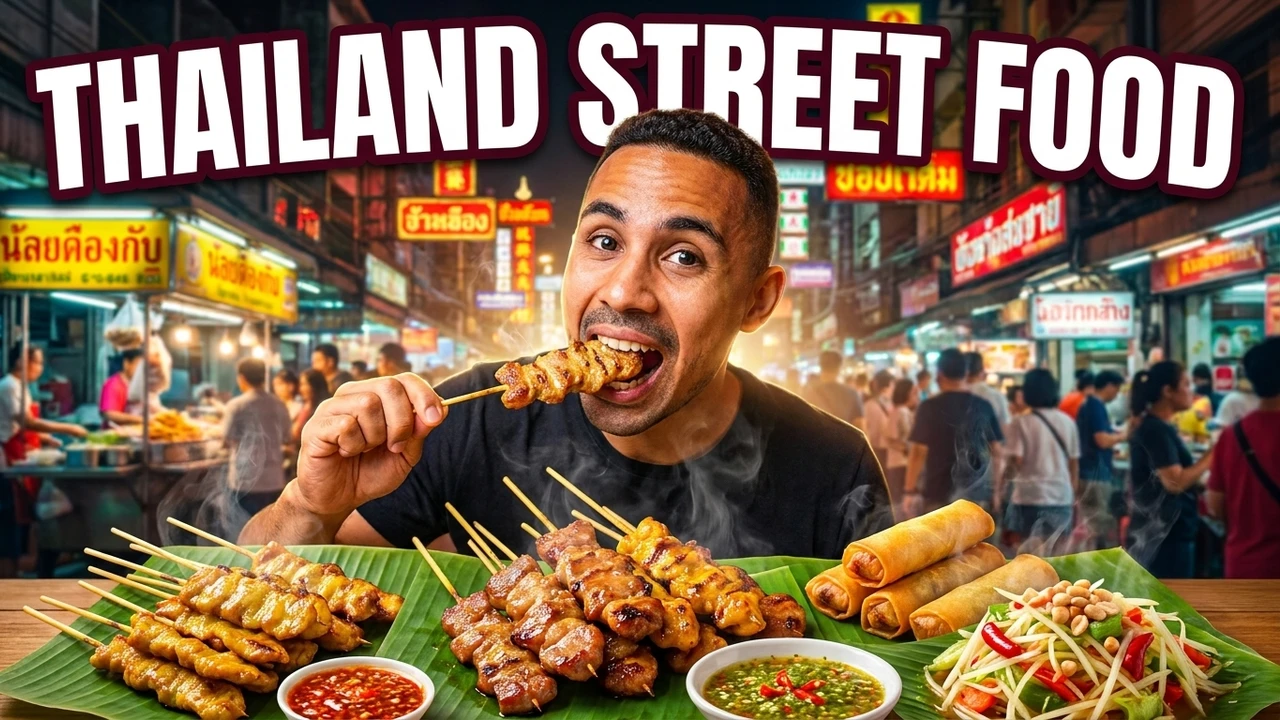
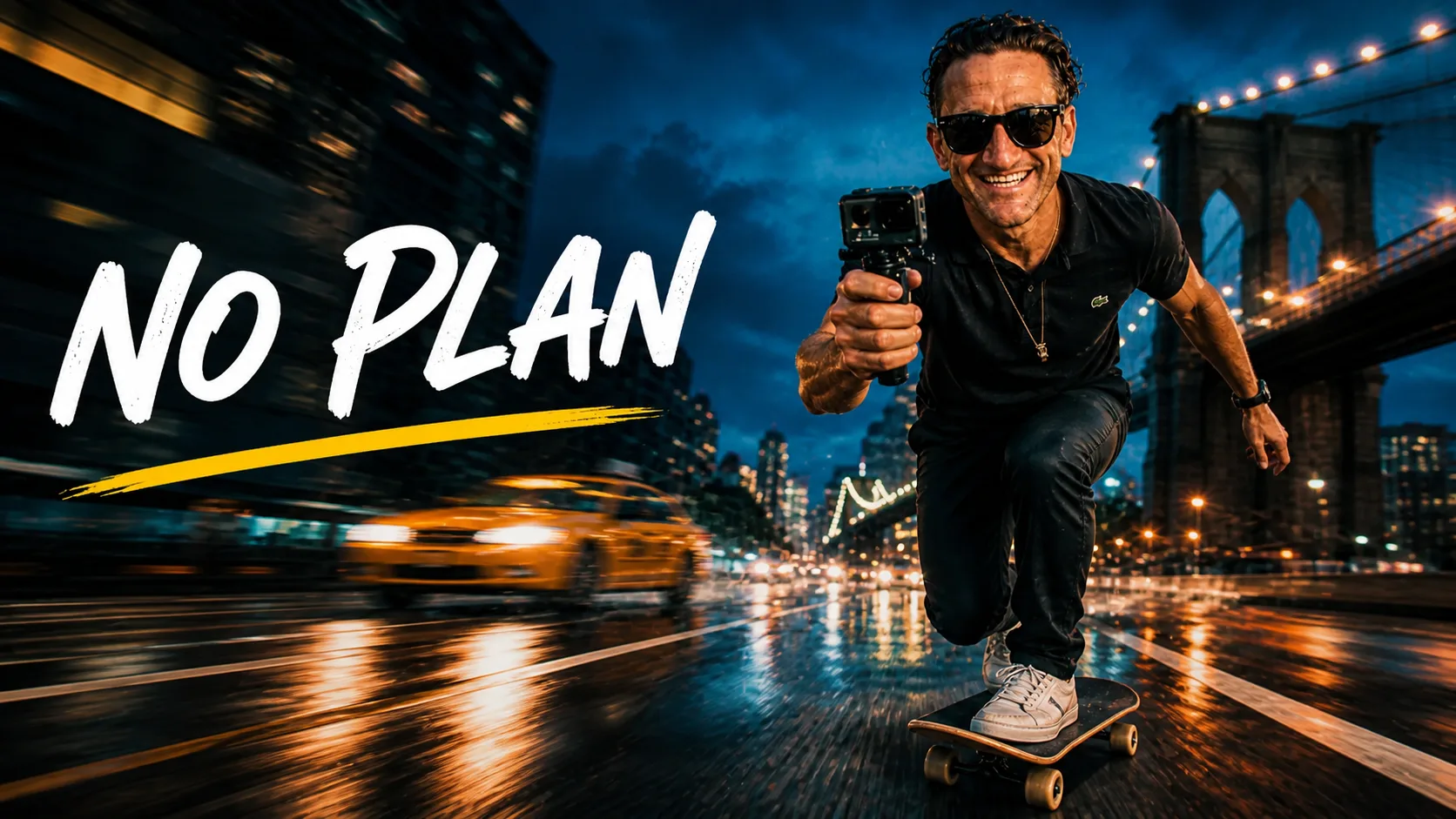
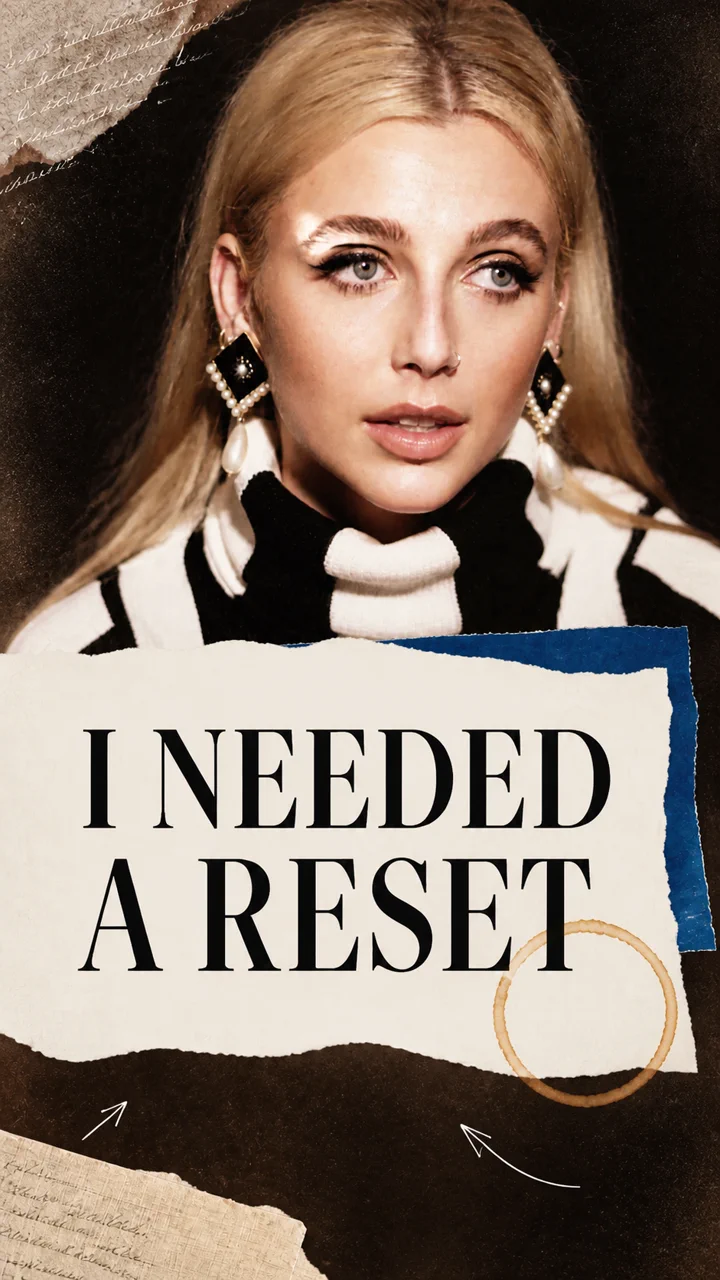
Cut clean onto its own editable layer
- Reads emotion, motion, and framing across the clip
- Flags the frame that stops the scroll
- Separates the subject so you can restage it
What you get
A thumbnail built from your video, not a screenshot
A raw frame grab is blurry, off-moment, and stuck with its background. This maker reads the footage, keeps the subject, and rebuilds the frame around it.
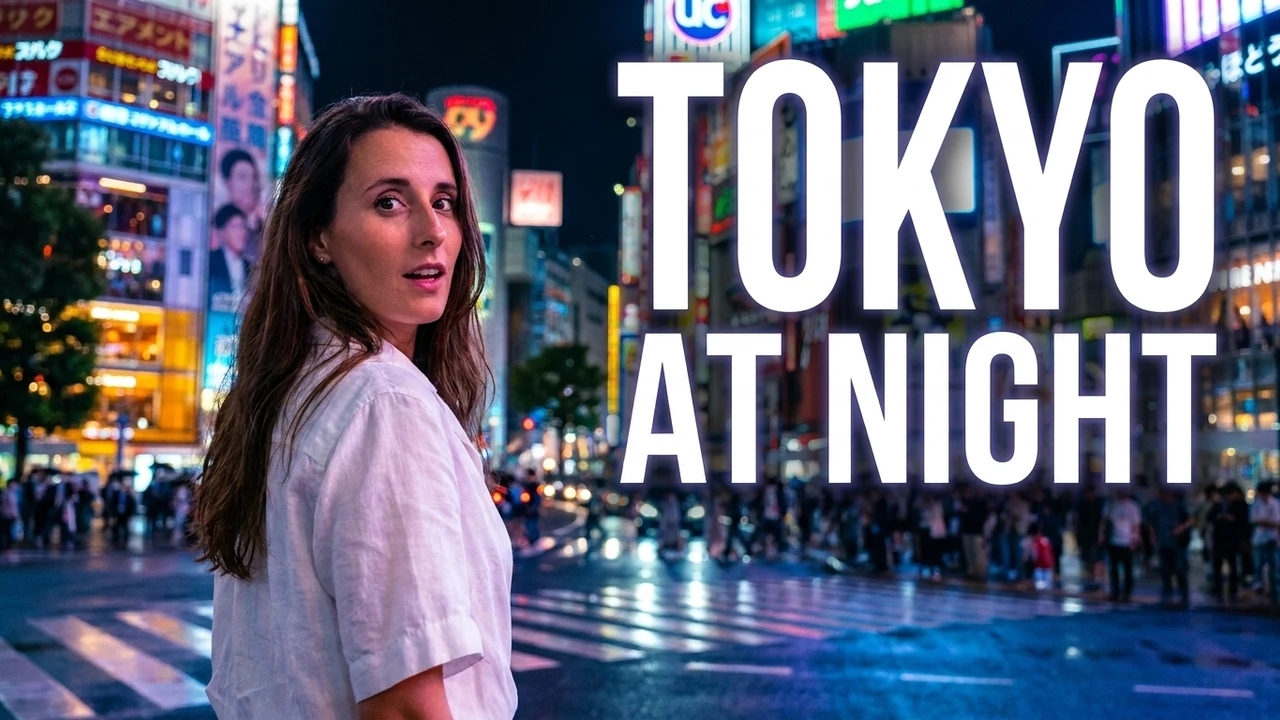
It finds the one frame worth using
Instead of scrubbing a timeline, the maker reads emotion, motion, and framing across the whole clip, then flags the single frame that stops the scroll.
- Reads the whole clip
- Flags the peak frame
- No manual scrubbing
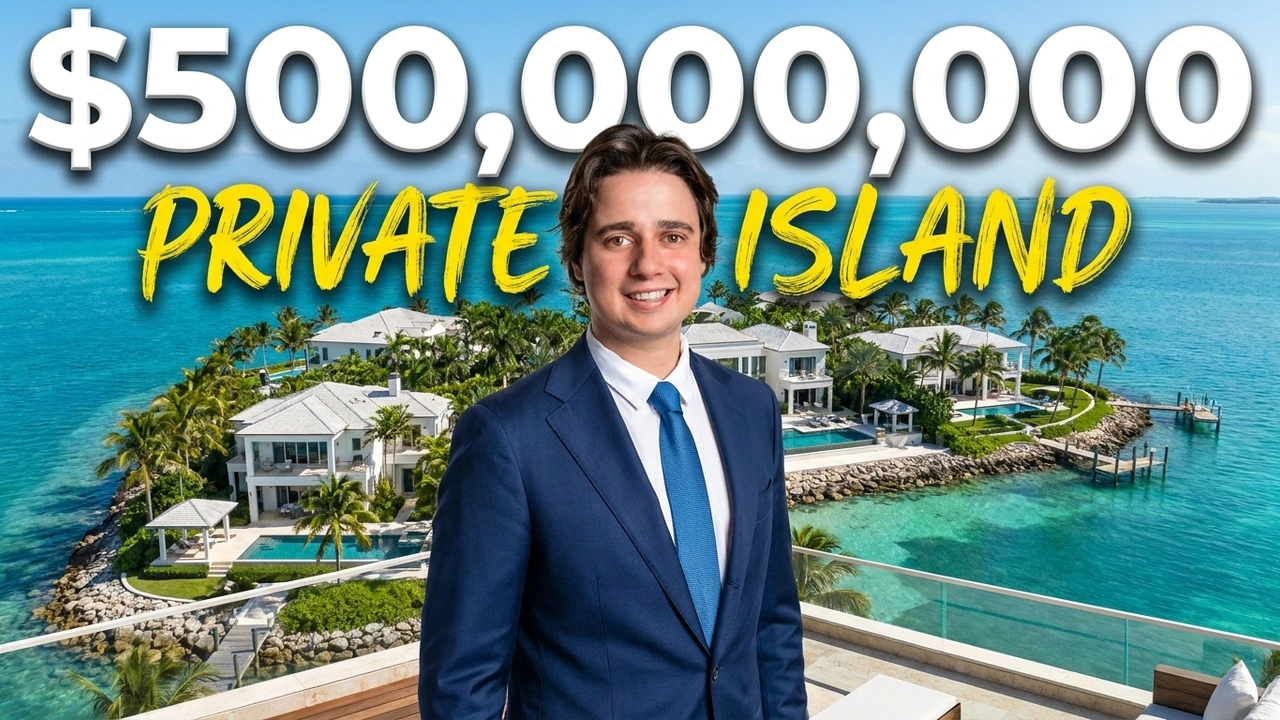
Your face and outfit carry over
The subject is lifted with identity, expression, and clothing preserved, so the thumbnail matches the video instead of showing an AI stranger who was never in it.
- Face and expression kept
- Outfit stays consistent
- Never an AI stranger
Rebuild the scene around you
Keep the person, swap the messy background for a clean high-contrast scene, and add the props and color that earn the click, without a reshoot.
- New background and props
- High-contrast composition
- Subject stays put
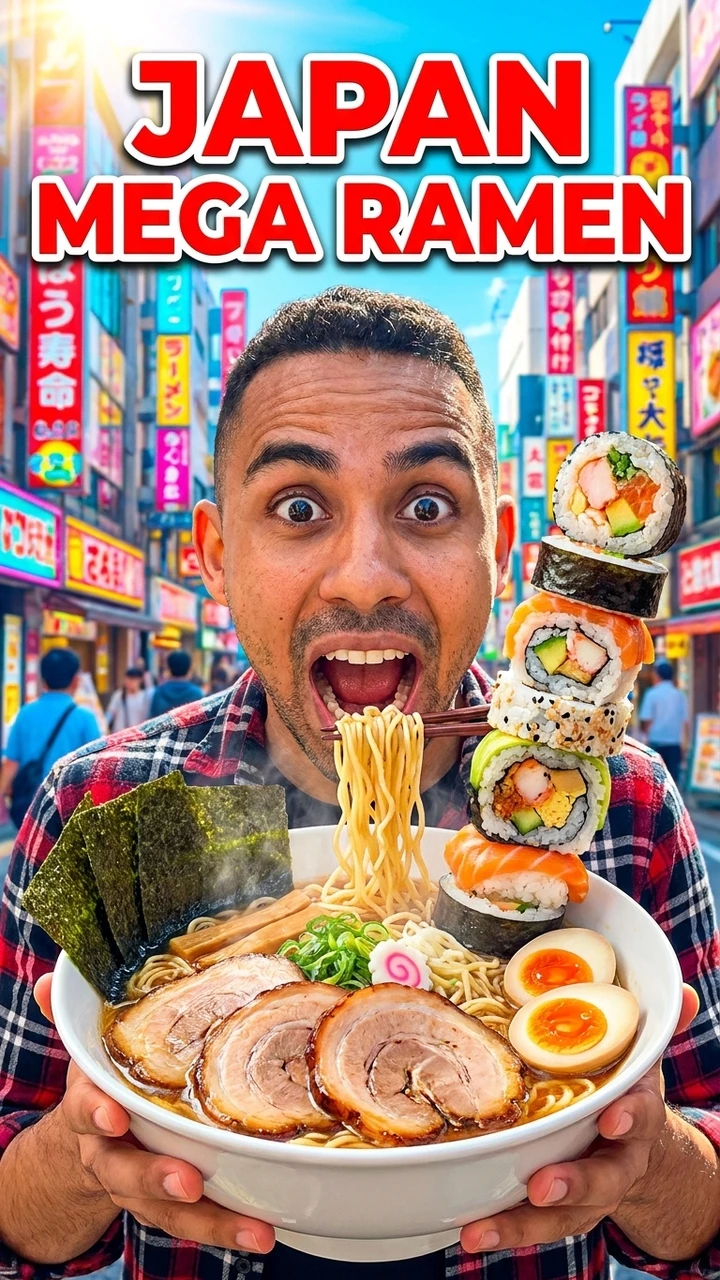
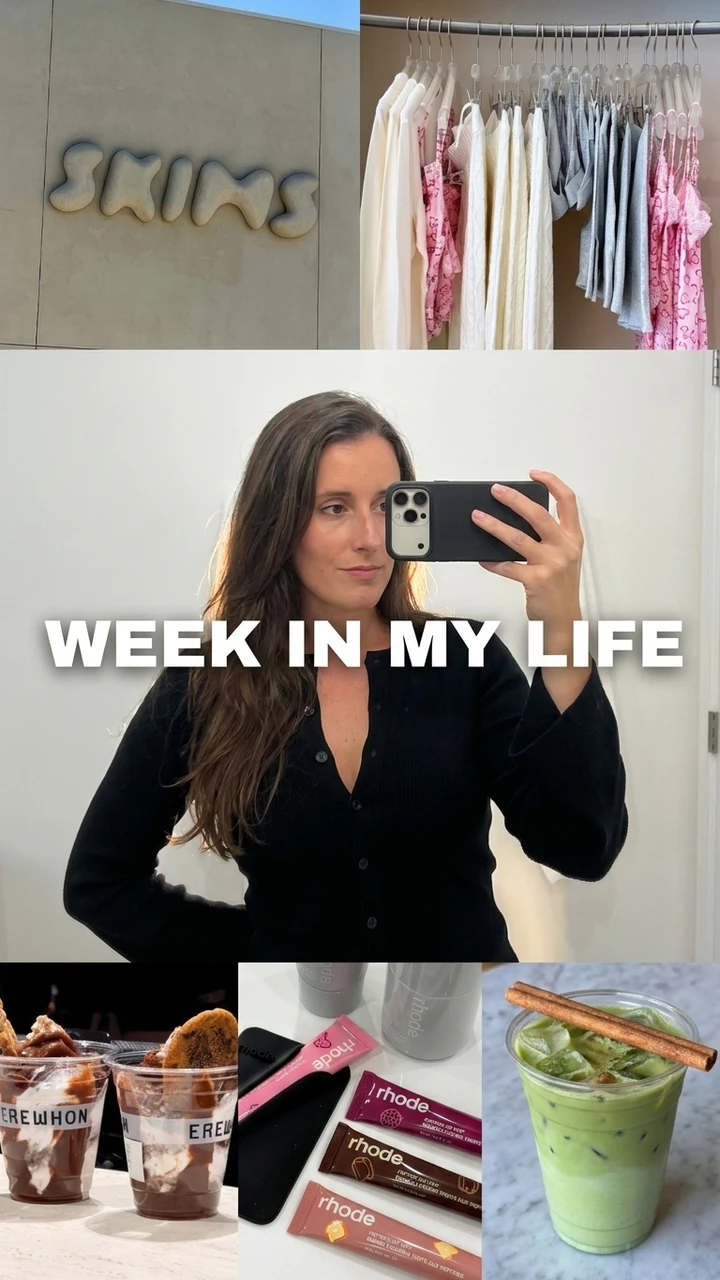
One clip, every format
Reflow a single concept into YouTube, Shorts, Reels, and TikTok sizes with safe zones respected, so it reads at a glance in every feed instead of getting cropped.
- YouTube and Shorts
- Reels and TikTok covers
- Safe zones kept intact
Why start from video
Why start from the video
Real subjects, kept real
Your face, expression, and outfit carry over so the thumbnail matches the video instead of a generated look-alike.
No manual frame hunting
Skip scrubbing the timeline. Strong candidate frames are read from the clip and surfaced for you.
Fresh scenes, same you
Rebuild the background and composition without losing the subject that earns the trust and the click.
Every platform, no watermark
Export YouTube, Shorts, Reels, and TikTok sizes from one source video and publish them clean, with no watermark.
How it compares
Built from your footage, not a lucky screenshot
A raw screenshot is frozen and stuck with its background. A generic image model invents a stranger. This maker keeps your subject and rebuilds the frame.
Made from video
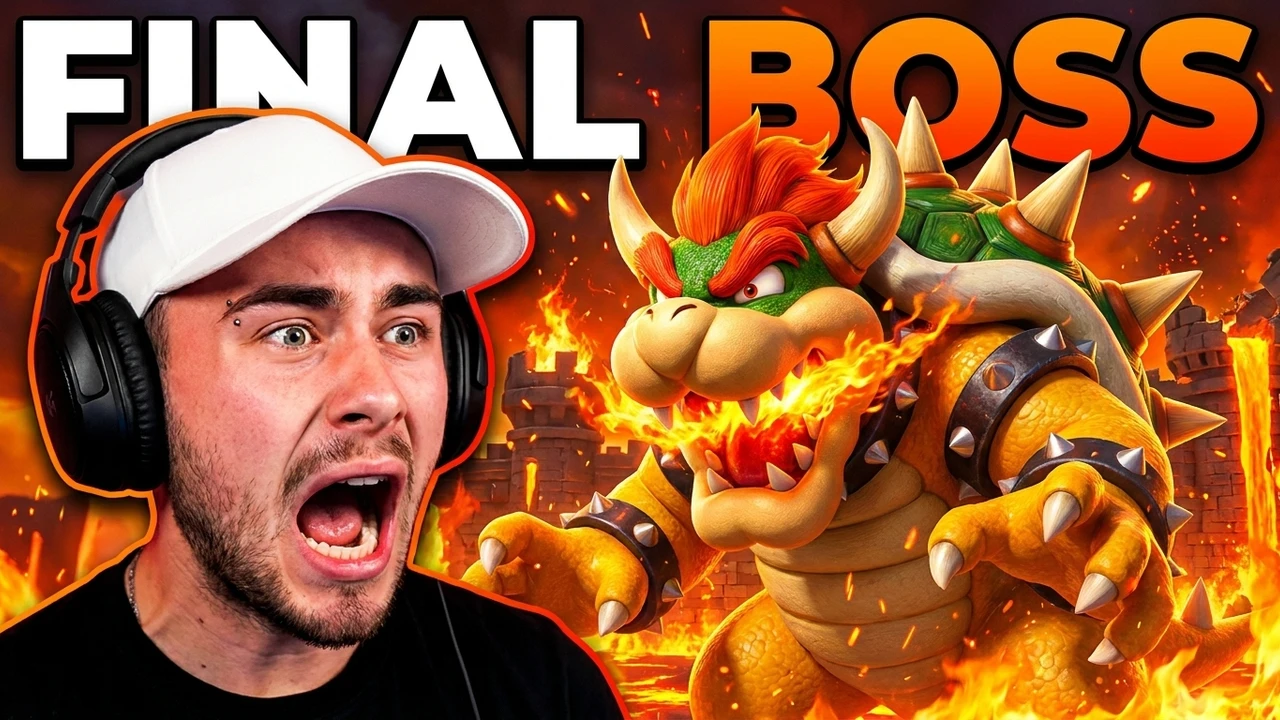
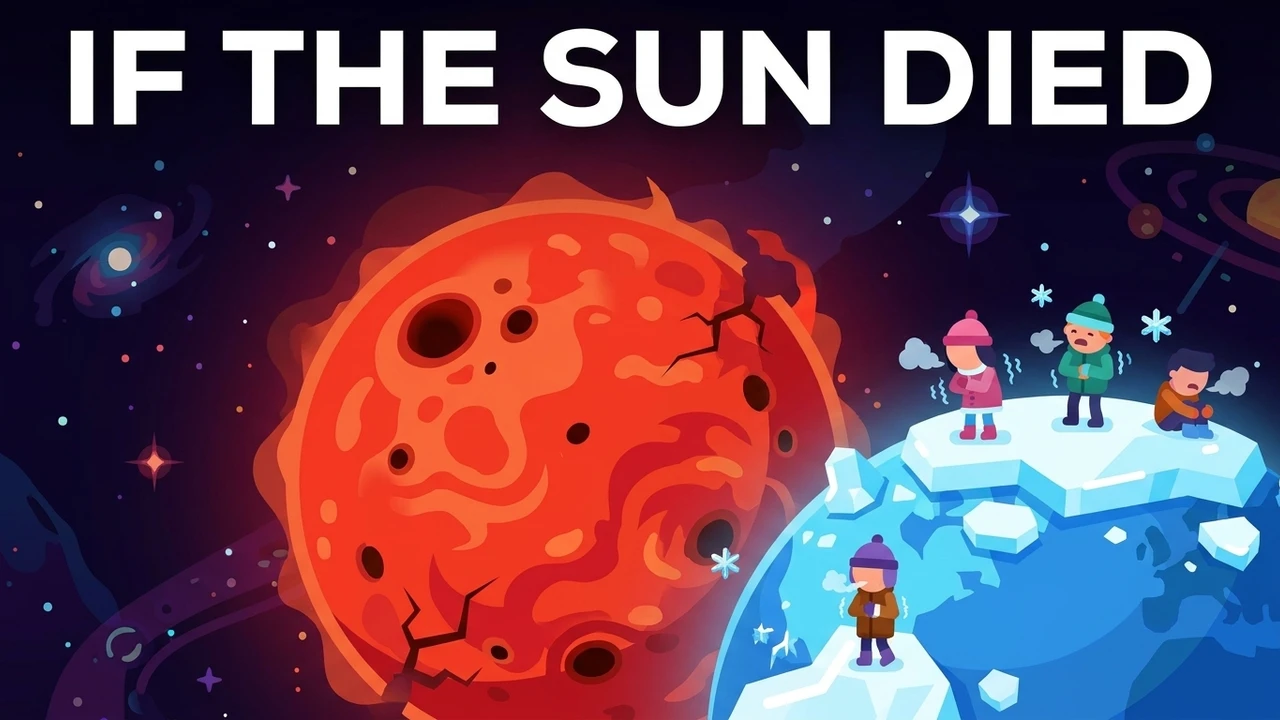
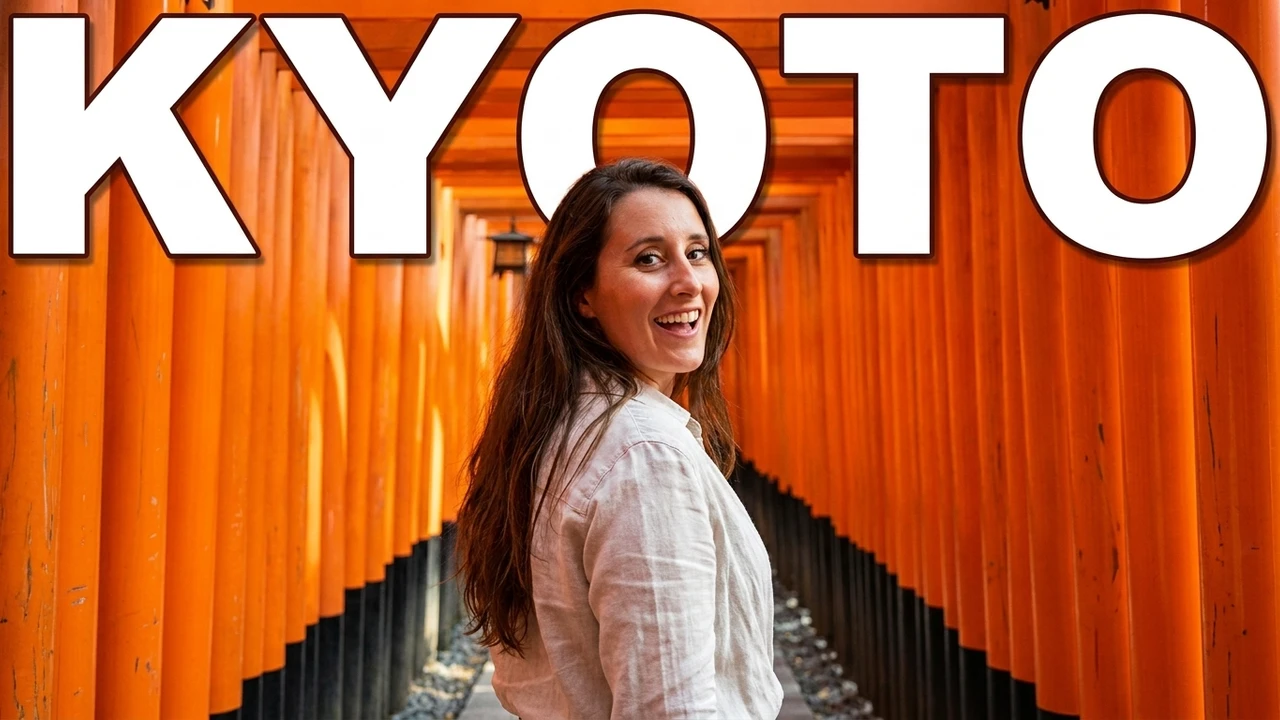
Thumbnails built from real footage
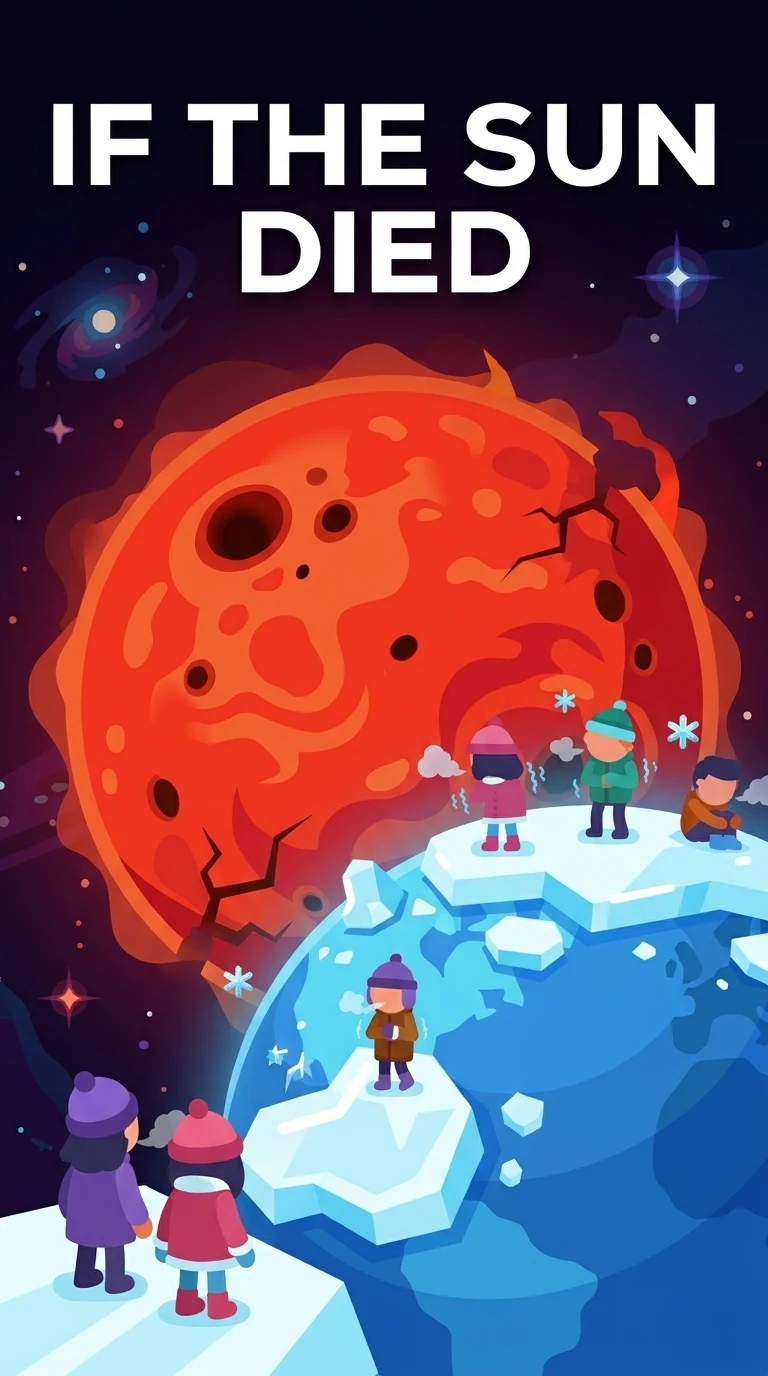
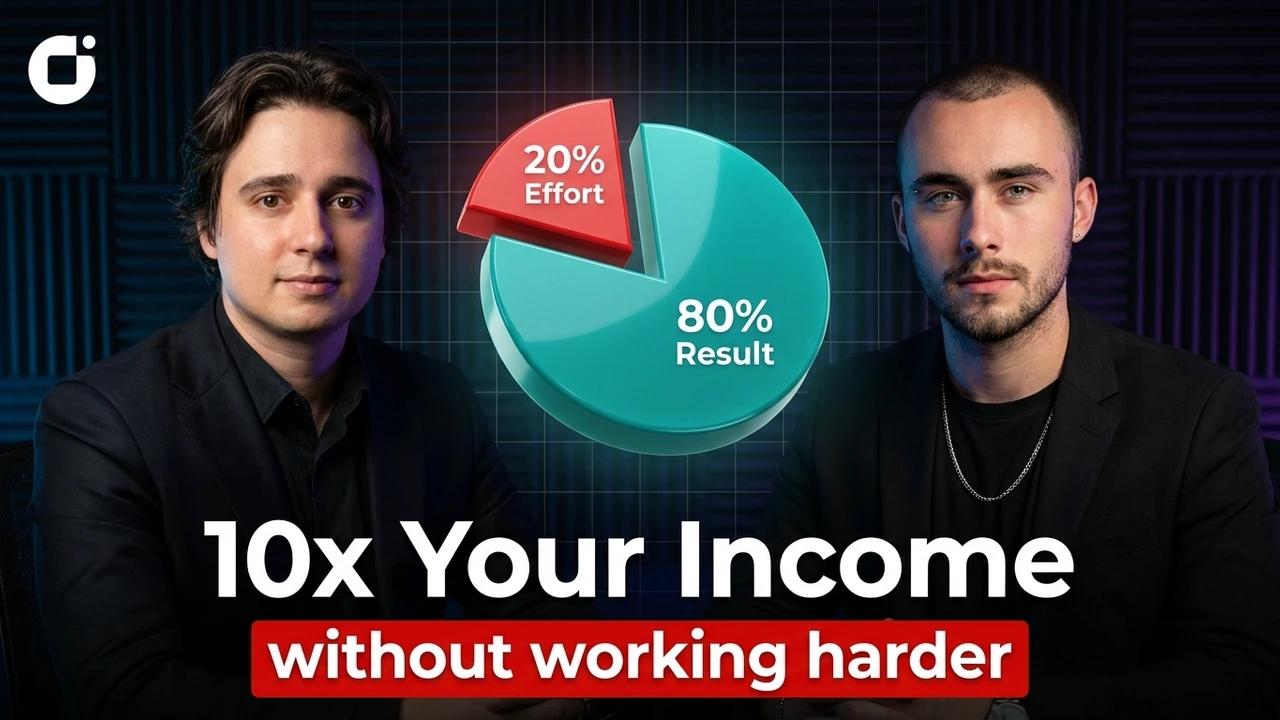
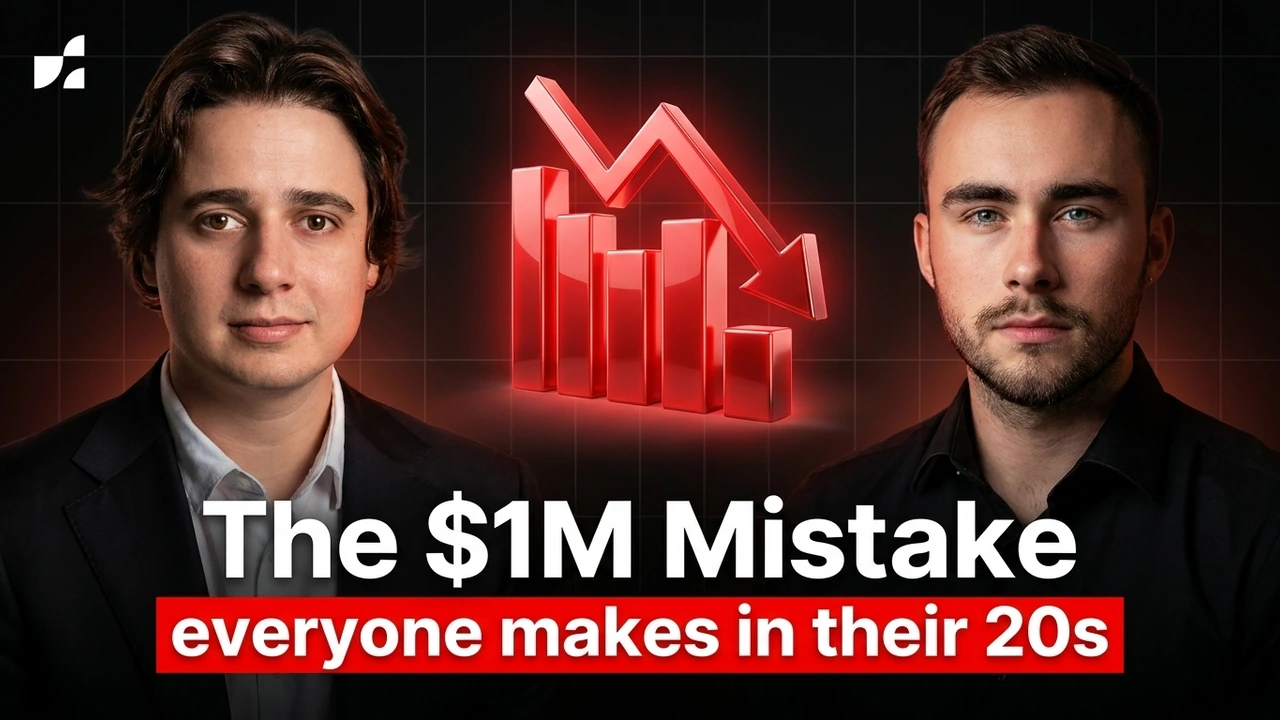
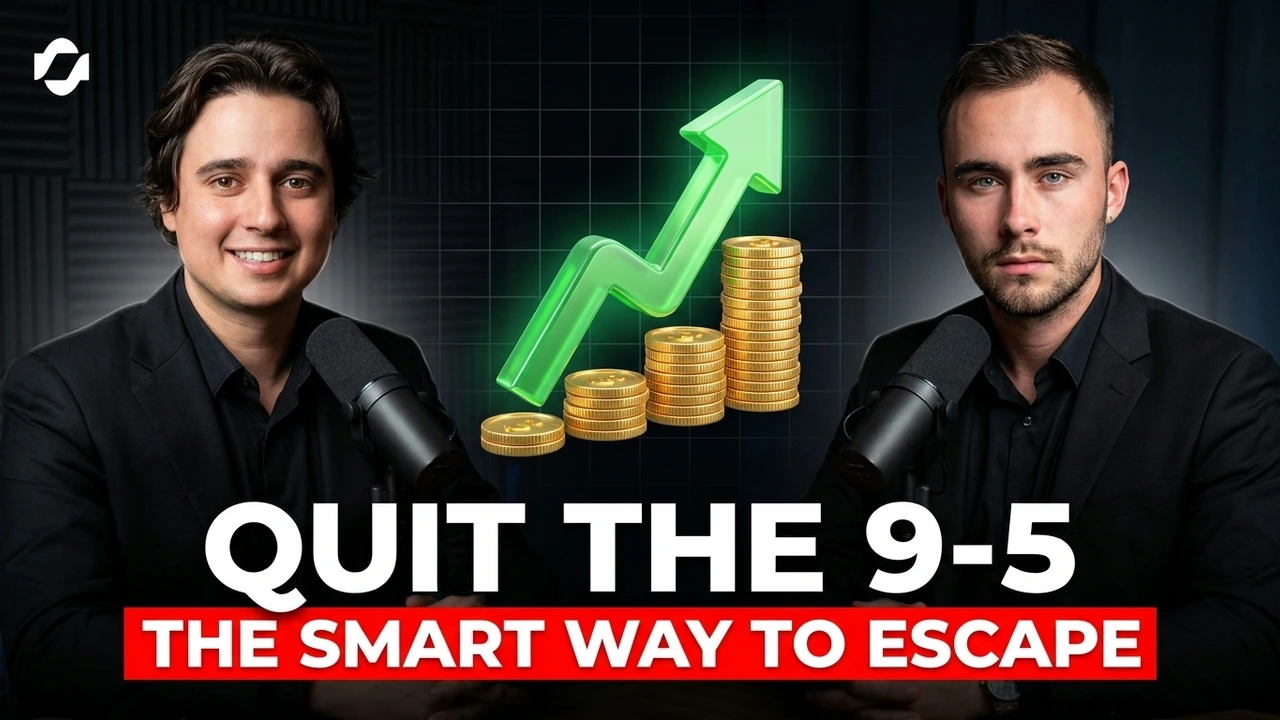
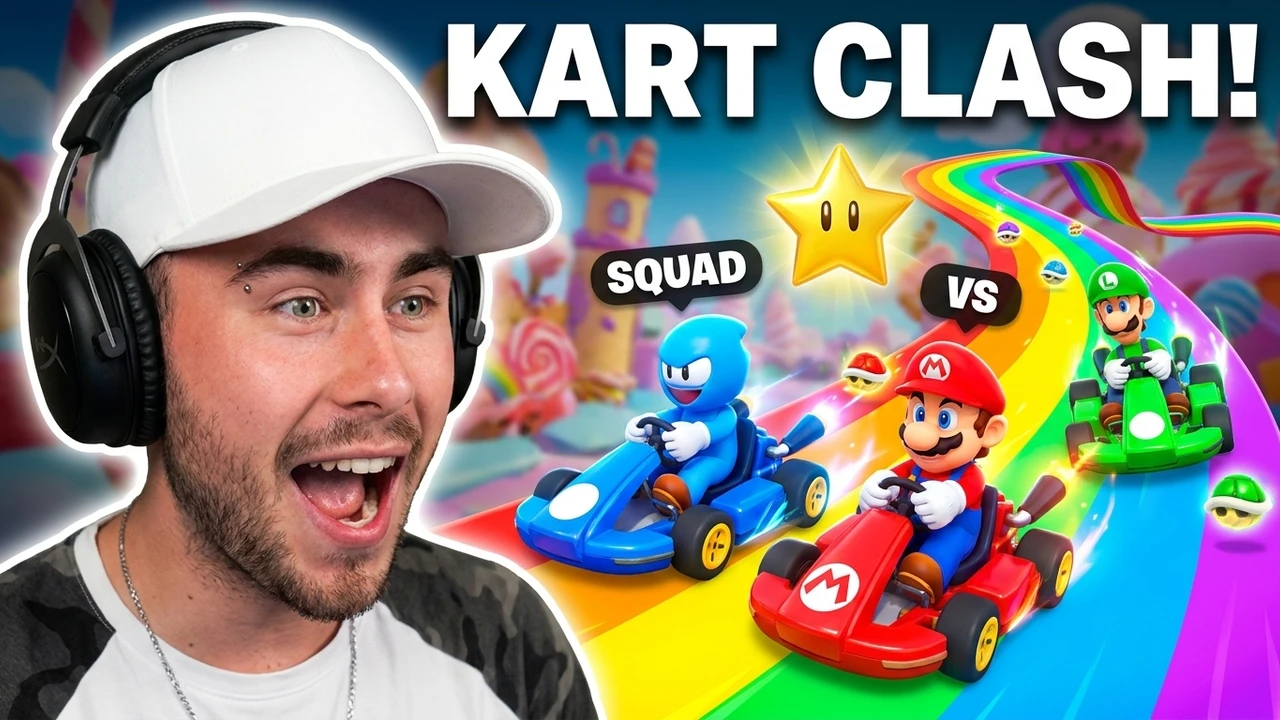
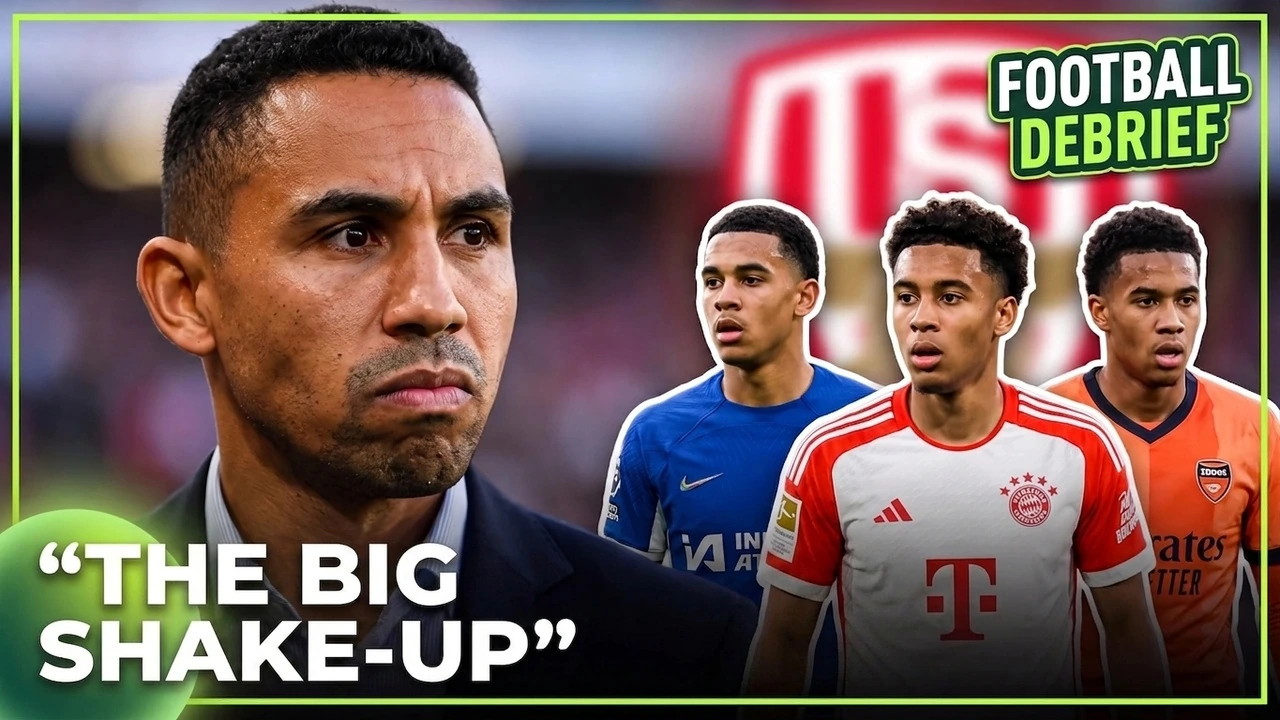
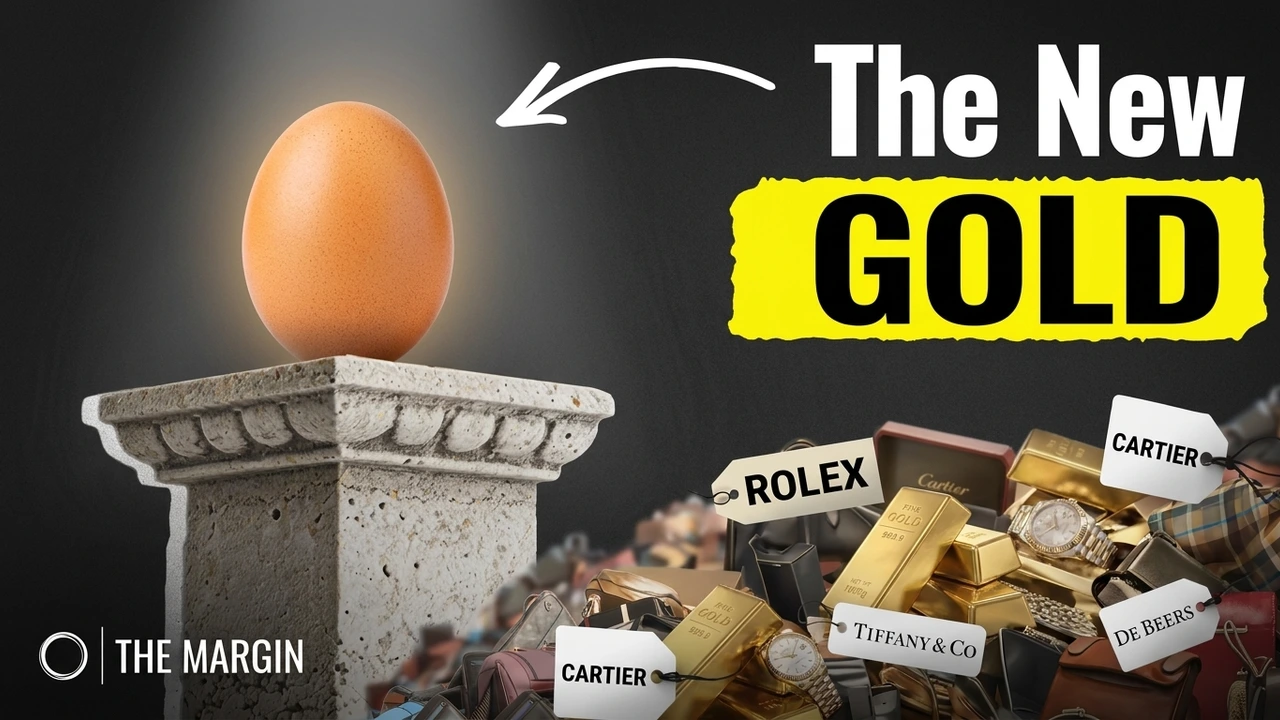
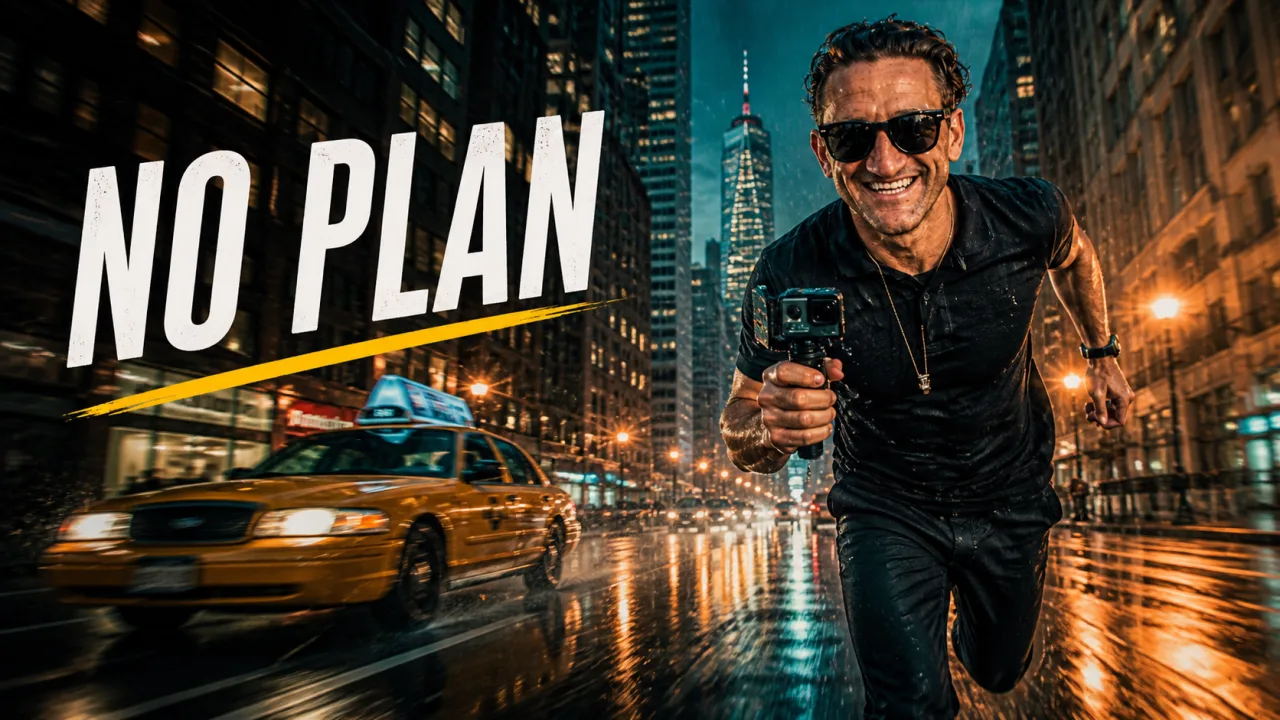
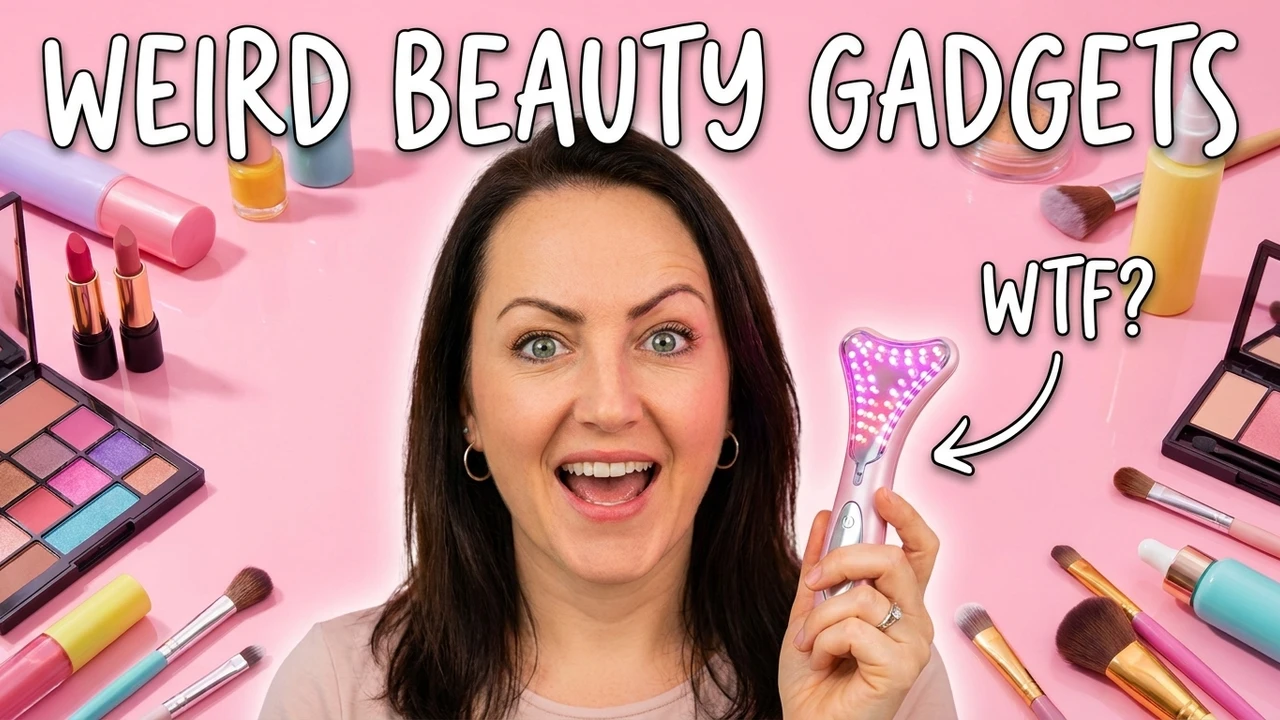
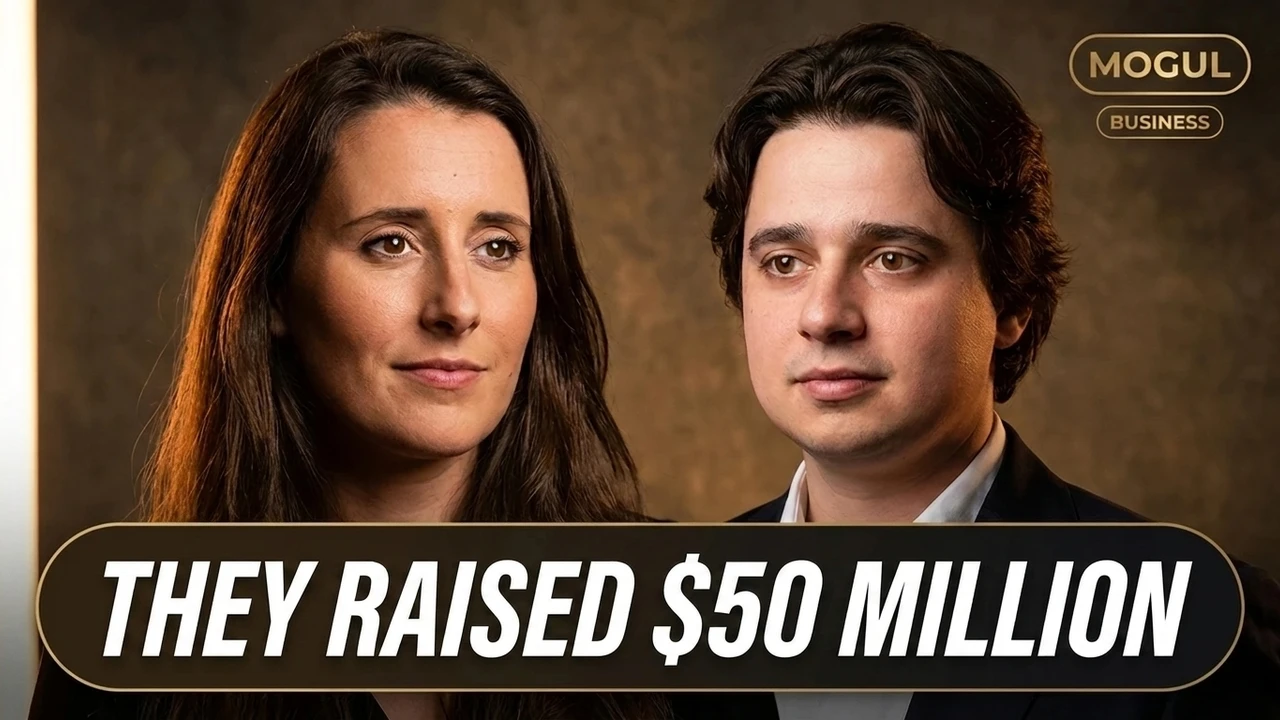
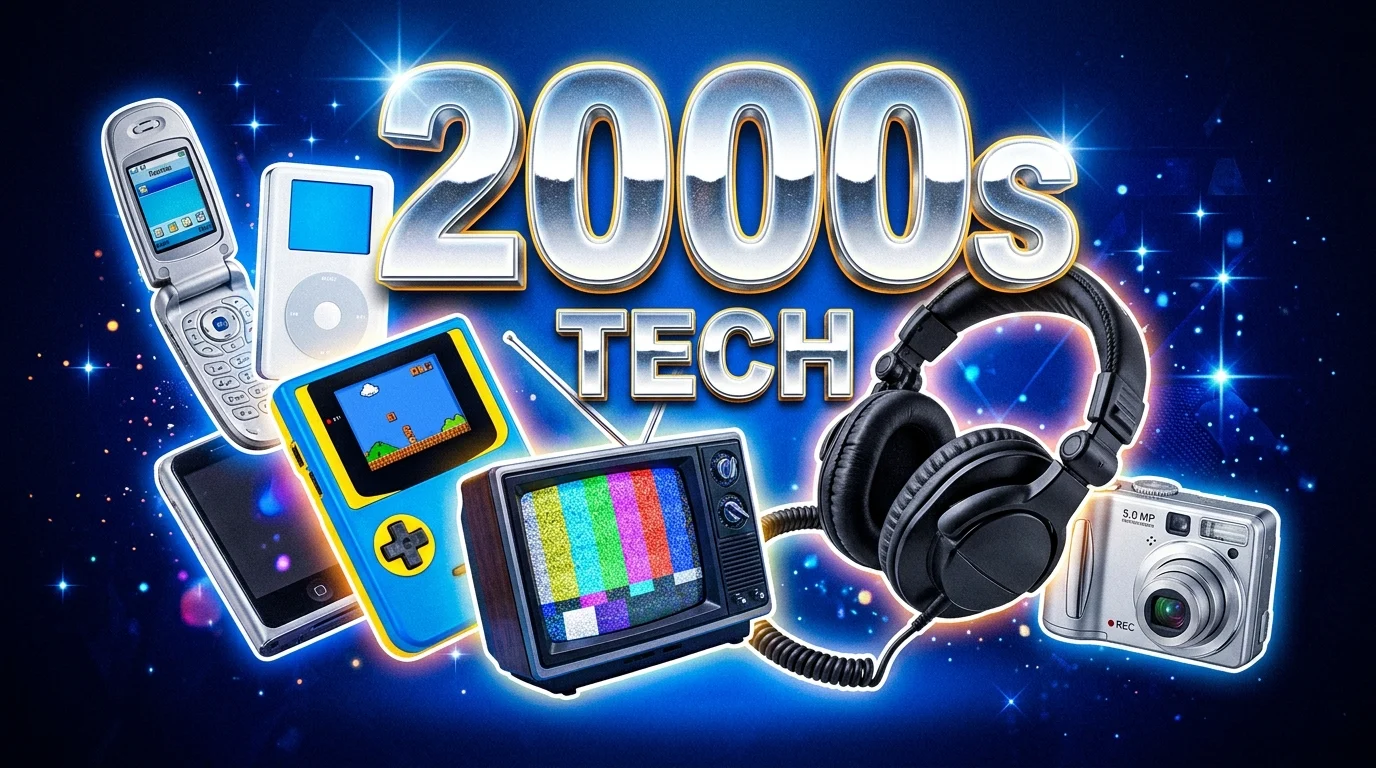
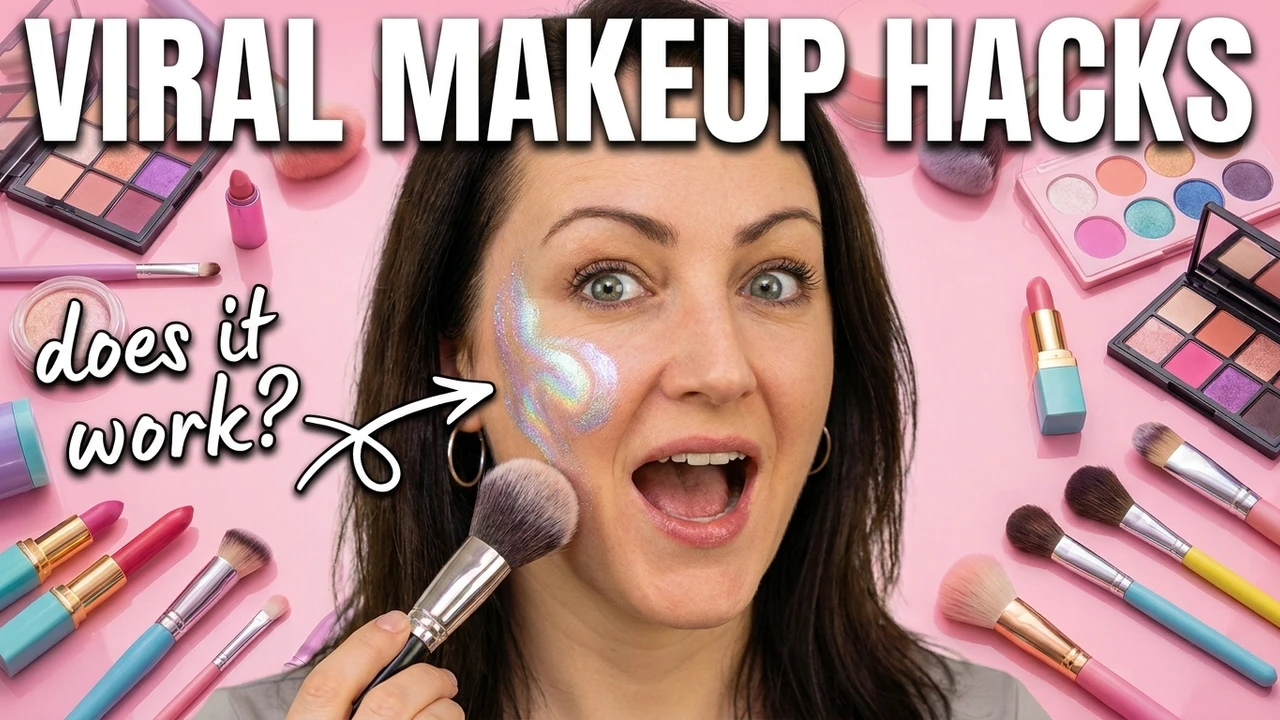
A sample of concepts built from uploads and links: the subject kept, the scene rebuilt, and the frame chosen for you.
FAQ
Video to thumbnail FAQ
What video sources work?+
Uploaded video files and supported public links from YouTube, TikTok, and Instagram.
Will it keep my face and outfit?+
Yes. Your subject is extracted with identity, expression, and clothing preserved so the thumbnail matches the video.
Do I need the original file?+
Not always. A supported public link is enough to pull frames and build a concept.
Can I change the background?+
Yes. Compose a new scene around your subject while keeping the person consistent, no reshoot required.
What sizes and platforms are supported?+
YouTube (1280x720) and YouTube Shorts, plus Instagram Reels and TikTok covers, each generated at its native size with safe zones respected.
Can I edit what the AI makes?+
Always. Text, subject, background, and composition stay editable on a live canvas, and there is no watermark.
Ready to generate
Make your footage work harder
Turn a single video into editable, platform-native thumbnails in one focused workflow.
- Keeps your subject and identity
- Works from a link or upload
- 3 editable concepts
Free to start. No design skills needed.