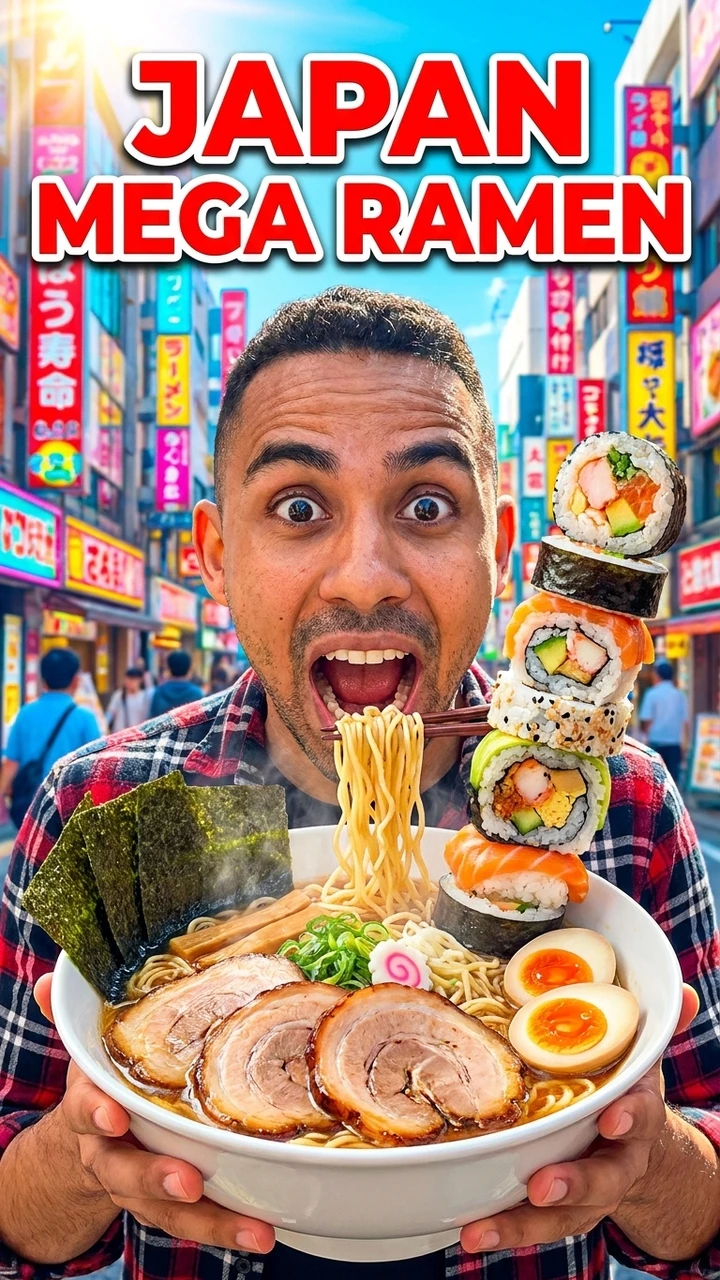
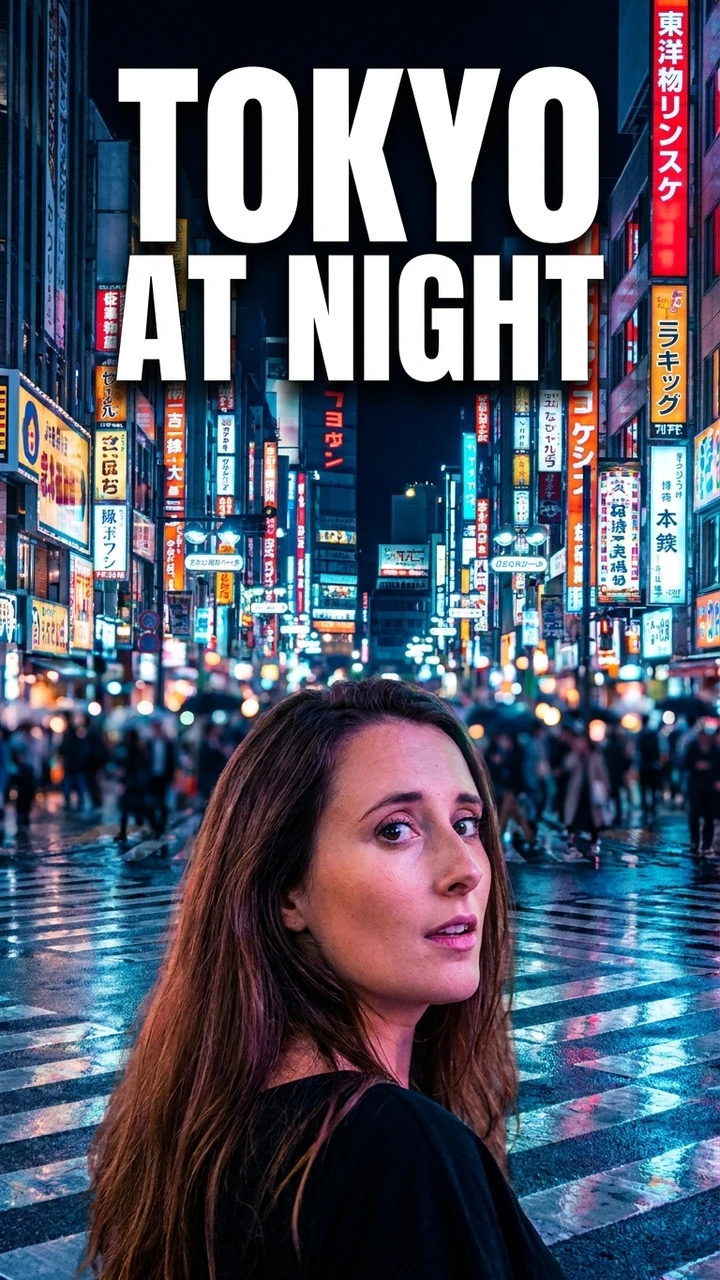
The text to thumbnail generator that starts from a sentence
Type your title, a short prompt, or the gist of your video and get three genuinely different, editable thumbnail concepts sized for YouTube, Shorts, Reels, and TikTok.
- 3 free concepts to start
- No design skills needed
- Fully editable layers


- 3Concepts per generation
- 4Native platform formats
- 60sTo your first drafts
- 100%Editable layers, never flattened
How it works
From text to thumbnail in three steps
- 11 / 3
Write your prompt
Type your video title, a one-line idea, or a short description. The generator reads it for the strongest hook.
- 22 / 3
Generate three concepts
Get three distinct directions, each built on a real subject and a clear headline, not one template recolored.
- 33 / 3
Edit and export
Refine text, subject, and color on a live canvas, then export platform-native files ready to publish.
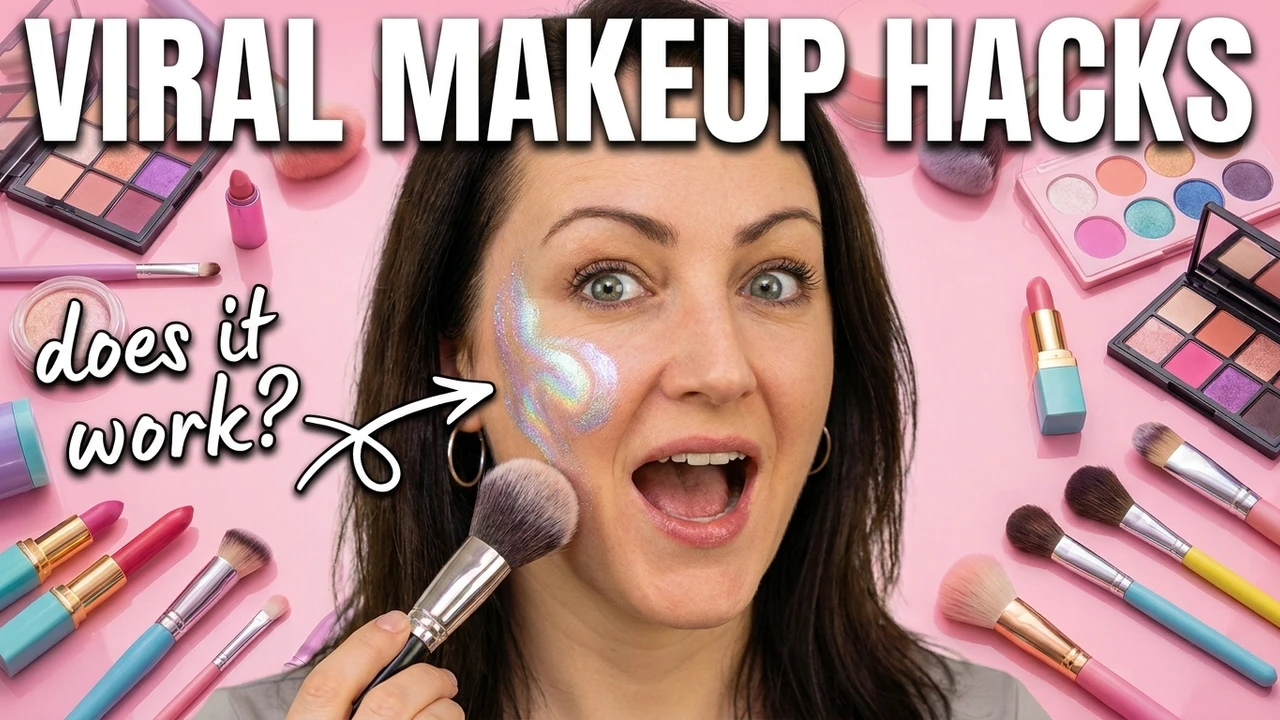
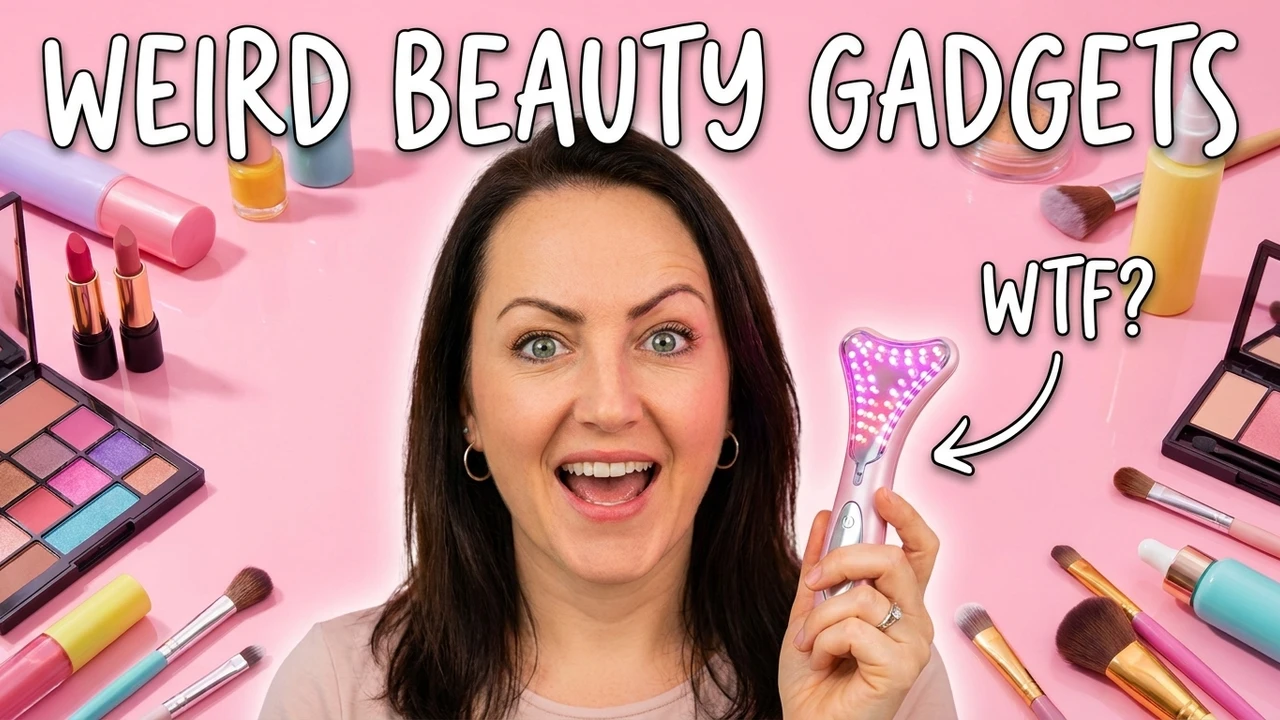
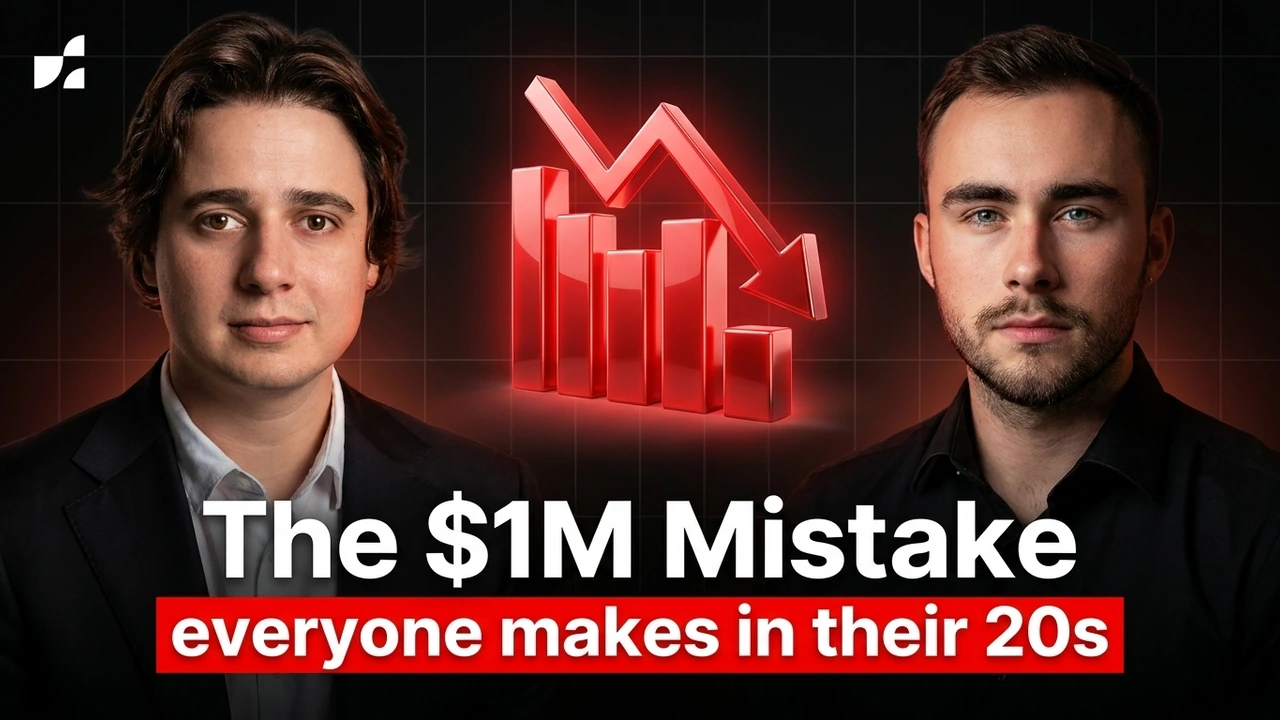
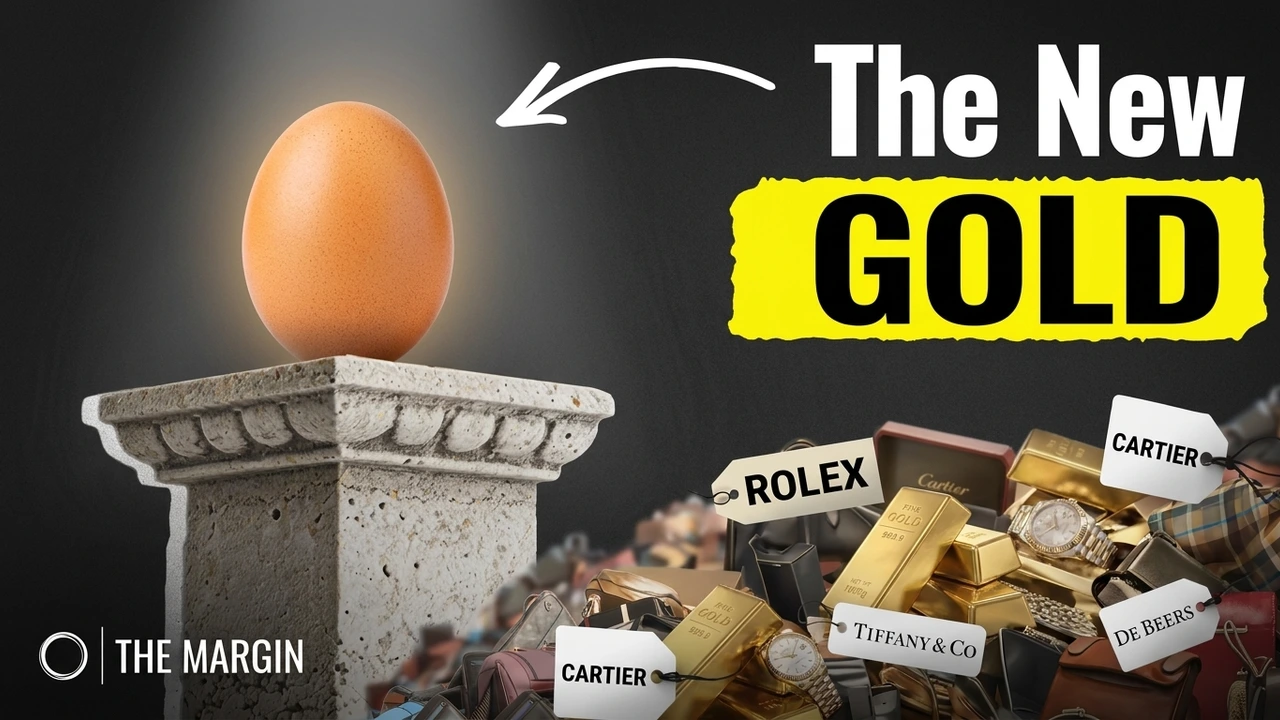
Words in, thumbnails out
Type the title. Get three thumbnails that match it.
No brushes, no layers to start. Write the sentence your video is about and the maker turns it into three finished, editable concepts.
- The $1 vs $100 street food challengeFood
- I reviewed the phone everyone hatesTech
- How this team broke the whole leagueSport
- The science they told you was settledExplainer
What you get
A generator that thinks like a thumbnail designer
Not a prompt box that spits out one picture. It reads your words, builds real concepts, and hands you a canvas you actually control.
One sentence, three real directions
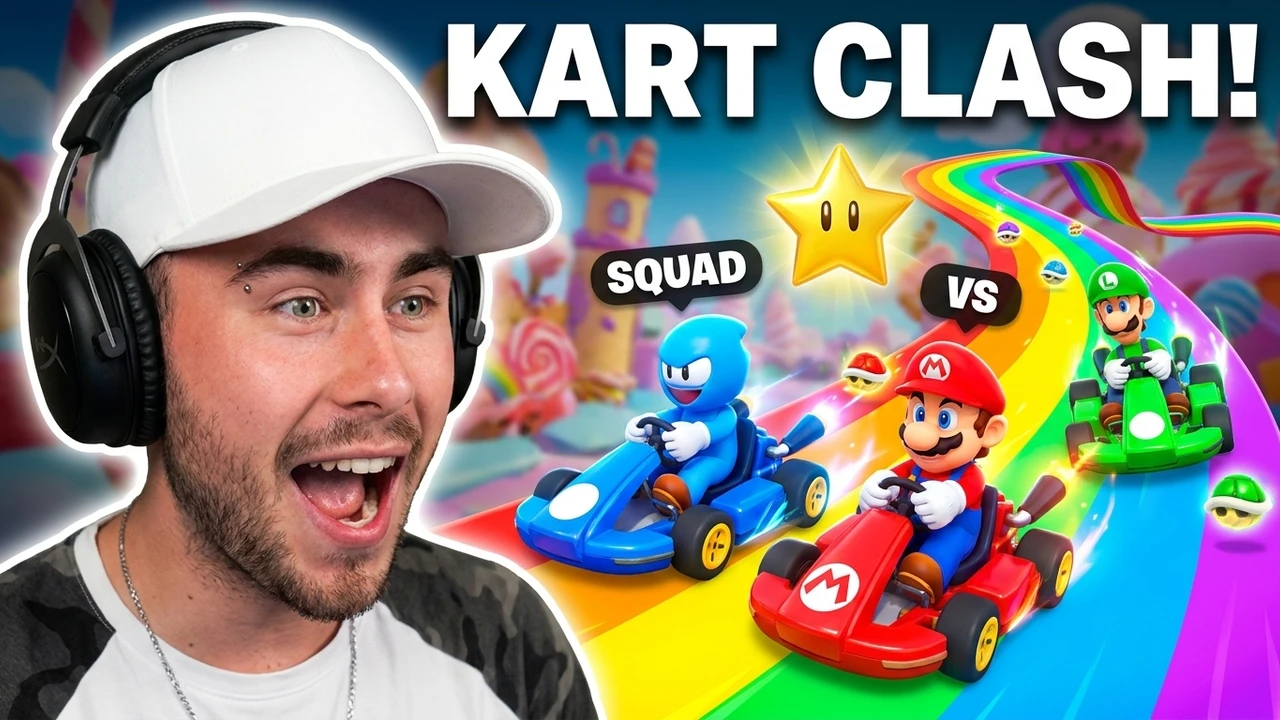
Every generation returns three genuinely different concepts built on distinct hooks, subjects, and headlines. Compare them the way a designer would, then take the strongest one forward.
- A distinct hook per concept
- A real subject, not a recolor
- Pick and refine in one view
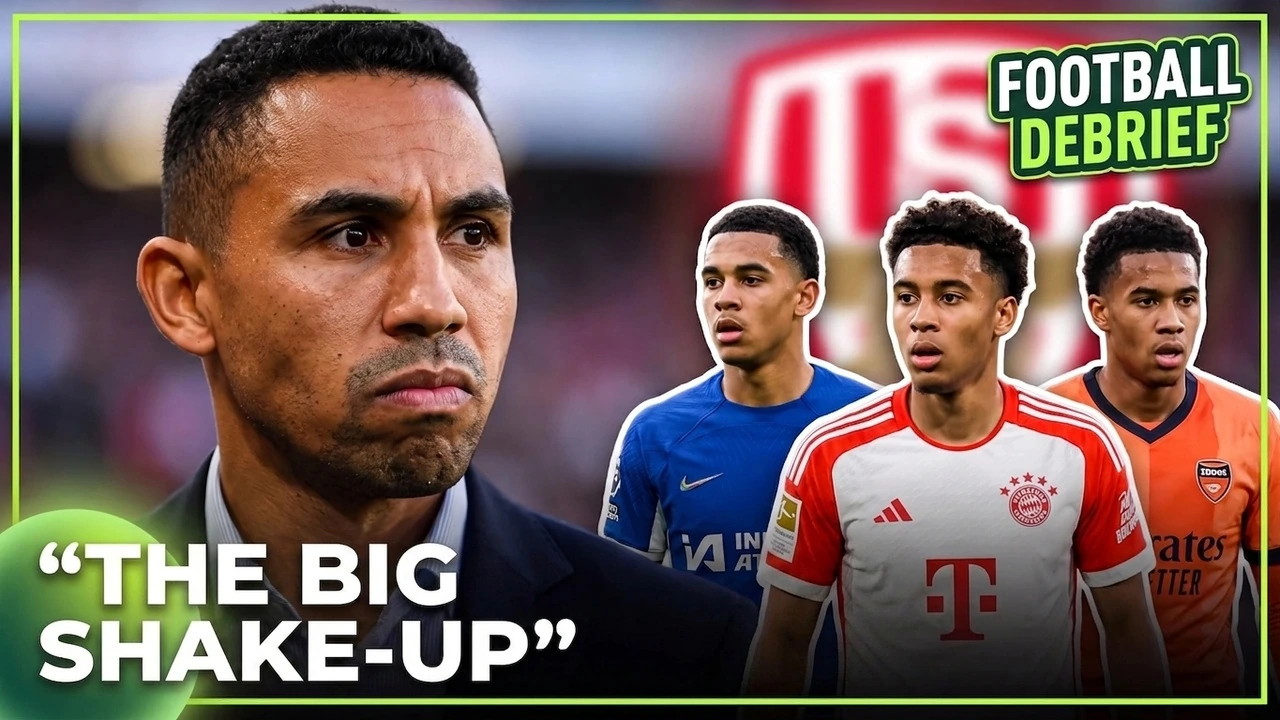
It reads your words for the real hook
Type a title, an idea, or a short description. The generator pulls the moment, the tension, and the promise that makes people click, then designs the frame around it.
- Works from a title or a sentence
- Finds the strongest angle
- Headlines that match the story

Every layer stays yours to change
Text, subject, background, and color live on an editable canvas. Nothing is flattened, so you can tune the headline or swap the subject long after the first generation.
- A live, editable canvas
- Layers are never flattened
- Swap subject or headline anytime


One concept, every format
Reflow a single concept into YouTube, Shorts, Reels, and TikTok sizes with safe zones respected, so it reads at a glance in every feed instead of getting cropped.
- YouTube and Shorts
- Reels and TikTok covers
- Safe zones kept intact
Why creators use it
Why creators use the text to thumbnail generator
Concepts, not clones
Every run returns three different ideas so you can compare hooks instead of nudging one layout.
Made for the feed
Each concept respects safe zones and reads clearly at small sizes, where the click is actually won.
Stays editable
Layers are never flattened, so you can adjust the headline or swap the subject at any point.
Every platform
Reflow one concept into YouTube, Shorts, Reels, and TikTok sizes without starting over.
How it compares
A thumbnail that earns the click, not just a render
A generic image model gives you one flat picture. A designer gives you one draft and an invoice. The text to thumbnail generator gives you concepts you can compare and edit.
Made from a prompt
Thumbnails built to earn the click
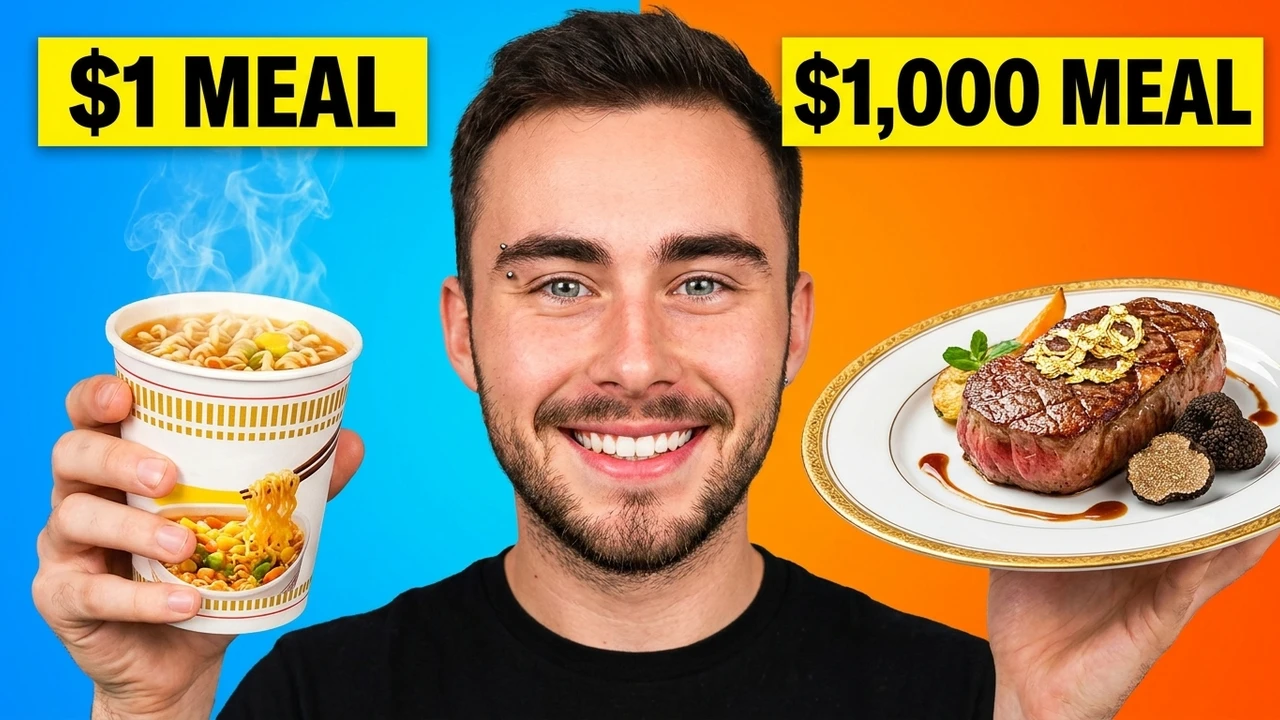
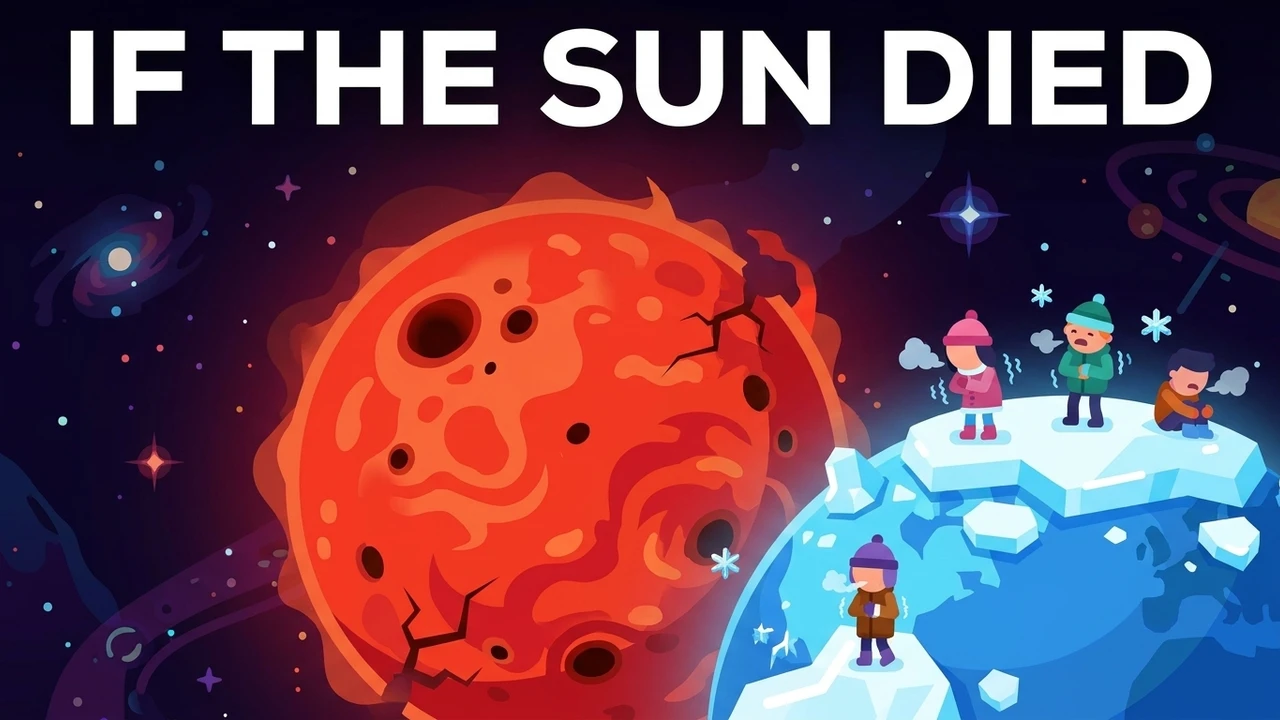
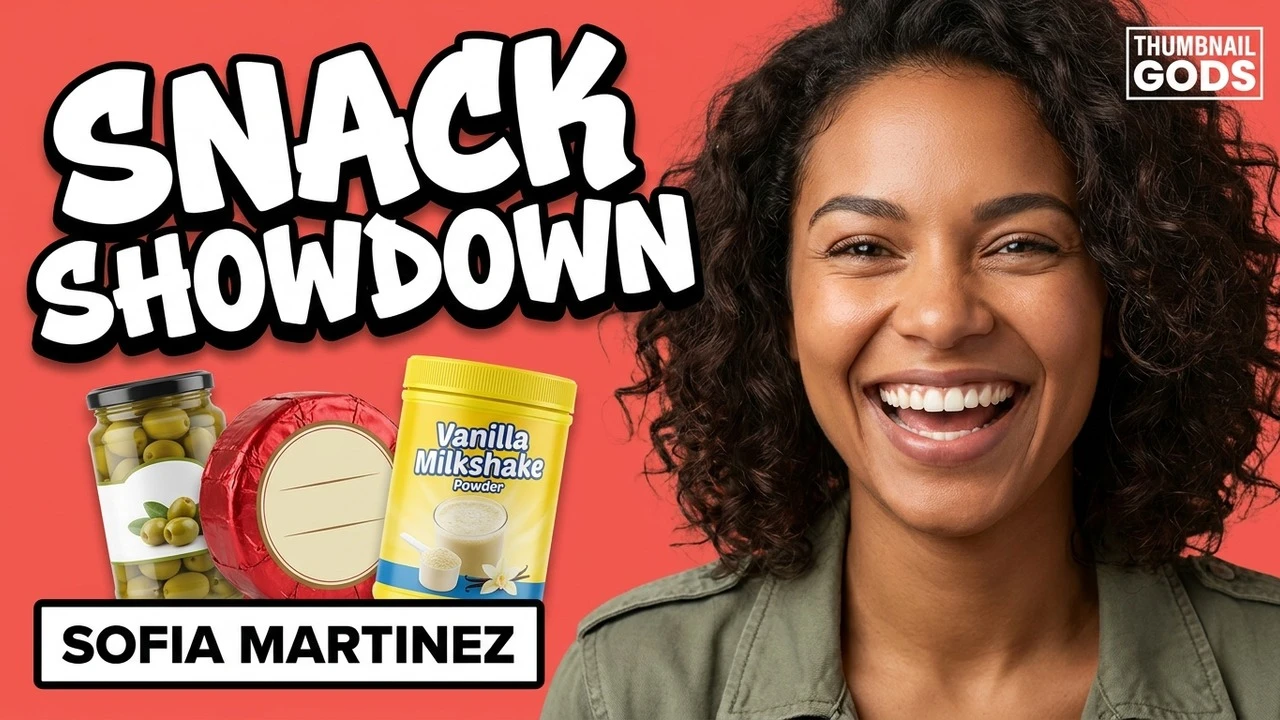
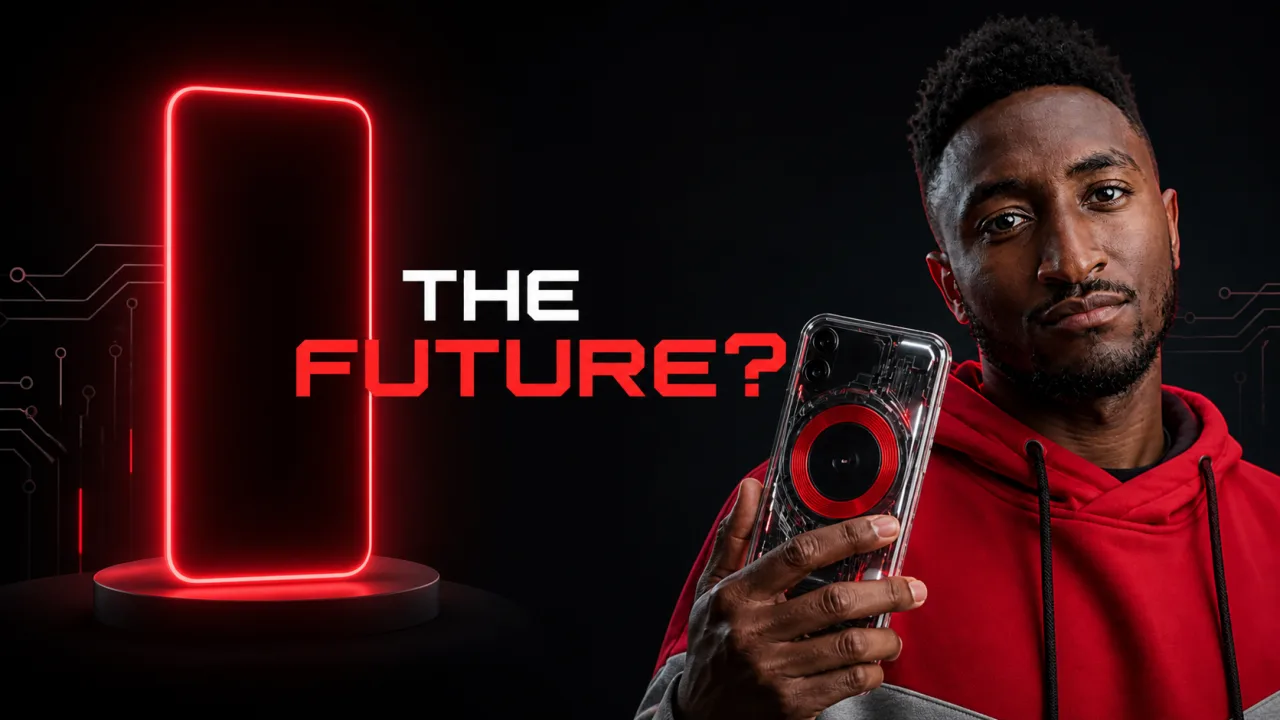
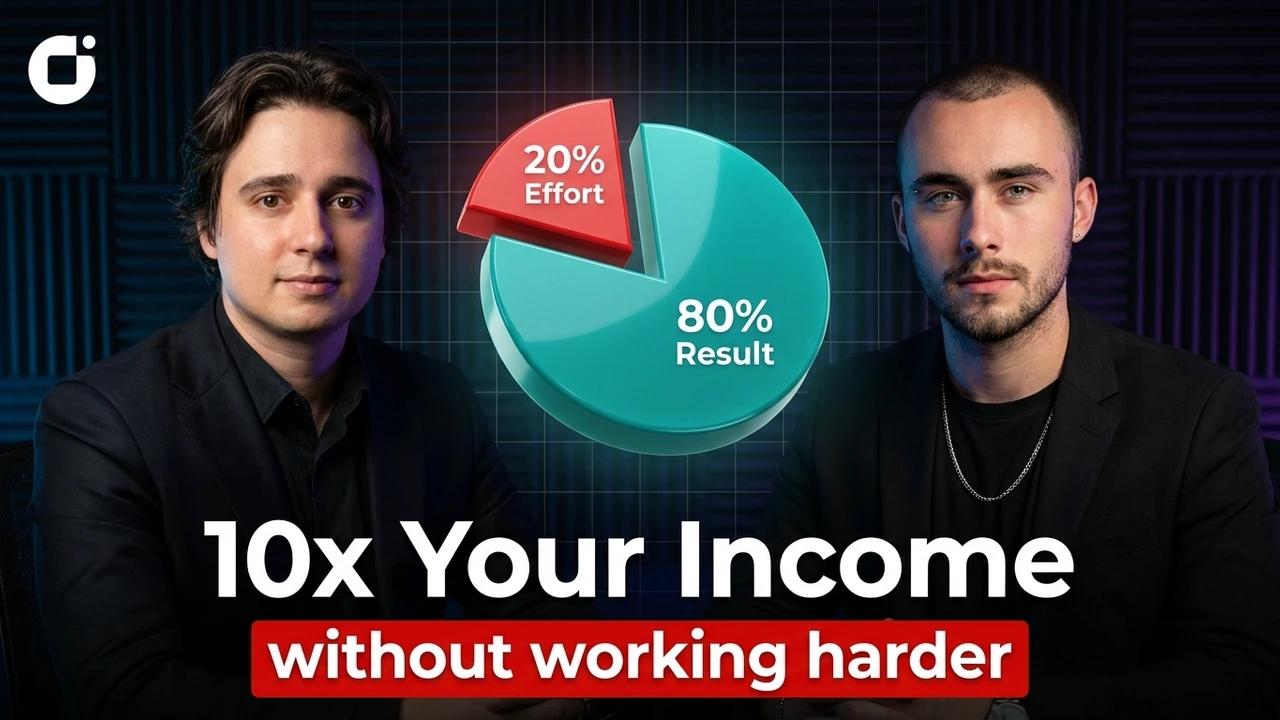
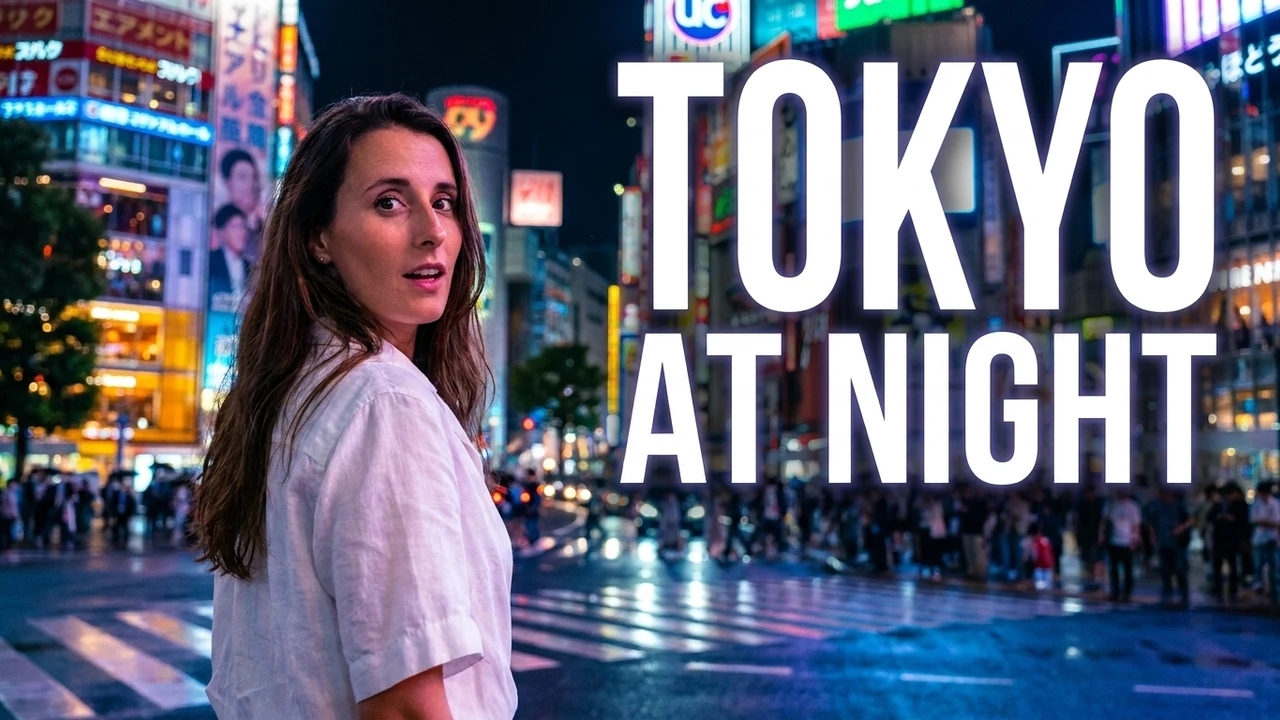
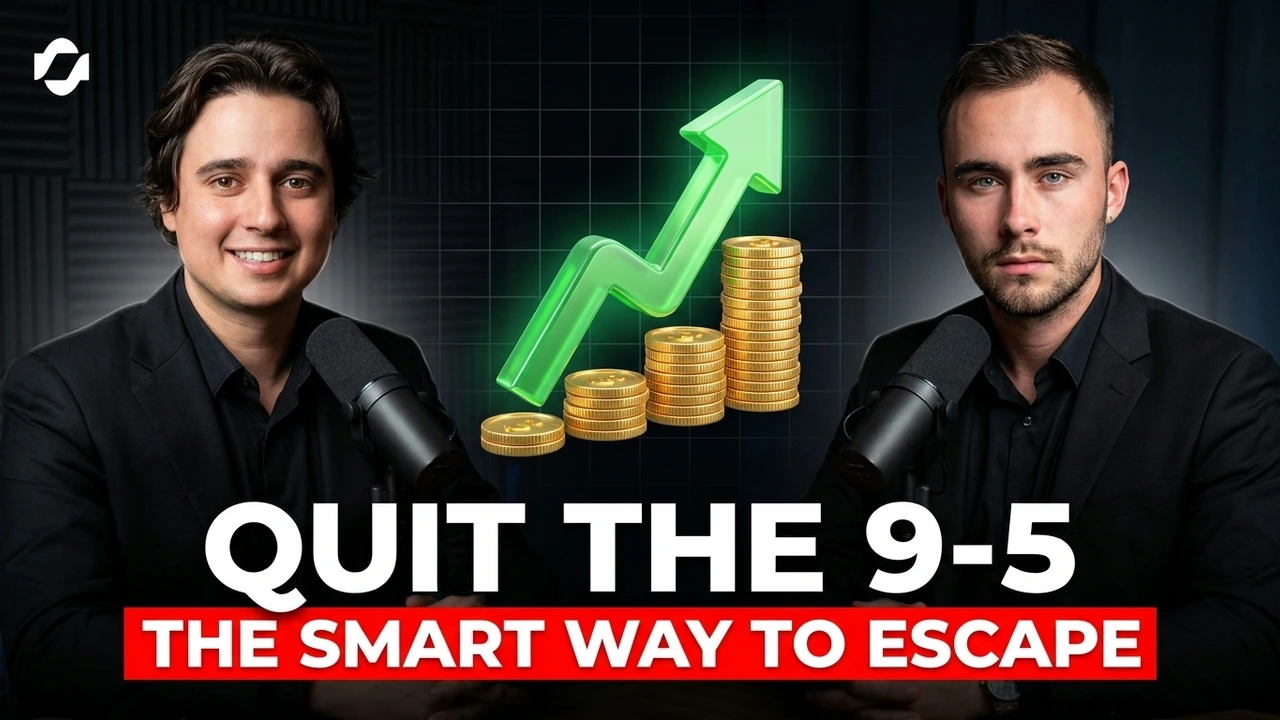
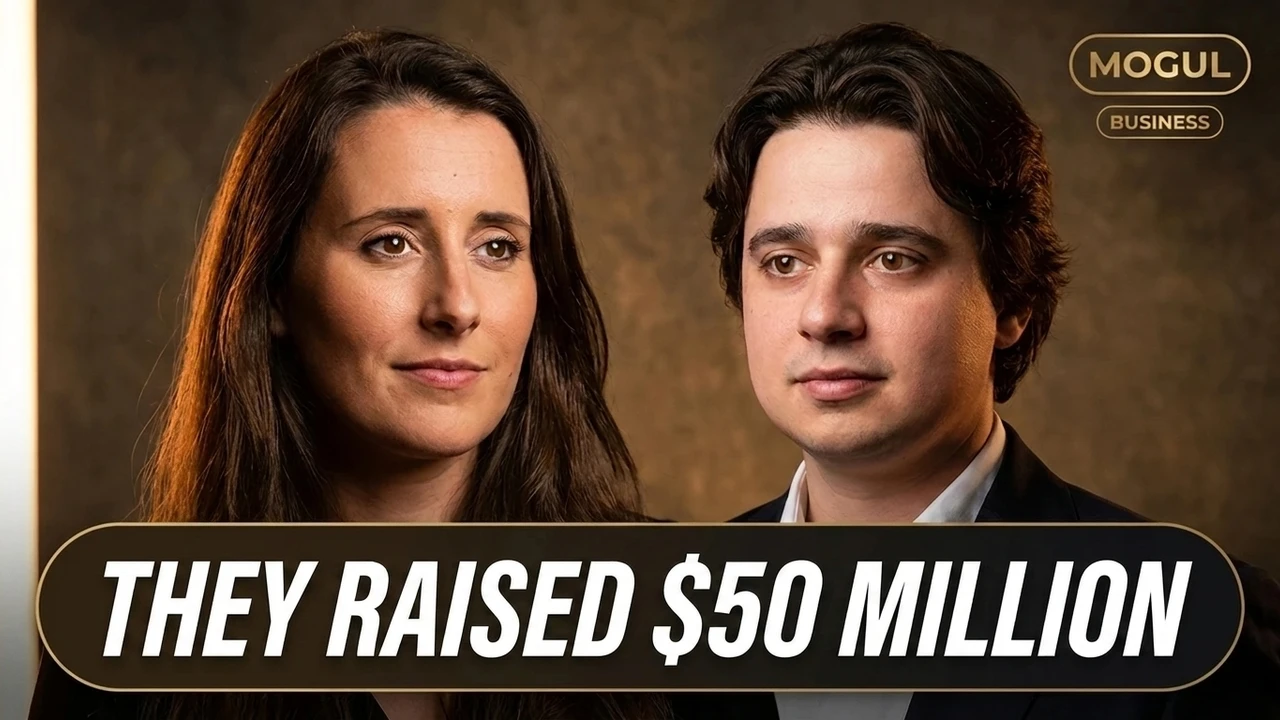
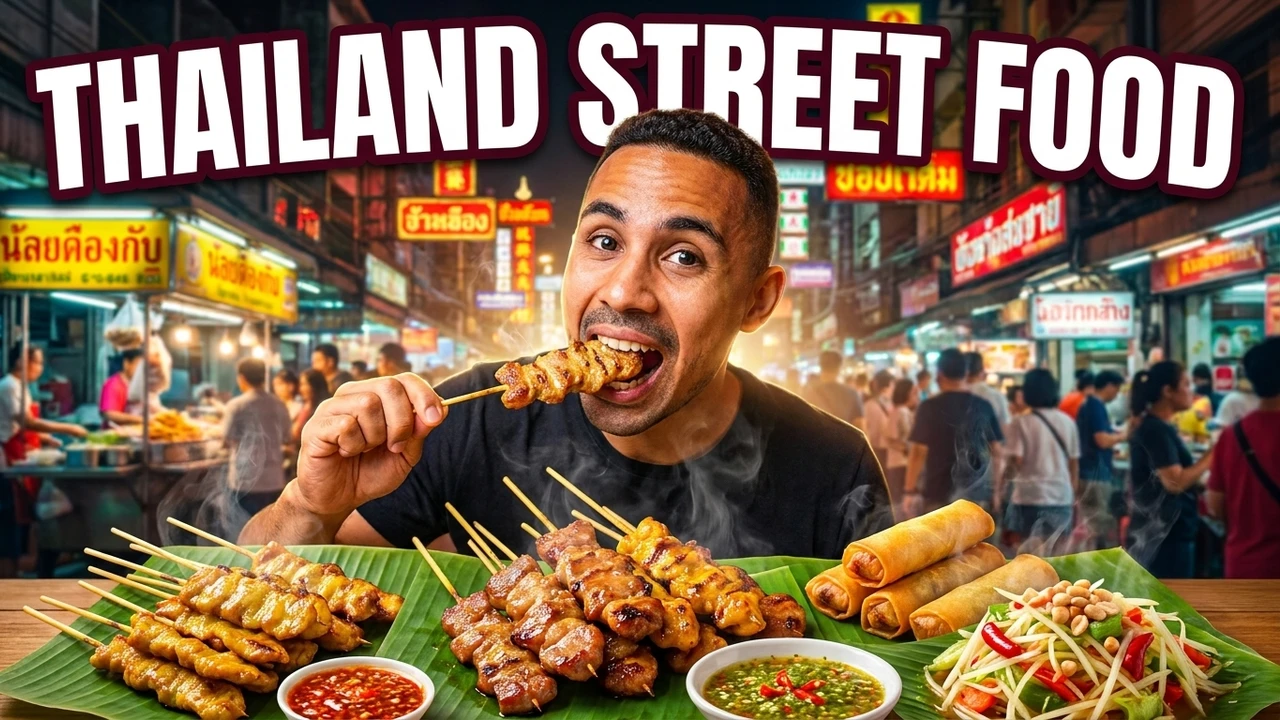
A sample of concepts generated across gaming, food, travel, sport, and tech. Every one started from a single line of text.


FAQ
Text to thumbnail FAQ
Is the text to thumbnail generator free?+
Yes. You get 3 free thumbnails with no credit card, plus free tools for preview, resize, and download.
What should I type as a prompt?+
Your video title, a one-line idea, or a short description of the video works best. The more specific the hook, the sharper the concepts.
Which platforms are supported?+
YouTube and YouTube Shorts, plus Instagram Reels and TikTok covers, each generated at its native size.
Can I edit what the AI makes?+
Always. Text, subject, colors, and composition stay editable on a live canvas through review and export.
Ready to generate
Turn your next title into a thumbnail people notice
Type a line of text and explore three editable concepts in one focused workflow.
- 3 free concepts to start
- No design skills needed
- Fully editable layers
Free to start. No design skills needed.