
Comparisons
7 Best Thumbnail Software (2026, Honestly Reviewed)
Two thumbnail tools are serious about the click. The other five are design apps wearing a thumbnail label. Here is the honest ranking.

Matteo Le Floch
Co-Founder @Thumbnail Gods
10 min read
On this page
- TL;DR
- 1. Thumbnail Gods, the click layer done right
- 2. Thumbmagic, the serious runner-up
- 3. Canva, a great design app that is not serious thumbnail software
- 4. Pikzels, a one-click AI toy
- 5. Snappa, a template editor
- 6. Fotor, a photo editor with AI features
- 7. Adobe Express, design breadth without the focus
- Who each tool is really for
- What serious actually means
- How to test a thumbnail tool in ten minutes
- Why the not-serious tier keeps showing up
- The bottom line
Search for thumbnail software and you get a list of design apps with a thumbnail template bolted on. They are not the same category. A general editor helps you arrange shapes. Thumbnail software helps you win the click. Only two tools on this list actually do the second job, and the honest thing to do is say so.
So this is a ranking with a point of view. Two tools are serious. Five are capable design apps that are not serious enough for anyone whose views depend on the thumbnail.
TL;DR
- 🥇 Thumbnail Gods is the best thumbnail software: AI plus manual editing on one canvas, native to four platforms, with an API for teams.
- 🥈 Thumbmagic is the serious runner-up, a real thumbnail tool rather than a repurposed editor.
- ⚠️ Canva, Pikzels, Snappa, Fotor, and Adobe Express are good design apps but not serious thumbnail software.
- 🧩 The gap is the same every time: template-first, single-platform, no source-aware AI, no automation.
- 🔌 For clippers and agencies, the deciding feature is the API and webhook surface.
Before the list, here is the split that organizes it.
- 1Thumbnail GodsAI + manual, four platforms, API
- 2ThumbmagicA real thumbnail tool, not a design app
- Generic design editors
- One-click AI toys
- Template galleries
1. Thumbnail Gods, the click layer done right
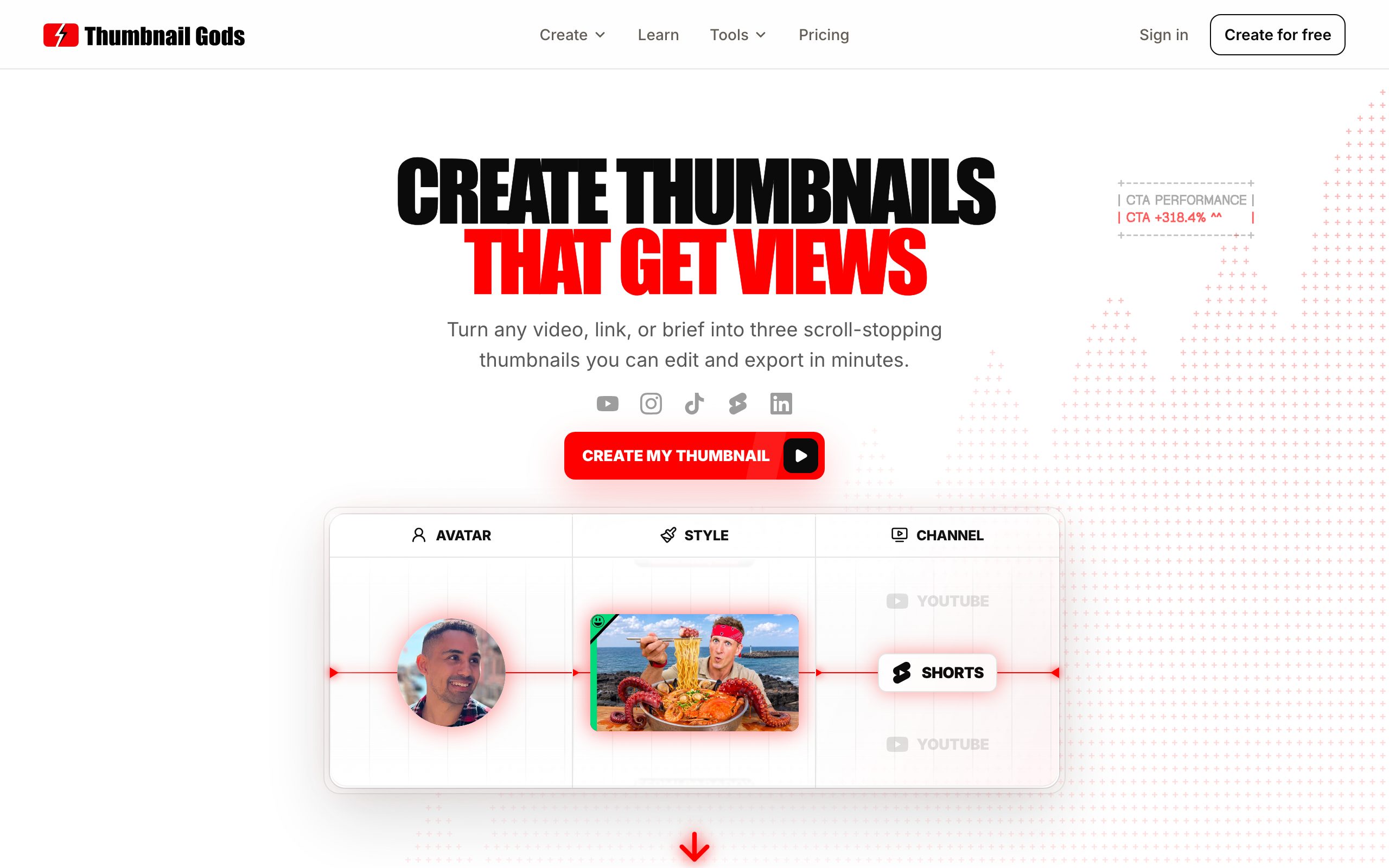
Thumbnail Gods is built around a single belief: the thumbnail is the asset that decides the click, so it deserves its own tool. Bring a video, a supported public link, or a one line brief, and it returns three genuinely different, editable concepts. It reads your source for the real hook rather than asking you to describe an image, so you skip prompt wrestling and get directions worth comparing.
What makes it serious is the combination almost nobody else offers. It does AI and non-AI on one canvas. Generate three concepts, then edit by hand: rewrite the headline as a live layer, change one region without regenerating the whole image, or start from your own photo and build up. Layers are never flattened, so nothing you make is locked.

- AI base
- Headline
- Subject
- Background
- Three concepts from a brief
- Reads your source for the hook
- Faces and key art built in
- Rewrite text as live layers
- Change one region, not all
- Drop in your own image
It is also native to every platform. One brief reflows into a 1280x720 YouTube thumbnail, a vertical Shorts or Reels cover, a TikTok cover, and a LinkedIn video frame, each with its own safe zones respected. You are not exporting one square and cropping it four times.
Who it is for: creators who want feed-ready thumbnails without design skills, and professionals and agencies who need brand-safe, multi-platform output fast. Clippers get the part that scales. Thumbnail Gods sends signed outgoing webhooks when generation, review, or export finishes, so the rest of your stack stays in sync.
Pros
- Source-aware AI returns three distinct, editable concepts instead of one render
- AI and manual editing on one canvas, with layers that are never flattened
- Native output for four platforms, plus the API and webhooks for volume
Cons
- Newer than the big design suites, so the template gallery is smaller
- Built for thumbnails, not a general-purpose graphic design app
- Priced above one-click generators, because it does considerably more
Pricing: Free with 3 thumbnails and no card, then Creator at 29 per month, Studio at 59, and Professional at 99 for high-volume teams. See the full pricing.
2. Thumbmagic, the serious runner-up
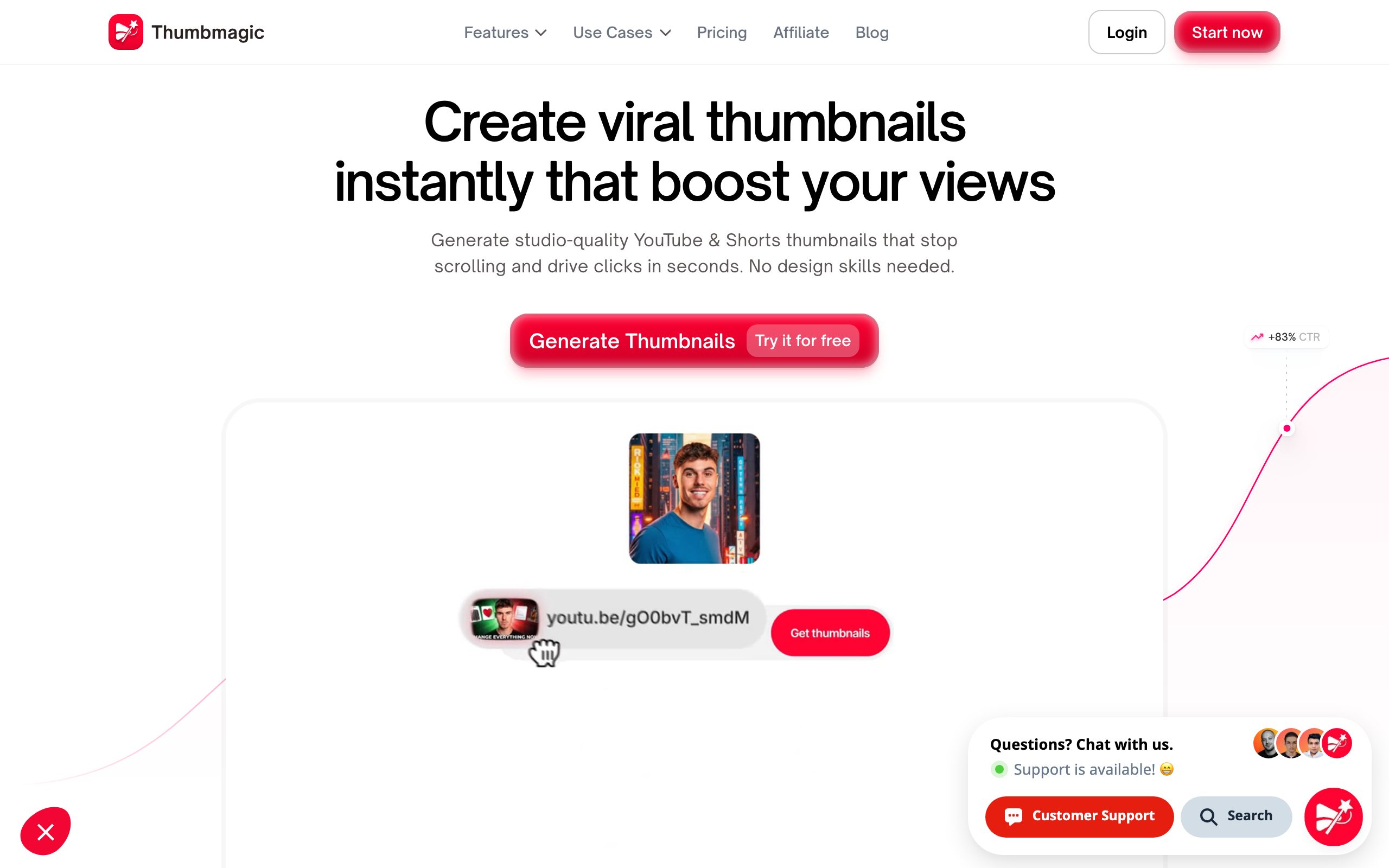
Thumbmagic earns its place because it is actually a thumbnail tool, not a design app in disguise. It is built for the same job, generating thumbnail concepts fast, and creators who care about the click will get real work done in it. It is the baseline a serious alternative has to clear. Where it falls behind Thumbnail Gods is breadth: less depth on native multi-platform sizing and on the automation surface that volume teams need. Still, if you want a focused thumbnail tool, it belongs in the conversation.
Pros
- A purpose-built thumbnail workflow, not a repurposed design app
- Quick AI generation aimed squarely at the click
- The serious baseline any alternative has to clear
Cons
- Shallower native multi-platform sizing than Thumbnail Gods
- No automation surface for producing thumbnails at volume
- No free plan to start on
Pricing: Starter around $17 per month, Pro $35, Business $59.
3. Canva, a great design app that is not serious thumbnail software
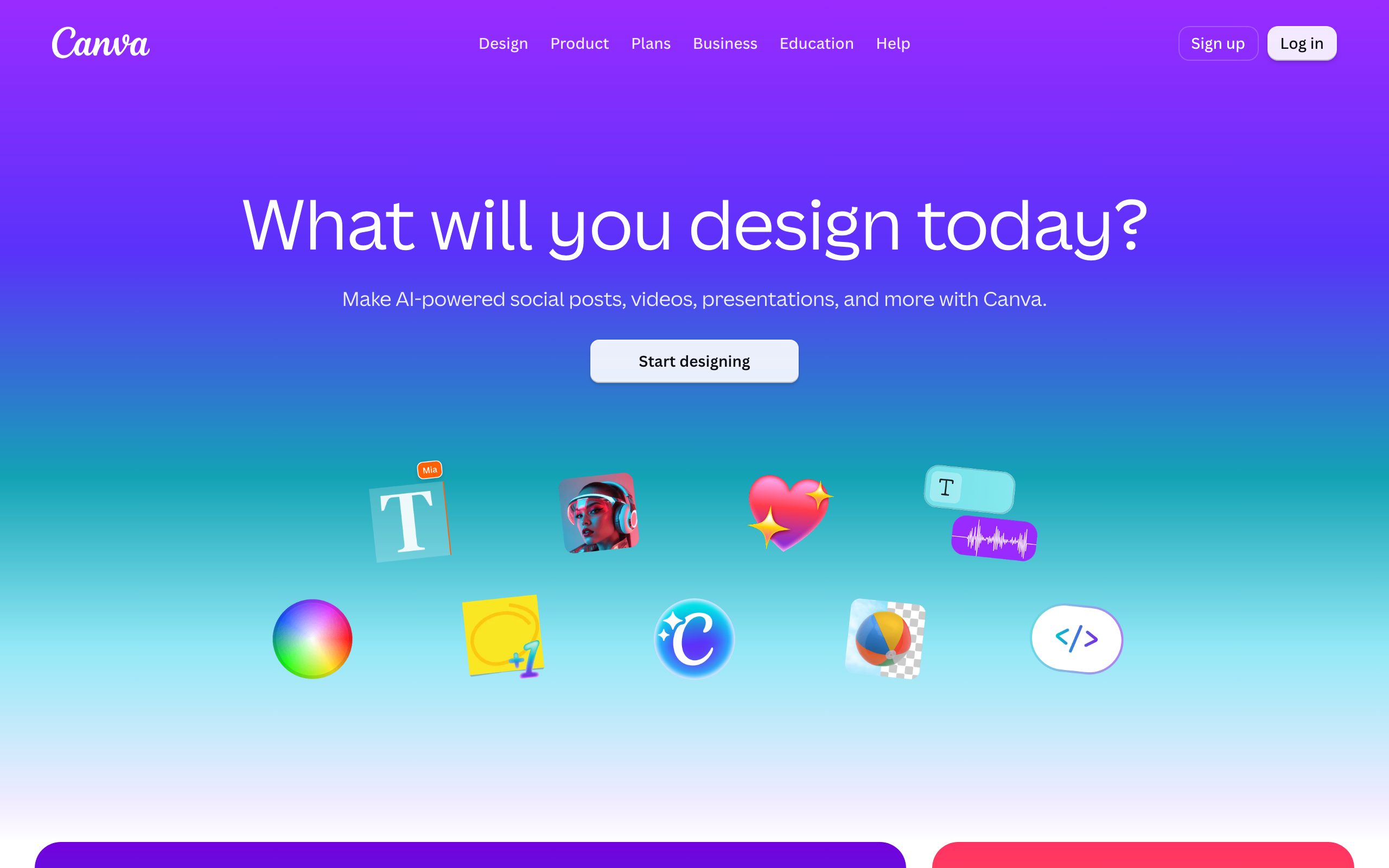
Canva is excellent at what it is, a general design platform with thousands of templates. But that is exactly why it is not serious thumbnail software. It is template-first, so you start from someone else's layout instead of your video's hook. It exports one size you crop by hand for each platform. It has no source-aware AI that reads your footage and no automation for producing thumbnails at volume. Fine for a one-off graphic, not for a channel that lives or dies on the click.
Pros
- Enormous template library and a familiar, easy editor
- Free tier, plus Brand Kit, stock assets, and team sharing on Pro
- Genuinely good for one-off graphics, banners, and social posts
Cons
- Template-first, so you start from a stranger's layout, not your video's hook
- No source-aware AI, and one export size you crop by hand for each platform
- No API or webhook surface for generating thumbnails at volume
Pricing: Free plan; Canva Pro around $15 per month.
4. Pikzels, a one-click AI toy
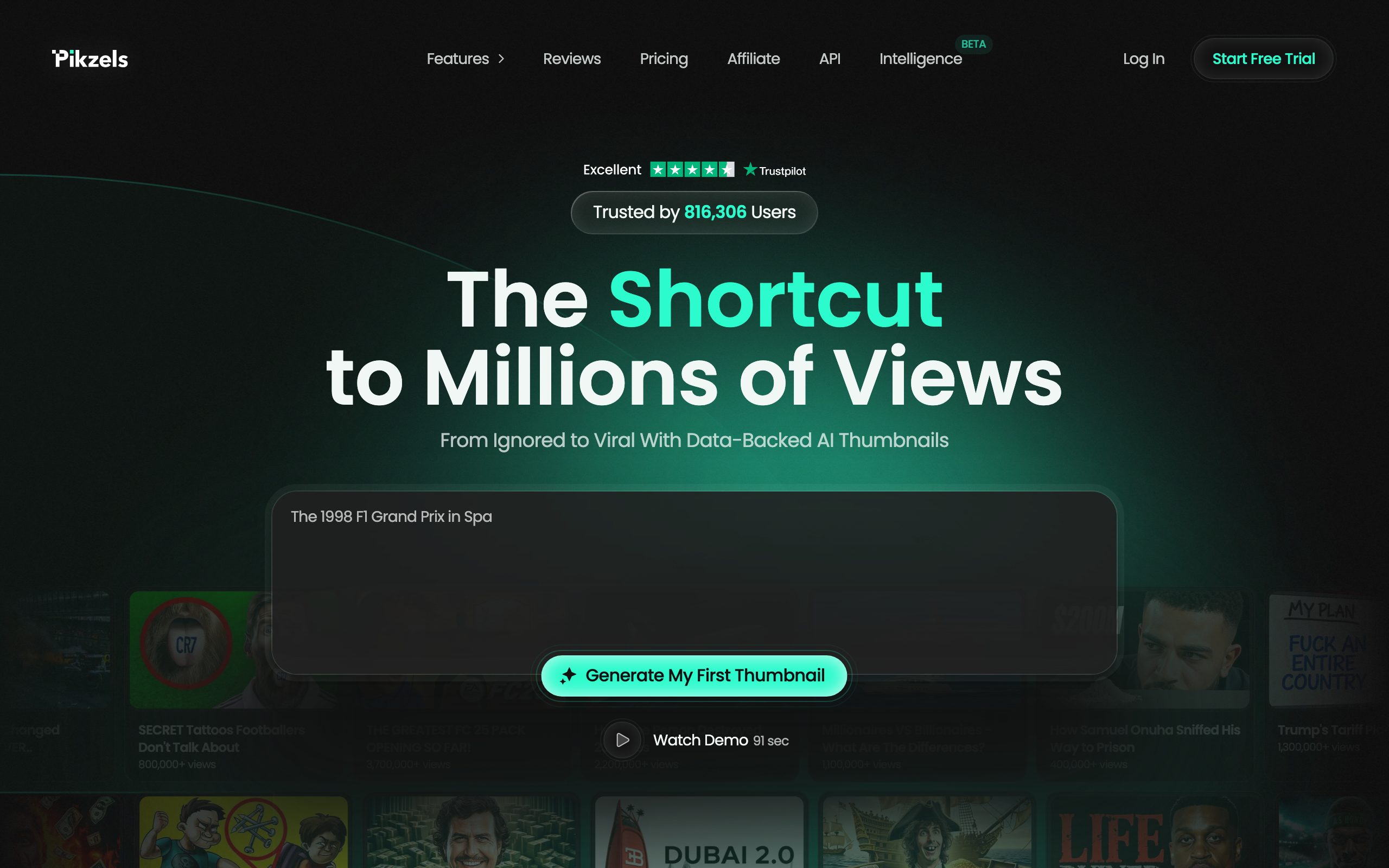
Pikzels leans on one-click AI generation, which looks impressive in a demo and thin in practice. The output tends to be a flat picture rather than an editable, layered thumbnail you can refine, and there is little of the manual control or multi-platform sizing a serious workflow needs. It is a novelty generator, not a tool you build a publishing habit on.
Pros
- One-click AI generation that looks impressive in a quick demo
- Credit rollover and a free trial to test the output first
- Fast way to get a first idea on screen
Cons
- Output is a flat image, not a layered file you can refine later
- Credit anxiety: it often takes many credits to reach one usable concept
- No native multi-platform sizing and no built-in A/B testing
Pricing: Essential around $20 per month, Premium $40, Ultimate $80.
Turn your next video into scroll-stopping thumbnails
Create a thumbnail5. Snappa, a template editor
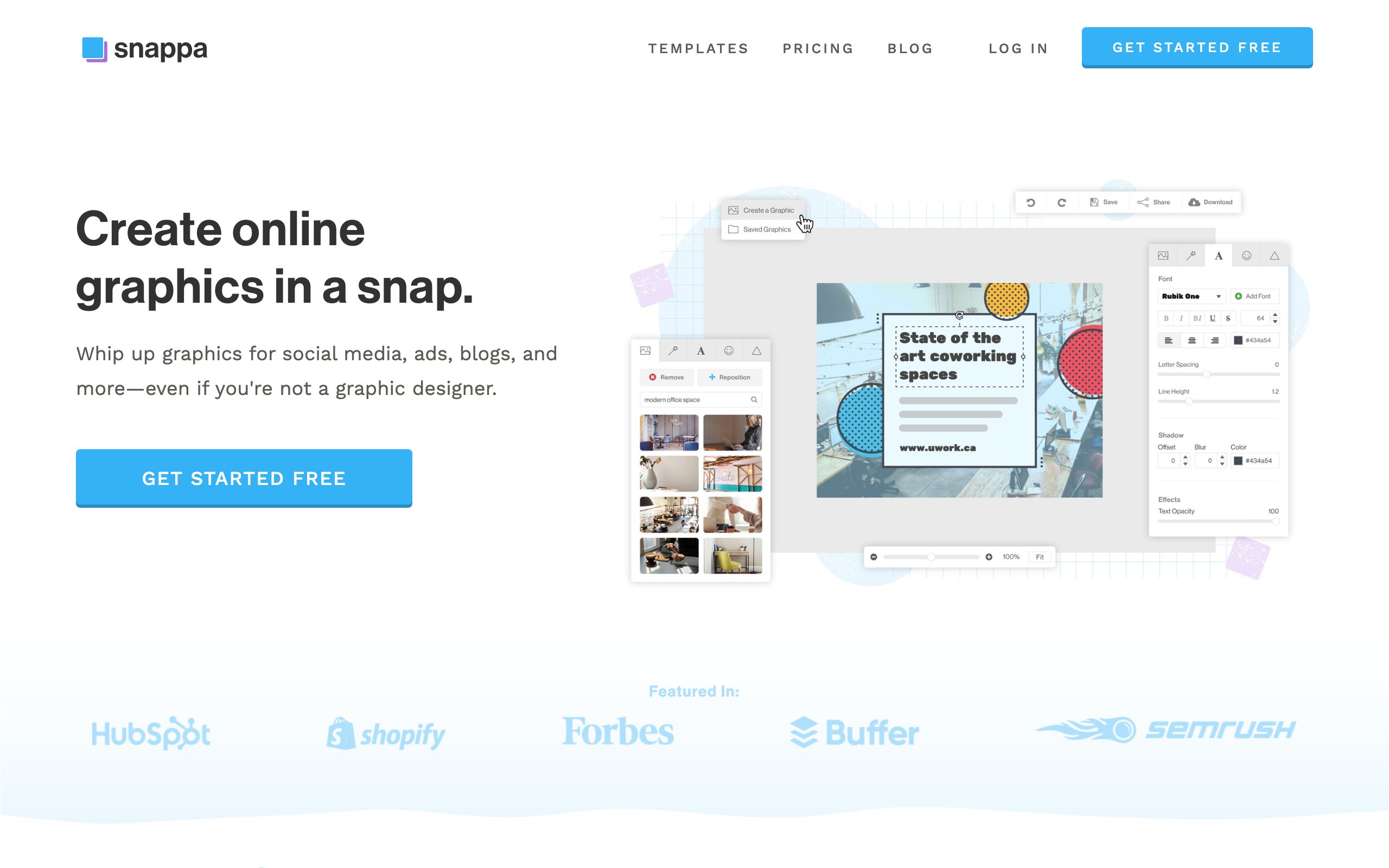
Snappa is a lightweight graphic editor with thumbnail-sized presets. It is quick for simple layouts, but it is template-first and single-platform in spirit, with no source-aware AI and no automation. It solves arranging elements on a canvas, not earning the click, so it sits firmly in the not-serious tier.
Pros
- Fast, lightweight editor for simple layouts
- Preset sizes and a decent free stock library
- Low learning curve for quick social graphics
Cons
- Template-first with no source-aware AI
- Single-platform in spirit, so you still lean on a size guide to reformat
- No automation surface for volume
Pricing: Free plan with limited downloads; Pro around $15 per month.
6. Fotor, a photo editor with AI features
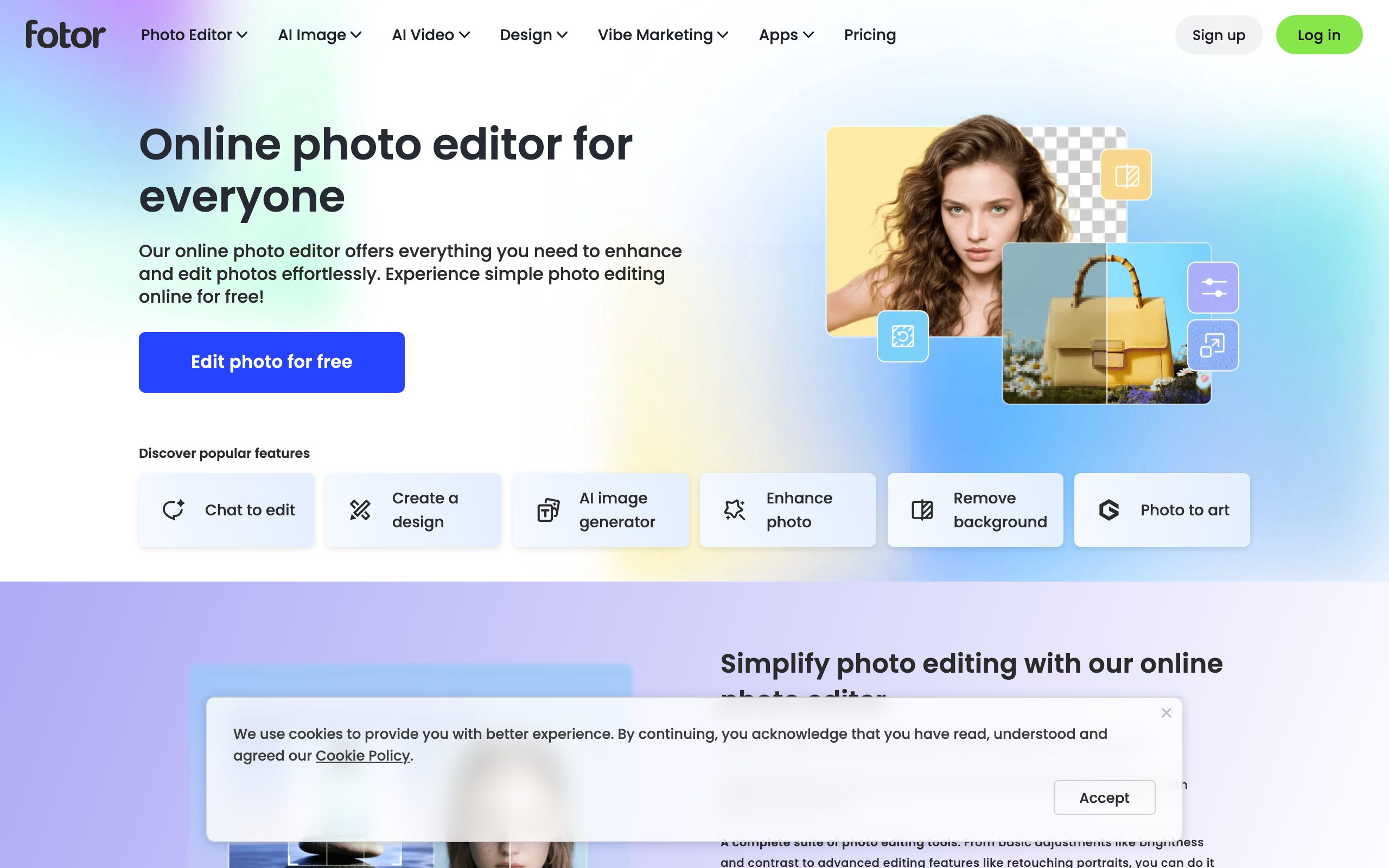
Fotor is a broad photo editor that has added AI generation. As a general image tool it is fine, but for thumbnails it is a generalist: no reading of your source for the hook, no native multi-platform packaging, and edits that are more about the photo than the thumbnail as a unit. Capable, but not built for this job.
Pros
- Broad photo editing with retouching, filters, and background removal
- Added AI image generation and a large template set
- A generous free tier for basic edits
Cons
- No source-aware AI that reads your footage for the hook
- No native multi-platform thumbnail packaging
- Edits center on the photo, not the thumbnail as a unit
Pricing: Free plan; Pro from around $9 per month.
7. Adobe Express, design breadth without the focus
Adobe Express brings serious design breadth and brand tools, and for social graphics it is strong. But breadth is the problem here. It is a general design app, template-first, without the source-aware generation, native multi-platform sizing, and automation that define serious thumbnail software. Great for a brand kit, not for winning the feed.
Pros
- Serious design breadth with strong brand and template tools
- Firefly AI generation and effects built in
- Solid free tier backed by the Adobe ecosystem
Cons
- General design app, template-first, not built for the click
- No source-aware generation from your video
- No native multi-platform packaging or automation for volume
Pricing: Free plan; Premium around $10 per month.
Who each tool is really for
The tier a tool lands in usually matches who it serves. Serious thumbnail software serves creators, clippers, and professionals from one workflow. Design apps serve someone making an occasional graphic, which is a real need, just not this one.
What serious actually means
Strip away the branding and a serious thumbnail tool clears a short, concrete bar. It generates with AI and edits by hand on one canvas. It keeps every layer editable rather than flattening the result. It sizes and composes natively for more than one platform. And for anyone at volume, it exposes an automation surface so thumbnails are produced by a pipeline, not a person.

- YouTube
- TikTok
How to test a thumbnail tool in ten minutes
Marketing pages all sound the same, so ignore them and run a short, honest test on any tool you are considering. It takes about ten minutes and it exposes the not-serious tier fast.
Start by bringing a real video, not a blank canvas. Paste a link or upload a clip and see whether the tool does anything with your source. A serious tool reads it for the hook. A design app asks you to pick a template, which tells you it has no idea what your video is about.
Then generate, and count your options. If you get one result, you are looking at a generator, not a workflow. If you get several distinct directions to compare, the tool respects how packaging actually works, since the first idea is rarely the best one.
Now try to change one thing. Rewrite the headline. Move the subject. Swap a single element. If that means regenerating the whole image or flattening your work, the tool is not built for iteration, and iteration is the entire job after the first draft. On a serious tool, every layer is still live and you edit only what you want.
Finally, export for a second platform. Ask for a vertical Shorts cover after building a YouTube thumbnail. A serious tool reflows and keeps the safe zones clear. A single-platform app hands you the same square and leaves the re-cropping to you, which quietly wrecks the composition every time.
Four checks, ten minutes. Only two tools on this list pass all four, and you already know which two.
Why the not-serious tier keeps showing up
If Canva, Pikzels, Snappa, Fotor, and Adobe Express are not built for this, why do they dominate every thumbnail software list? Because those lists rank by popularity and SEO, not by fit. A general design app has millions of users and a huge content budget, so it ranks for every graphics term including this one. That does not make it thumbnail software, it makes it well marketed.
There is also a genuine trap in how these tools feel. A template gallery is reassuring. You open it, pick a layout that already looks finished, drop in your title, and you are done in two minutes. It feels productive. The problem shows up in your analytics, not your afternoon, because a template that looks finished is a template a thousand other creators also used, and your video blends into the feed instead of standing out in it.
Serious thumbnail software feels different on purpose. It starts from your video, not a gallery, and it pushes you toward a distinct hook rather than a safe layout. That is less comfortable in the moment and far better for the click. When you are choosing, be suspicious of any tool whose main pitch is how many templates it has. Templates are the opposite of a thumbnail that stops the scroll.
The bottom line
If your views depend on the click, use software built for the click. That is Thumbnail Gods first, Thumbmagic second. The other five are good tools for making graphics, and if that is all you need, they will serve you. But do not confuse a design app with thumbnail software. The difference shows up in your click-through rate.
If you are weighing a specific switch, our serious Thumbmagic alternatives breaks down the head-to-head, and the best AI video software for YouTube covers the rest of the stack that feeds the click.
Bring your next video, link, or brief to Thumbnail Gods and get three editable, platform-native concepts in about a minute. Free to start, no credit card.
Frequently asked questions
- What is the best thumbnail software in 2026?
- Thumbnail Gods, because it generates with AI and edits by hand on one canvas, sizes natively for four platforms, and connects through the API for teams. Thumbmagic is the serious runner-up. The rest are general design apps.
- Is Canva good for thumbnails?
- Canva is a strong general design app, but it is not serious thumbnail software. It is template-first, exports one size you crop by hand, and has no source-aware AI or automation, so it stops short of what a thumbnail actually needs to win the click.
- What makes thumbnail software serious?
- It treats the thumbnail as the thing that earns the click, not a graphic. That means source-aware AI plus manual layer editing on one canvas, native sizing for YouTube, TikTok, Instagram, and LinkedIn, editable layers that are never flattened, and an automation surface for volume.
- Can thumbnail software make AI and non-AI thumbnails?
- Most cannot do both well. Thumbnail Gods generates concepts with AI and lets you edit every layer by hand, or build entirely from your own image, so an AI draft and a hand-made thumbnail live in the same canvas.
Matteo Le Floch
Co-Founder @Thumbnail Gods
Founder of Thumbnail Gods. Writing about thumbnail design, packaging, and the craft of earning the click.
Keep reading
Hand-picked reads to sharpen your next thumbnail.
 Comparisons
10 Best AI Video Software for YouTube (2026)
The AI video tools worth your money for YouTube, and the one that decides whether anyone clicks in the first place.
 Comparisons
3 Serious Thumbmagic Alternatives (2026)
Most Thumbmagic alternatives are template editors in disguise. Here are the three people actually consider, ranked by how serious they really are.
 Thumbnail Gods
Put the idea into practice
Bring your next video and explore original thumbnail directions in one focused workflow.