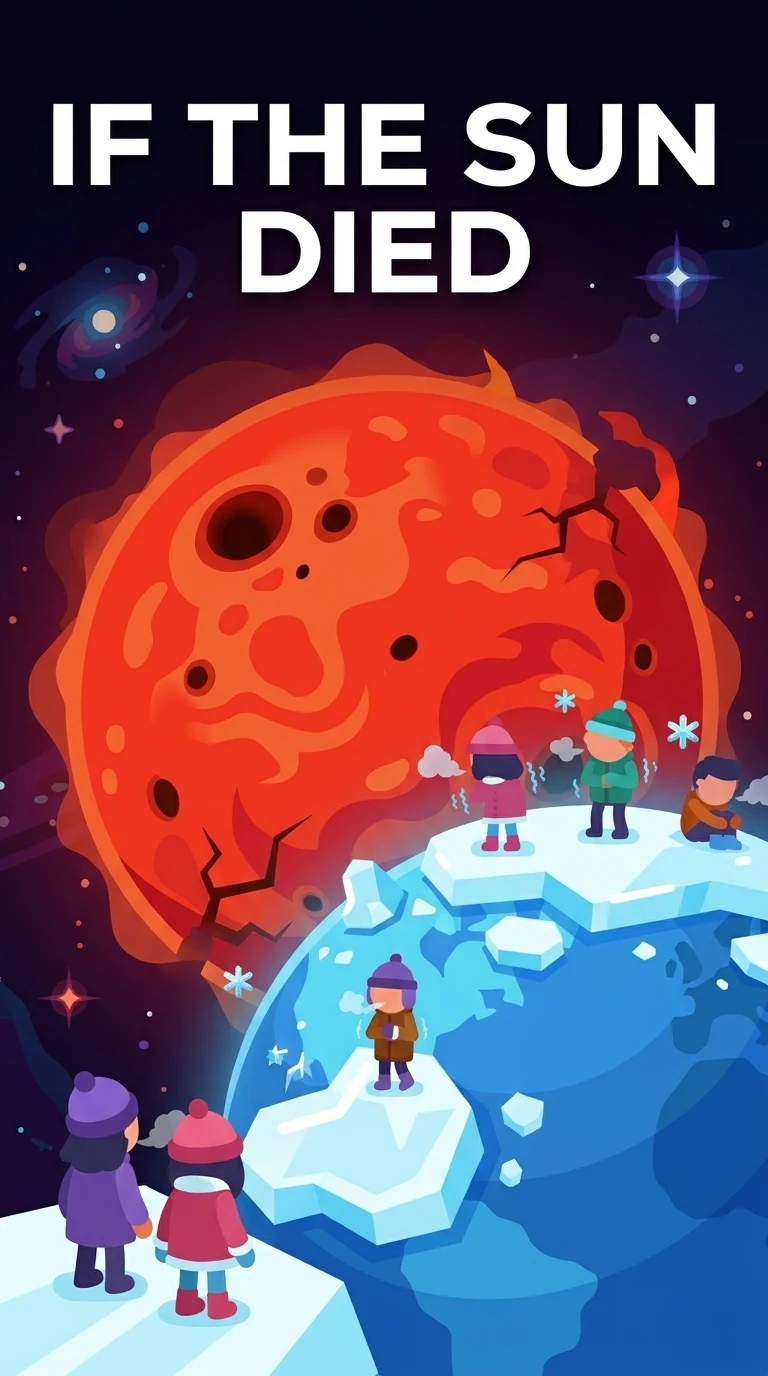
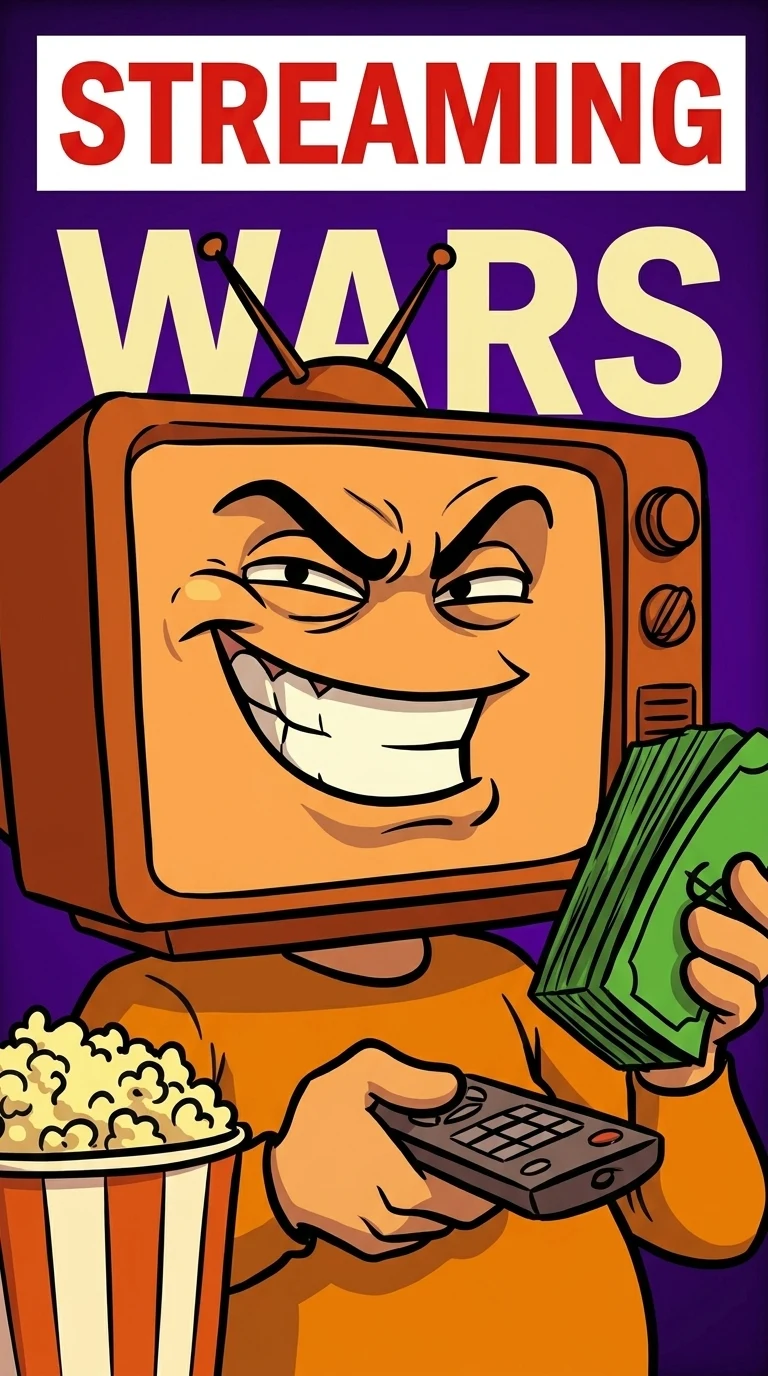
The AI thumbnail maker that starts from your idea
Bring a brief, a transcript, or a video link and the AI thumbnail generator hands you three genuinely different, editable concepts sized for YouTube, Shorts, Reels, and TikTok. No prompt-wrestling, no design skills, no blank canvas.
- 3 free thumbnails to start
- No design skills needed
- Editable, never flattened
Avatar


Style
Channel
Reels
YouTube
Shorts
The Blueprint selected
- 3Editable concepts every run
- 4Native formats, one workflow
- 60sFrom link to first drafts
- $0To start, no card needed
How it works
How to make an AI thumbnail in three steps
- 11 / 3
Add your source
Paste a YouTube link, drop a video file, or write a one-line brief. The AI reads it for the strongest hook instead of asking you to describe a picture.
- 22 / 3
Generate three concepts
In about a minute you get three distinct directions, each built on a real subject and a clear headline, not one template recolored three times.
- 33 / 3
Edit and export
Refine text, subject, and color on a live canvas, then export platform-native PNG, JPG, or WEBP files sized and ready to publish.
What you get
An AI thumbnail maker that thinks like a designer
Not a prompt box that spits out one flat picture. It reads your source, builds three real concepts, and hands you a canvas you actually control, the way a thumbnail designer would.
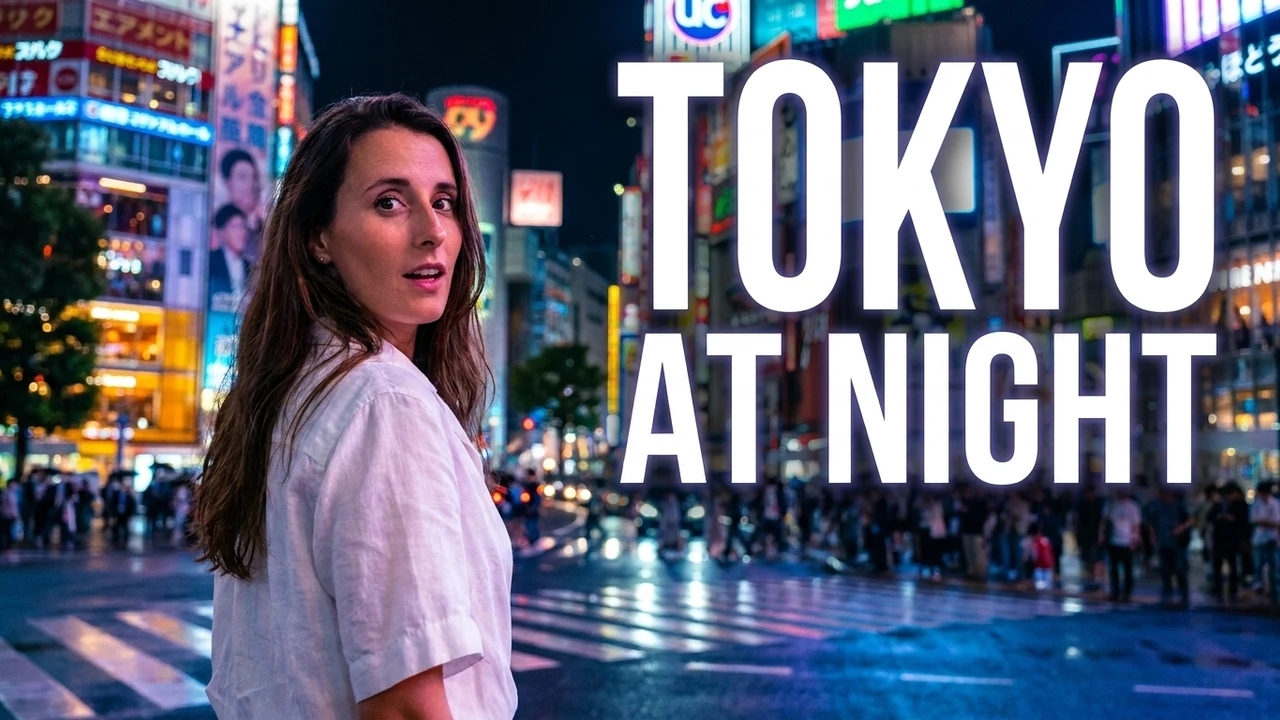
Three real directions, side by side
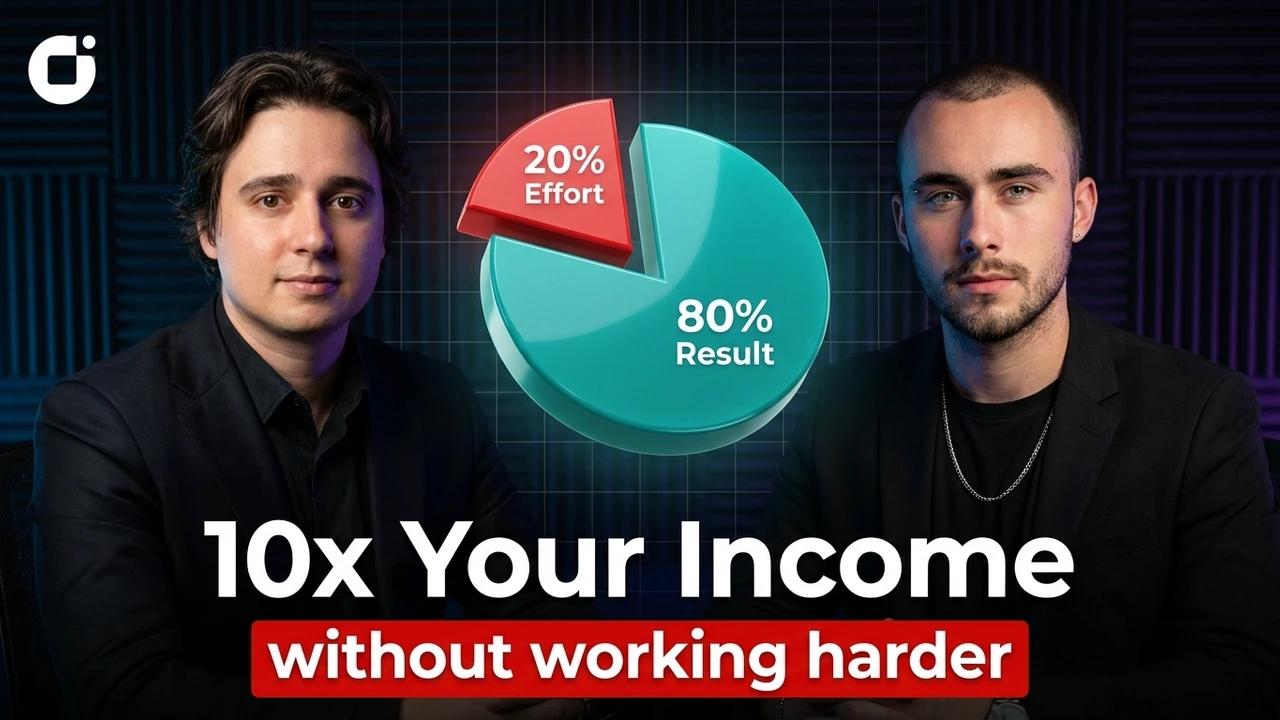
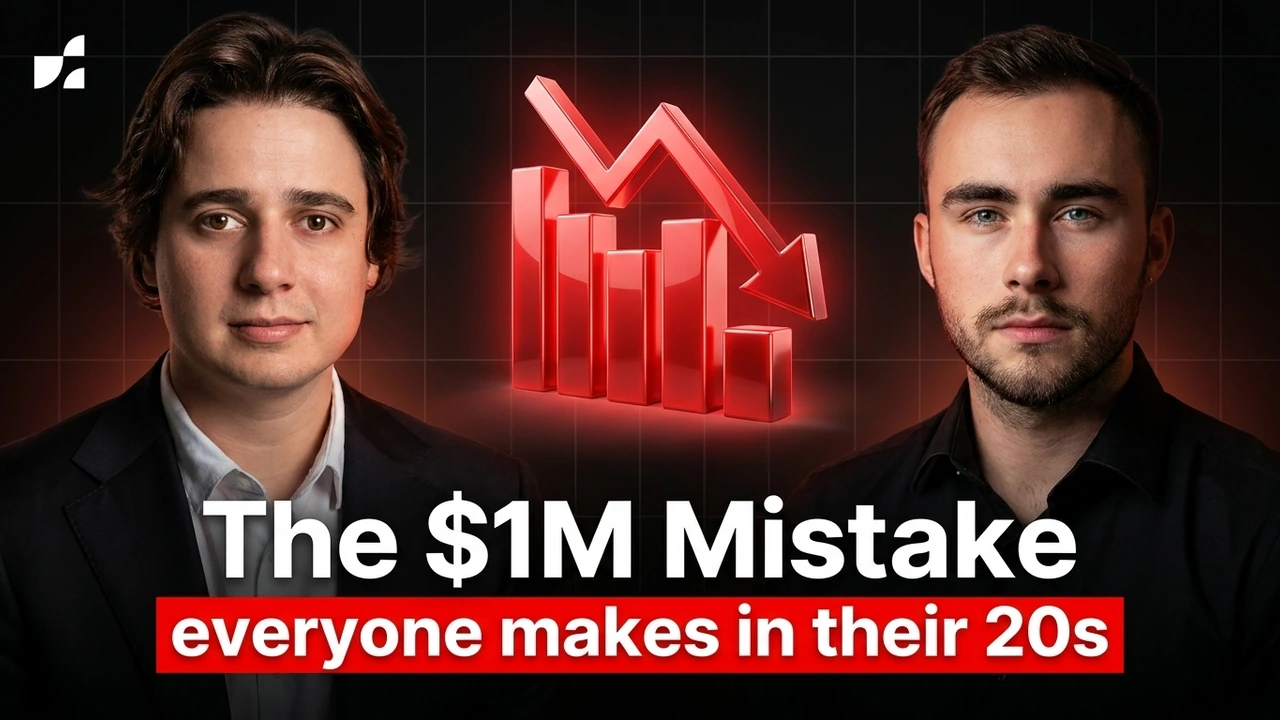
Every generation returns three genuinely different concepts, each built on its own hook, subject, and headline, not one layout recolored three times. Line them up, judge them the way a designer would, and take the strongest click forward, or keep all three to A/B test on your channel.
- A distinct hook per concept
- A real subject, never a recolor
- Compare and pick in one view
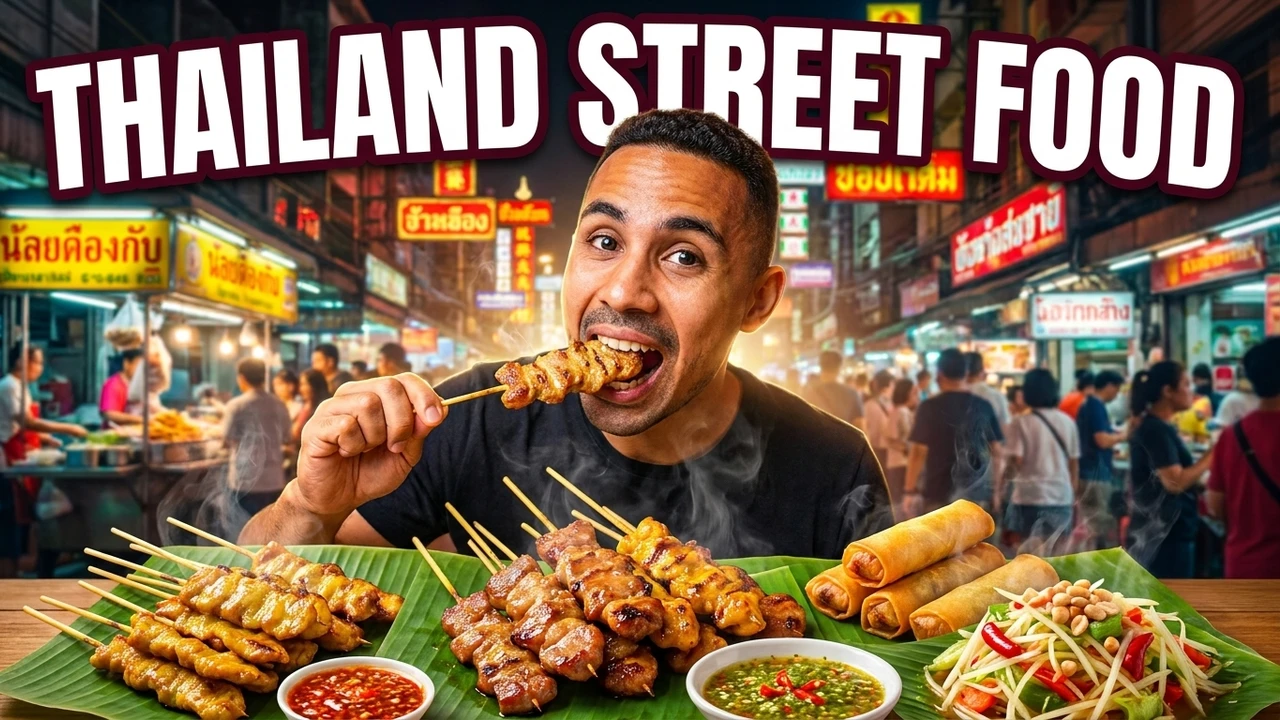
It reads your source for the real hook
Paste a YouTube link, drop a raw file, or type a single line. The AI reads the transcript and the footage for the moment, the tension, and the promise that earns the click, then builds the frame around it, so you skip prompt engineering entirely.
- Reads a link, file, or one-line brief
- Finds the highest-tension moment
- Headlines pulled from your story

Every layer stays yours to change
Text, subject, background, and color each sit on their own layer on a live canvas. Nothing is flattened into pixels, so weeks later you can rewrite the headline, swap the face, or shift the palette without regenerating from scratch.
- A live, layered canvas
- Never flattened into one image
- Rewrite or swap anything, anytime
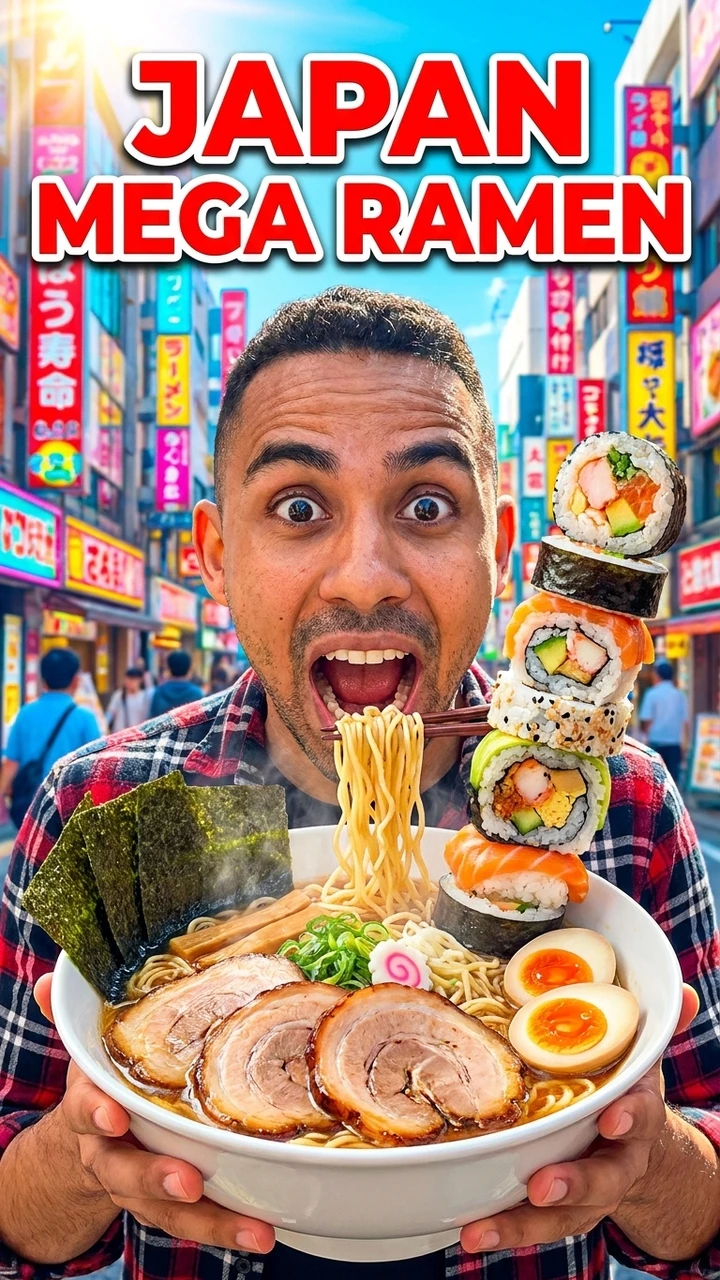
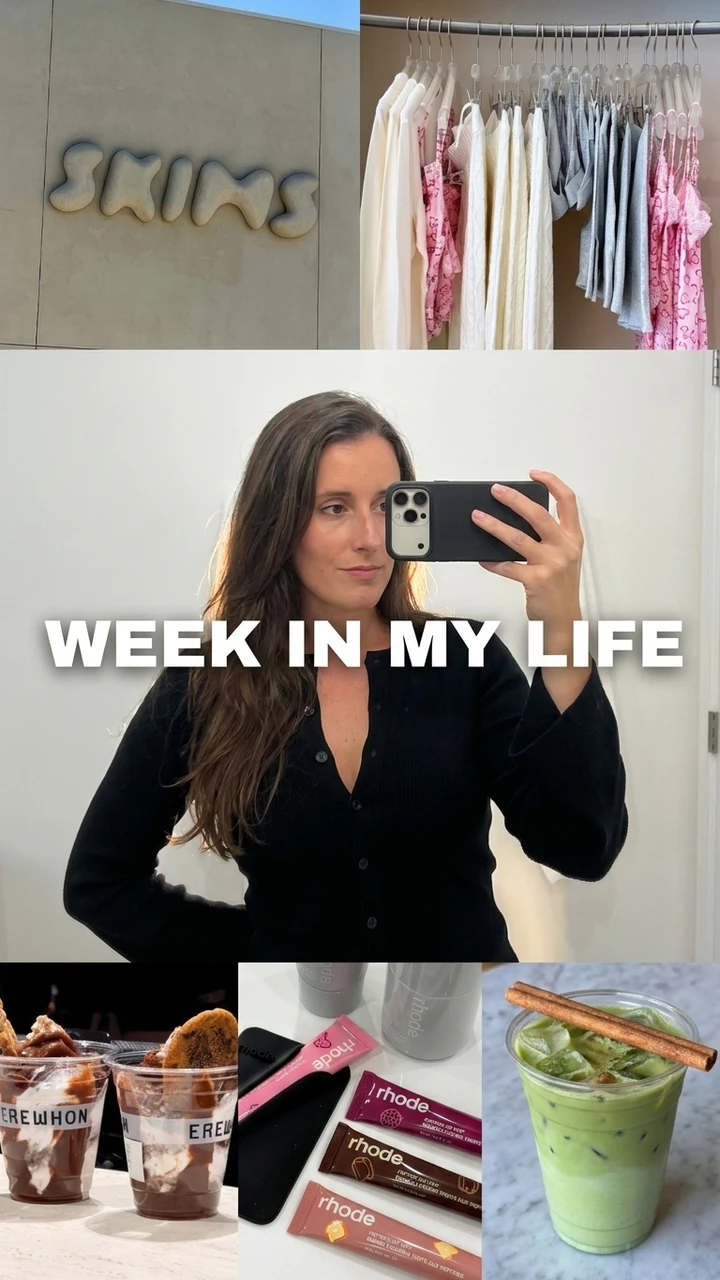
One concept, every format
Reflow a single concept into a 1280x720 YouTube thumbnail, a 9:16 Shorts or Reels cover, and a TikTok cover in one click, each with its safe zones kept clear of the timestamp, title, and app UI so nothing important gets cropped in the feed.
- YouTube 16:9 and Shorts 9:16
- Reels and TikTok covers
- Safe zones kept clear of UI
The style engine
One idea, rendered in every style
This is the one thing an AI thumbnail maker does that a freelancer or a single render never can: take one line and propose it as six finished looks at once. Type your idea, and the engine reads the style your channel already lives in, then marks the one it would ship.
"I quit my job to travel for a year"
Learns your channel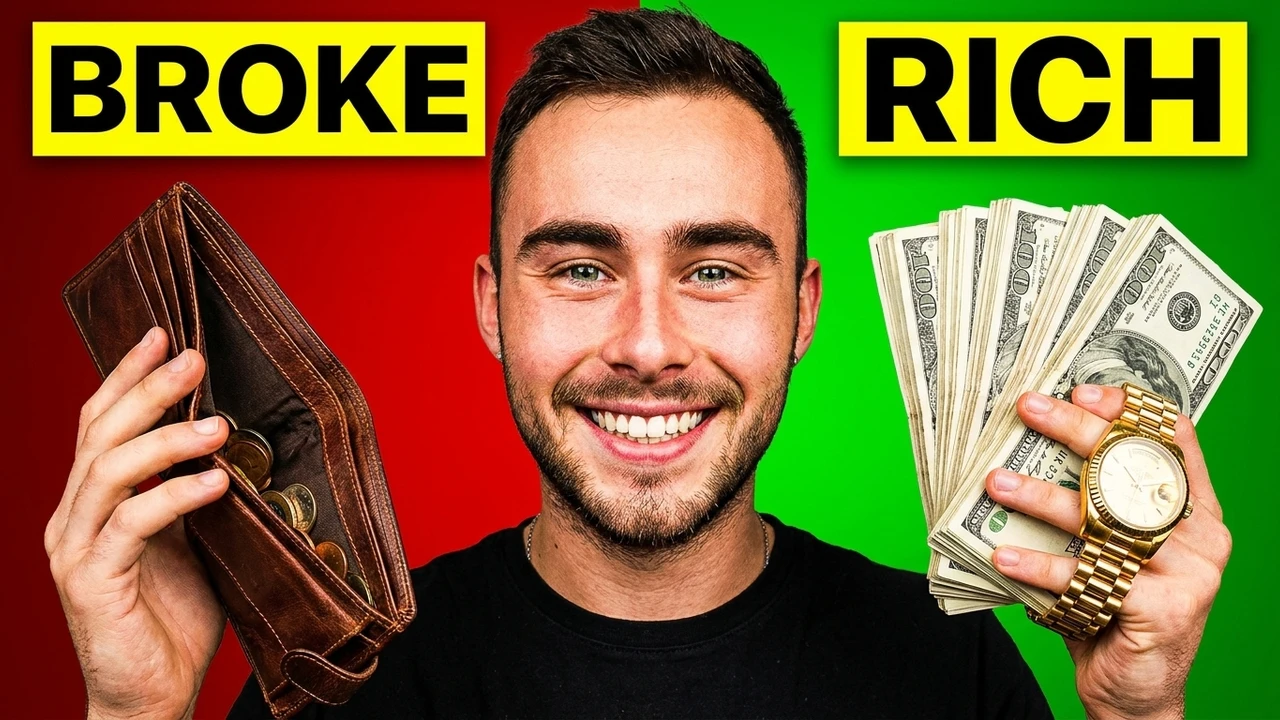
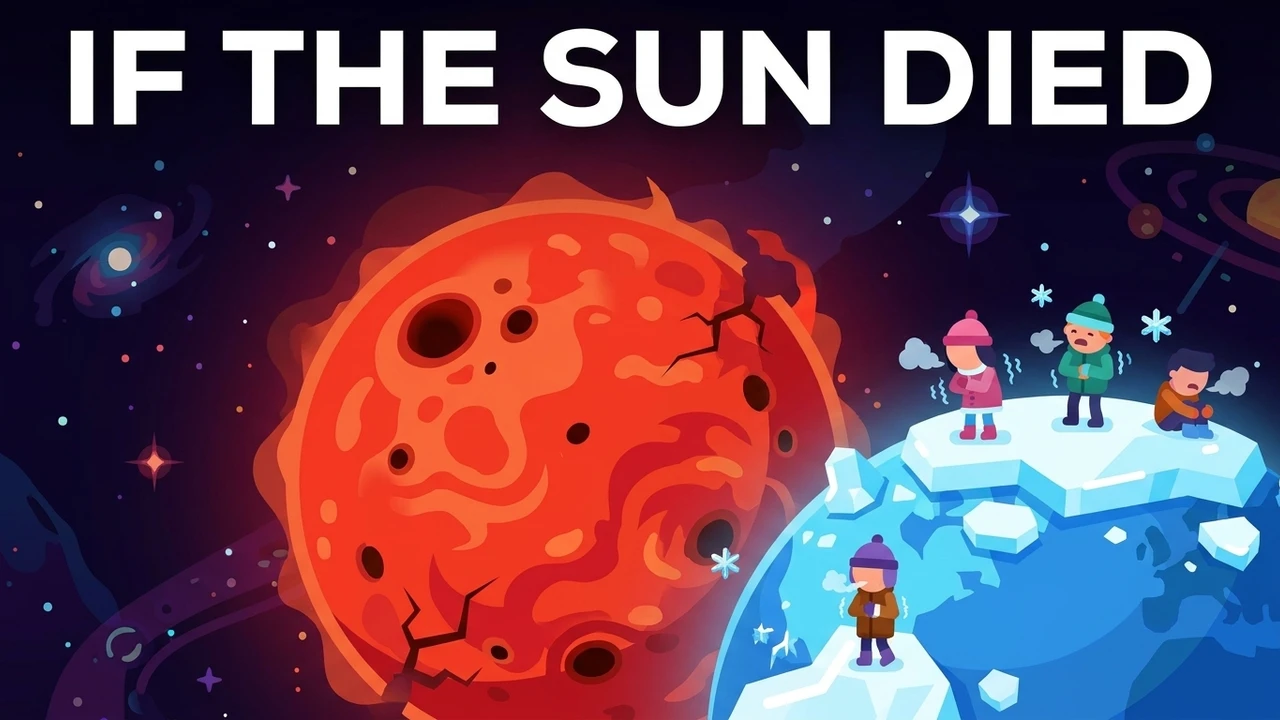
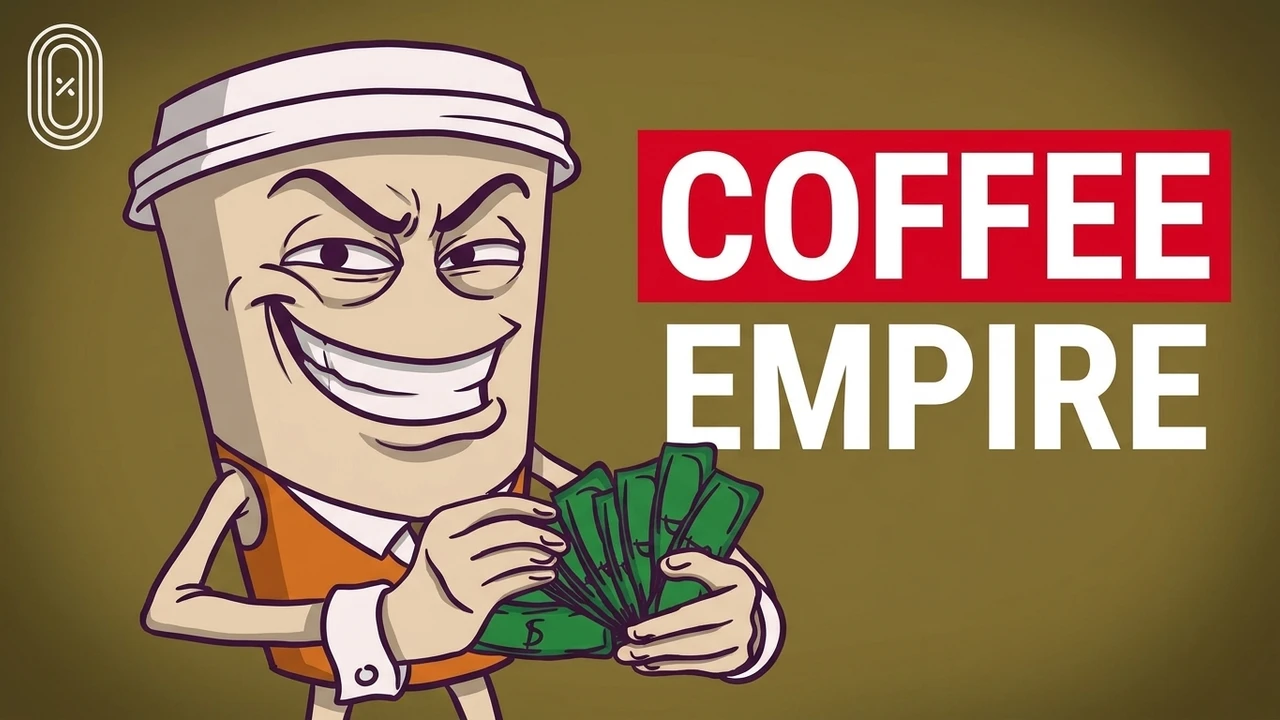
Every tile is a full, editable concept, not a preview. Ship the pick as is, or take any other look onto the canvas and make it yours.
Why creators use it
Why creators use the AI thumbnail maker
Concepts, not clones
Every run returns three different directions, so you compare real hooks instead of nudging one layout and hoping. Three shots at the click for the effort of one.
Made for the feed
Bold subjects, high contrast, and headlines that stay readable at the tiny size a browse feed actually shows, which is where the click is won or lost.
Stays editable
Layers are never flattened, so the headline, subject, and colors stay yours to change through review, export, and long after you publish.
Every platform
Reflow one concept into YouTube, Shorts, Reels, and TikTok sizes with safe zones intact, without starting over for each format.
How it compares
Built for the click, not just the render
A generic image model gives you one flat picture and no sense of the feed. A freelance designer gives you one draft, a few days, and an invoice. The AI thumbnail maker gives you three editable, feed-tuned concepts in a minute.
Made with the maker
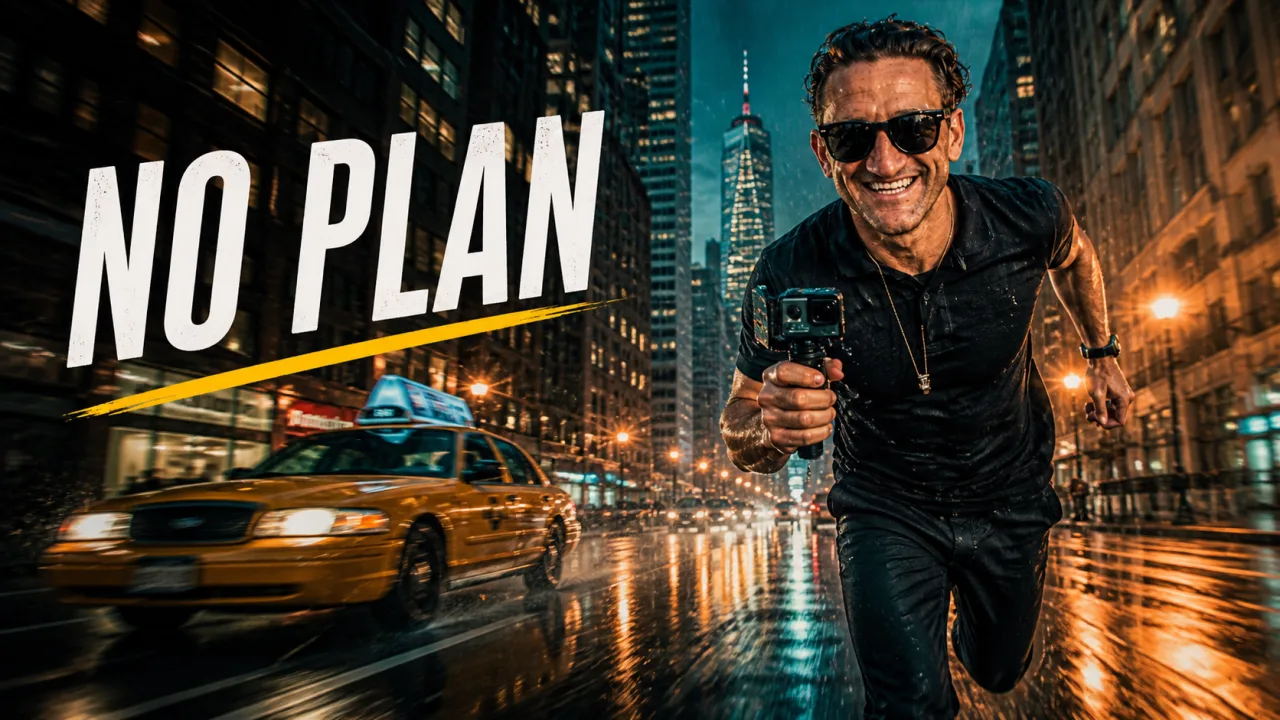
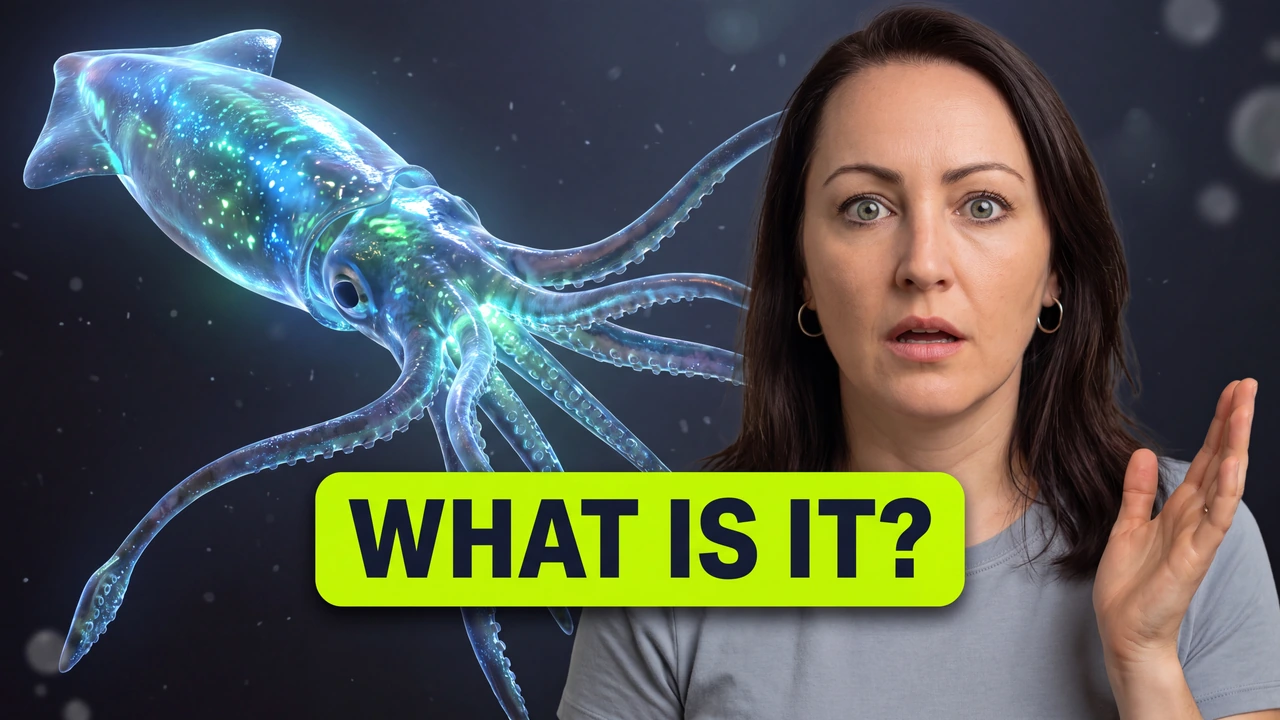
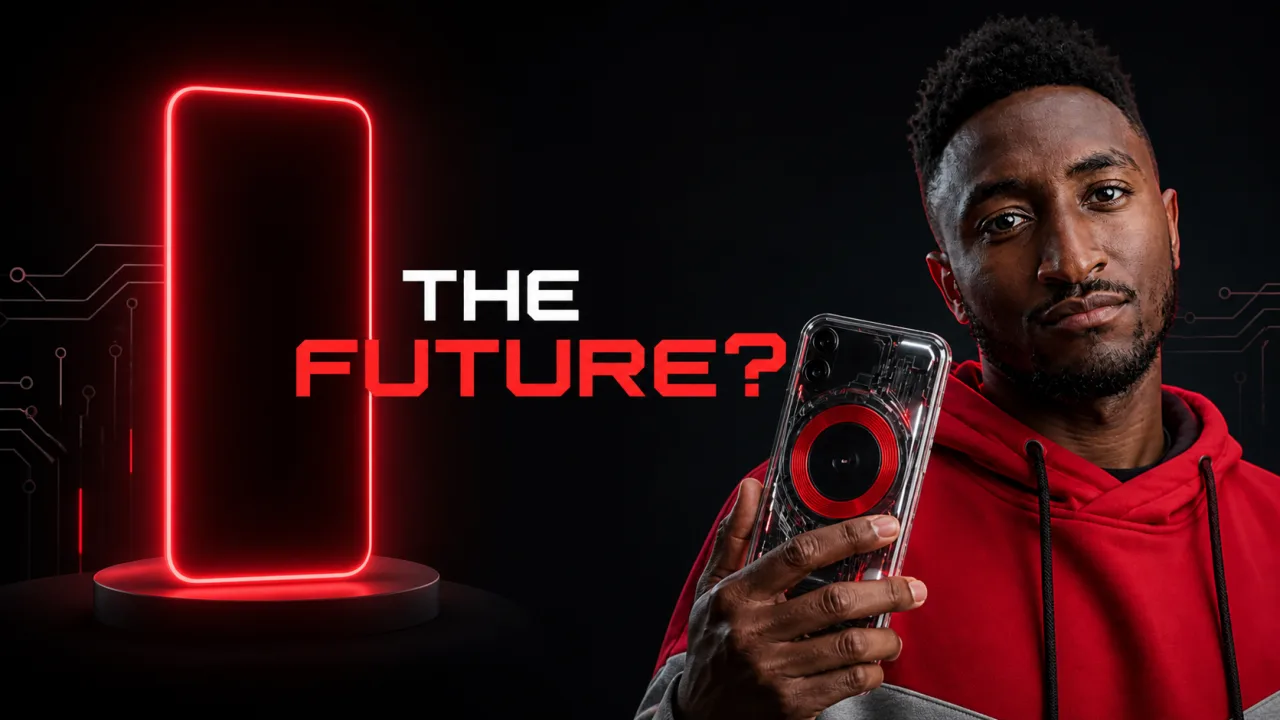
Thumbnails built to earn the click
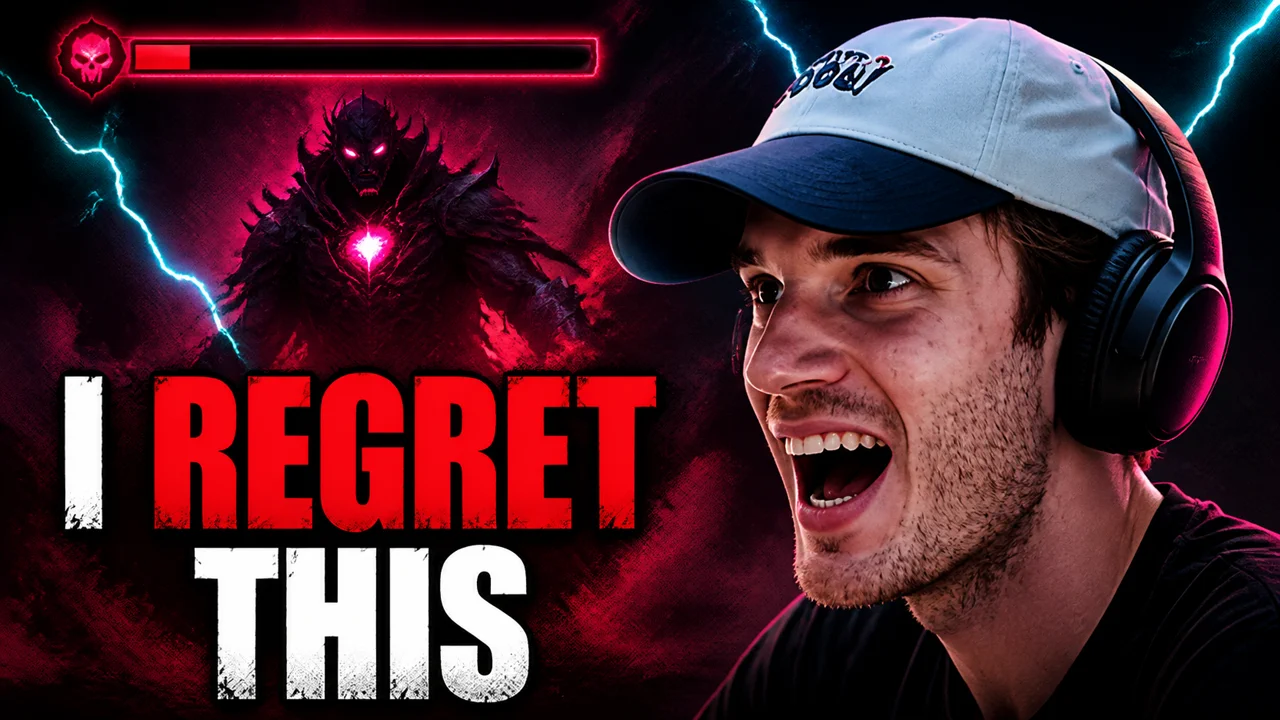
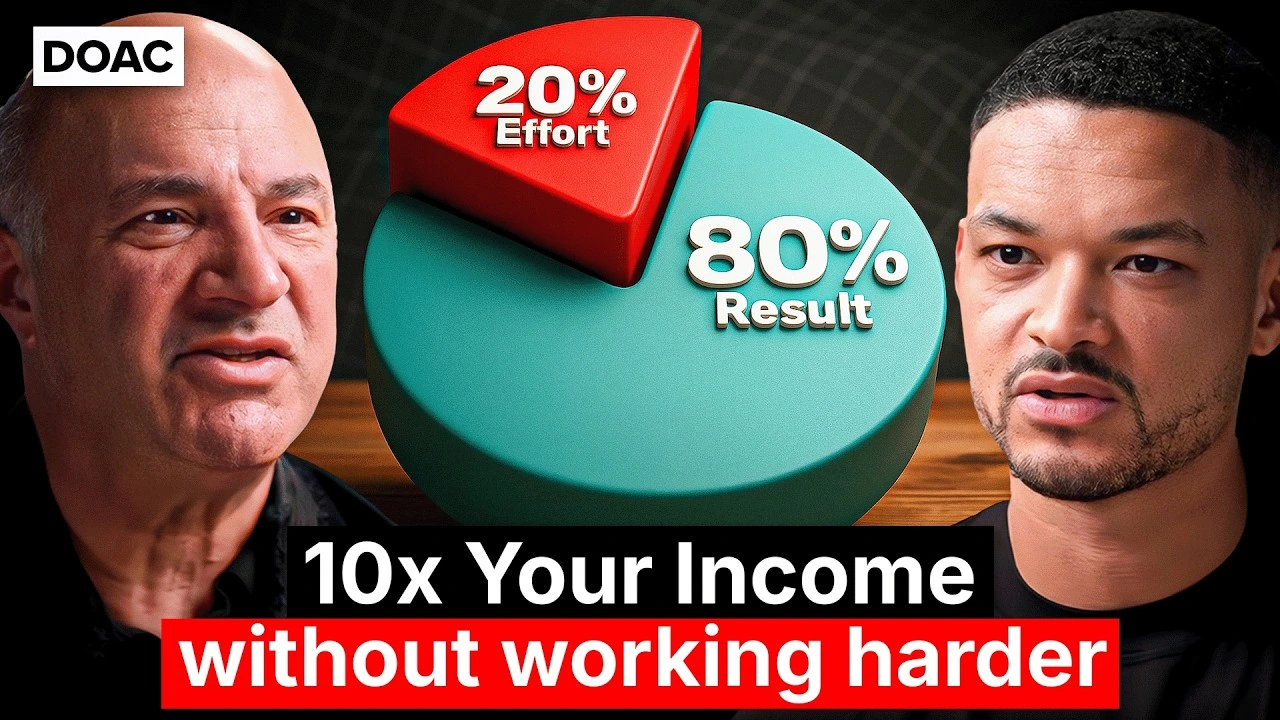
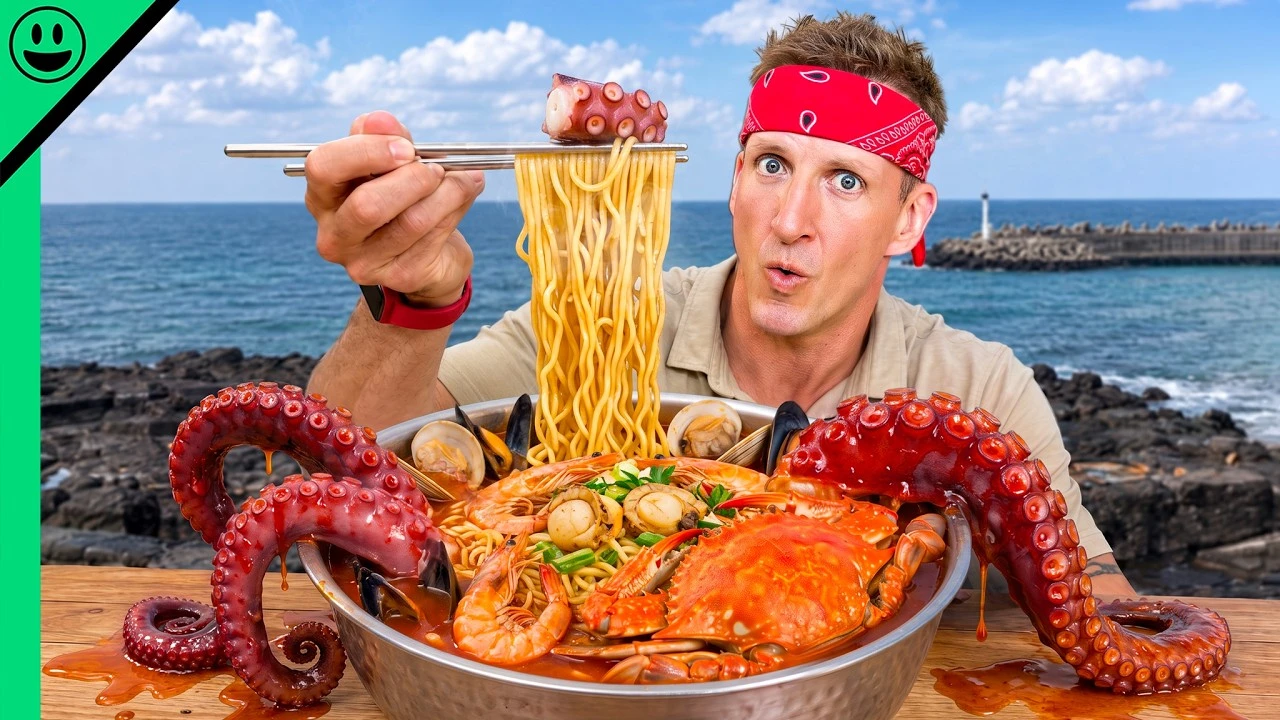
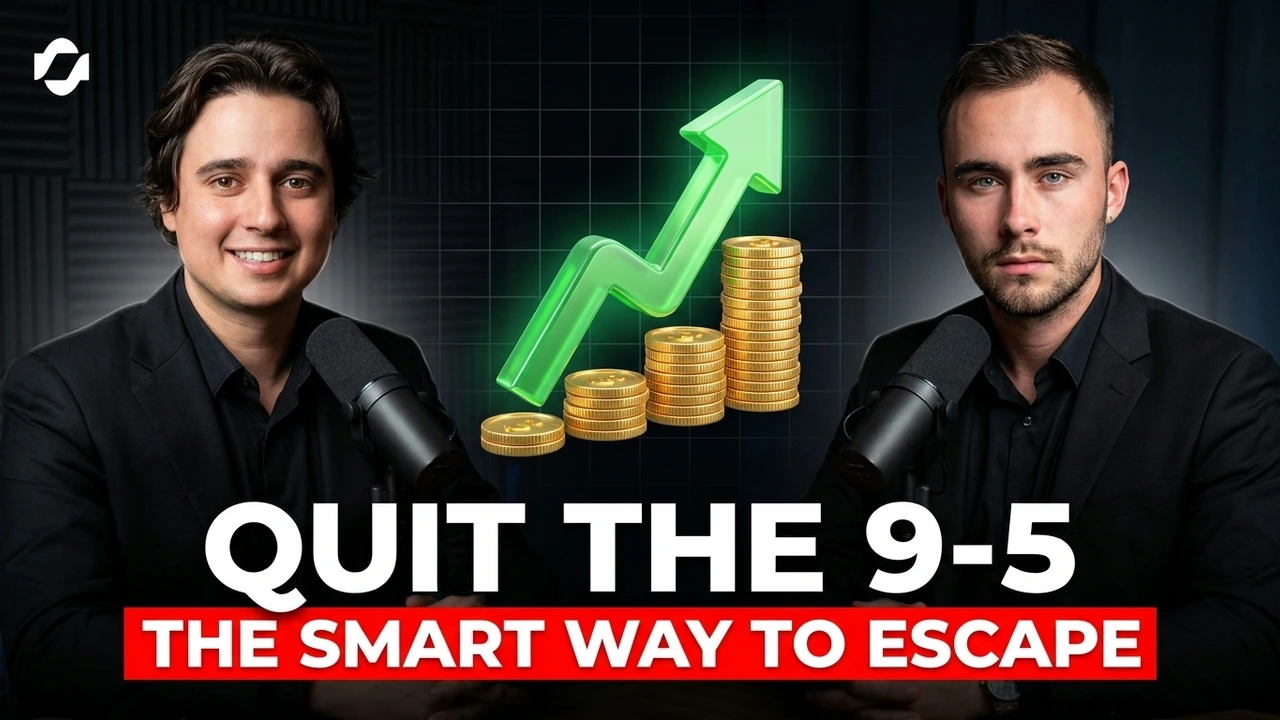
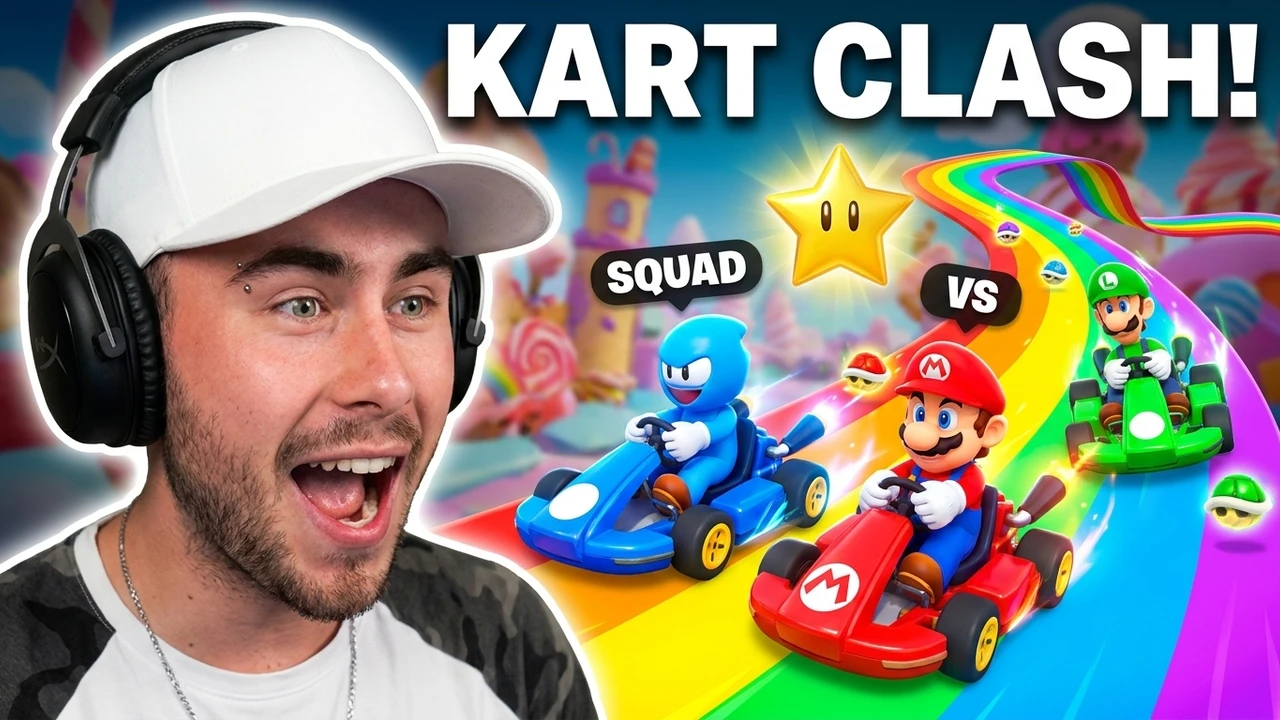
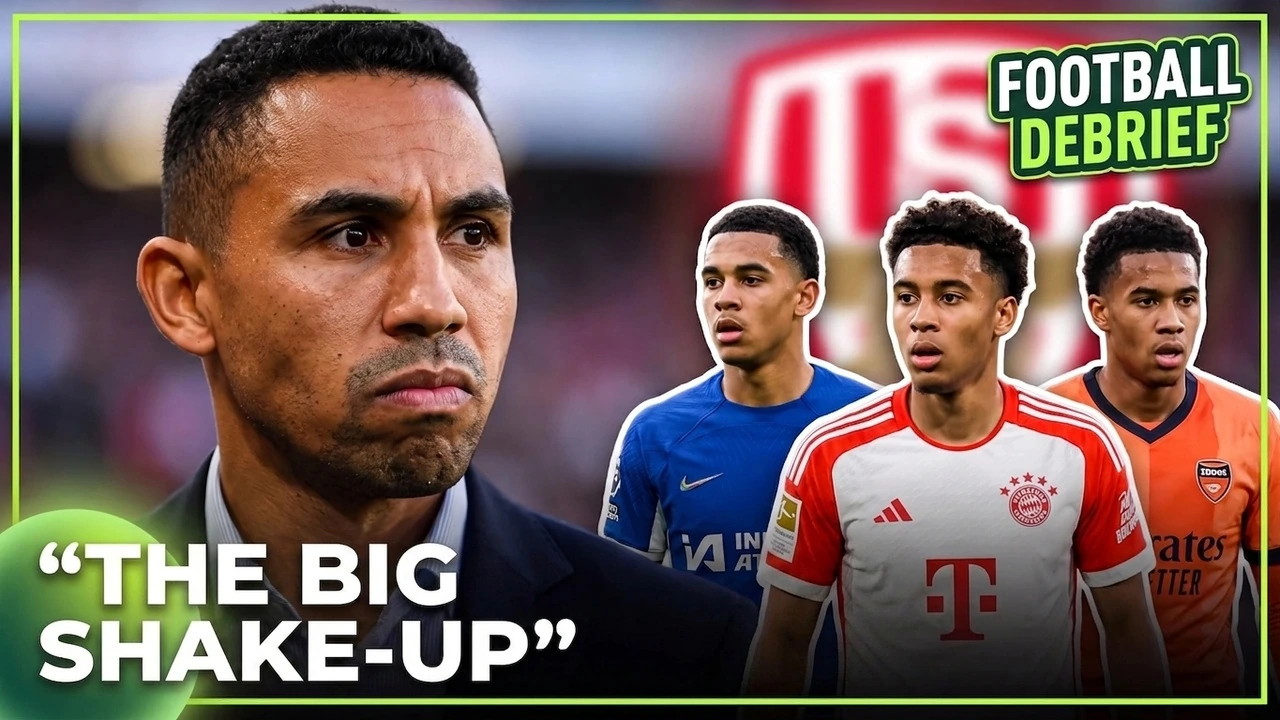
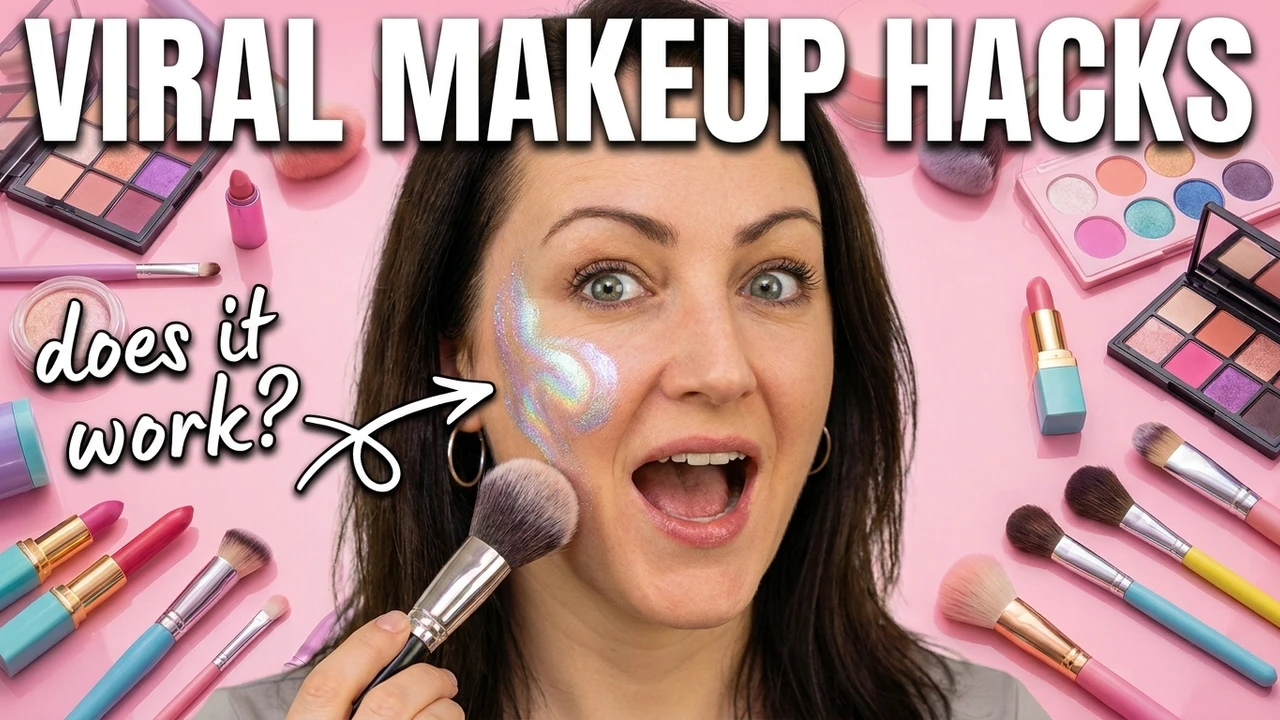
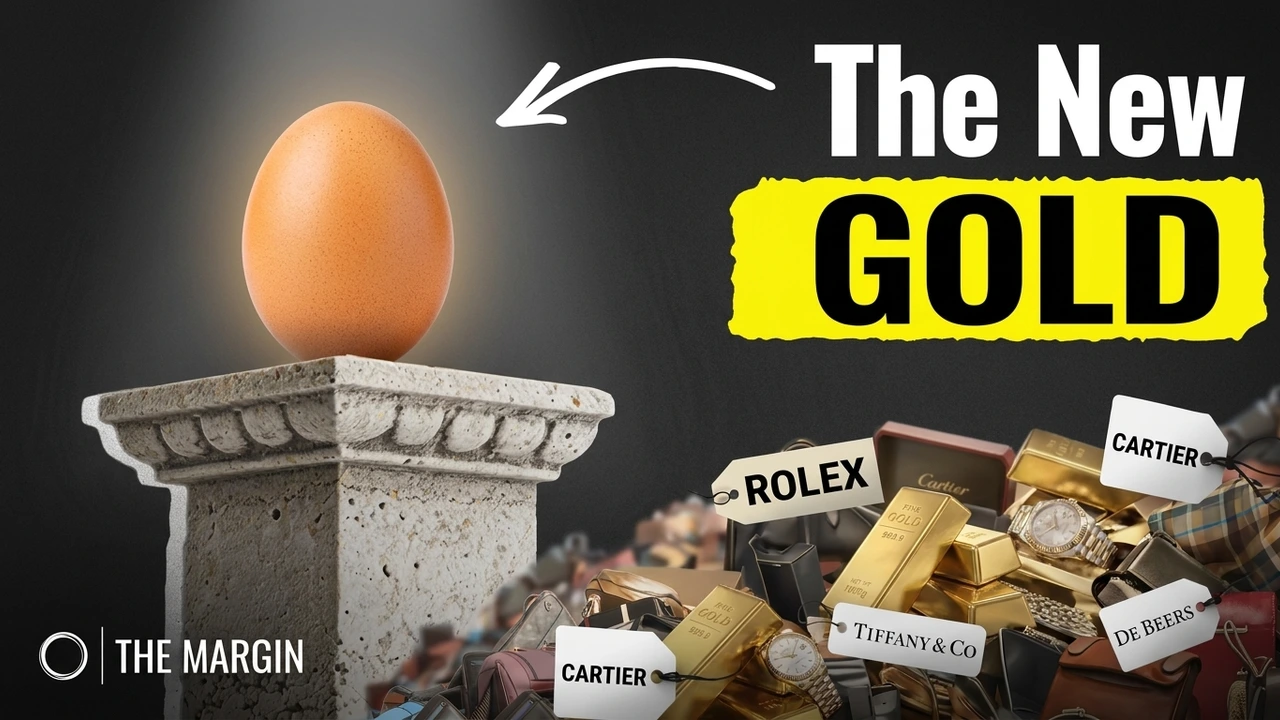
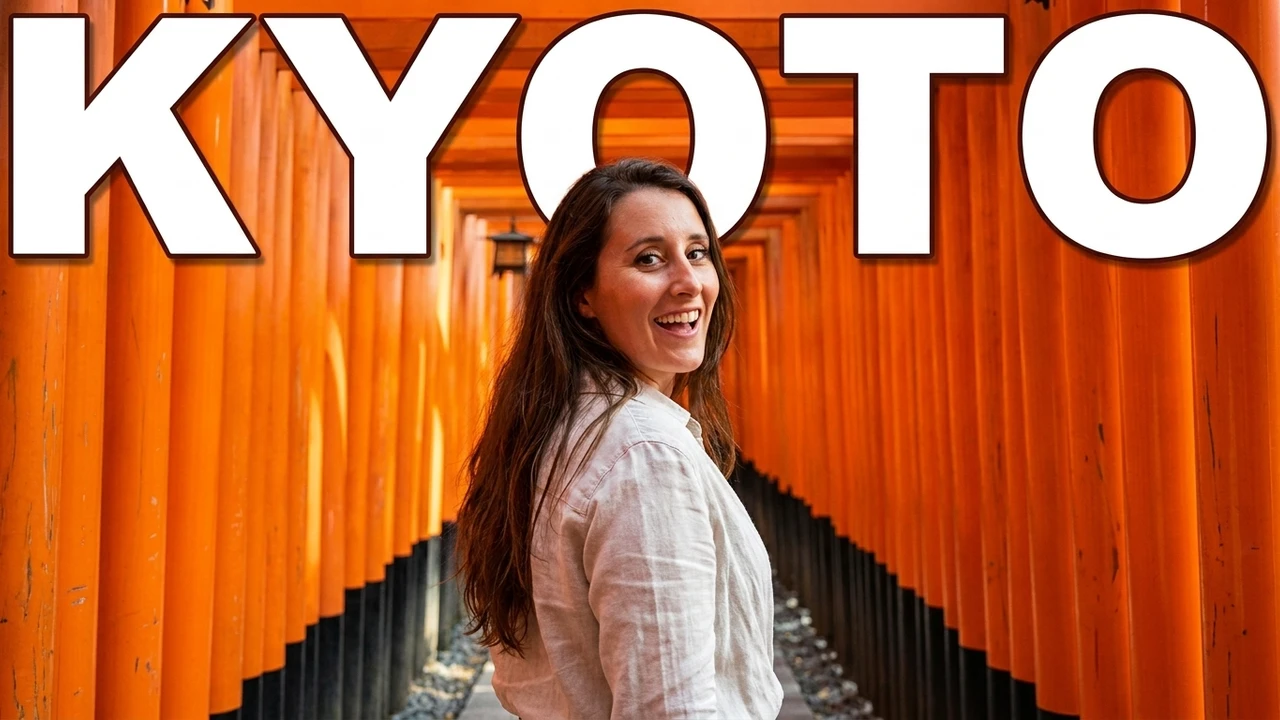
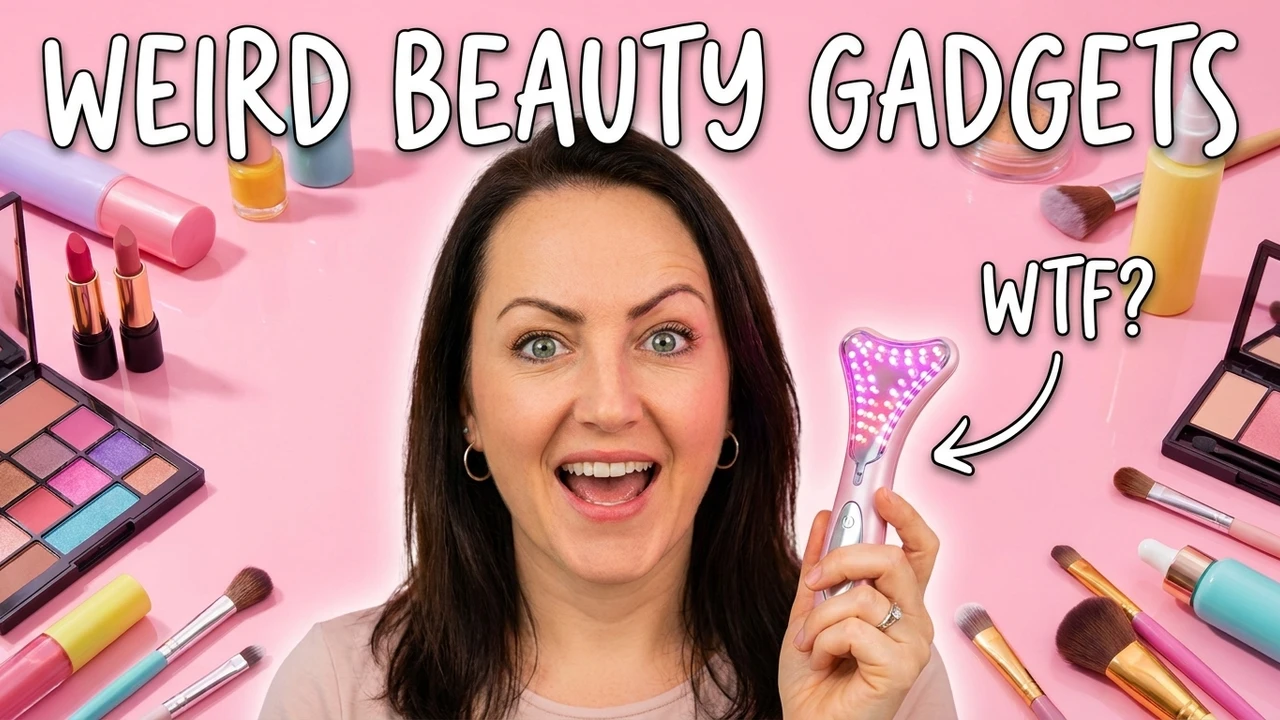
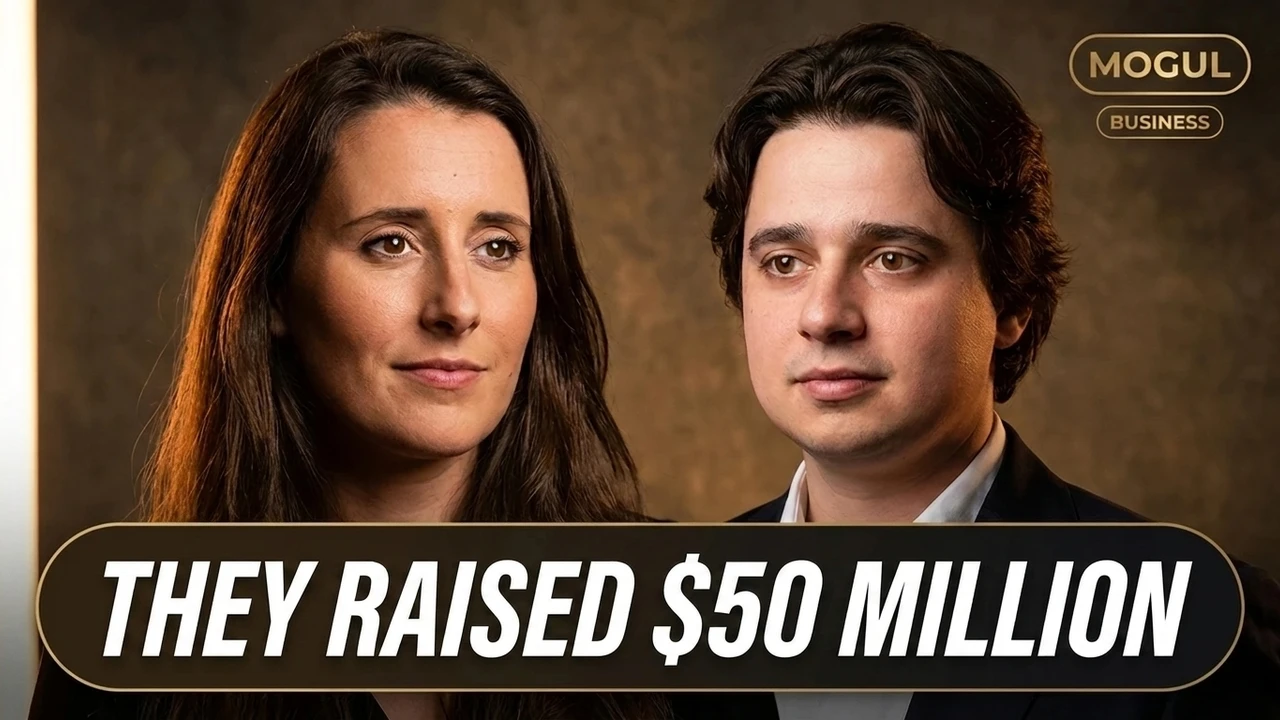
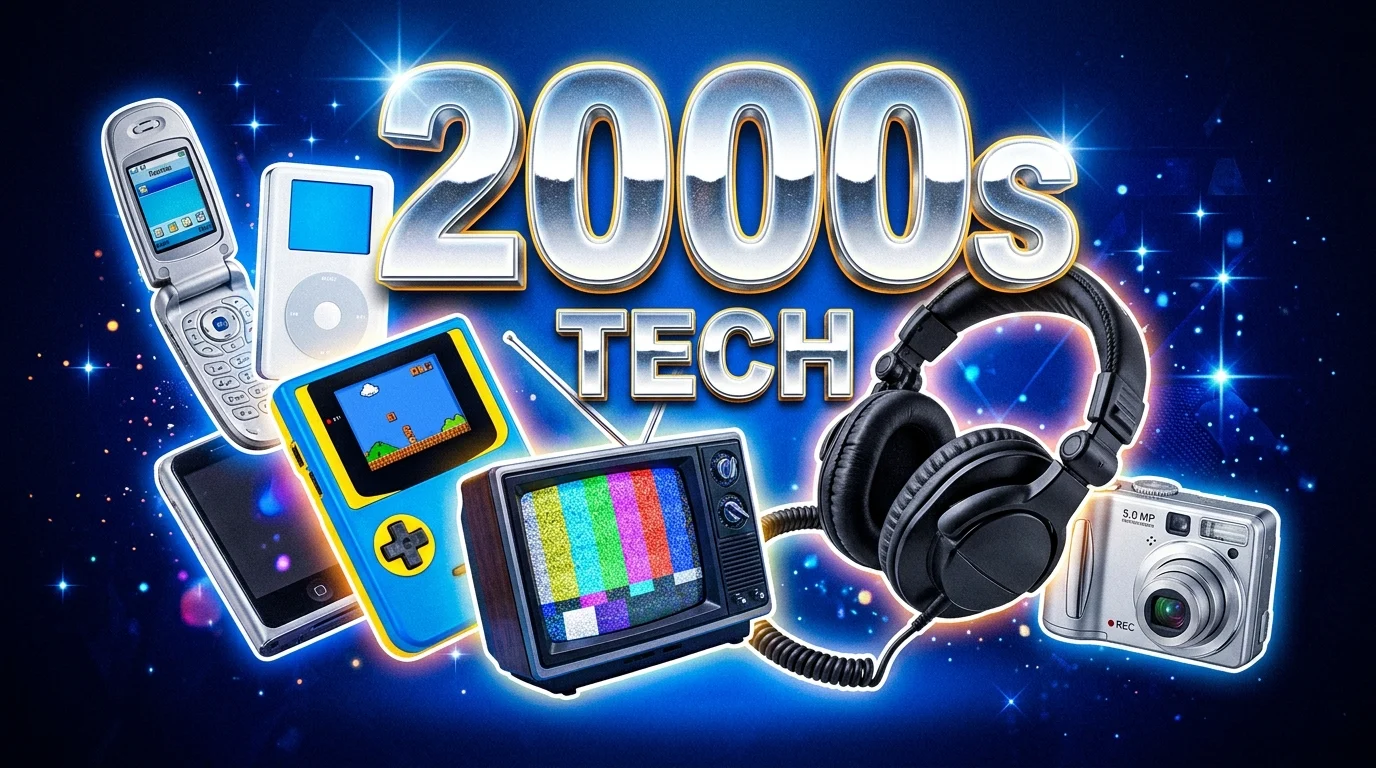
Real concepts the AI thumbnail maker generated across gaming, food, travel, sport, and tech. Every one started from a single link or a one-line brief and landed in under a minute.

FAQ
AI thumbnail maker FAQ
Is the AI thumbnail maker free?+
Yes. You get 3 free thumbnails with no credit card, all fully editable. Free tools for preview, resize, and download are always available.
How does the AI thumbnail generator work?+
You add a source, the AI reads it for the strongest hook, then it designs three distinct thumbnail concepts around a real subject and headline. You refine any of them on a live canvas and export at native size.
What can I use as a source?+
A written brief, a video transcript, an uploaded video file, or a supported public link from YouTube, TikTok, or Instagram. Even a single sentence is enough to generate from.
Which platforms and sizes are supported?+
YouTube (1280x720) and YouTube Shorts, plus Instagram Reels and TikTok covers, each generated at its native size with the safe zones kept clear of overlays and timestamps.
Can I edit what the AI makes?+
Always. Text, subject, background, colors, and composition stay on separate editable layers, never flattened, so you can tune the headline or swap the subject long after the first generation.
Do I need design skills or Photoshop?+
No. The AI handles layout, contrast, and composition, and the canvas is point and click. If you can paste a link or type a sentence, you can ship a finished thumbnail.
Will the thumbnails get more clicks?+
The maker designs for the feed: bold subjects, readable headlines, and safe zones respected so nothing important gets cropped at small sizes. Because every run returns three concepts, you can A/B test hooks instead of guessing.
Can I use the thumbnails commercially on my channel?+
Yes. Thumbnails you generate are yours to publish on your own videos across YouTube, Shorts, Reels, and TikTok.
Ready to generate
Turn your next video into a thumbnail people notice
Bring a link or a one-line brief and walk out with three editable, feed-ready concepts in one focused workflow.
- 3 free thumbnails to start
- No design skills needed
- Editable, never flattened
Free to start. No card, no design skills.