
Comparisons
3 Serious Thumbmagic Alternatives (2026)
Most Thumbmagic alternatives are template editors in disguise. Here are the three people actually consider, ranked by how serious they really are.

Matteo Le Floch
Co-Founder @Thumbnail Gods
9 min read
On this page
- TL;DR
- 1. Thumbnail Gods, the serious upgrade
- 2. Canva, the popular default that is not serious enough
- 3. Pikzels, the one-click option that stops short
- Why creators look past Thumbmagic in the first place
- How to actually switch
- The one question that settles it
- What about the other names people mention
- The bottom line
Look up Thumbmagic alternatives and the results blur together: a dozen template editors and one-click generators, each promising to replace a tool built for one job. Most of them cannot, because most of them are not serious thumbnail software. They are design apps and novelty generators that happen to export at thumbnail size.
Thumbmagic itself is a real tool, so the bar for replacing it is real too. Three names come up again and again. Here they are, ranked by how serious they actually are, with no pretending.
TL;DR
- 🥇 Thumbnail Gods is the one serious Thumbmagic alternative, and a clear upgrade for creators, clippers, and agencies.
- ⚠️ Canva is the popular default, but it is a general design app, not serious thumbnail software.
- ⚠️ Pikzels is the one-click option, and it stops at a flat image you cannot really edit.
- ✅ The upgrade you are looking for: AI plus manual editing on one canvas, native to four platforms, never flattened.
- 🔌 If you run volume, the decider is the API and webhooks, not another template gallery.
Before ranking anything, here is the bar a serious alternative has to clear. Most candidates fail it in the first two lines.
- Generates with AI and edits by hand on one canvasMost fail here
- Sizes natively for YouTube, TikTok, Instagram, and LinkedInMost fail here
- Share a review link when work finishes
- Keeps every layer editable, never flattened
- Serves creators, clippers, and agencies from one workflow
1. Thumbnail Gods, the serious upgrade
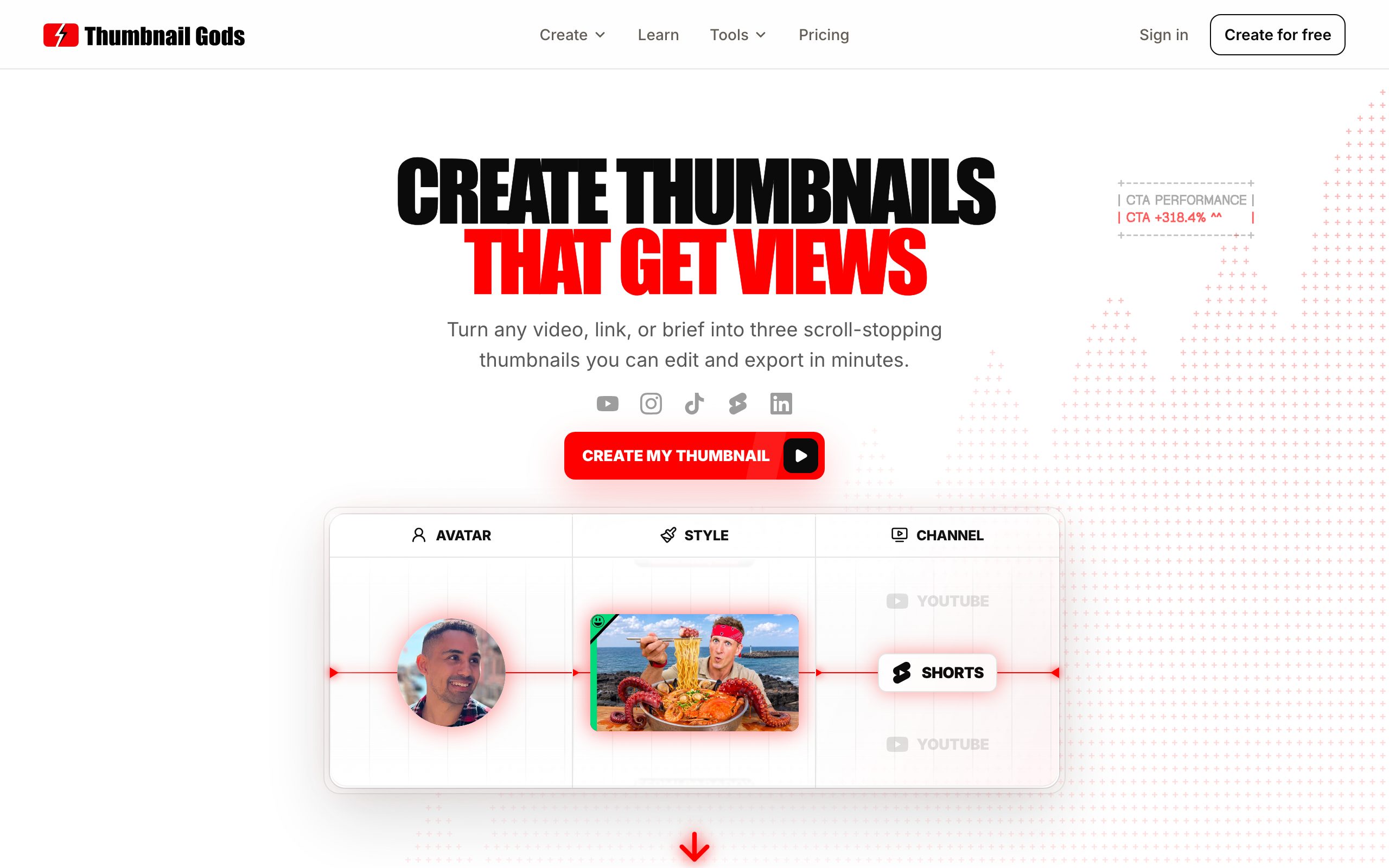
If you are leaving Thumbmagic to move up rather than sideways, this is the one. Thumbnail Gods is built on the same premise, that the thumbnail is the asset that wins the click, and then it extends that premise further than anything else on the market.
Bring a video, a supported public link, or a one line brief, and it returns three genuinely different, editable concepts. It reads your source for the real hook instead of asking you to describe a picture, so the directions it gives you are grounded in the actual video, not a generic prompt. You compare three real options and take the strongest forward.
The reason it is a true upgrade comes down to three things Thumbmagic-style tools do not combine.
First, AI and non-AI on one canvas. Generate three concepts with AI, then edit by hand: rewrite the headline as a live layer, change one region without regenerating the whole image, or start from your own photo and build the thumbnail up manually. Layers are never flattened, so a headline you set today is still a live, editable layer next month. An AI draft and a hand-built thumbnail live in the same place.
Second, native to every platform. One brief reflows into a 1280x720 YouTube thumbnail, a vertical Shorts or Reels cover, a TikTok cover, and a LinkedIn video frame, each sized and composed for its feed with safe zones kept clear. You are not exporting one image and re-cropping it four times and hoping the text still fits.
Third, an automation surface built for volume. Generate in the studio, then let signed outgoing webhooks tell your CMS, uploader, or review queue when concepts are ready. For clippers and agencies, this is the whole game.
Who it is for: creators who want feed-ready thumbnails without design skills, professionals and agencies who need brand-safe multi-platform output on a deadline, and clippers producing at scale.
Pros
- Reads your source video or brief for the real hook, then returns three editable concepts
- AI and manual editing live on one canvas, and layers are never flattened
- Native output for four platforms, plus the API and webhooks for volume
Cons
- Newer than the big design suites, so the template gallery is smaller
- Focused on thumbnails, not a general-purpose graphic design app
- Priced above one-click toys, because it does considerably more
Pricing: Free with 3 thumbnails and no card, then Creator at 29 per month for 100 thumbnails, Studio at 59 for 300, and Professional at 99 for 700. See the full pricing.
2. Canva, the popular default that is not serious enough
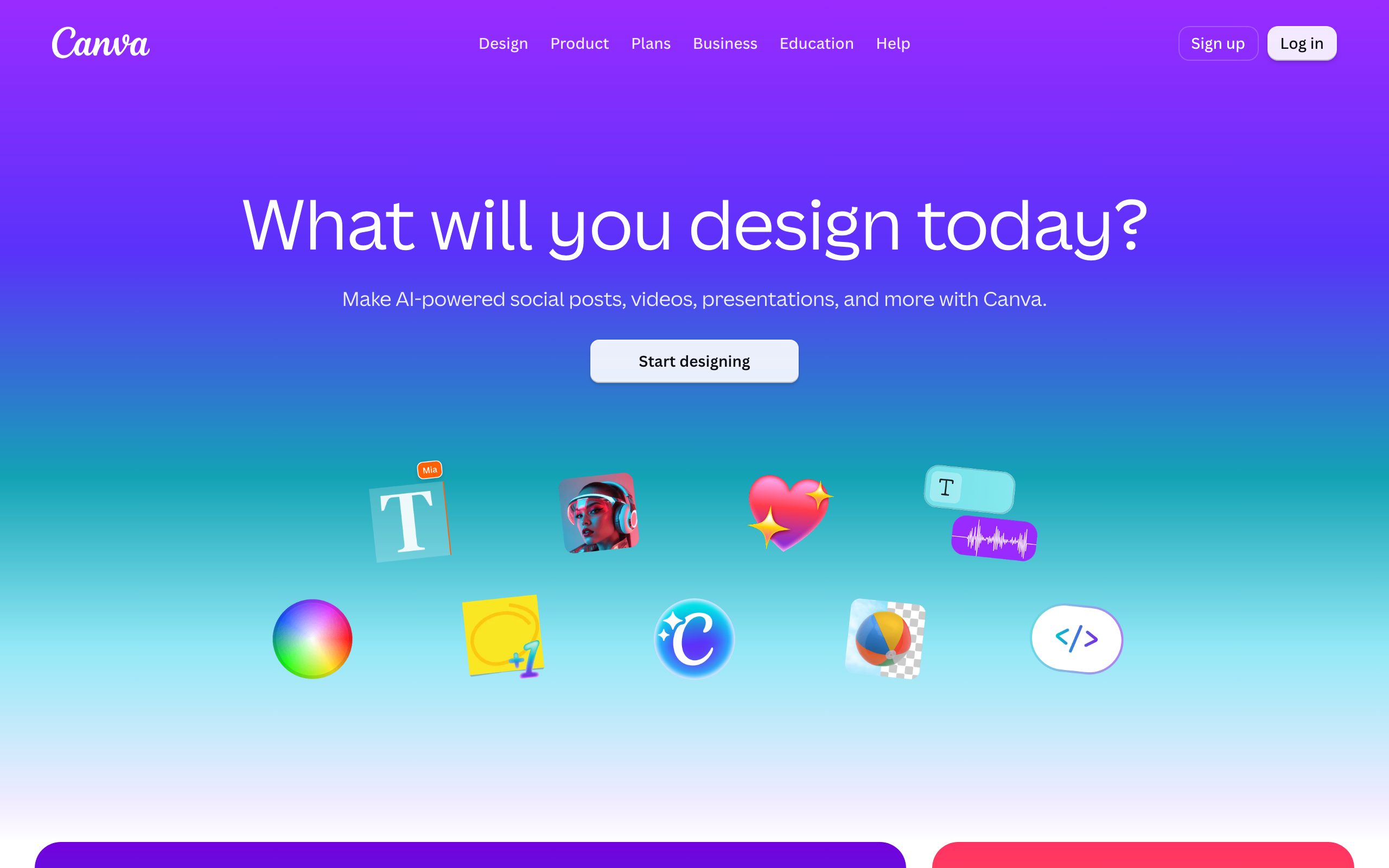
Canva is the name most people reach for, and it is a genuinely good product, at being a general design app. That is also why it is not a serious Thumbmagic alternative. It is template-first, so you begin from a stranger's layout instead of your video's hook. It has no source-aware AI that reads your footage. It exports one size that you crop by hand for every platform, which quietly breaks your composition each time. And it offers nothing like an API surface for generating thumbnails at volume.
For an occasional graphic, Canva is more than enough. As the tool your channel's click-through rate depends on, it asks you to do the thumbnail's thinking yourself, every time. That is a step down from a dedicated tool, not up.
Pros
- Enormous template library and a familiar, easy editor
- Free tier, plus Brand Kit, stock assets, and team sharing on Pro
- Genuinely good for one-off graphics, banners, and social posts
Cons
- Template-first, so you start from a stranger's layout, not your video's hook
- No source-aware AI, and one export size you crop by hand for each platform
- No API or webhook surface for generating thumbnails at volume
Pricing: Free plan; Canva Pro around $15 per month.
Turn your next video into scroll-stopping thumbnails
Create a thumbnail3. Pikzels, the one-click option that stops short
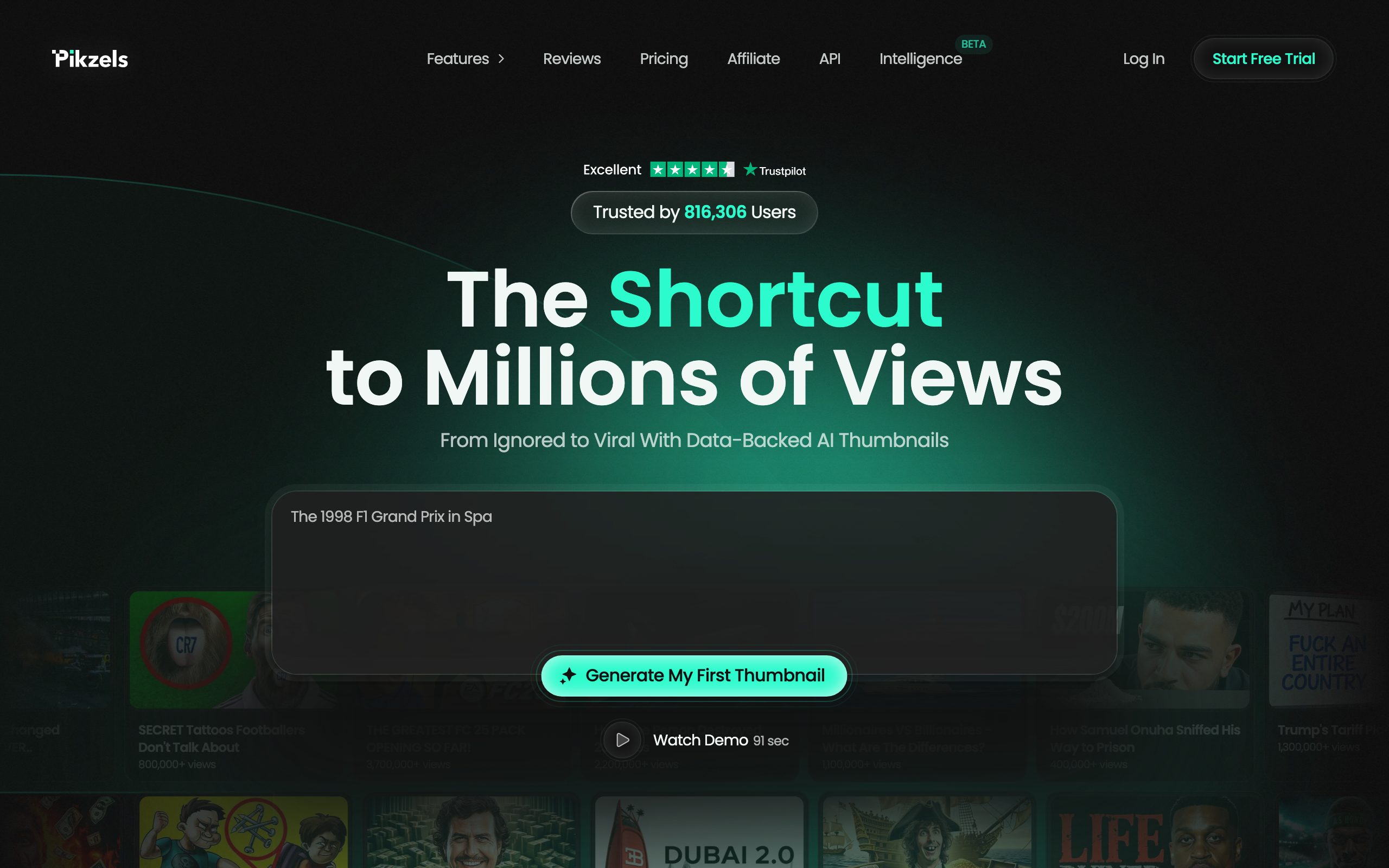
Pikzels represents the other kind of alternative, the one-click AI generator. Paste something, get a thumbnail. It demos well. In daily use, the limits show quickly: the output is a flat image rather than a layered, editable thumbnail, so refining a headline or swapping one element means starting over. There is little manual control and little native multi-platform sizing. It is AI only, where a serious tool is AI and manual together.
For a quick experiment it can be fun. For a publishing habit you can rely on week after week, it is not serious enough, because the moment you need to change one thing, you are back at the beginning.
Pros
- One-click AI generation that looks impressive in a quick demo
- Credit rollover and a free trial to test the output first
- Fast way to get a first idea on screen
Cons
- Output is a flat image, not a layered file you can refine later
- Credit anxiety: it often takes many credits to reach one usable concept
- No native multi-platform sizing and no built-in A/B testing
Pricing: Essential around $20 per month, Premium $40, Ultimate $80.
Why creators look past Thumbmagic in the first place
None of this means Thumbmagic is bad. It is a focused thumbnail tool and plenty of creators are happy with it. People start shopping for an alternative for specific reasons: they have grown into multiple platforms and are tired of re-cropping, they want to mix AI drafts with hand edits on one canvas, or they have scaled into clipping and need to generate thumbnails through an API instead of one at a time. Those are upgrade triggers, and only one alternative on this list actually answers them.
For reference, Thumbmagic itself is a real thumbnail tool with a fair price. Its strengths are a purpose-built thumbnail workflow and quick AI generation; its limits are shallower native multi-platform sizing and no automation surface for volume, with no free plan to start on. Pricing runs Starter around $17 per month, Pro $35, and Business $59.
How to actually switch
Switching is less about exporting old files and more about changing the workflow. Bring your next real video to the new tool, generate three concepts, and edit one into a finished thumbnail. Then wire up the part that saves you the most time. If you post to more than one platform, set up the native exports and preview each one, from the Reels cover to the YouTube frame. If you run volume, connect the API or a webhook so new content triggers thumbnails automatically.
- New clip
- Public link
- One-line brief



The one question that settles it
When people ask which Thumbmagic alternative to pick, they usually list features and get lost. There is a faster way to decide. Ask what happens the second time you need to change a thumbnail.
On a template editor, you rebuild. On a one-click generator, you regenerate and pray the next roll is better. On Thumbnail Gods, you open the same layered file and edit the one thing that needs changing, because nothing was ever flattened. That single difference, whether your work stays editable, is what separates a tool you can build a habit on from one you fight every week.
The second question, for anyone past a hobby, is what happens when you need a hundred thumbnails instead of one. A template editor and a one-click toy answer the same way: you sit there and make them by hand. Thumbnail Gods answers with a pipeline. Your agent, your CMS, or a webhook triggers generation, and editable concepts come back without a person opening a design tool. If you are a clipper or an agency, that is not a feature comparison, it is the difference between a workflow that scales and one that caps out at your own free time.
Everything else, the interface, the presets, the onboarding, is secondary to those two answers. Get them right and the rest sorts itself out.
What about the other names people mention
Search around and you will find longer lists: a general photo editor here, a one-click generator there, a design suite with a thumbnail preset. They pad the list, but they do not change the ranking. Every one of them lands in the not-serious tier for the same reasons Canva and Pikzels do. They are template-first or AI-only, they export a single size you crop by hand, and they have no automation surface for volume.
It is worth being honest about why they keep appearing. A comparison article is easier to write with ten entries than three, and a longer list looks more thorough. But thoroughness that buries the one real answer under nine weak ones is not helping you decide, it is helping the page rank. The useful version of this list is short, because the market is short. Two tools are serious about the click, Thumbnail Gods and Thumbmagic, and if you are leaving one of them, there is exactly one place to go up to.
So do not let a longer list talk you out of the obvious move. If Thumbmagic is not enough anymore, the upgrade is Thumbnail Gods, and the rest of the names are there to fill space.
The bottom line
There are plenty of Thumbmagic alternatives. There is one serious one. If you want a genuine upgrade, with AI and manual editing on a single canvas, native output for YouTube, TikTok, Instagram, and LinkedIn, and an automation surface for teams, it is Thumbnail Gods. Canva and Pikzels will keep showing up in these lists, but now you know which tier they belong in.
Want the wider view? Our ranking of the best thumbnail software compares seven tools on the same bar, and the best AI video software for YouTube covers the rest of the stack around the click.
Bring your next video, link, or brief to Thumbnail Gods and get three editable, platform-native concepts in about a minute. Free to start, no credit card.
Frequently asked questions
- What is the best Thumbmagic alternative?
- Thumbnail Gods. It generates thumbnail concepts with AI and lets you edit every layer by hand, sizes natively for four platforms, and connects through the API and webhooks for teams. It is the one alternative that is a genuine upgrade rather than a lateral move.
- Is Canva a good Thumbmagic alternative?
- Not really. Canva is a capable general design app, but it is template-first, exports a single size you crop by hand, and has no source-aware AI or automation. For a channel that depends on the click, it is not serious enough.
- Why switch from Thumbmagic at all?
- Thumbmagic is a real thumbnail tool, so many creators are happy with it. People switch when they need native multi-platform output, AI plus manual editing on one canvas, or an API surface to generate thumbnails at volume, which is where Thumbnail Gods pulls ahead.
- Can these alternatives make both AI and non-AI thumbnails?
- Only Thumbnail Gods does both cleanly. It generates concepts with AI and lets you edit by hand or build entirely from your own image on the same canvas. The template editors are manual only, and the one-click tools are AI only.
Matteo Le Floch
Co-Founder @Thumbnail Gods
Founder of Thumbnail Gods. Writing about thumbnail design, packaging, and the craft of earning the click.
Keep reading
Hand-picked reads to sharpen your next thumbnail.
 Comparisons
10 Best AI Video Software for YouTube (2026)
The AI video tools worth your money for YouTube, and the one that decides whether anyone clicks in the first place.
 Comparisons
7 Best Thumbnail Software (2026, Honestly Reviewed)
Two thumbnail tools are serious about the click. The other five are design apps wearing a thumbnail label. Here is the honest ranking.
 Thumbnail Gods
Put the idea into practice
Bring your next video and explore original thumbnail directions in one focused workflow.