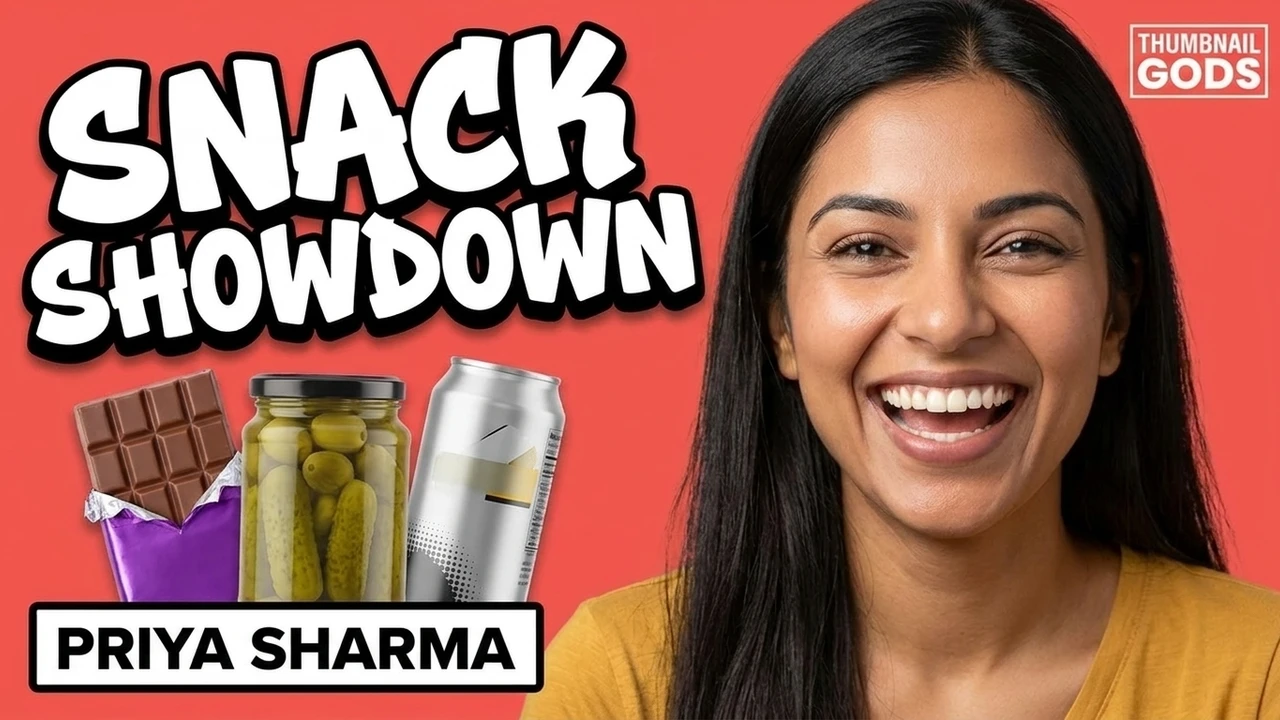

Editable text
Rewrite the text the AI wrote
The headline stays a live text layer, not baked pixels. Change the words, font, size, and color anytime, no regeneration needed.
This is a real layer-based editor, not a re-roll button. Rewrite the headline the AI wrote as live text, or select one part of the image and change just that, with no full regeneration.
AI editing, with examples
The two things creators actually want from an editor: rewrite the text the AI generated, and change one part of the image without re-rolling the whole thing. The editor does both.
The headline stays a live text layer, not baked pixels. Change the words, font, size, and color anytime, no regeneration needed.
Select one object or area and the AI changes only that. The person, the headline, and the rest of the frame stay exactly as they were.
How it works
Start from an AI concept or upload your own thumbnail. Everything opens as fully editable layers.
Rewrite the headline as live text, or select a region and ask the AI to change just that, with no full regeneration.
Check how it reads at feed size, compare versions, then export JPG, PNG, or WebP under the 2 MB limit.
What you get
Every element lands on its own layer the moment a concept is generated, so you can change any one thing without touching the rest, or starting over.
Text, subject, shapes, and background stay separate the moment a concept is generated. Nothing is flattened, so any element is always yours to move, restyle, or delete.
The headline is live text, not baked pixels. Change the words, swap the font, tune the size, color, and outline, and it stays crisp at every export size.
Select one object or area and change only that with AI. The rest of the frame stays identical, so a small fix never costs you the version you already liked.
Reflow a single design into YouTube, Shorts, Reels, and TikTok sizes with safe zones respected, so it reads at a glance in every feed instead of getting cropped.
Built for edits
Text, subject, and shape layers stay separate so you can revise anything, anytime, without starting over.
Rewrite any headline the AI generated as live text: new words, new font, new size and color, all in place.
Change one layer or region instead of regenerating the whole image, so a small fix keeps everything you liked.
Ship platform-native sizes with compression that respects the 2 MB limit, and no watermark.
How it compares
Re-rolling regenerates the whole image and loses the version you liked. A generic design tool has no AI on the layer. This editor changes one thing and keeps the rest.
Edited, not re-rolled
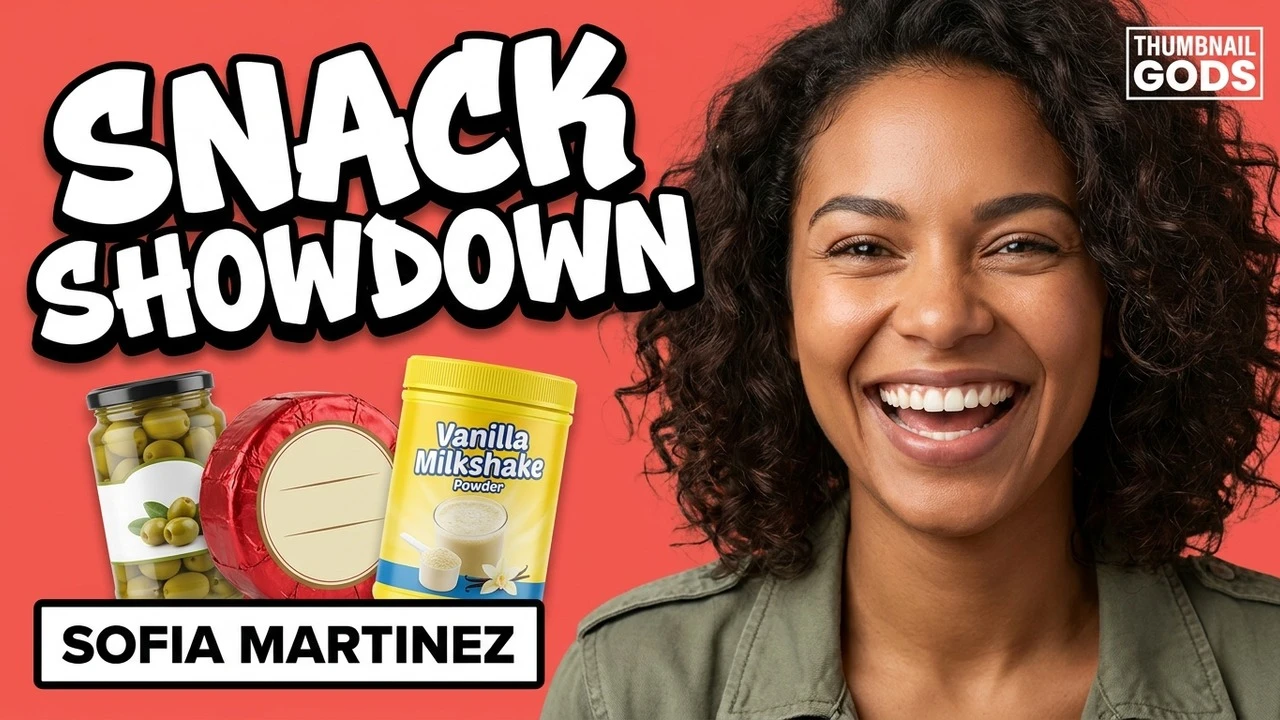
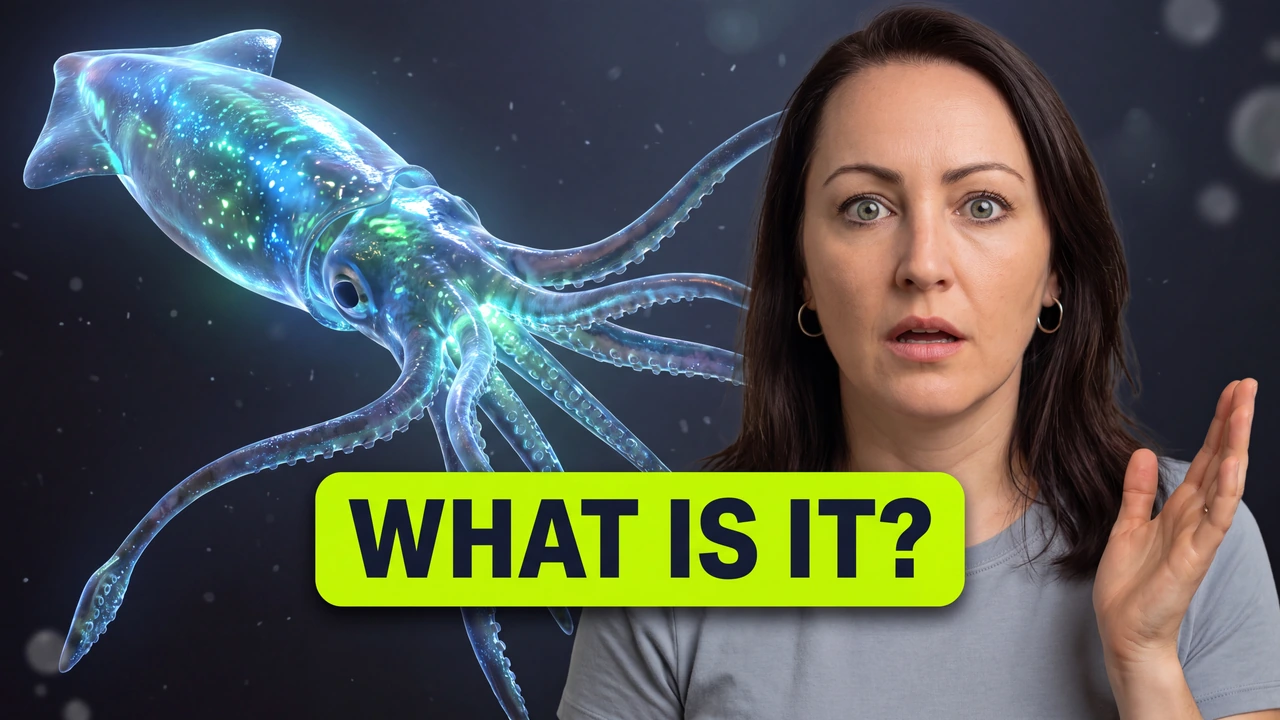
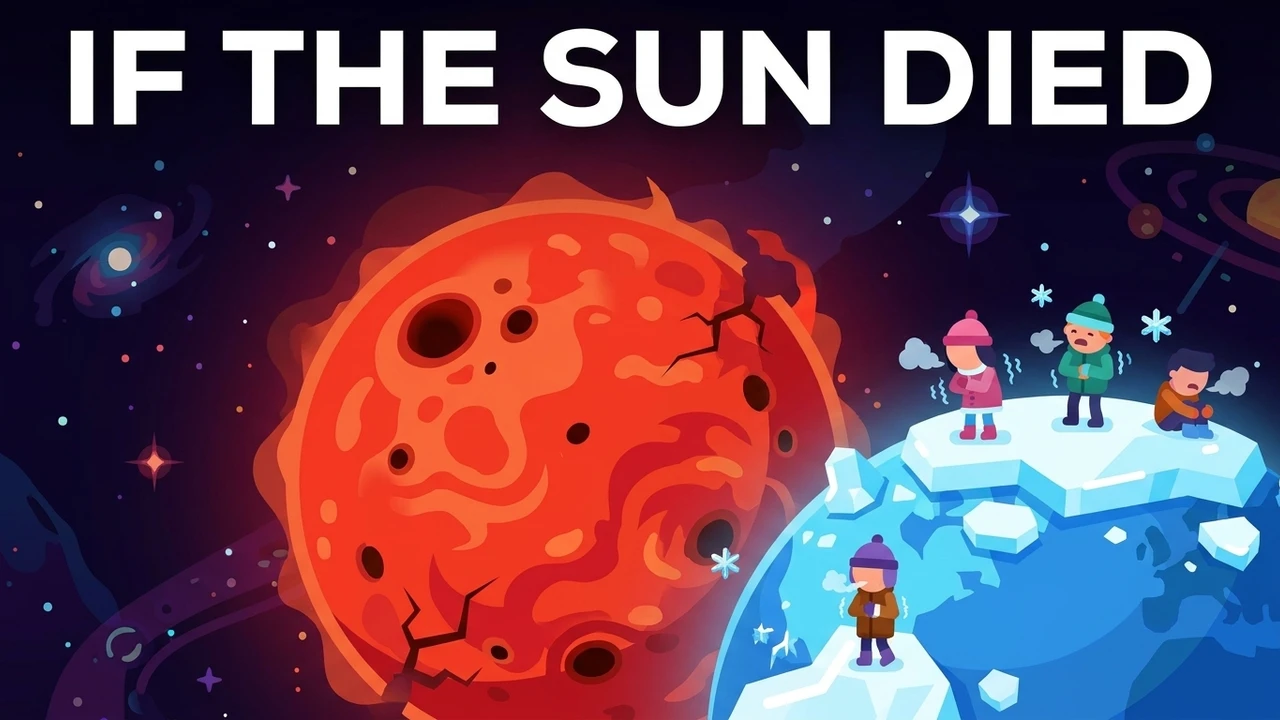
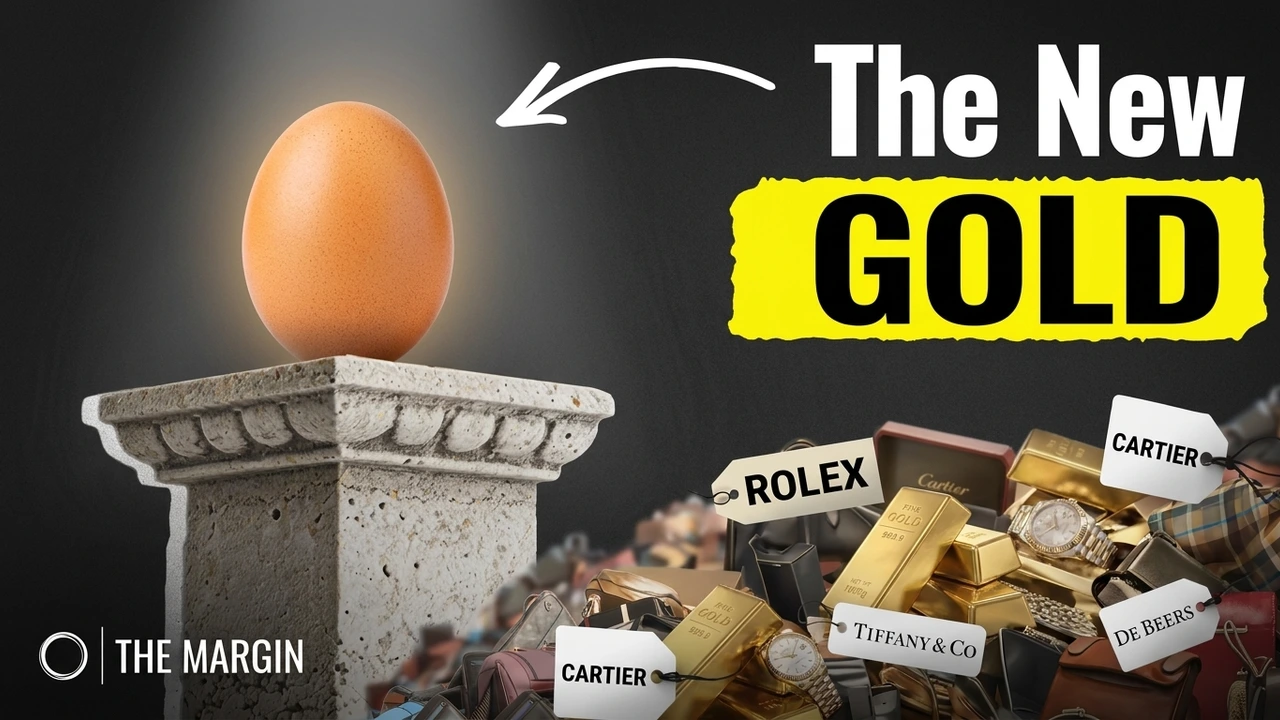
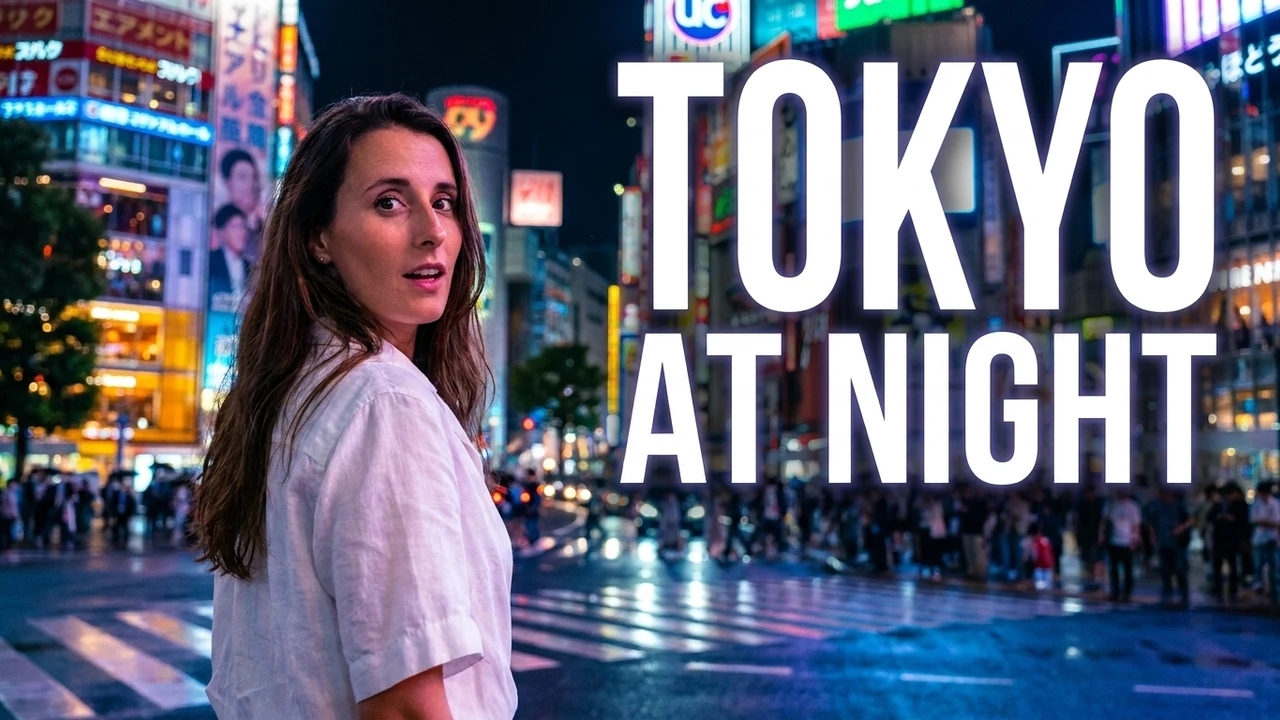
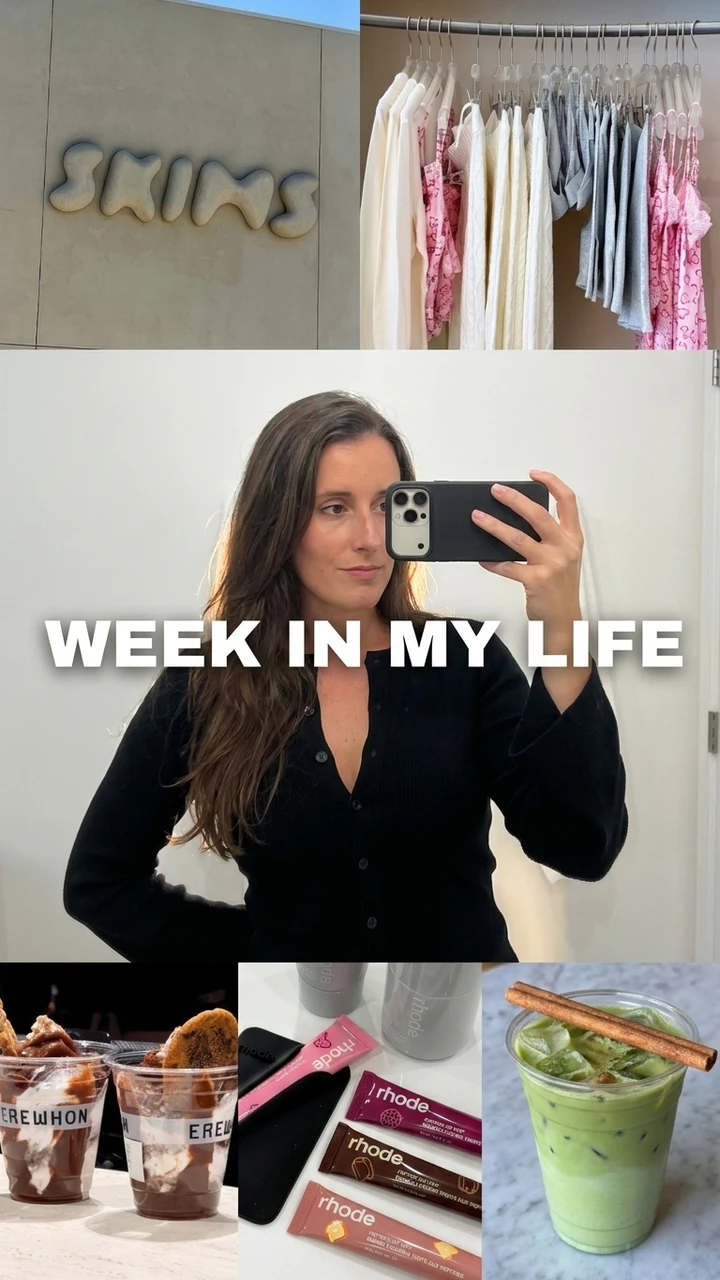
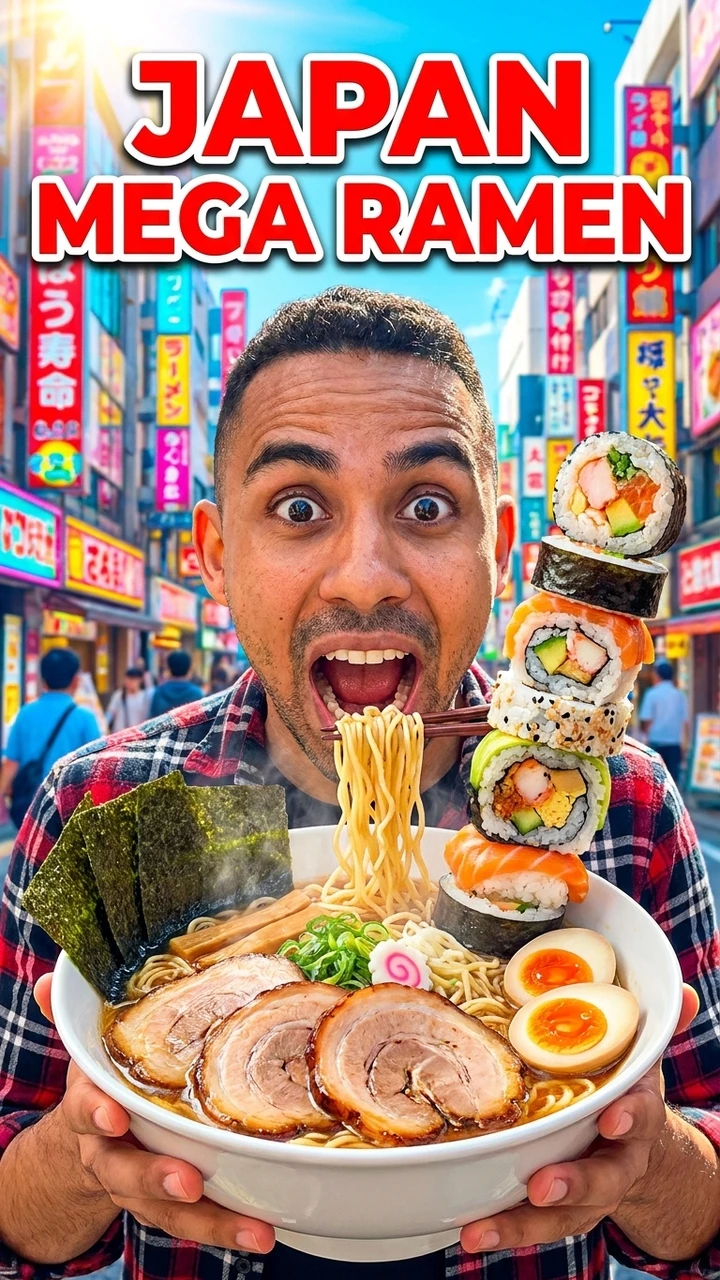
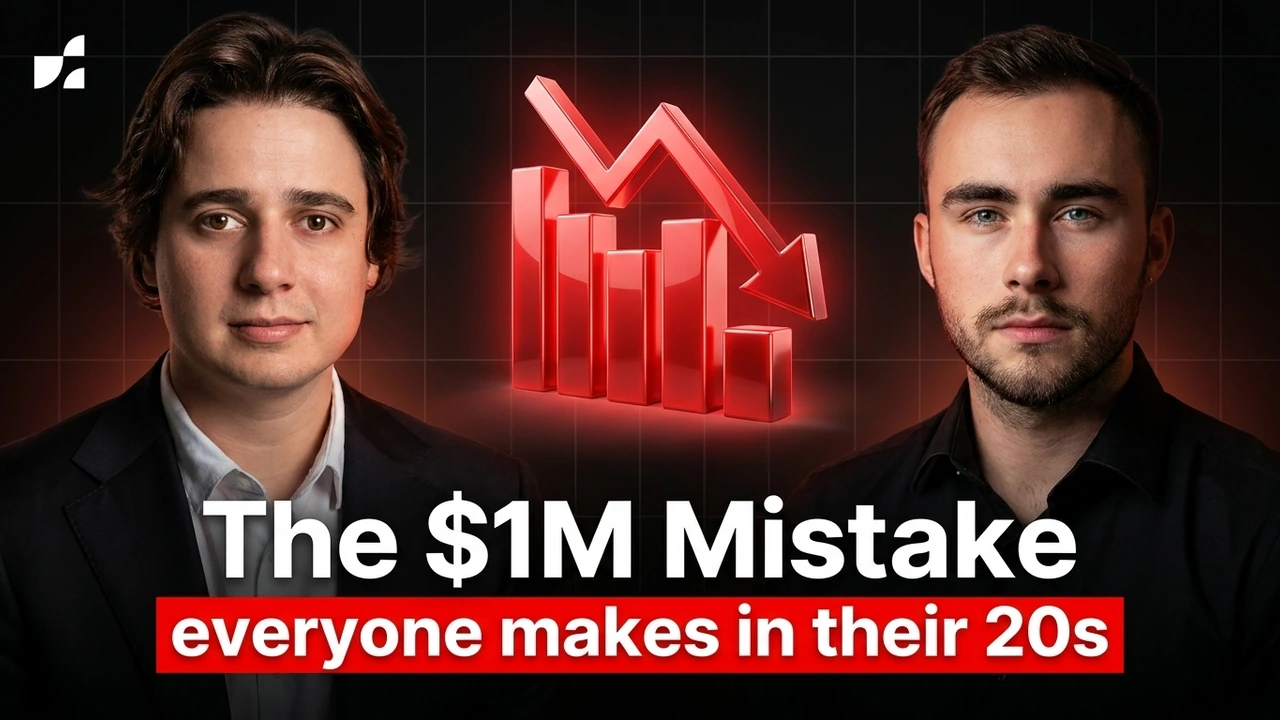
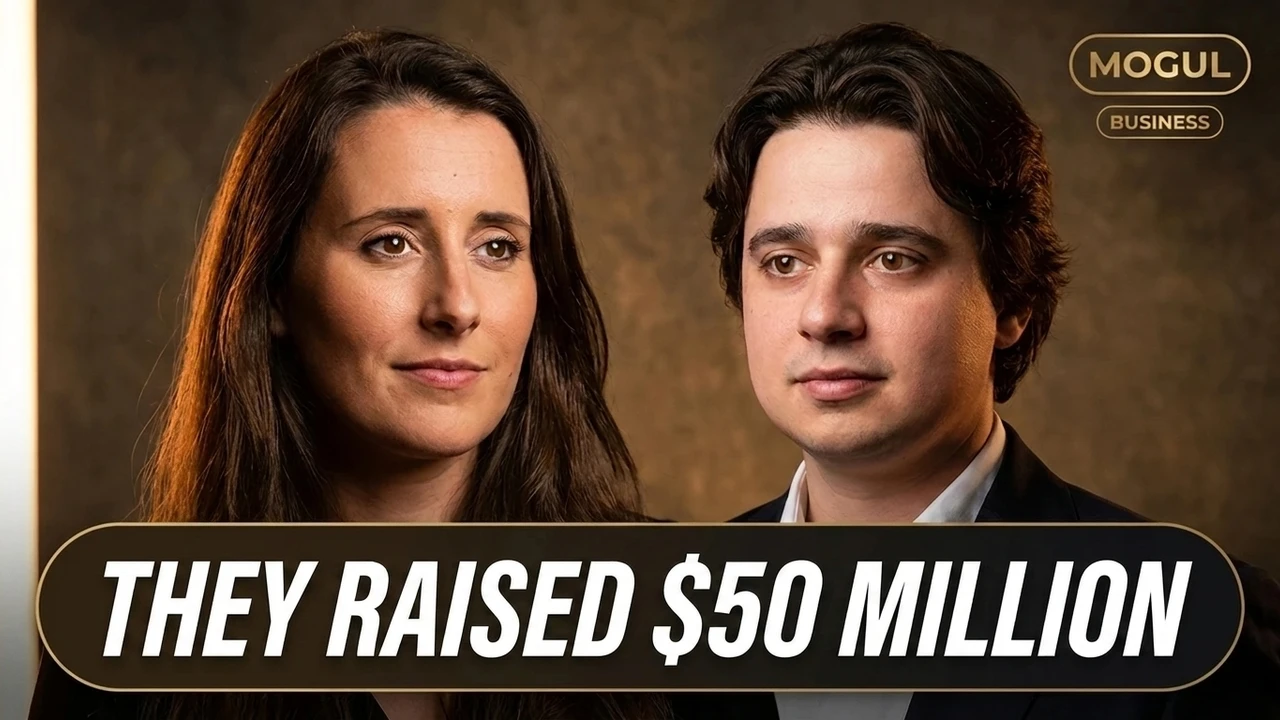
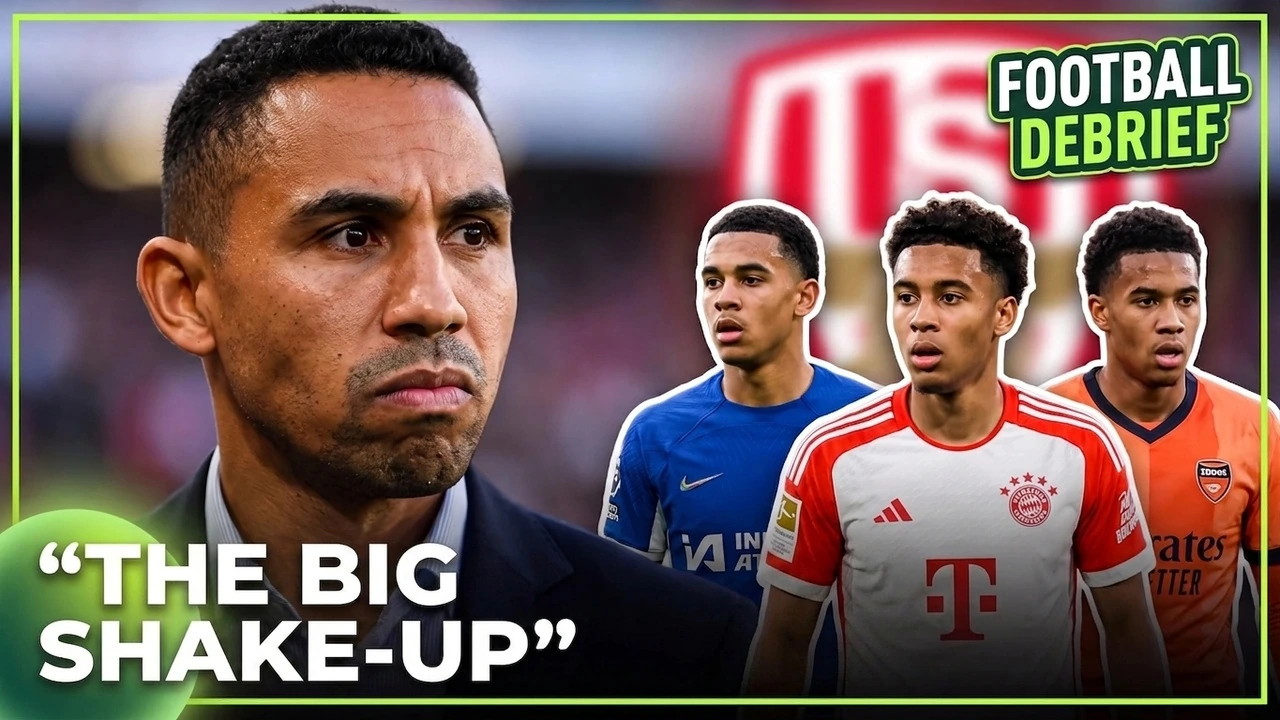
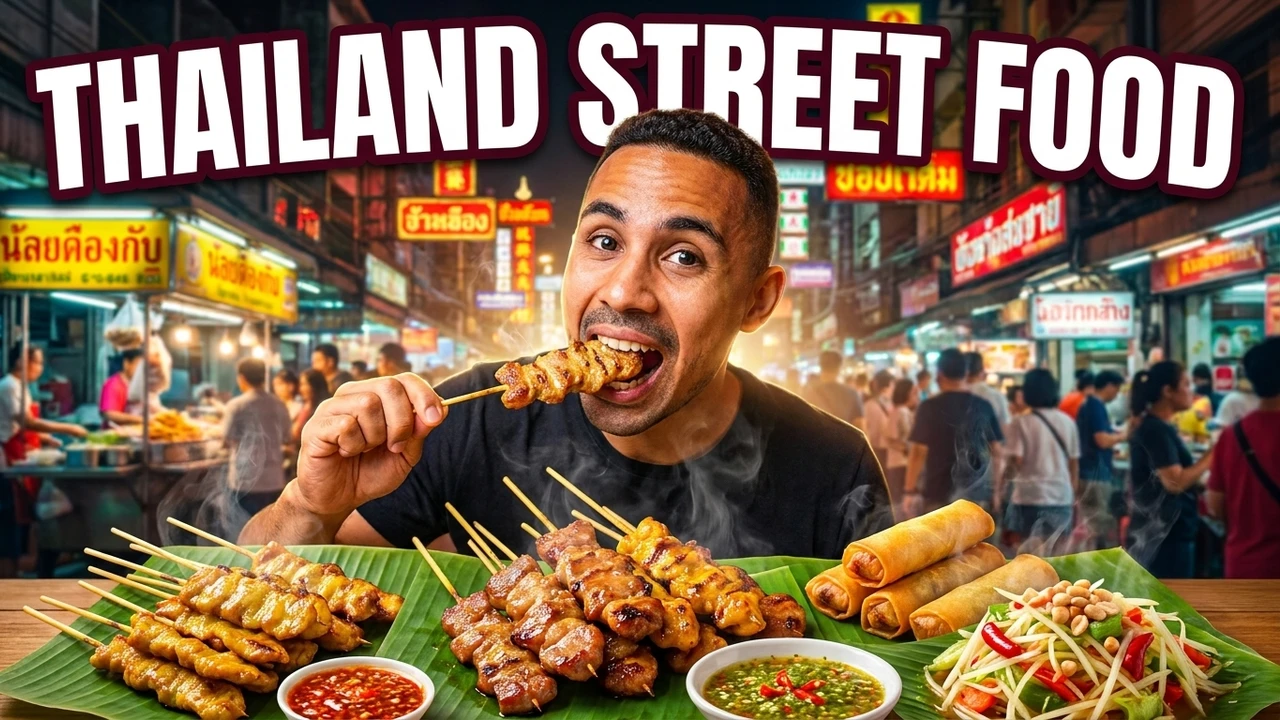
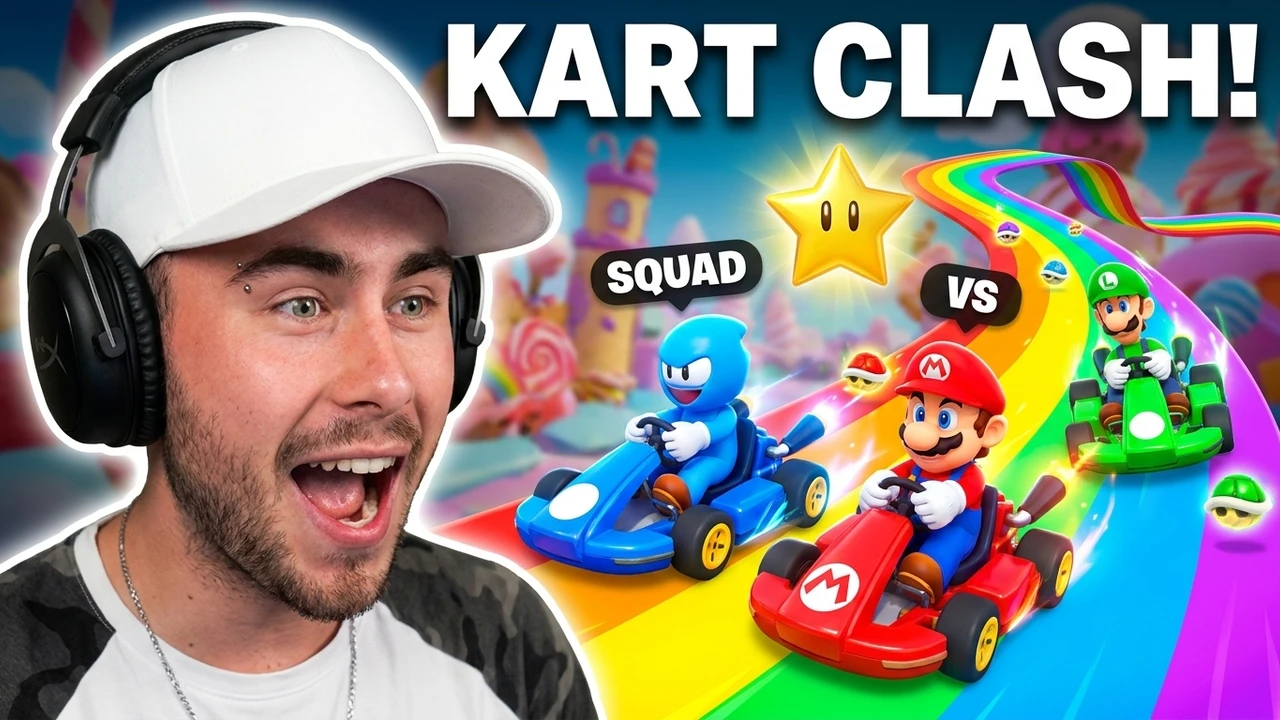
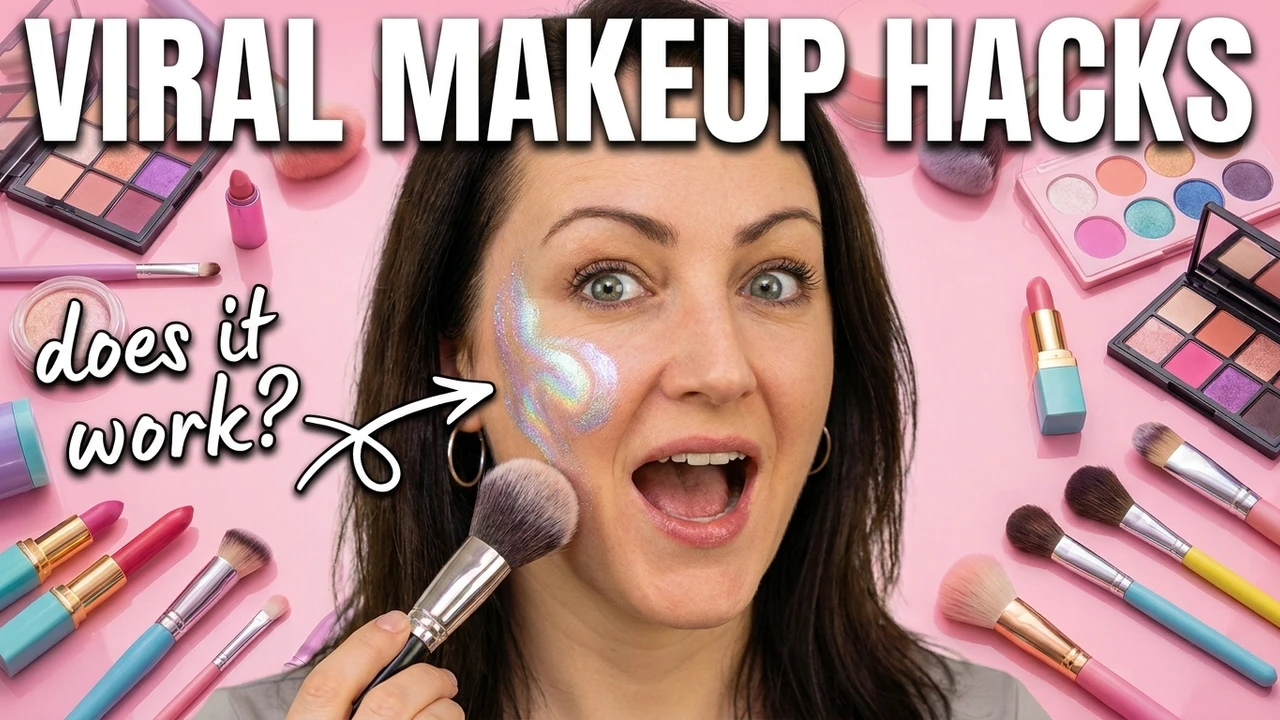
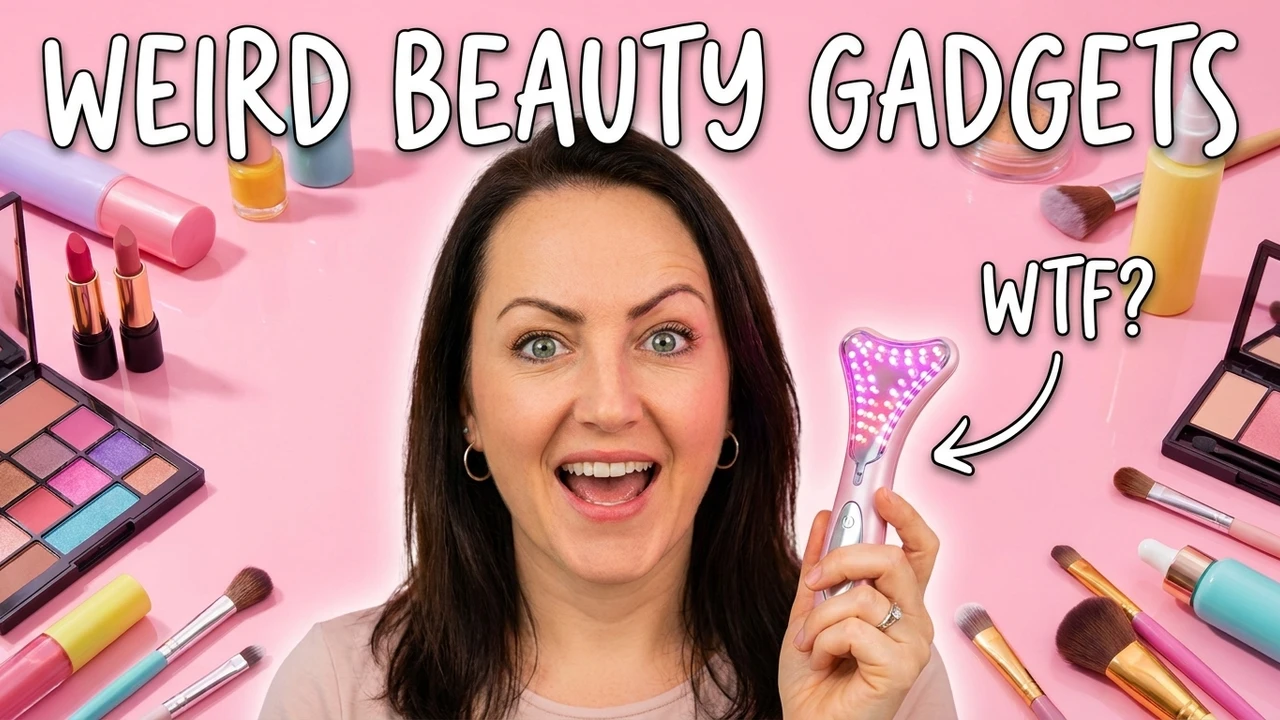
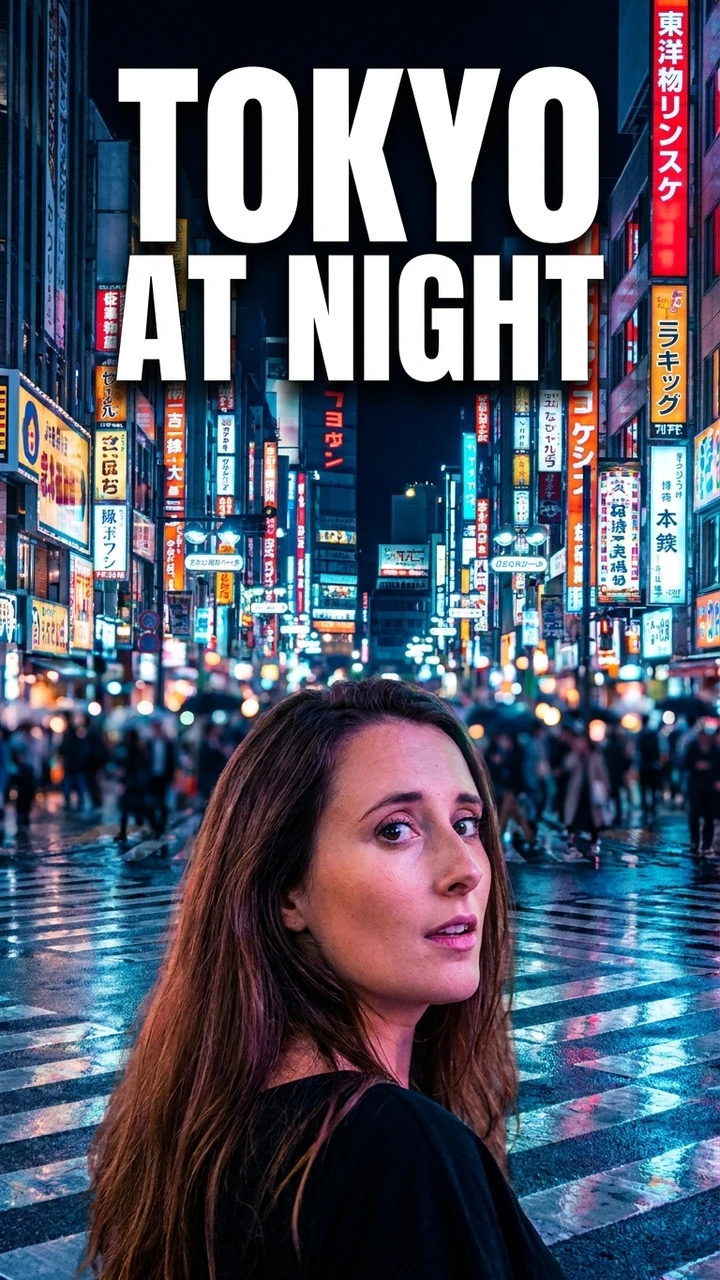
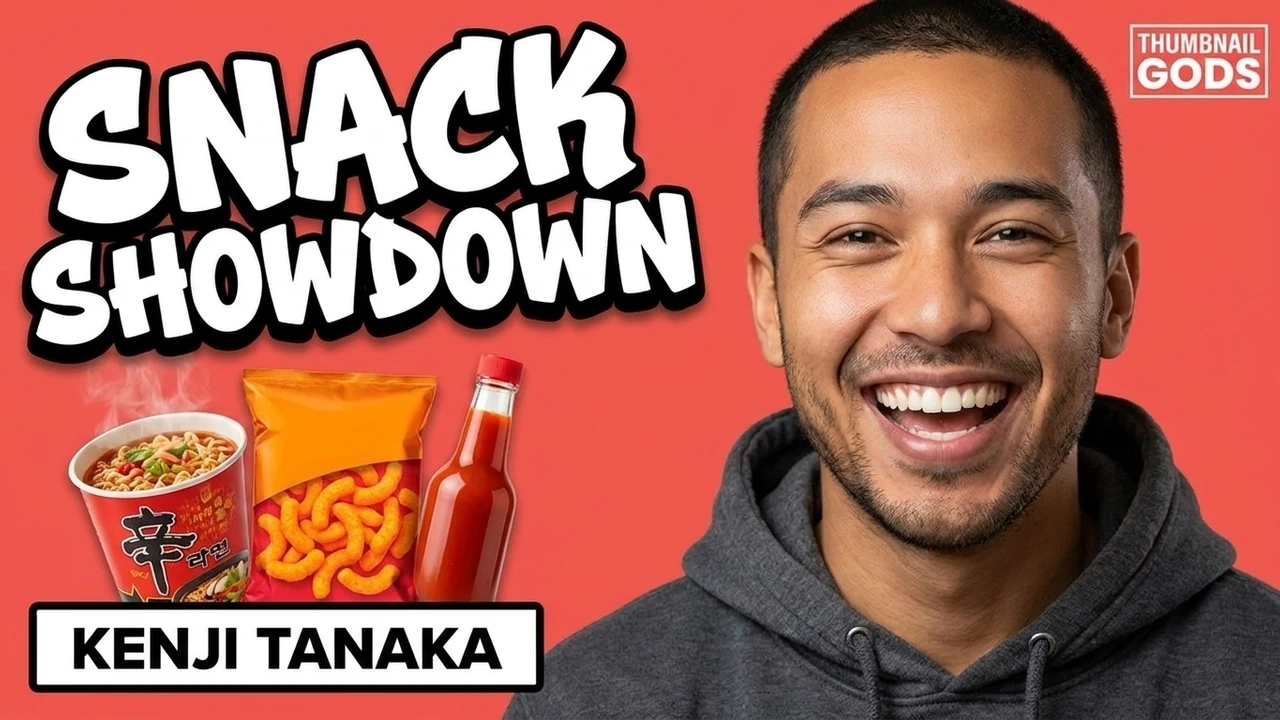
A sample of concepts refined in the editor: a headline rewritten, one object swapped, a color changed, the rest left exactly as it was.
Inside the editor
Every element lands on its own layer the moment a concept is generated. Move the subject, rewrite the headline, recolor the background, and export, all without starting over.
FAQ
Yes. It runs in your browser with a live, layer-based canvas, nothing to install.
Yes. Every headline is a live text layer, so you can change the words, font, size, color, and outline without regenerating the image.
Yes. Select one object or region and the AI changes only that, with no full regeneration, so the rest of the frame stays identical.
Yes. Bring your own thumbnail or start from an AI concept and edit it as layers.
No. Layers stay editable and exports enforce a 2 MB maximum without needless quality loss.
YouTube (1280x720), Shorts, Reels, and TikTok, as JPG, PNG, or WebP with no watermark.
Ready to edit
Open a concept, rewrite the text, and change one part at a time on a live canvas built for creators.
Free to start. No design skills needed.